

Find Places
Module: Road tools · For: Drivers · Page address: /driver/tools/find
How to get there
Section titled “How to get there”Road Services → Find Places
Who can use this page
Section titled “Who can use this page”Needs: View permission on the Road tools module.
Drivers use their own personal account; the company seat rules do not apply here.
What this page tells you
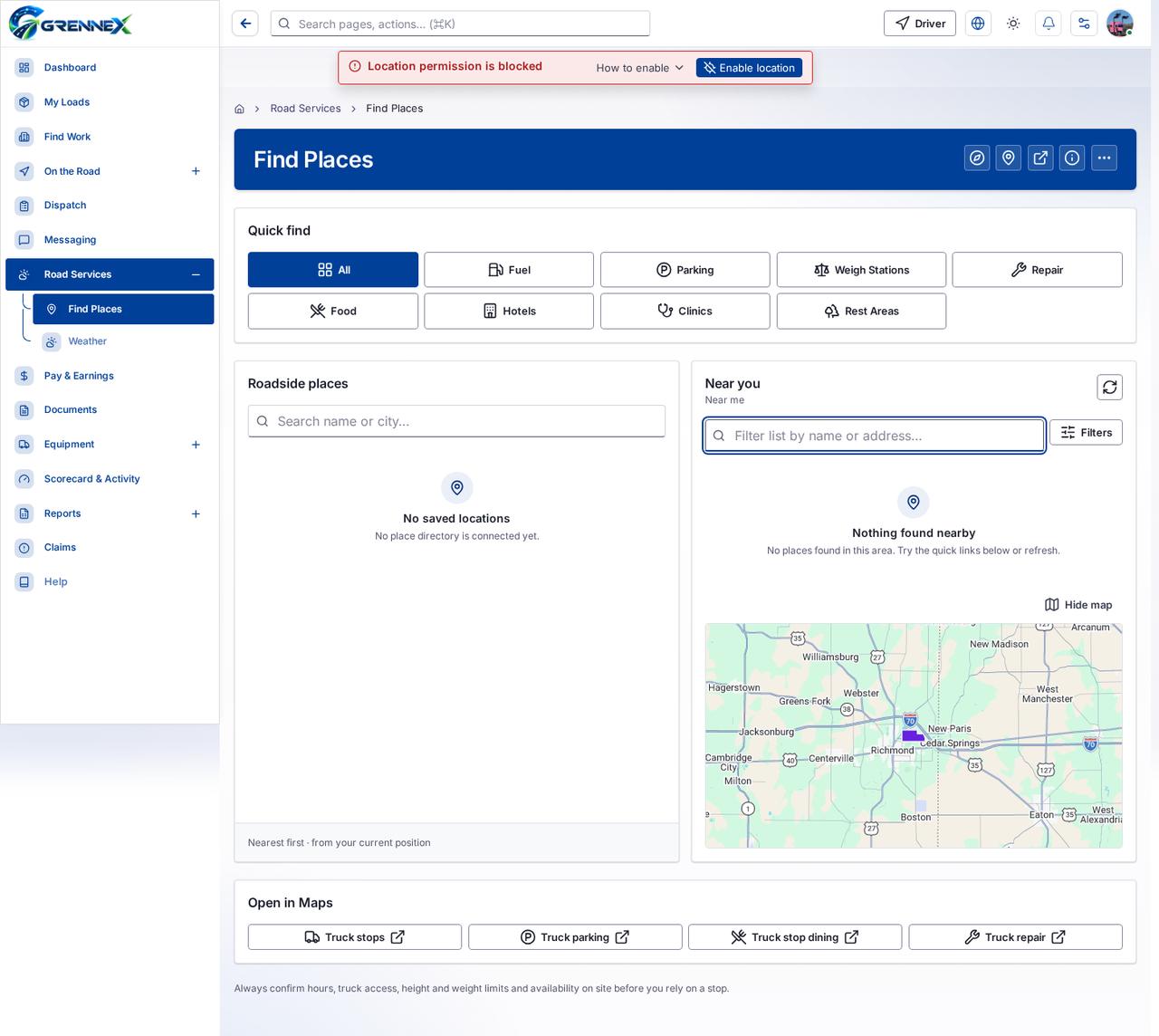
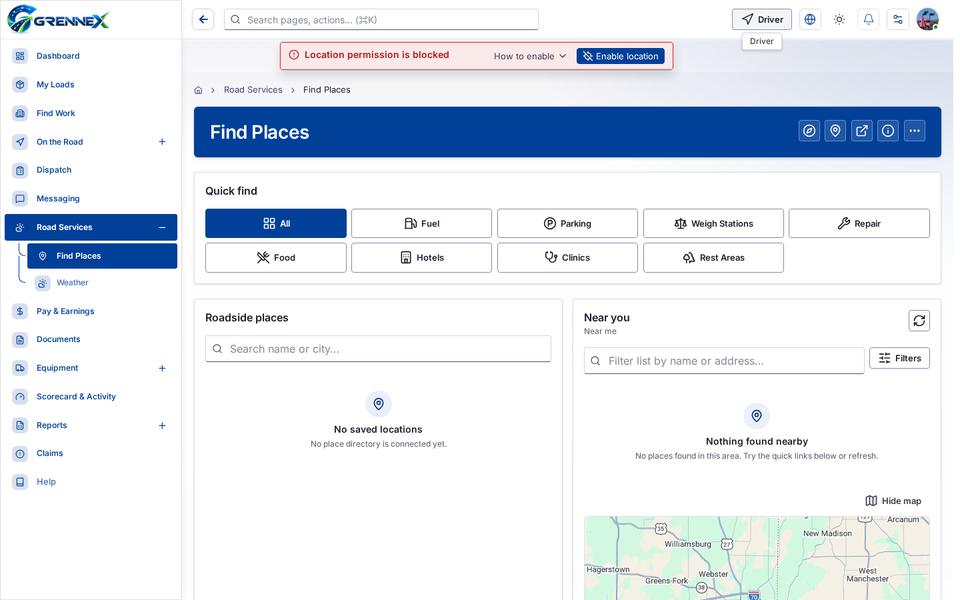
Section titled “What this page tells you”No places found in this area. Try the quick links below or refresh. Always confirm hours, truck access, height and weight limits and availability on site before you rely on a stop.
What you see
Section titled “What you see”- Quick find
- Roadside places
- No saved locations
- Near you
- Nothing found nearby
- Open in Maps
What you can do
Section titled “What you can do”- Roadside places
- Near you
- Open in Maps
- How this works
- More actions
- All
- Fuel
- Parking
- Weigh Stations
- Repair
- Food
- Hotels
- Clinics
- Rest Areas
- Refresh map
- Filters
Fields
Section titled “Fields”| Field | Required | Type | Example |
|---|---|---|---|
| Manual search places | No | textbox | Filter list by name or address… |
When there is nothing to show
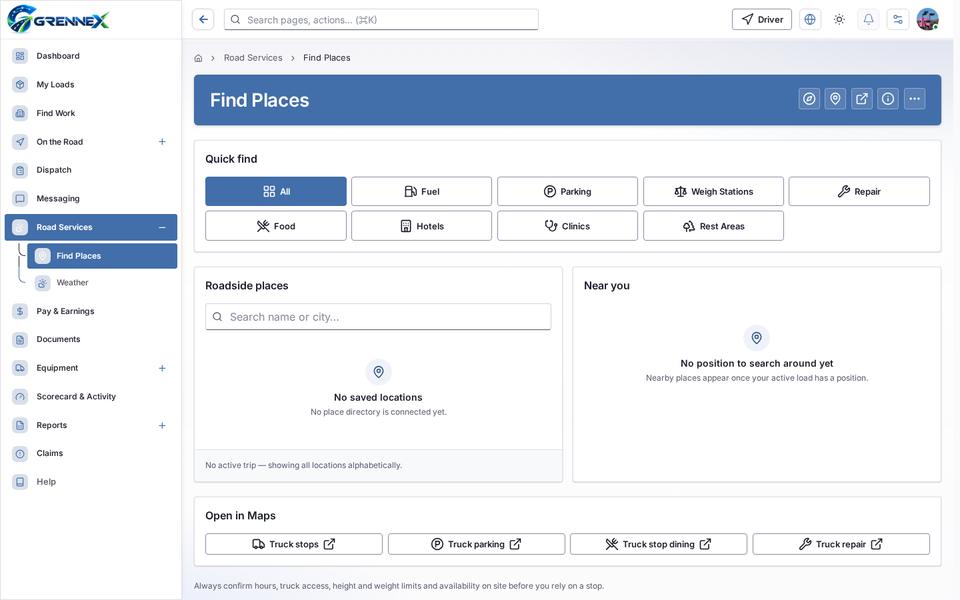
Section titled “When there is nothing to show”- “No place directory is connected yet.”
- “No places found in this area. Try the quick links below or refresh.”
Loading, empty and error states
Section titled “Loading, empty and error states”Empty state
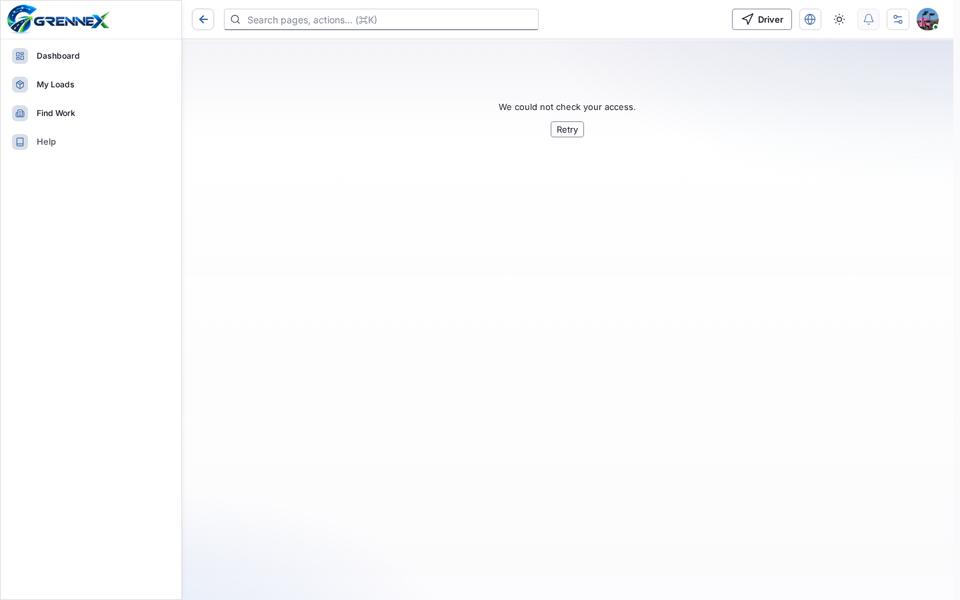
Error state
Loading state
Tooltip state
Last updated 2026-10-26