

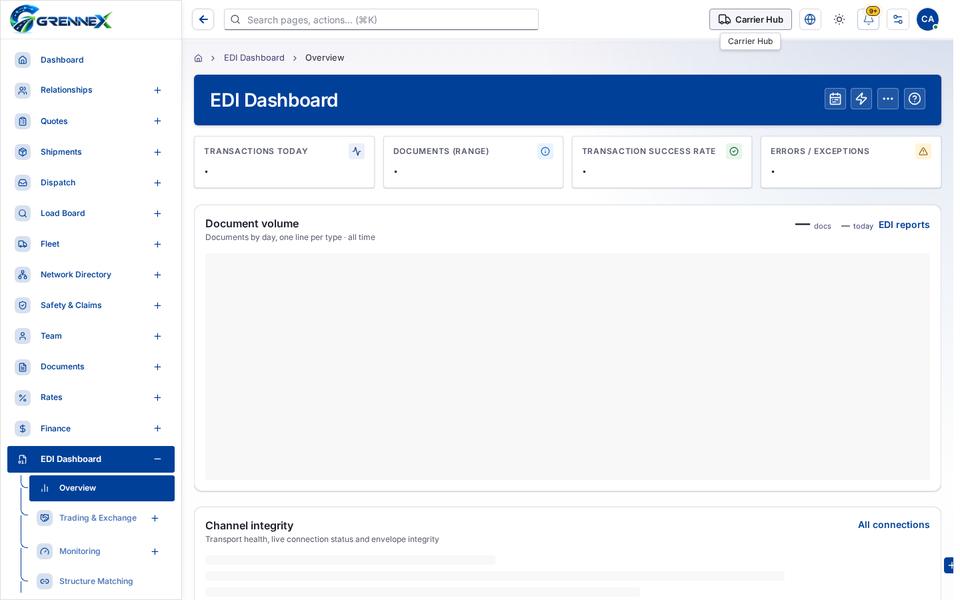
EDI Dashboard
Module: EDI · For: Carrier users · Page address: /carrier-portal/edi-dashboard/overview
How to get there
Section titled “How to get there”EDI Dashboard → Overview
Who can use this page
Section titled “Who can use this page”Needs: View permission on the EDI module.
| Seat | Can open it |
|---|---|
| Owner / Admin | Yes |
| Manager | Yes |
| User | Yes |
What this page tells you
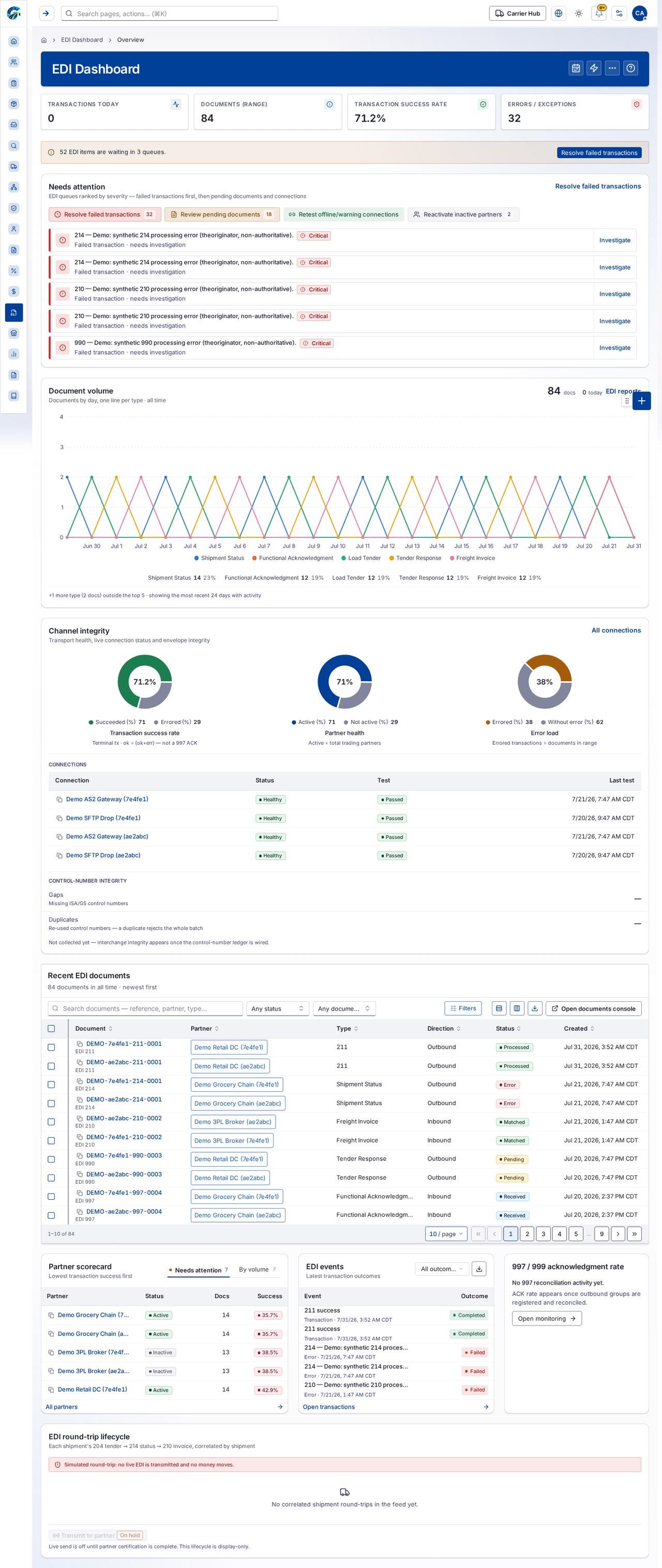
Section titled “What this page tells you”EDI queues ranked by severity — failed transactions first, then pending documents and connections Showing the first 5 of 6 attention rows. Scroll this list for the rest. Documents by day, one line per type · all time
What you see
Section titled “What you see”- Needs attention
- Document volume
Table columns
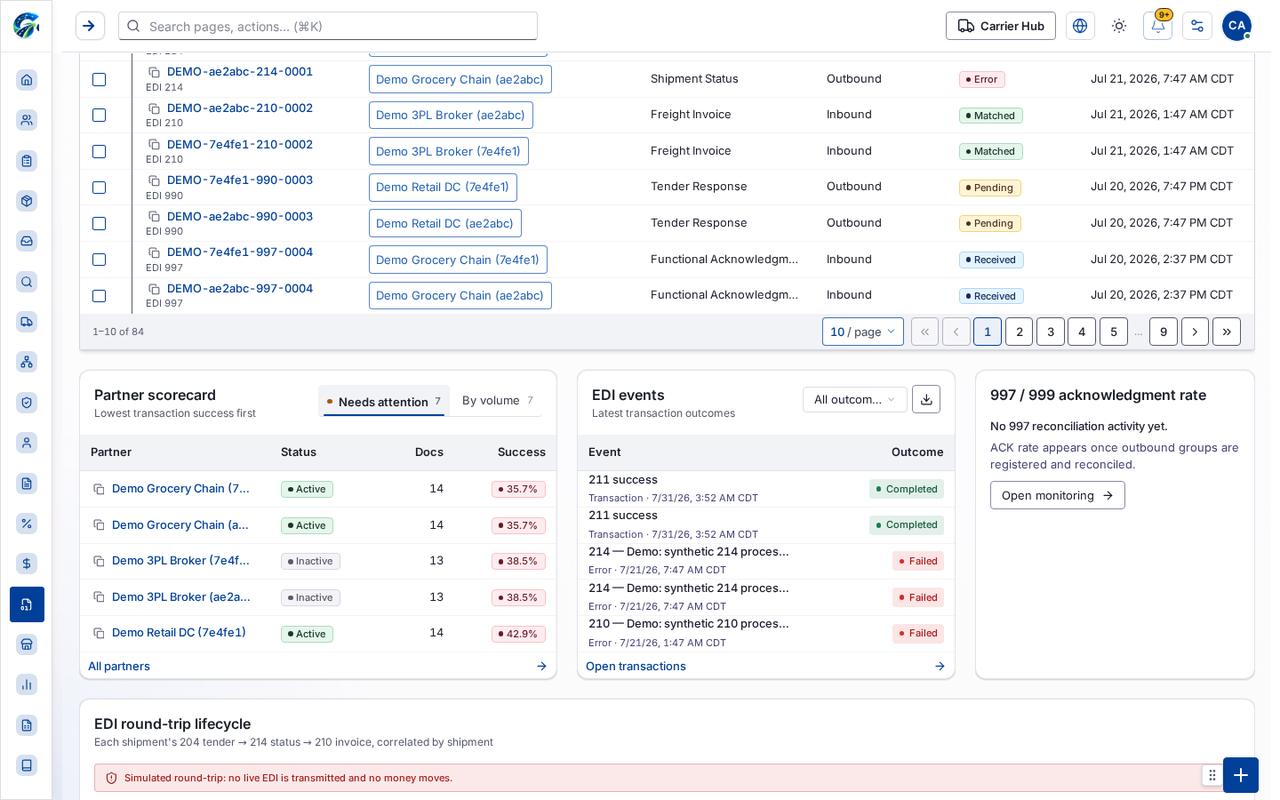
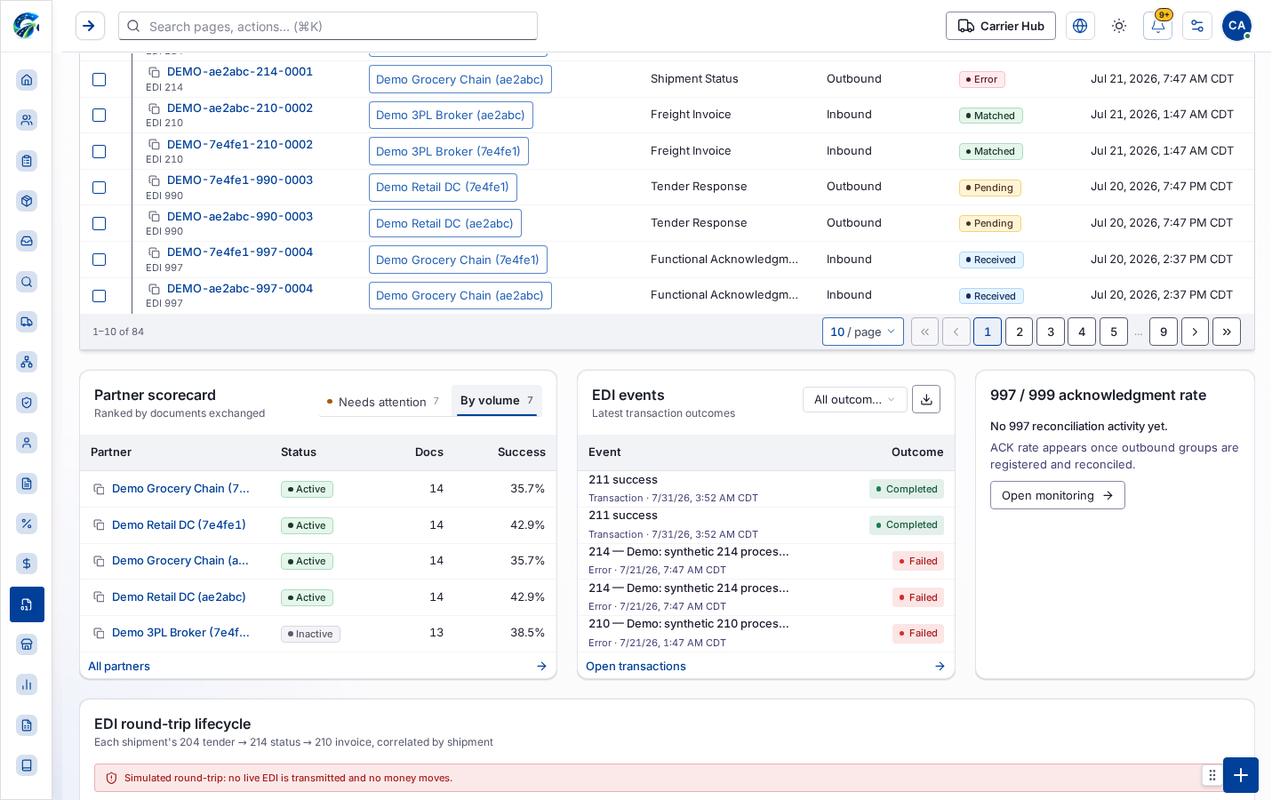
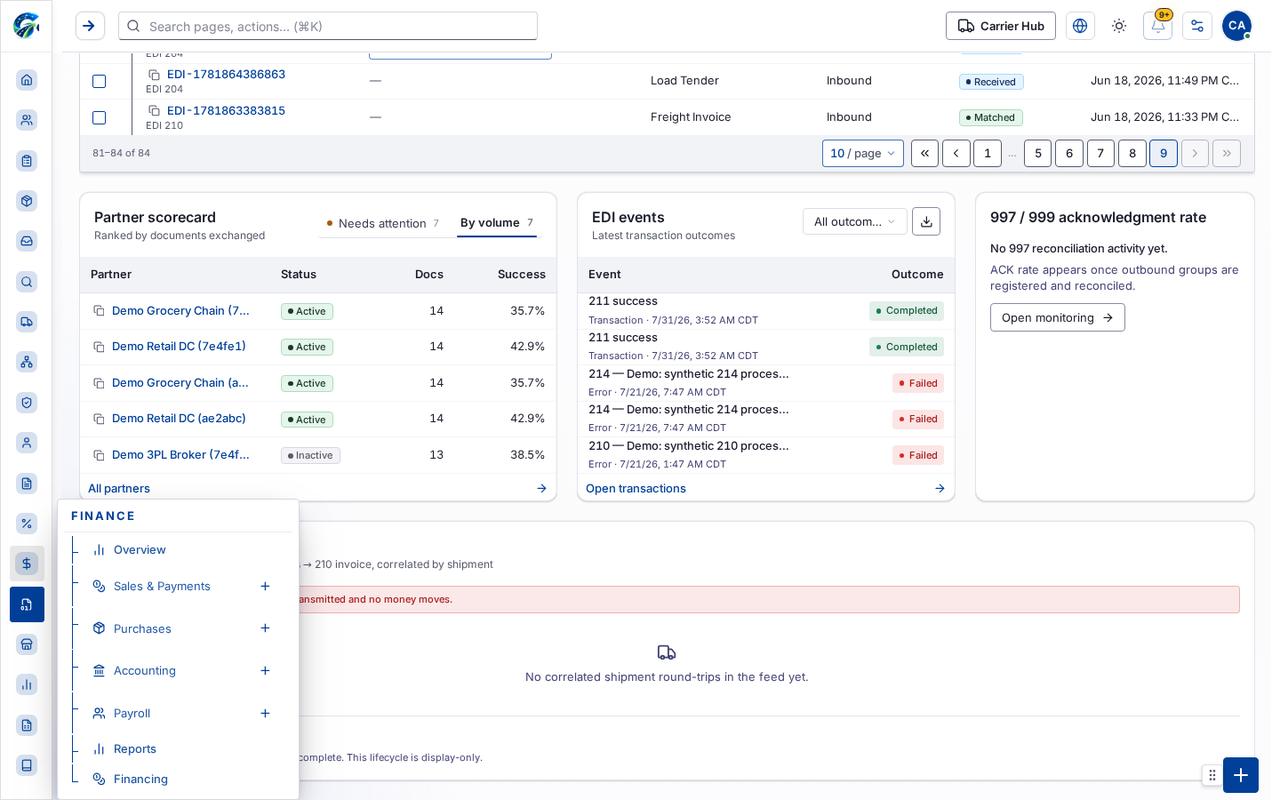
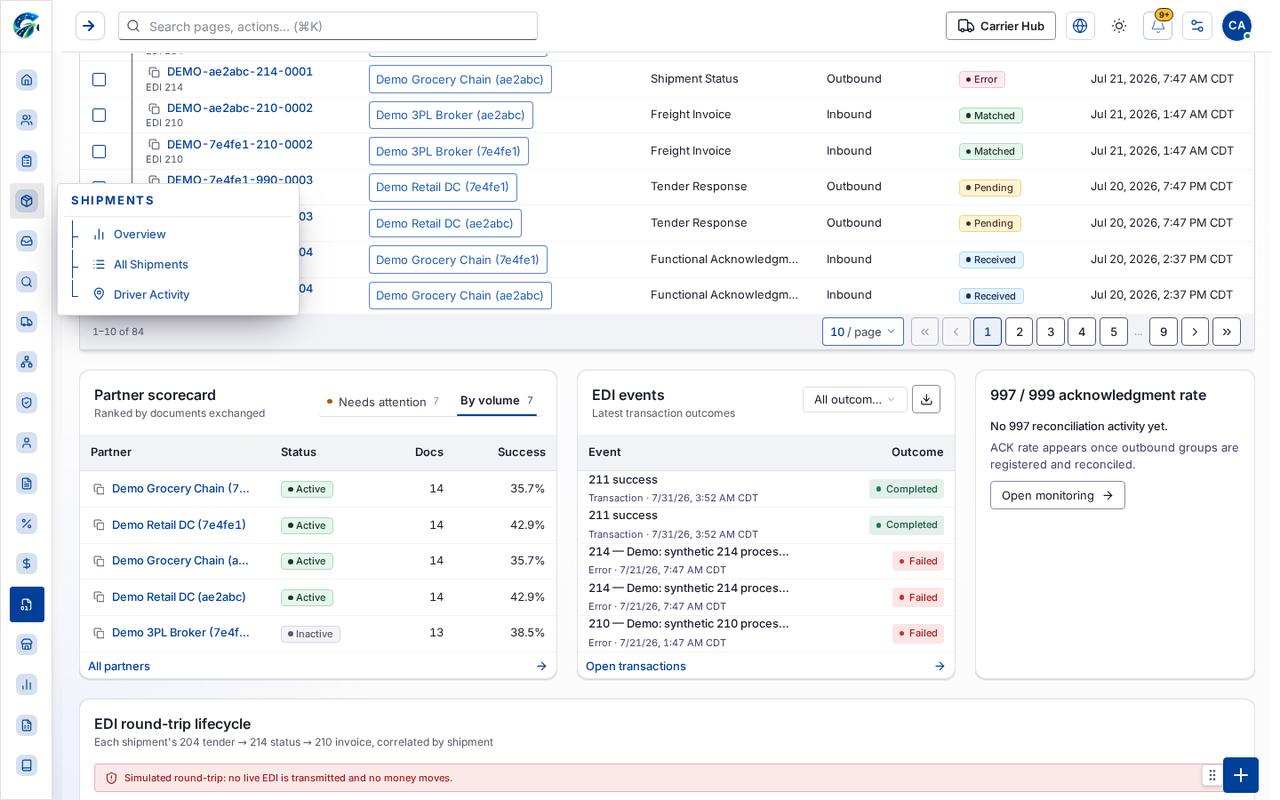
Section titled “Table columns”Connection · Status · Test · Last Test · Document · Partner · Type · Direction · Status · Created · Partner · Status · Docs · Success · Event · Outcome
Tab: Needs attention7
Tab: By volume7
Tab: Next page
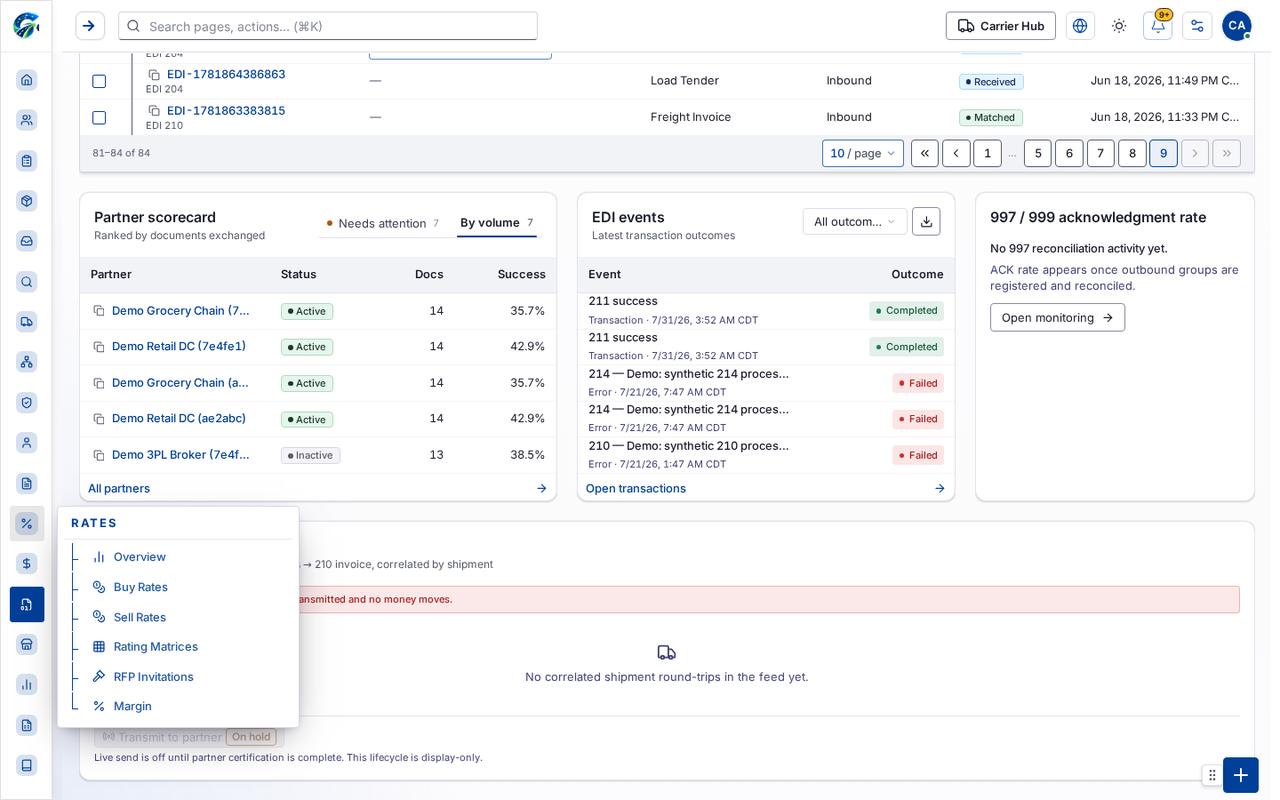
Tab: Last page 9
Tab: First page
Tab: Previous page
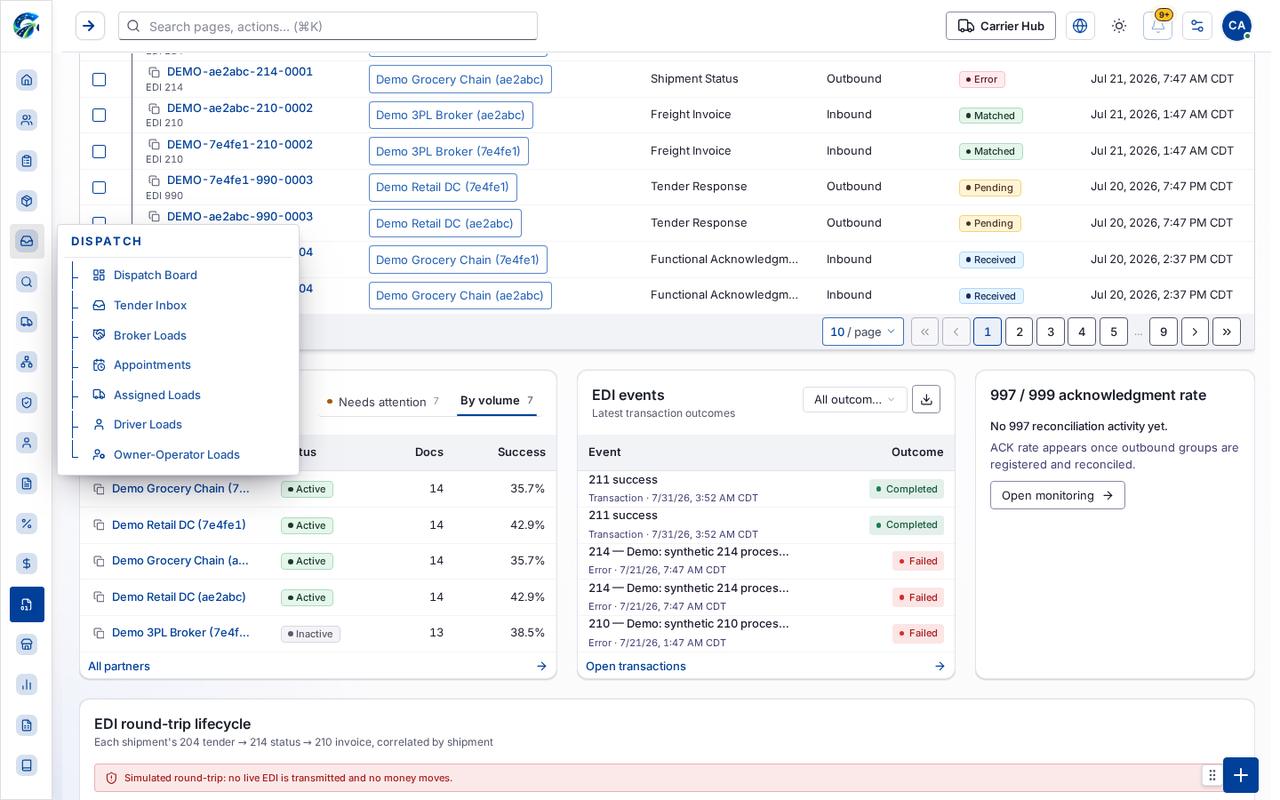
What you can do
Section titled “What you can do”- All time
- Quick actions
- More actions
- Resolve failed transactions
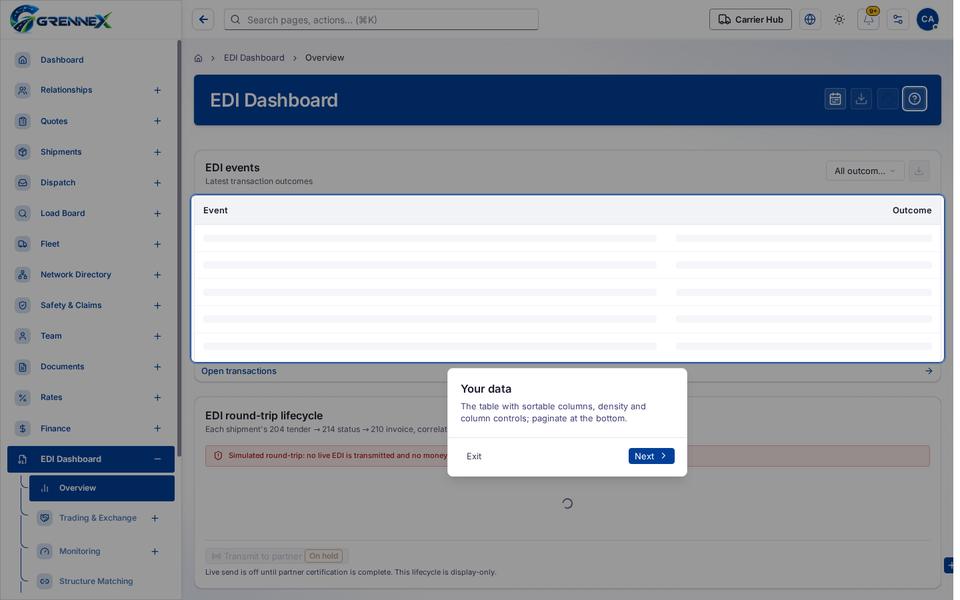
Loading, empty and error states
Section titled “Loading, empty and error states”Loading state

Popover-Guide state
Tooltip state
Last updated 2026-10-27