

Integrations
Module: Settings · For: Carrier users · Page address: /carrier-portal/settings/integrations
How to get there
Section titled “How to get there”Settings → Integrations
Who can use this page
Section titled “Who can use this page”Needs: No module permission: every signed-in member of the company can open it.
| Seat | Can open it |
|---|---|
| Owner / Admin | Yes |
| Manager | No |
| User | No |
Actions on this page and the permission each needs
Section titled “Actions on this page and the permission each needs”| Action | Permission | Notes |
|---|---|---|
| Set up | Any signed-in member | Manage also grants it |
What this page tells you
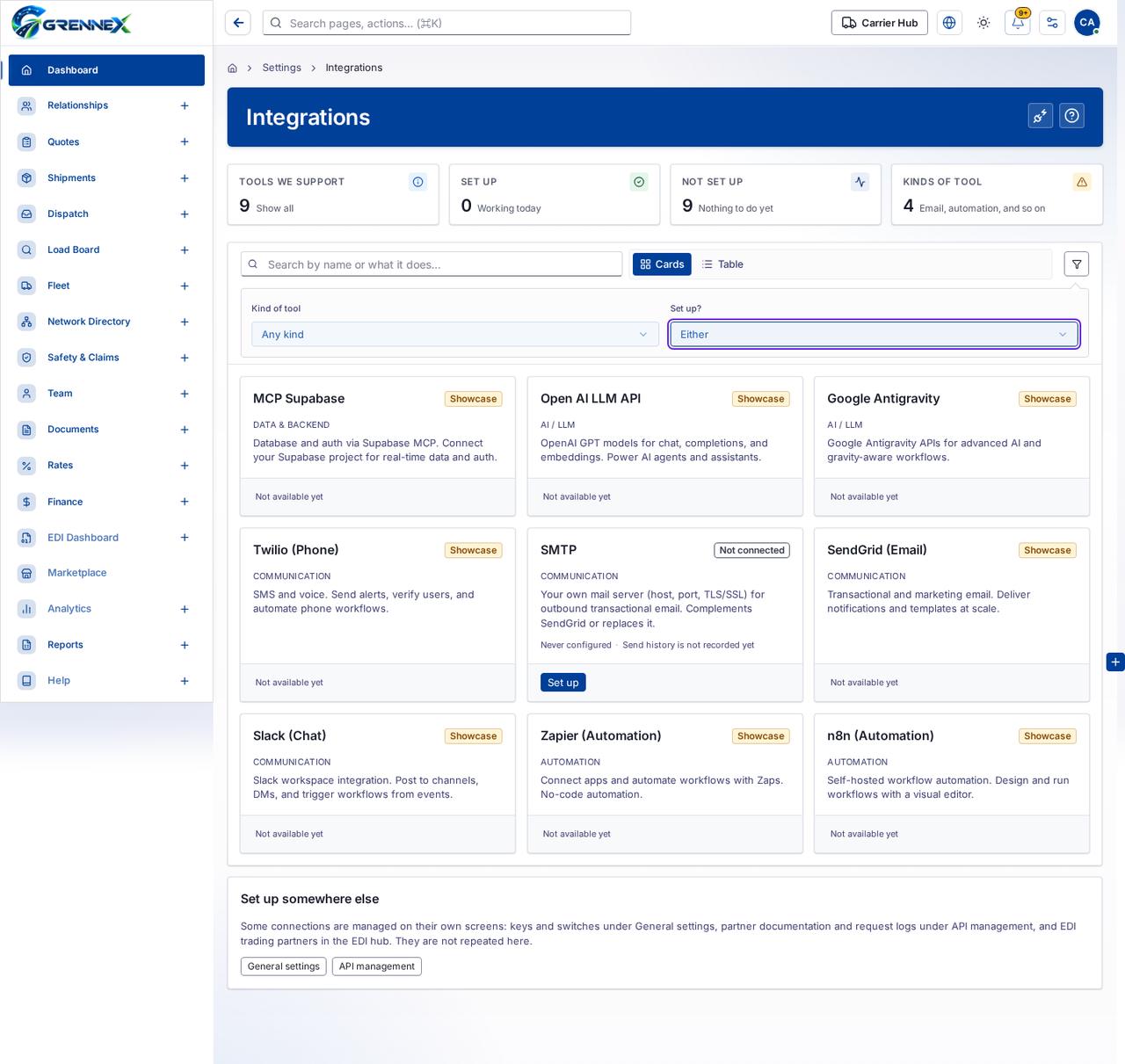
Section titled “What this page tells you”Database and auth via Supabase MCP. Connect your Supabase project for real-time data and auth. OpenAI GPT models for chat, completions, and embeddings. Power AI agents and assistants. Google Antigravity APIs for advanced AI and gravity-aware workflows.
What you see
Section titled “What you see”- MCP Supabase
- Open AI LLM API
- Google Antigravity
- Twilio (Phone)
- SMTP
- SendGrid (Email)
- Slack (Chat)
- Zapier (Automation)
- n8n (Automation)
- Set up somewhere else
What you can do
Section titled “What you can do”- Check again
- How this works
- Show every integration
- Show only the integrations that are set up
- Show only the integrations that are not set up
- Cards
- Table
- Advanced filter
- Set up
Loading, empty and error states
Section titled “Loading, empty and error states”Error state

Loading state

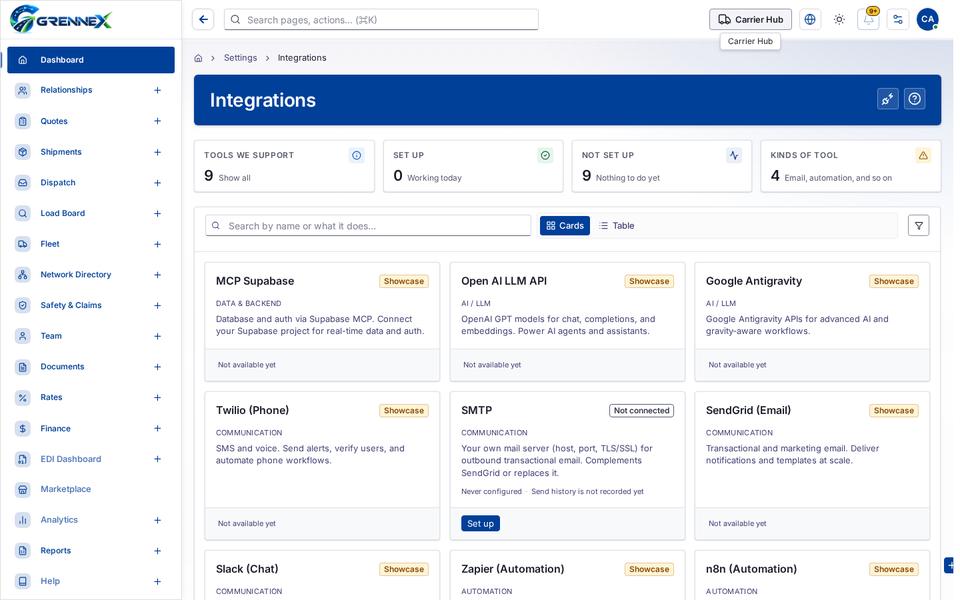
Tooltip state
Last updated 2026-10-27