

EDI Reports
Module: EDI · For: Carrier users · Page address: /carrier-portal/edi-dashboard/reports
How to get there
Section titled “How to get there”EDI Dashboard → Monitoring → Reports
Who can use this page
Section titled “Who can use this page”Needs: View permission on the EDI module.
| Seat | Can open it |
|---|---|
| Owner / Admin | Yes |
| Manager | Yes |
| User | Yes |
Actions on this page and the permission each needs
Section titled “Actions on this page and the permission each needs”| Action | Permission | Notes |
|---|---|---|
| Export JSON | Export on EDI | Manage also grants it |
| Export 0 rows to CSV | Export on EDI | Manage also grants it |
What this page tells you
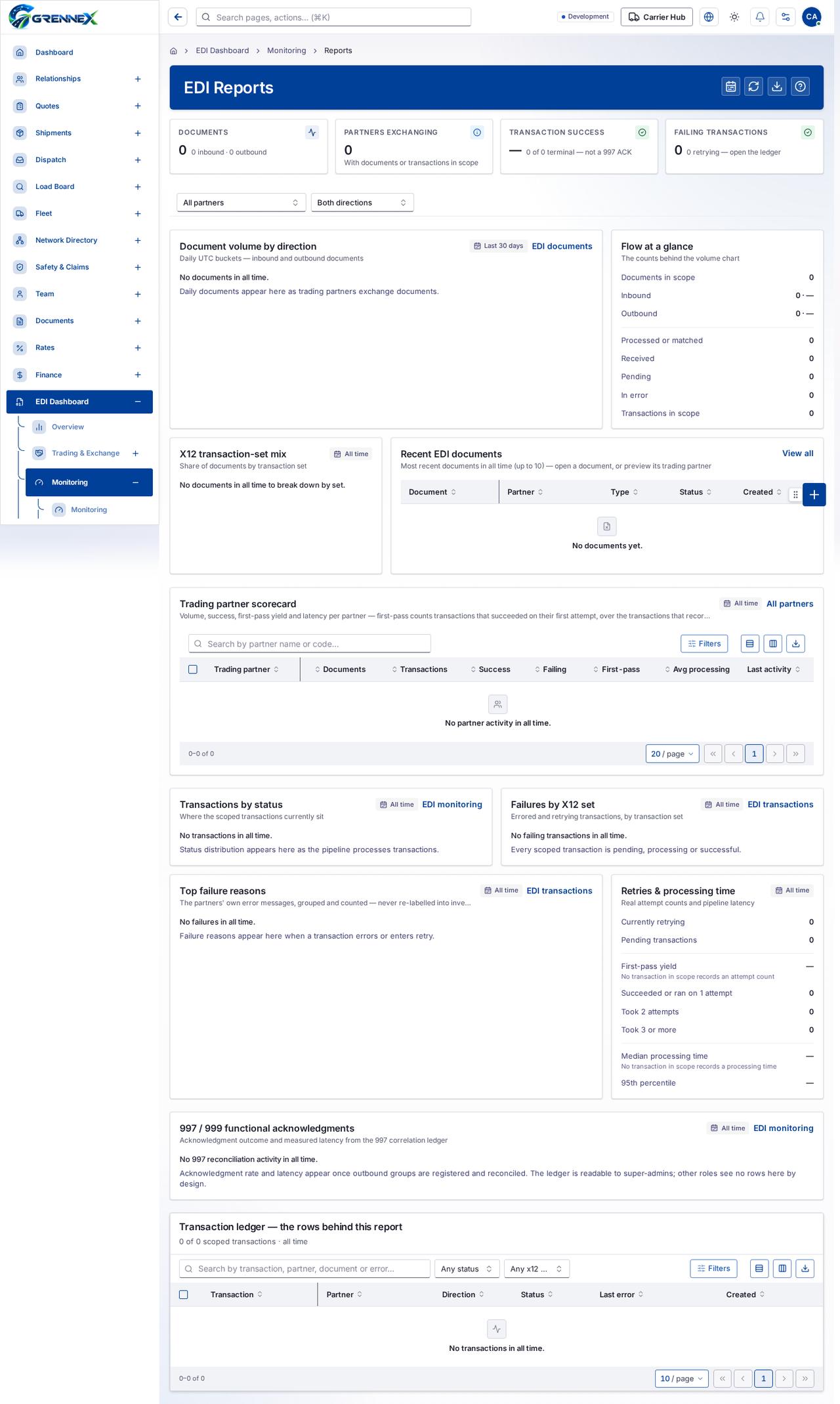
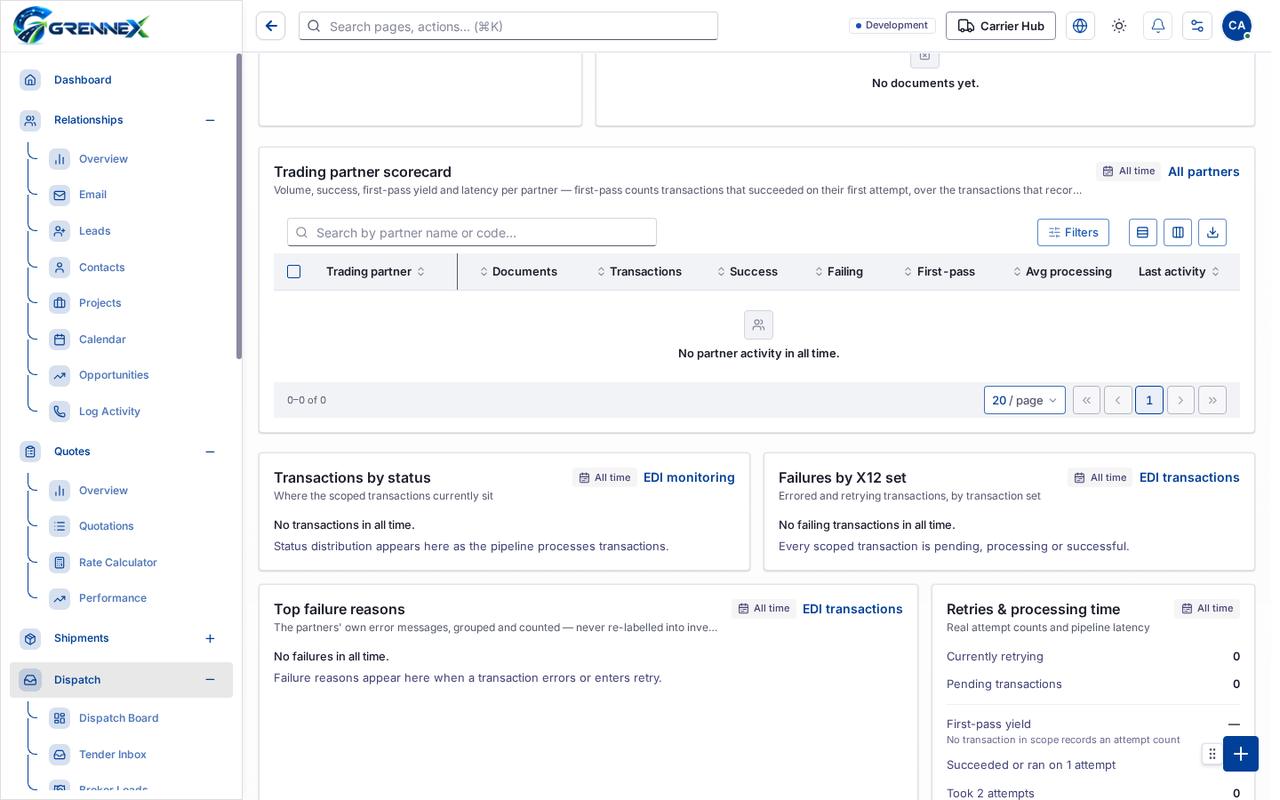
Section titled “What this page tells you”Daily UTC buckets — inbound and outbound documents Daily documents appear here as trading partners exchange documents. No documents in all time to break down by set.
What you see
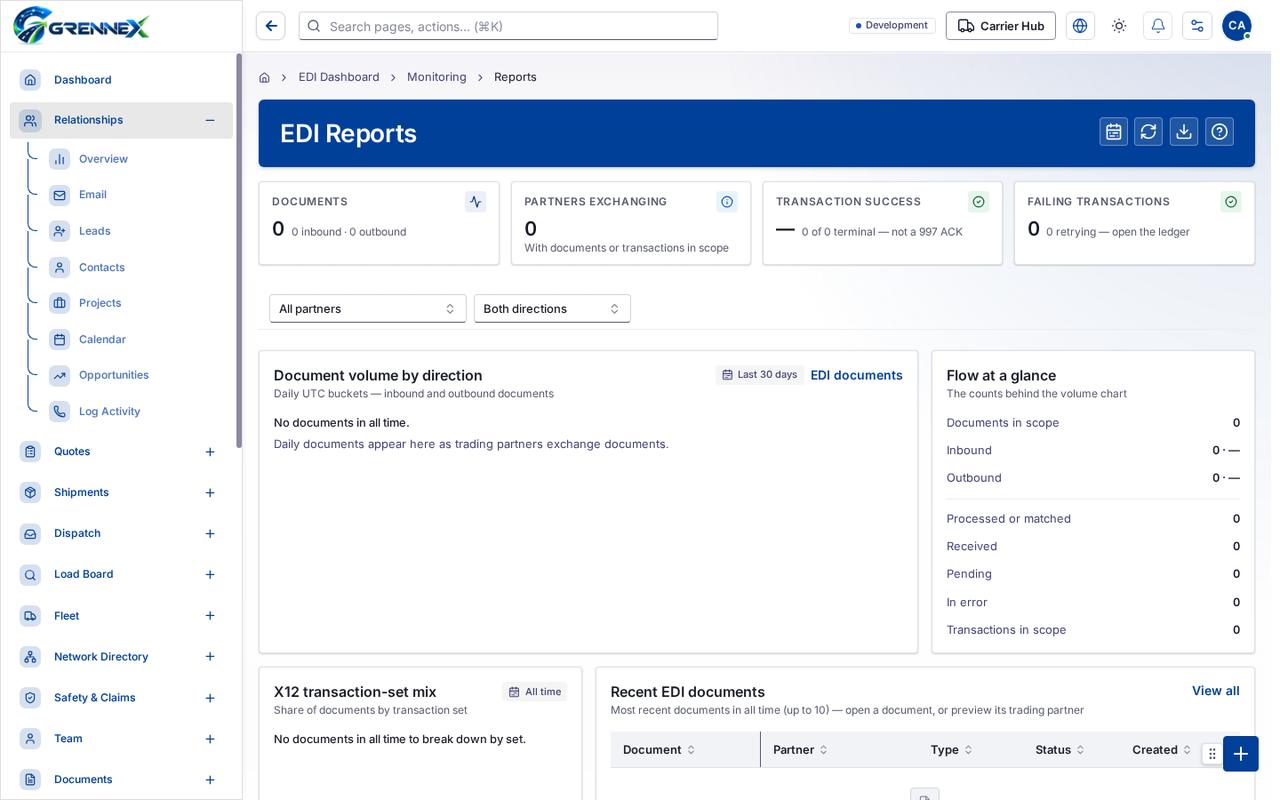
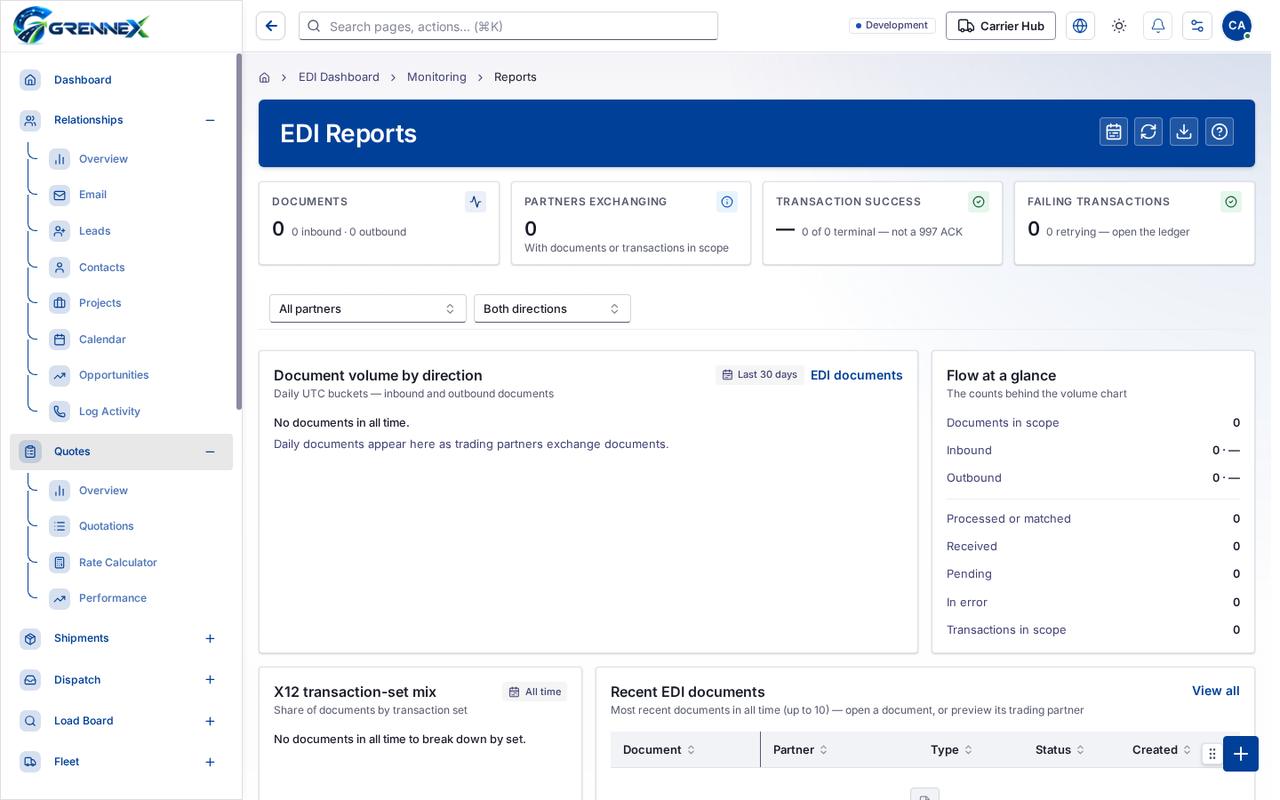
Section titled “What you see”- Document volume by direction
- Flow at a glance
- X12 transaction-set mix
- Recent EDI documents
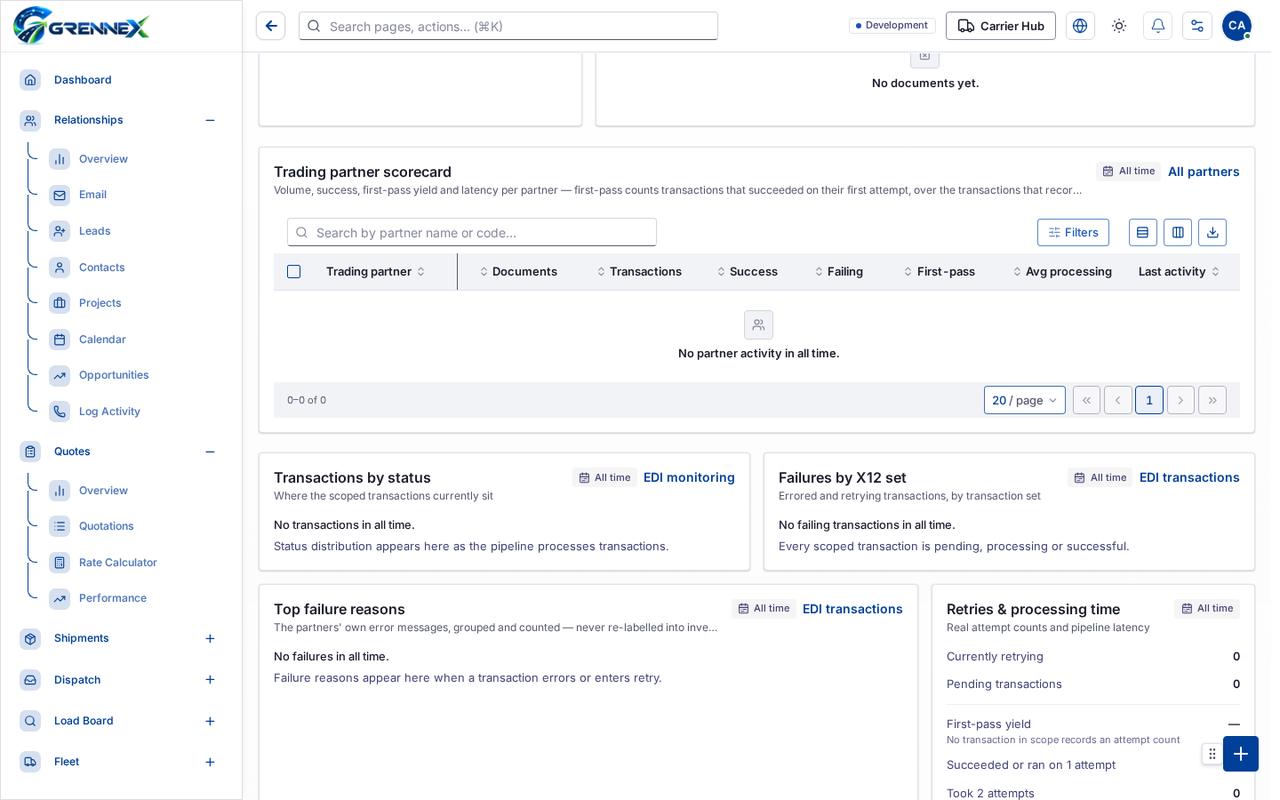
- Trading partner scorecard
- Transactions by status
- Failures by X12 set
Tab: First page
Tab: Previous page
Tab: Page 1
Tab: Next page
Tab: Last page 1
Tab: First page
What you can do
Section titled “What you can do”- Refresh
- Export JSON
- Jump to volume and flow
- Jump to the partner scorecard
- Jump to reliability and failures
- Filter the ledger to failing transactions
- Document
- Partner
- Type
- Status
- Created
- Filters
- Export 0 rows to CSV
- Trading partner
- Documents
- Transactions
Fields
Section titled “Fields”| Field | Required | Type | Example |
|---|---|---|---|
| Trading partner scope | No | combobox | All partners |
| Direction scope | No | combobox | Both directions |
When there is nothing to show
Section titled “When there is nothing to show”- “- row “No documents yet.”:”
- “- cell “No documents yet.”:”
- “No documents yet.”
Last updated 2026-10-27