

New connection
Module: EDI · For: Carrier users · Page address: /carrier-portal/edi-dashboard/connections/new/edit
How to get there
Section titled “How to get there”EDI Dashboard → Trading & Exchange → Connections → New connection
Who can use this page
Section titled “Who can use this page”Needs: Create permission on the EDI module.
| Seat | Can open it |
|---|---|
| Owner / Admin | Yes |
| Manager | Yes |
| User | Yes |
Actions on this page and the permission each needs
Section titled “Actions on this page and the permission each needs”| Action | Permission | Notes |
|---|---|---|
| Cancel | Delete on EDI | Must be granted on its own (not part of Manage) |
| Create connection | Create on EDI | Manage also grants it |
| Edit notes | Edit on EDI | Manage also grants it |
What you see
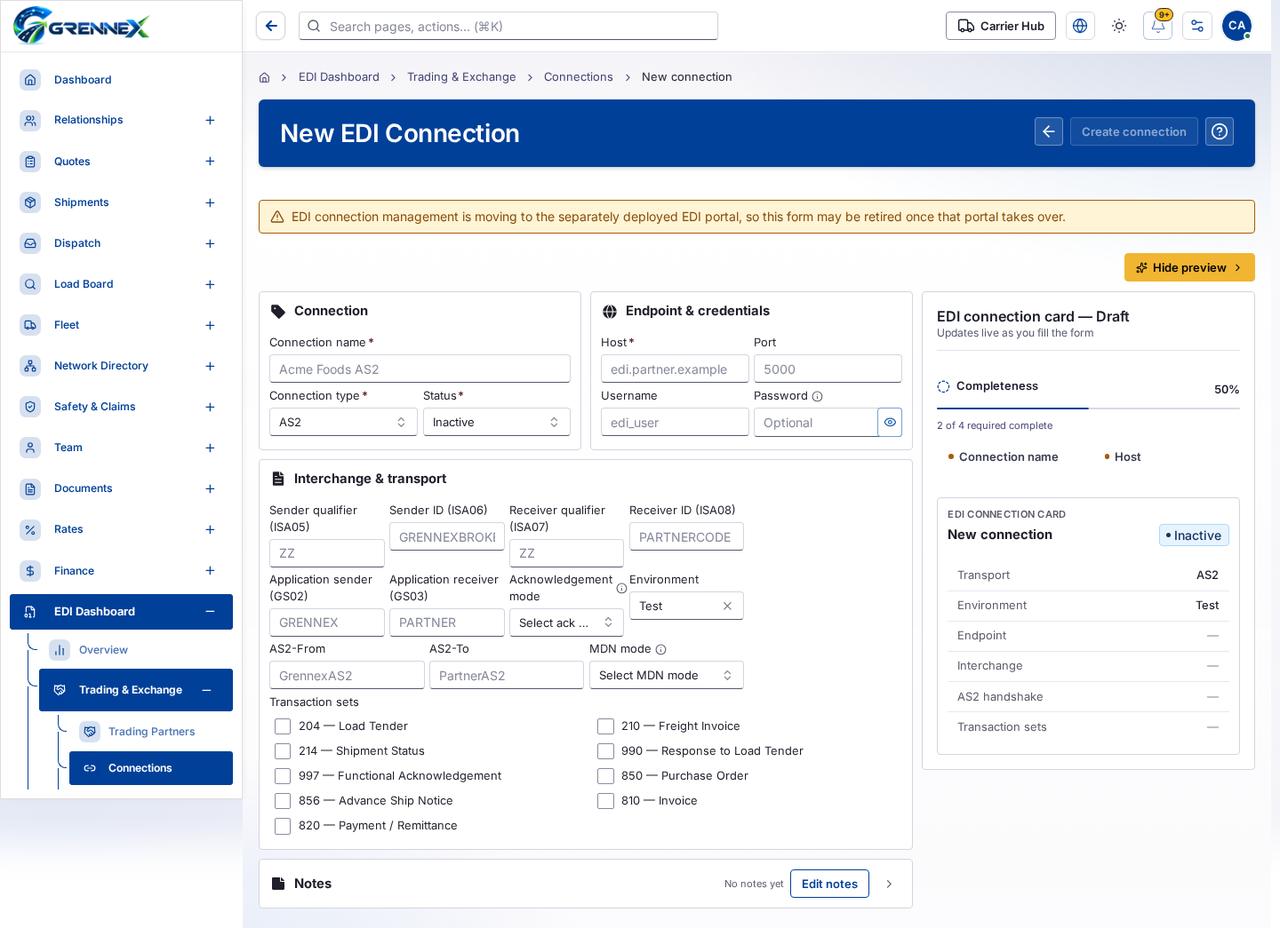
Section titled “What you see”- Connection
- Endpoint & credentials
- Interchange & transport
- Notes
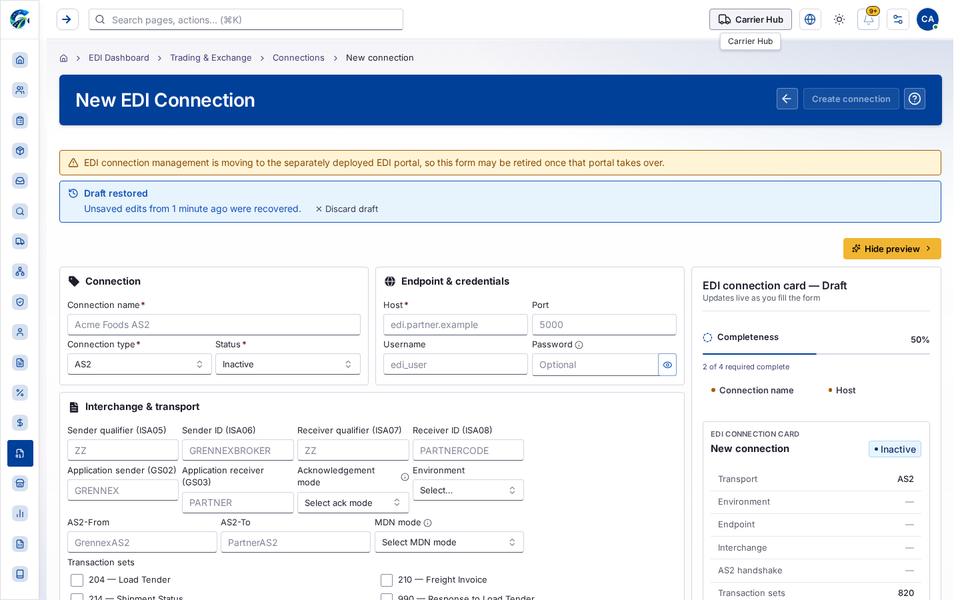
- EDI connection card — Draft
- New connection
What you can do
Section titled “What you can do”- Cancel
- Create connection
- Hide preview
- Show password
- Clear selection
- Edit notes
- Show Notes
- Connection name
- Host
Fields
Section titled “Fields”| Field | Required | Type | Example |
|---|---|---|---|
| Connection name | Yes | textbox | Acme Foods AS2 |
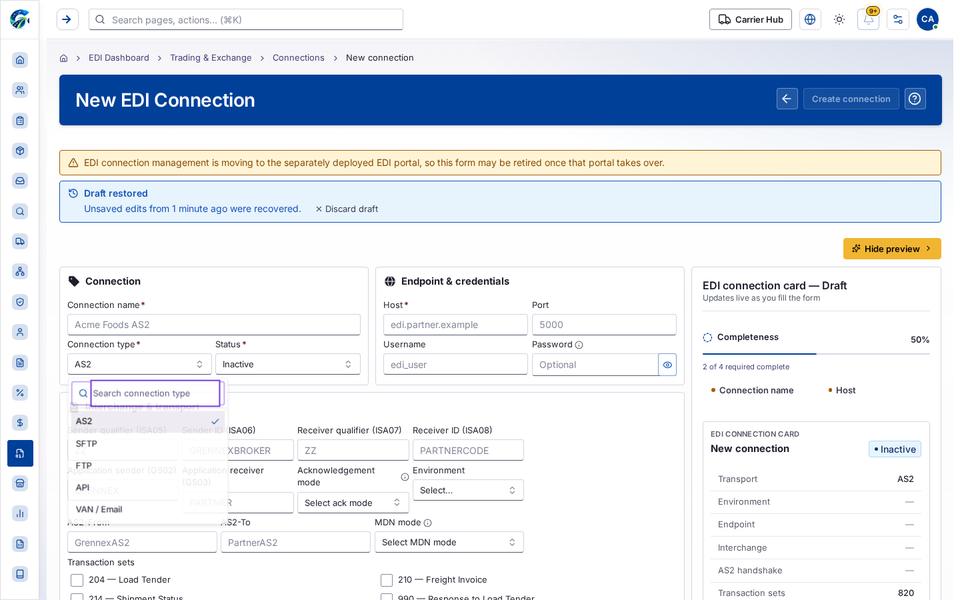
| Connection type | Yes | combobox | AS2 |
| Status | Yes | combobox | Inactive |
| Host | Yes | textbox | edi.partner.example |
| Port | No | spinbutton | |
| Username | No | textbox | edi_user |
| Password | No | textbox | Optional |
| Sender qualifier (ISA05) | No | textbox | ZZ |
| Sender ID (ISA06) | No | textbox | GRENNEXBROKER |
| Receiver qualifier (ISA07) | No | textbox | ZZ |
| Receiver ID (ISA08) | No | textbox | PARTNERCODE |
| Application sender (GS02) | No | textbox | GRENNEX |
| Application receiver (GS03) | No | textbox | PARTNER |
| Acknowledgement mode | No | combobox | Select ack mode |
| Environment | No | combobox | Test |
| AS2-From | No | textbox | GrennexAS2 |
| AS2-To | No | textbox | PartnerAS2 |
| MDN mode | No | combobox | Select MDN mode |
| 204 — Load Tender | No | checkbox | |
| 210 — Freight Invoice | No | checkbox | |
| 214 — Shipment Status | No | checkbox | |
| 990 — Response to Load Tender | No | checkbox | |
| 997 — Functional Acknowledgement | No | checkbox | |
| 850 — Purchase Order | No | checkbox | |
| 856 — Advance Ship Notice | No | checkbox | |
| 810 — Invoice | No | checkbox | |
| 820 — Payment / Remittance | No | checkbox |
When there is nothing to show
Section titled “When there is nothing to show”- “No notes yet”
Loading, empty and error states
Section titled “Loading, empty and error states”Dropdown-Status state
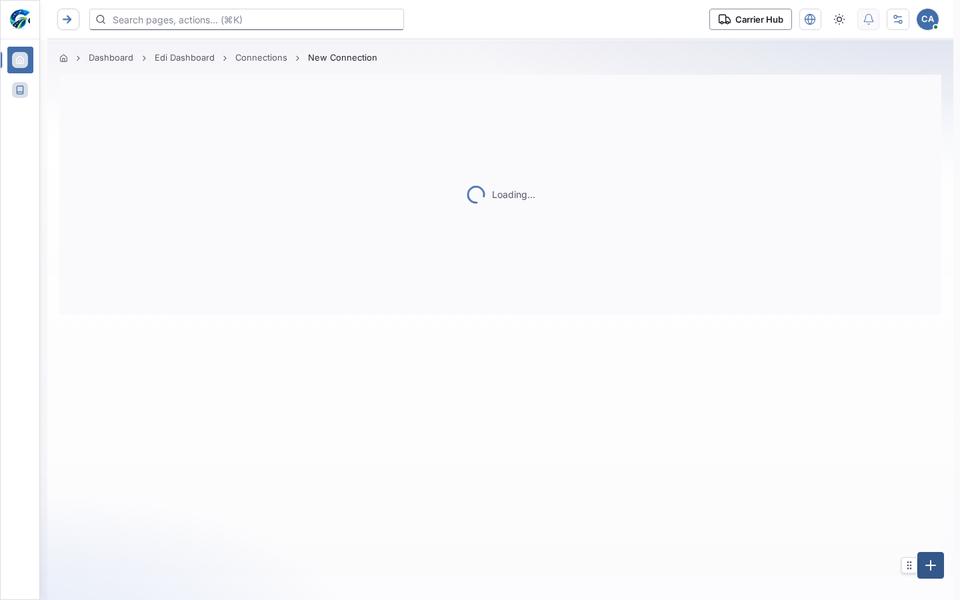
Loading state
Popover-Guide state
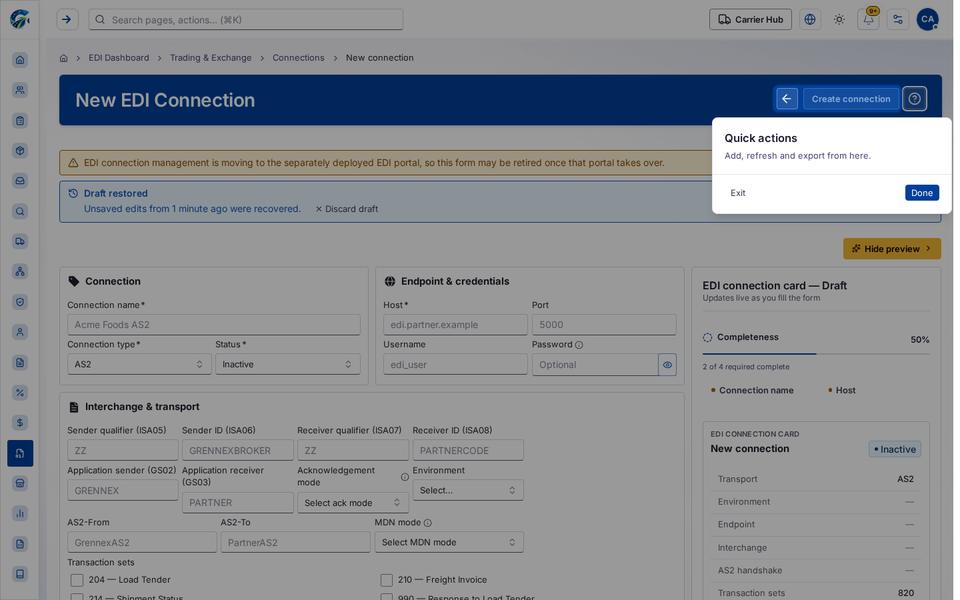
Tooltip state
Last updated 2026-10-27