

All Documents
Module: Documents · For: Carrier users · Page address: /carrier-portal/documents/all
How to get there
Section titled “How to get there”Documents → All Documents
Who can use this page
Section titled “Who can use this page”Needs: View permission on the Documents module.
| Seat | Can open it |
|---|---|
| Owner / Admin | Yes |
| Manager | Yes |
| User | Yes |
Actions on this page and the permission each needs
Section titled “Actions on this page and the permission each needs”| Action | Permission | Notes |
|---|---|---|
| Upload Documents | Upload on Documents | Manage also grants it |
| Export 0 rows to CSV | Export on Documents | Manage also grants it |
What this page tells you
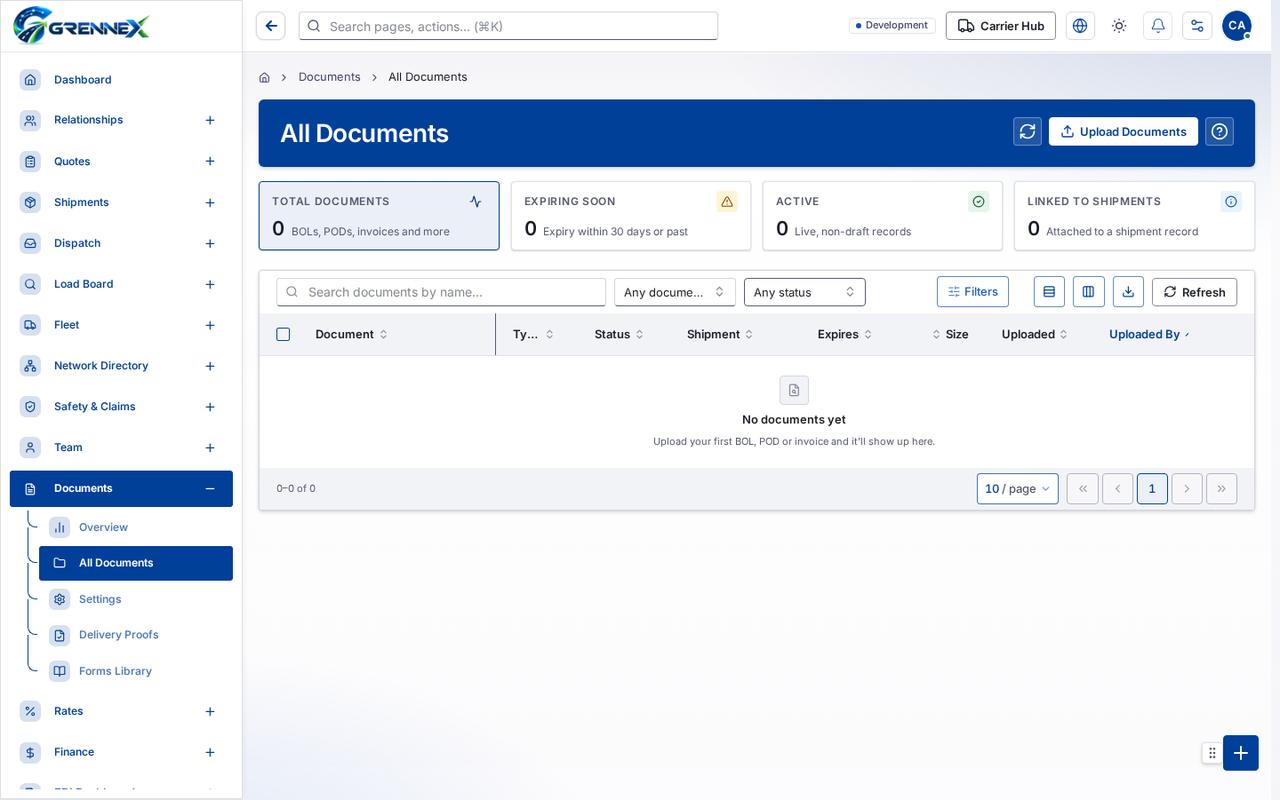
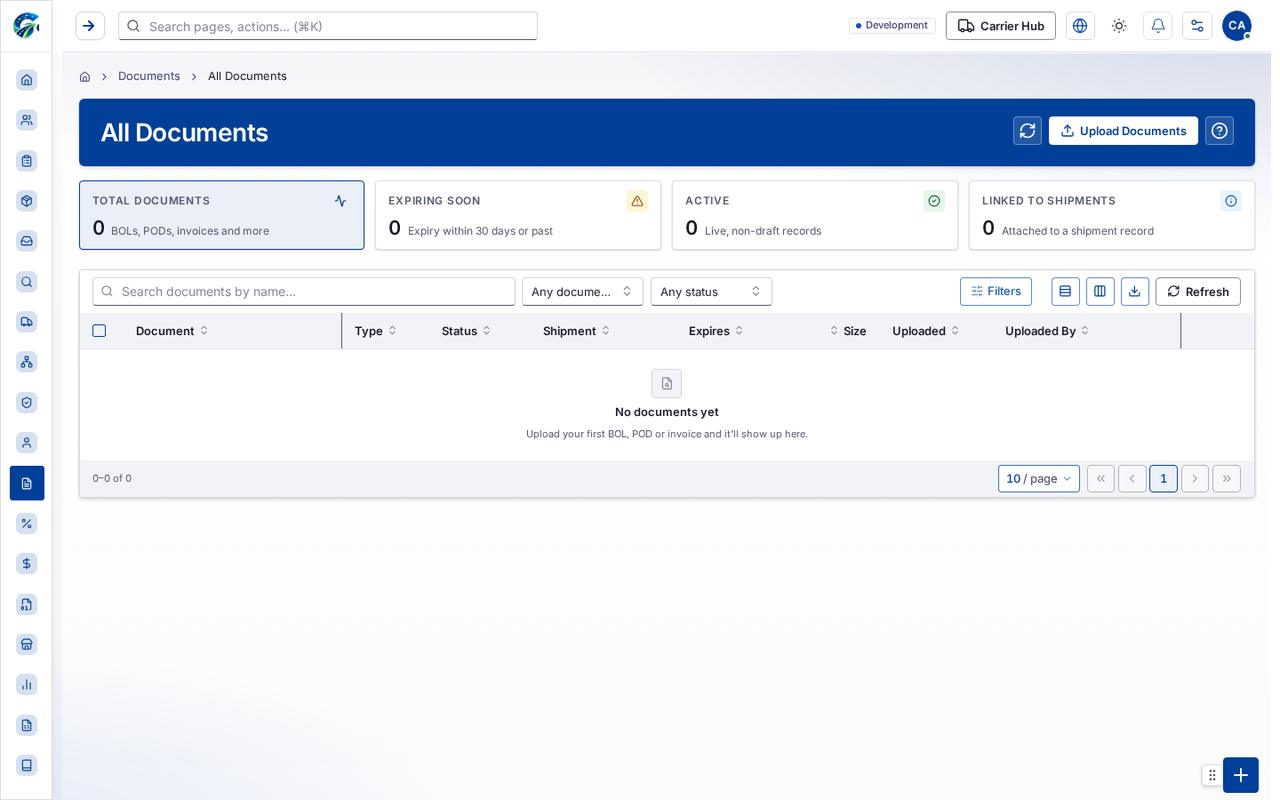
Section titled “What this page tells you”Upload your first BOL, POD or invoice and it’ll show up here.
What you see
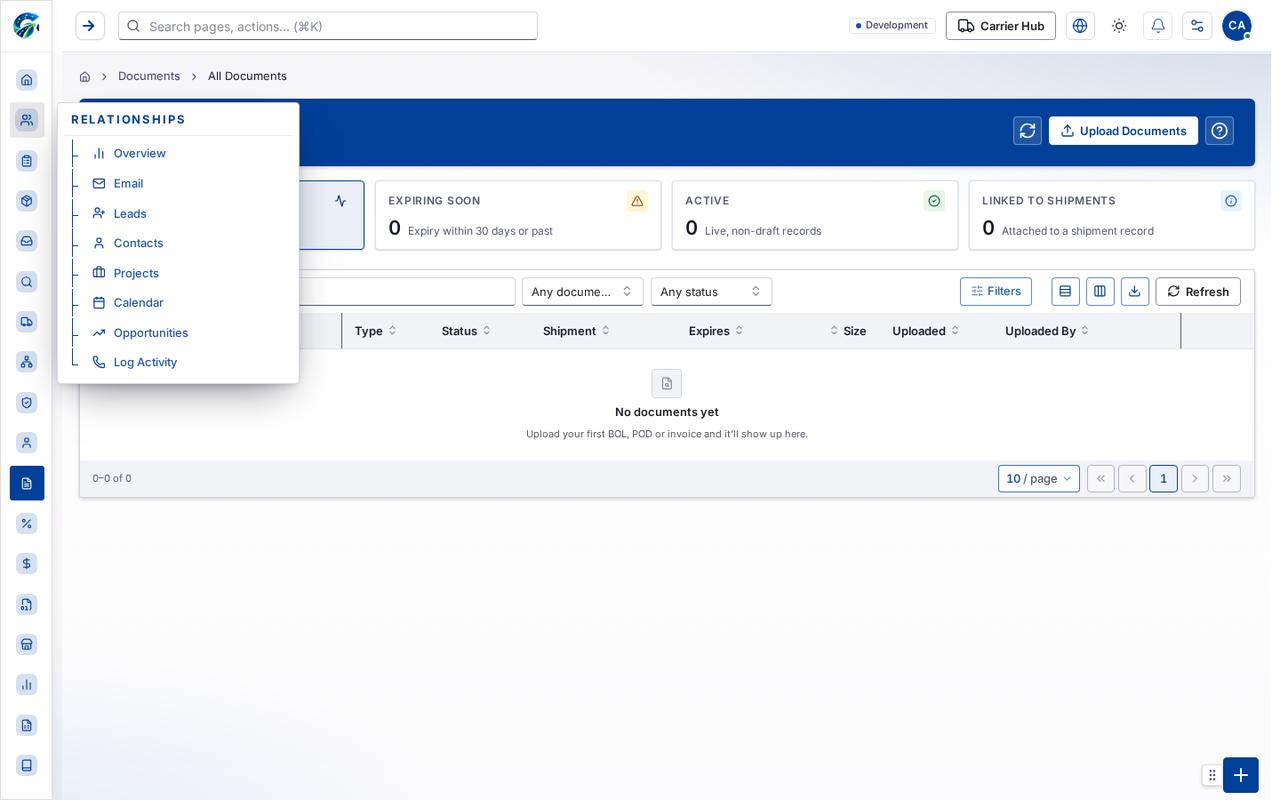
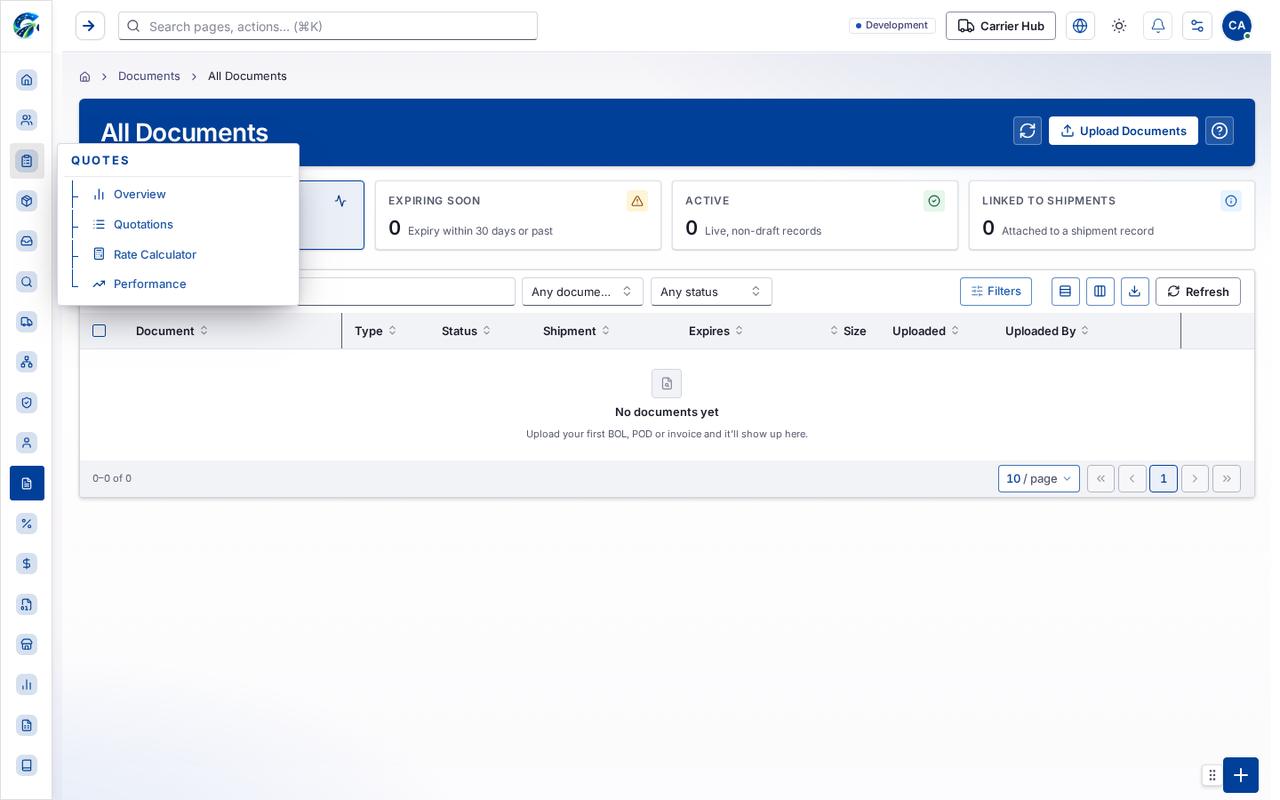
Section titled “What you see”- Documents
Table columns
Section titled “Table columns”Document · Type · Status · Shipment · Expires · Size · Uploaded · Uploaded By
Tab: First page
Tab: Previous page
Tab: Page 1
Tab: Next page
Tab: Last page 1
What you can do
Section titled “What you can do”- Refresh
- Upload Documents
- Show all documents
- Show documents expiring soon
- Show active documents
- Show documents linked to a shipment
- Filters
- Export 0 rows to CSV
- Document
- Type
- Status
- Shipment
- Expires
- Size
- Uploaded
- Uploaded By
Fields
Section titled “Fields”| Field | Required | Type | Example |
|---|---|---|---|
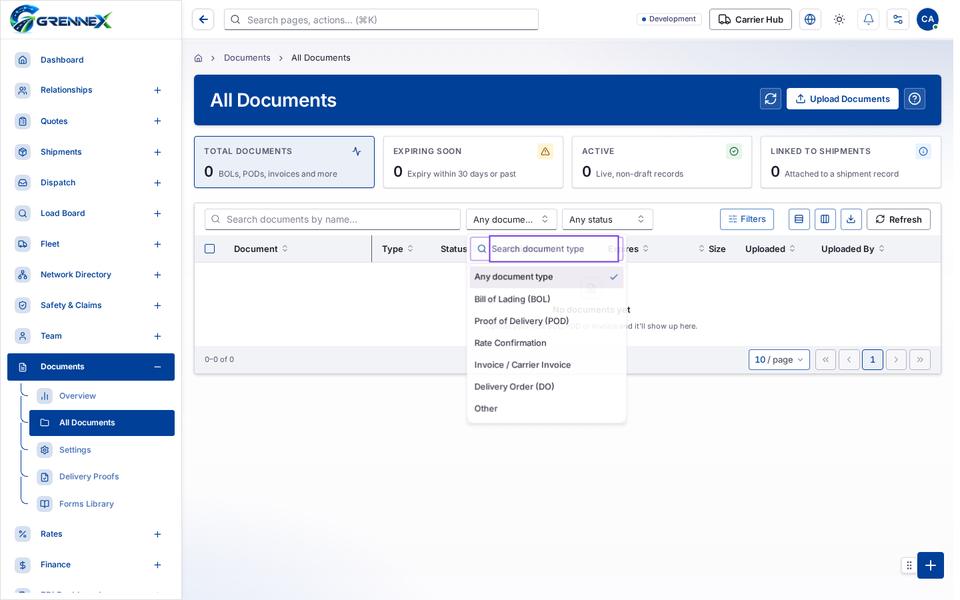
| Document type | No | combobox | Any document type |
| Status | No | combobox | Any status |
When there is nothing to show
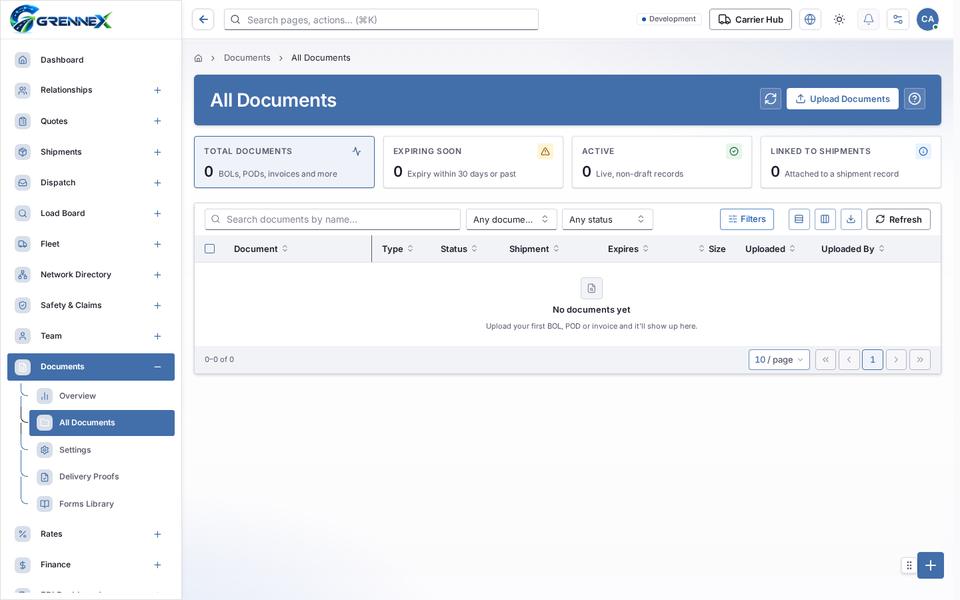
Section titled “When there is nothing to show”- “- row “No documents yet Upload your first BOL, POD or invoice and it’ll show up here.”:”
- “- cell “No documents yet Upload your first BOL, POD or invoice and it’ll show up here.”:”
- “No documents yet”
Loading, empty and error states
Section titled “Loading, empty and error states”Dropdown-Status state
Empty state
Error state
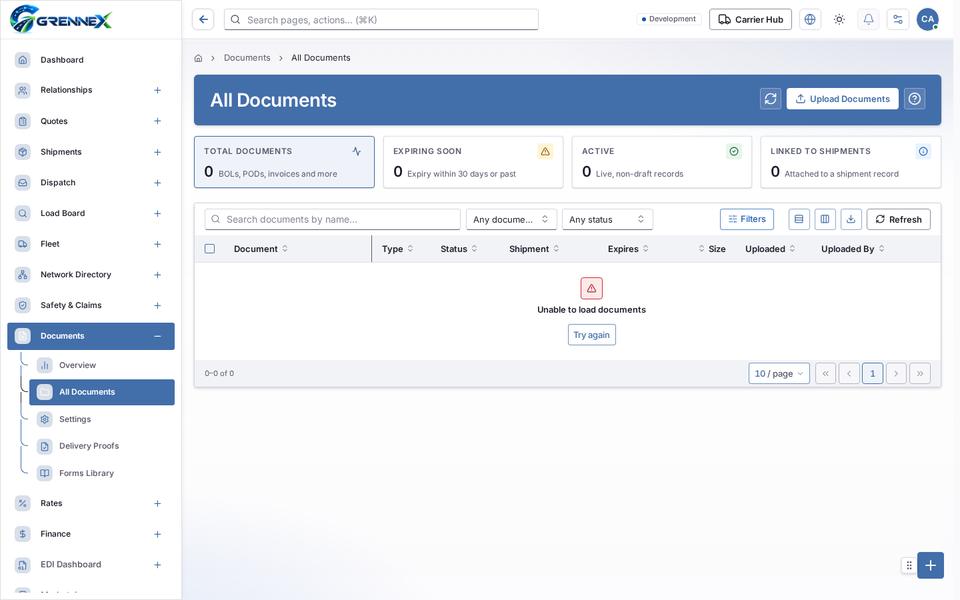
Loading state

Last updated 2026-10-27