

Inbox
Module: Messages · For: Drivers · Page address: /driver/messaging
How to get there
Section titled “How to get there”Messaging → Inbox
Who can use this page
Section titled “Who can use this page”Needs: View permission on the Messaging module.
Drivers use their own personal account; the company seat rules do not apply here.
Actions on this page and the permission each needs
Section titled “Actions on this page and the permission each needs”| Action | Permission | Notes |
|---|---|---|
| Mark message as read | Edit on Messaging | Manage also grants it |
| Add attachment | Create on Messaging | Manage also grants it |
| Send reply | Create on Messaging | Manage also grants it |
What this page tells you
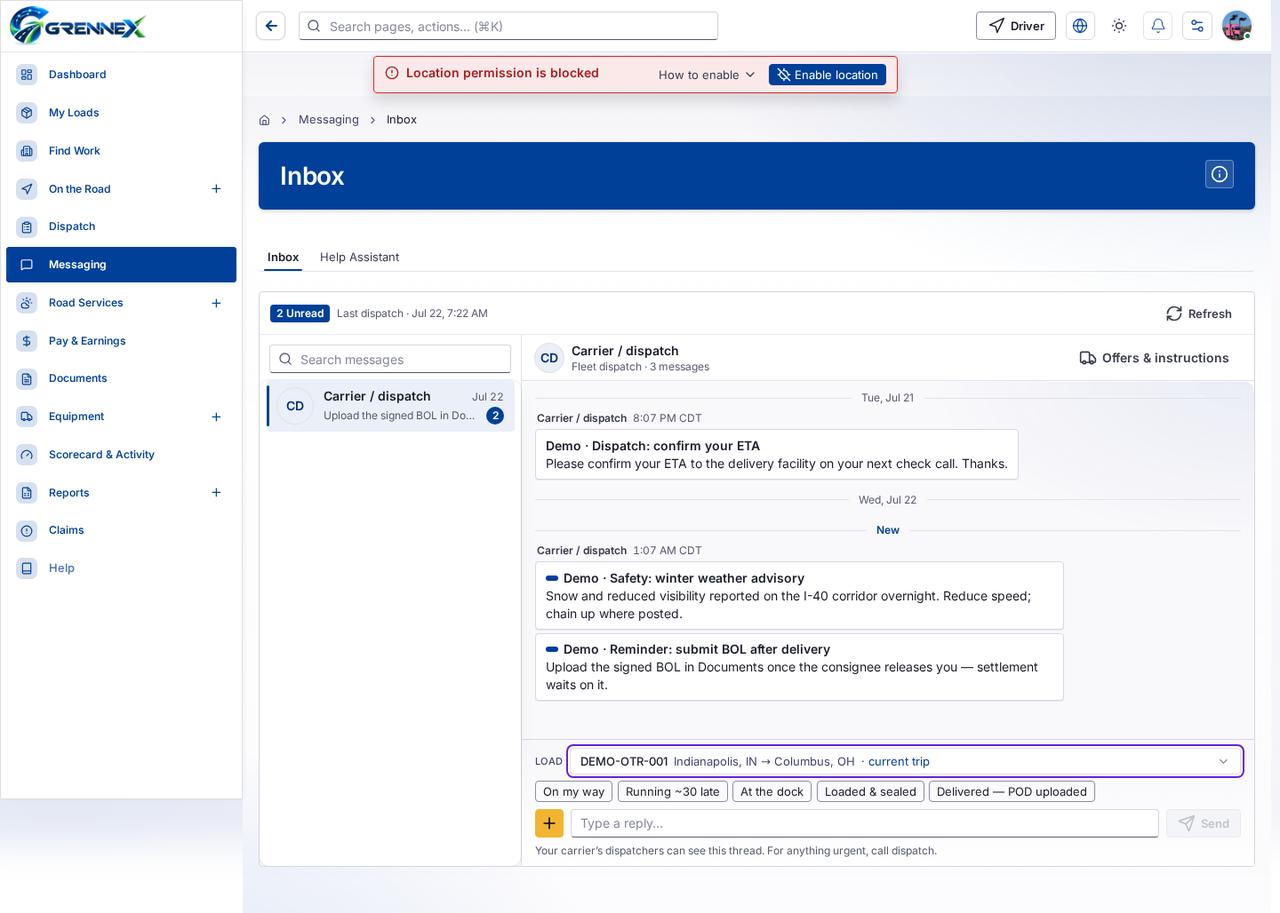
Section titled “What this page tells you”Please confirm your ETA to the delivery facility on your next check call. Thanks. Demo · Safety: winter weather advisory Snow and reduced visibility reported on the I-40 corridor overnight. Reduce speed; chain up where posted.
What you see
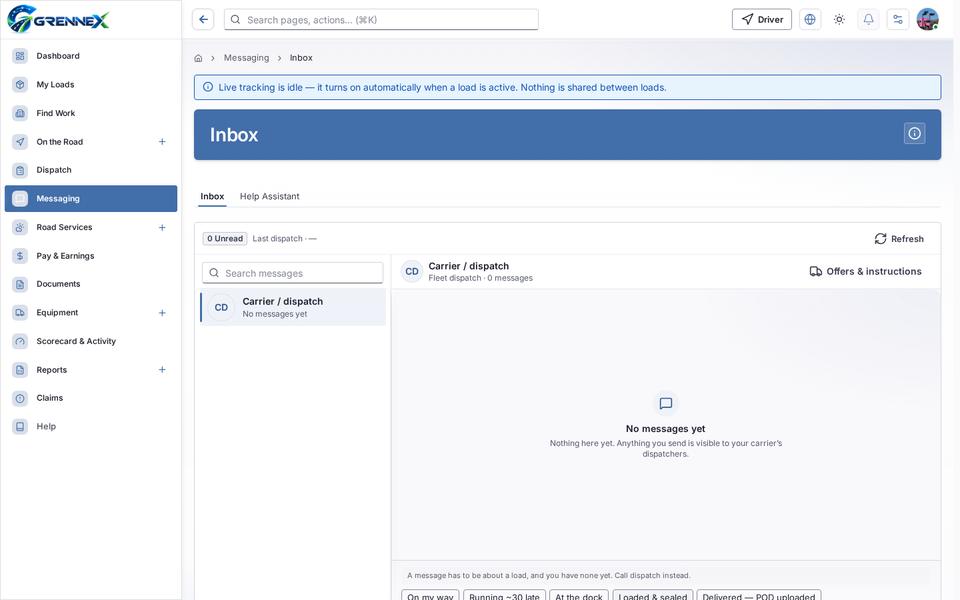
Section titled “What you see”- Carrier / dispatch
- Inbox
- Help Assistant
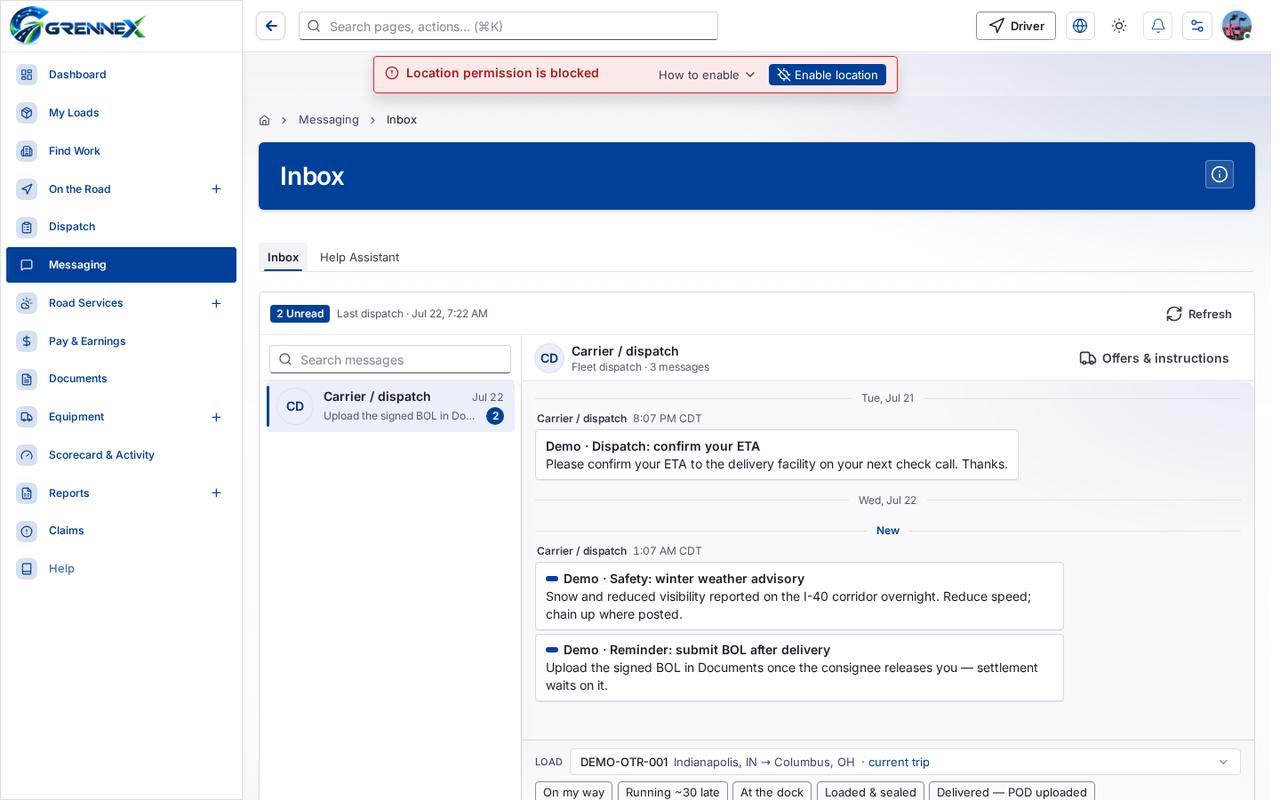
Tab: Inbox
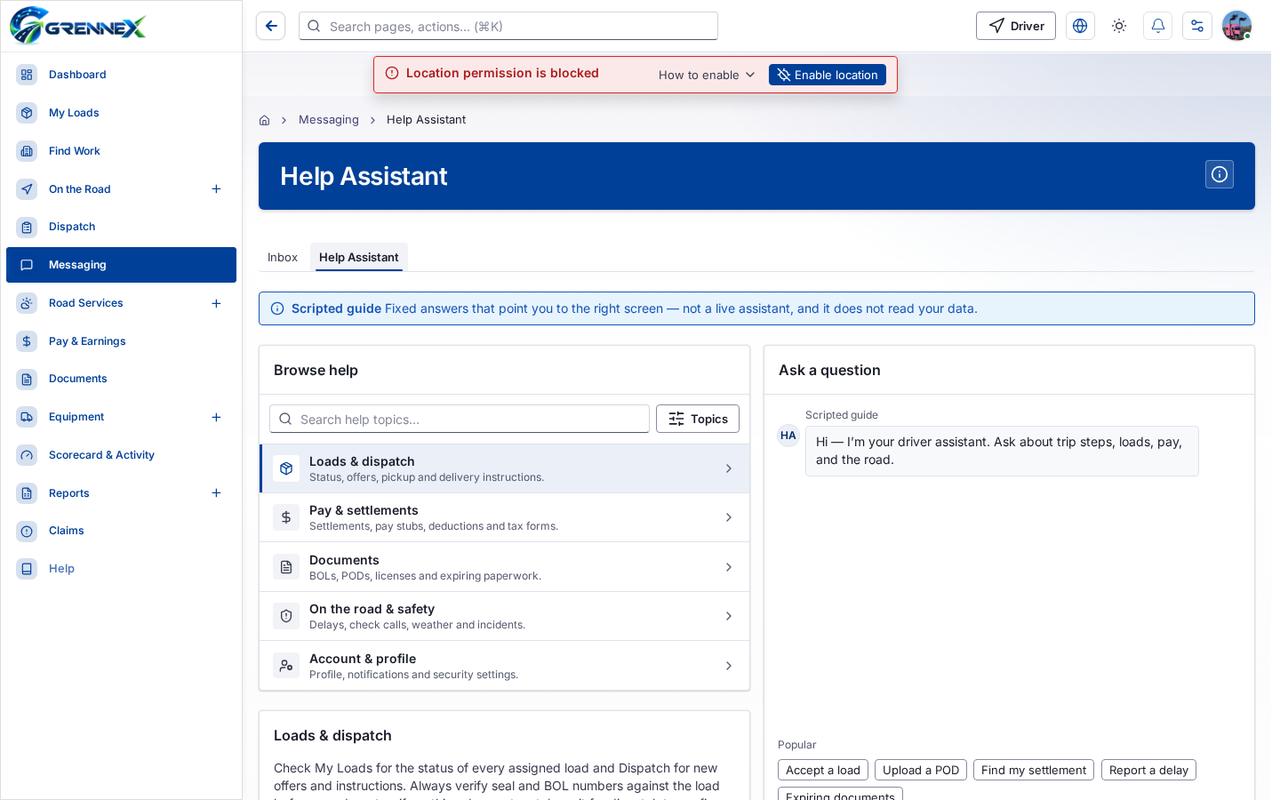
Tab: Help Assistant
What you can do
Section titled “What you can do”- How this works
- Refresh
- Mark message as read
- On my way
- Running ~30 late
- At the dock
- Loaded & sealed
- Delivered — POD uploaded
- Add attachment
- Send reply
Fields
Section titled “Fields”| Field | Required | Type | Example |
|---|---|---|---|
| Load | No | combobox | DEMO-OTR-001Indianapolis, IN → Columbus, |
| Type a reply… | No | textbox |
Loading, empty and error states
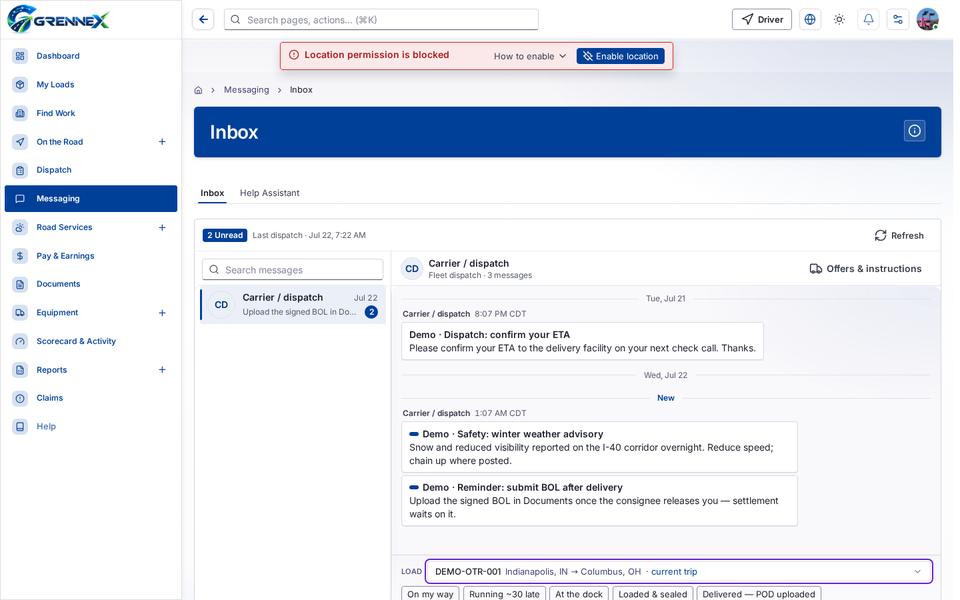
Section titled “Loading, empty and error states”Dropdown-Status state
Empty state
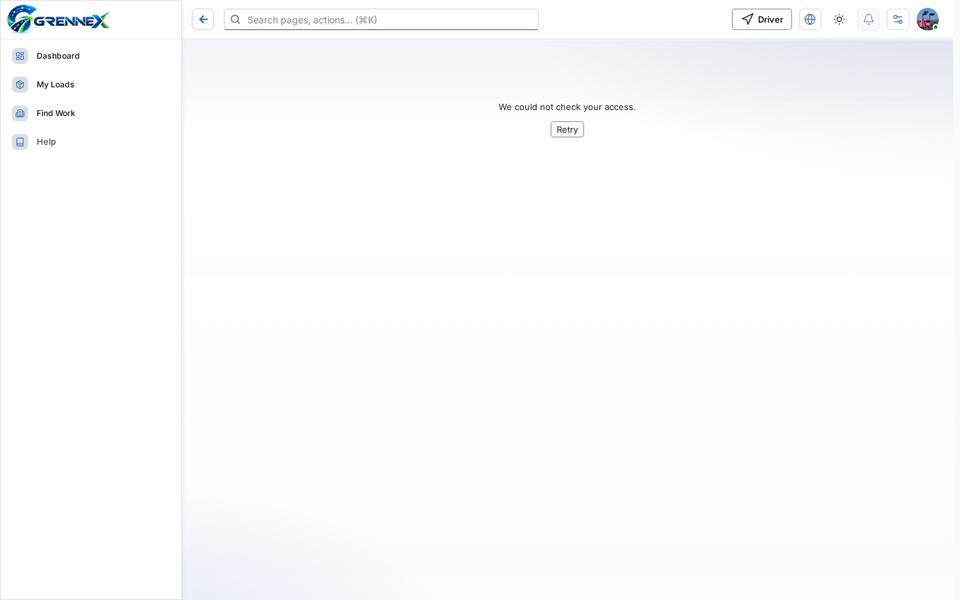
Error state
Loading state

Last updated 2026-10-27