

Map & navigation
Module: On the road · For: Drivers · Page address: /driver/legacy-map
Who can use this page
Section titled “Who can use this page”Needs: No module permission: every signed-in member of the company can open it.
Drivers use their own personal account; the company seat rules do not apply here.
What this page tells you
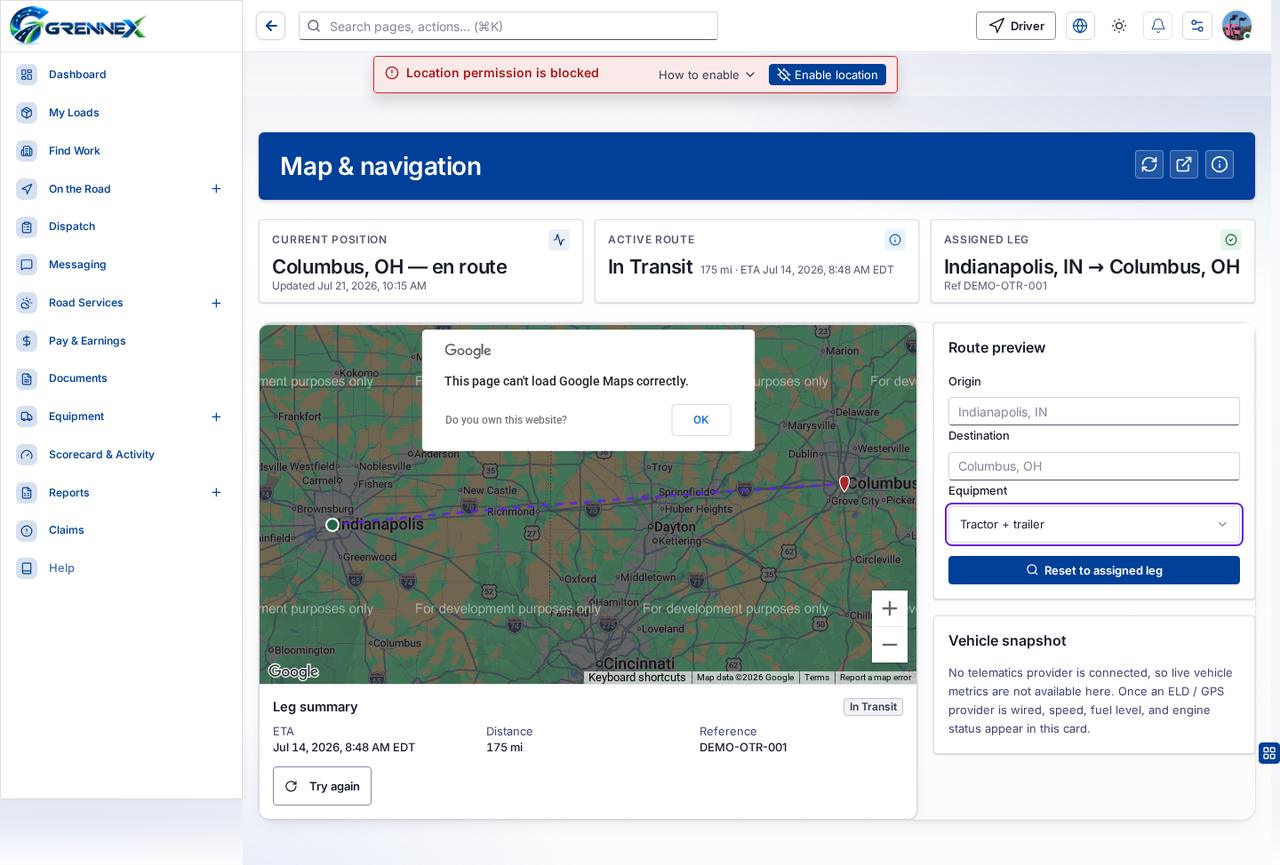
Section titled “What this page tells you”No telematics provider is connected, so live vehicle metrics are not available here. Once an ELD / GPS provider is wired, speed, fuel level, and engine status appear in this card.
What you see
Section titled “What you see”- Leg summary
- Route preview
- Vehicle snapshot
What you can do
Section titled “What you can do”- Refresh
- Open in maps
- How this works
- Current position
- Active route
- Keyboard shortcuts
- Zoom in
- Zoom out
- OK
- Try again
- Reset to assigned leg
Fields
Section titled “Fields”| Field | Required | Type | Example |
|---|---|---|---|
| Origin | No | textbox | Indianapolis, IN |
| Destination | No | textbox | Columbus, OH |
| Equipment | No | combobox | Tractor + trailer |
Loading, empty and error states
Section titled “Loading, empty and error states”Dropdown-Status state
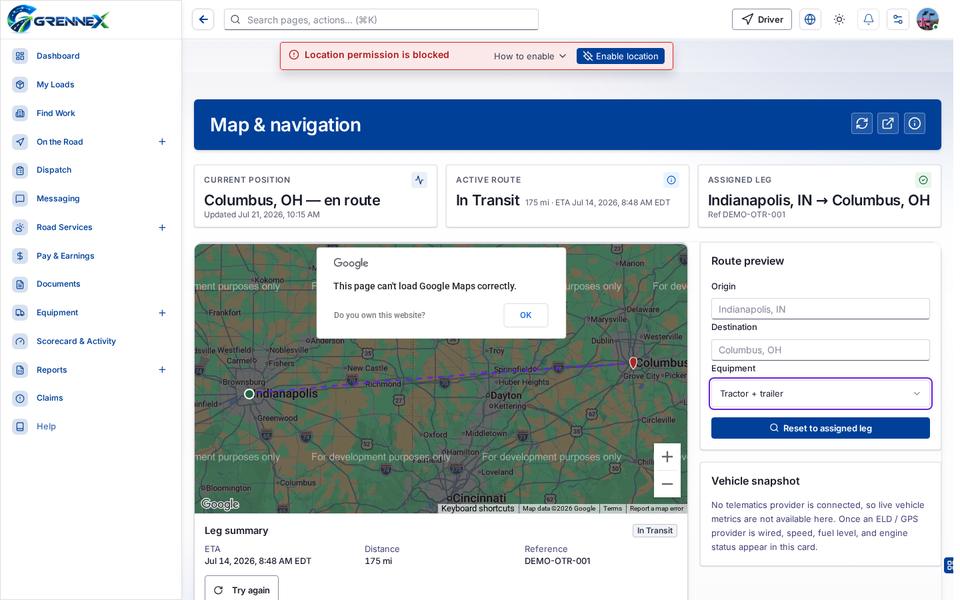
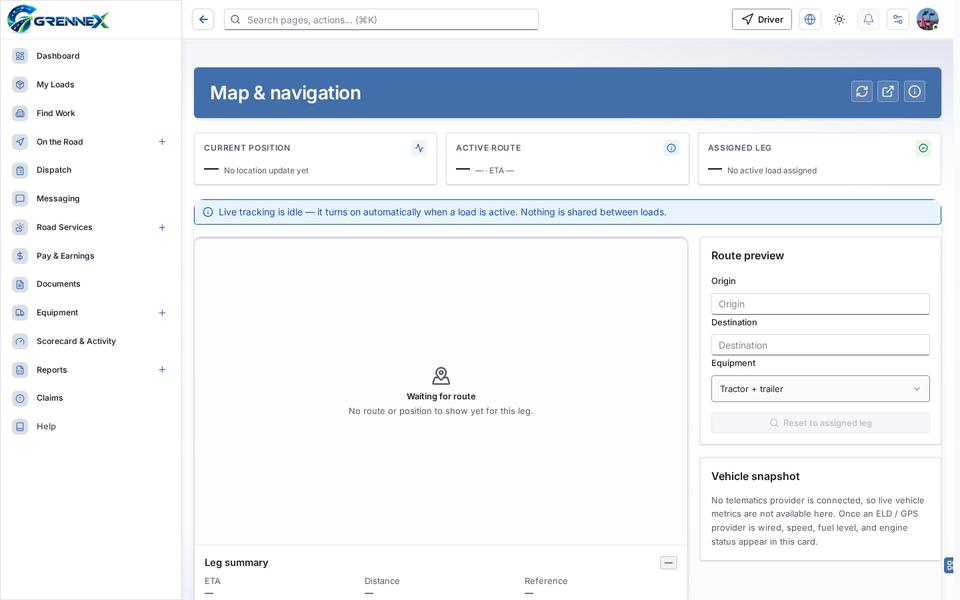
Empty state
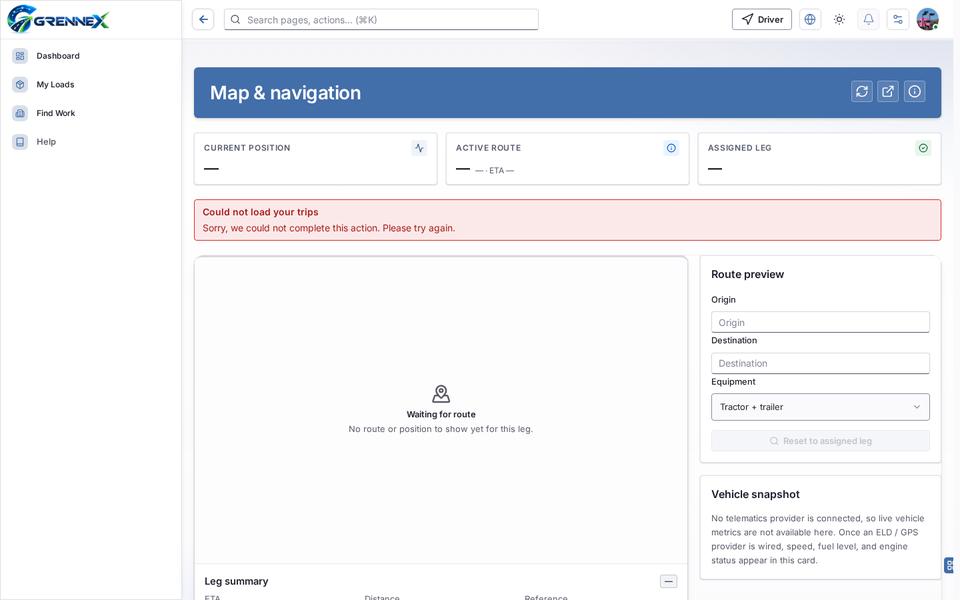
Error state
Loading state

Last updated 2026-10-27