

Profitability & Margins
Module: Financials · For: Carrier users · Page address: /carrier-portal/financials/profitability
How to get there
Section titled “How to get there”Finance → Accounting → Profitability
Who can use this page
Section titled “Who can use this page”Needs: View permission on the Financials module.
| Seat | Can open it |
|---|---|
| Owner / Admin | Yes |
| Manager | Yes |
| User | Yes |
Actions on this page and the permission each needs
Section titled “Actions on this page and the permission each needs”| Action | Permission | Notes |
|---|---|---|
| Export 2 rows to CSV | Export on Financials | Manage also grants it |
What this page tells you
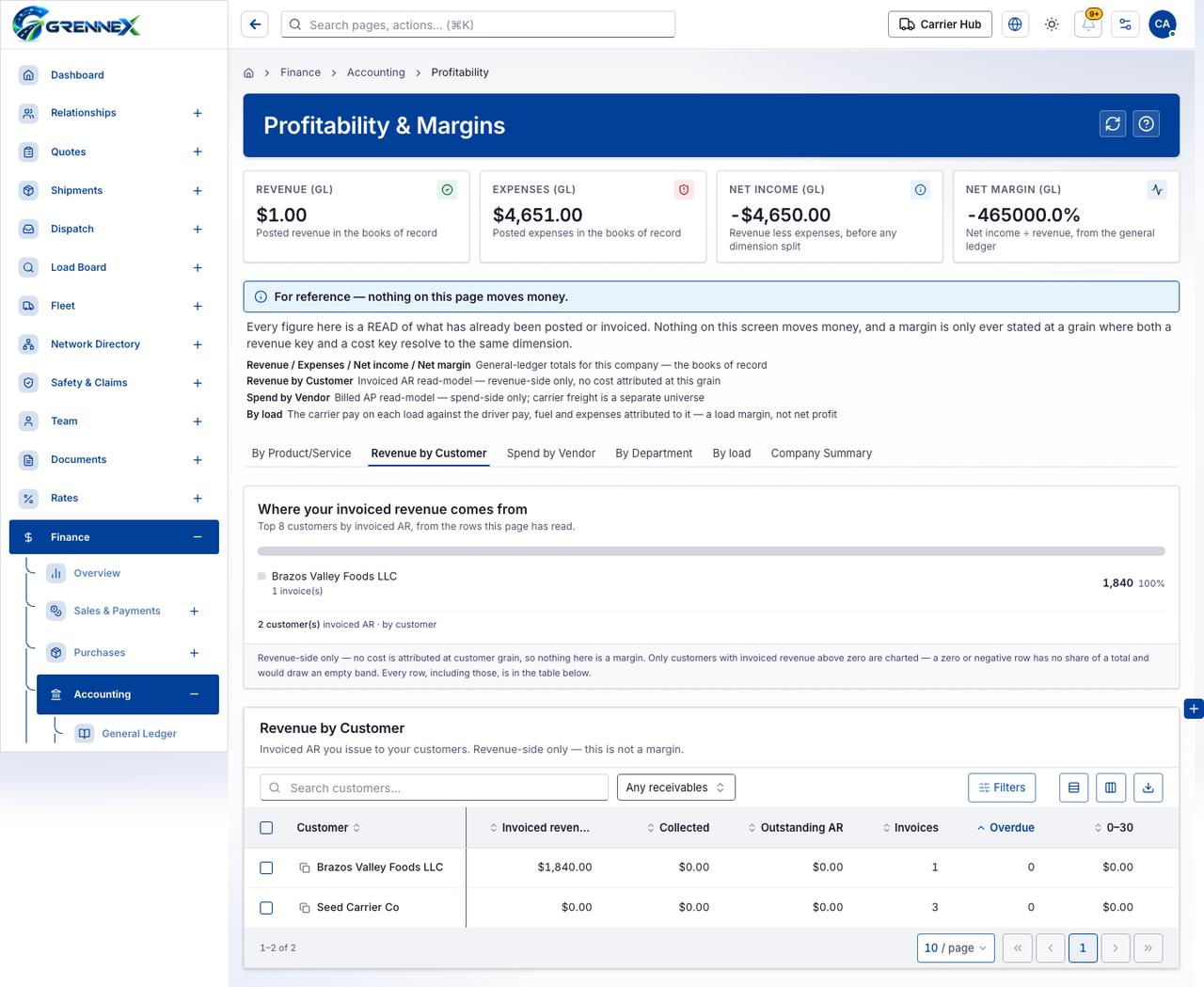
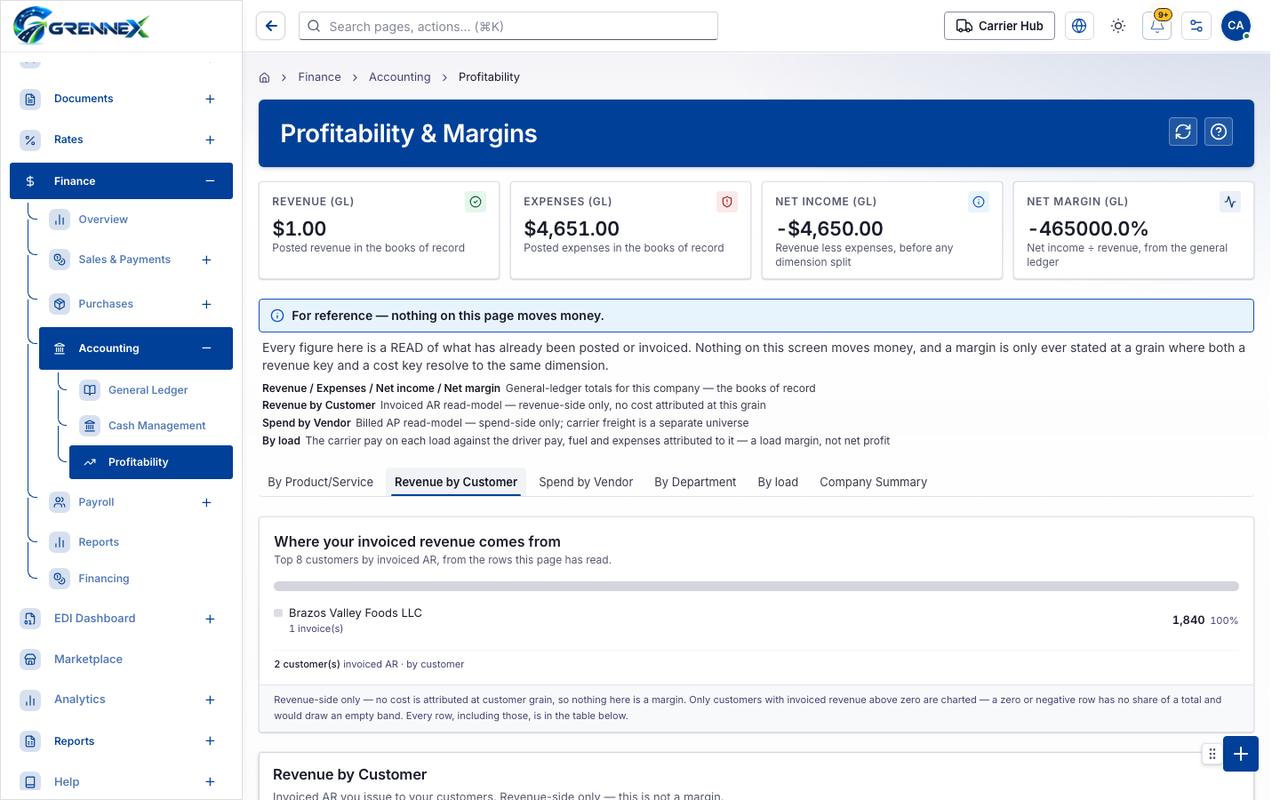
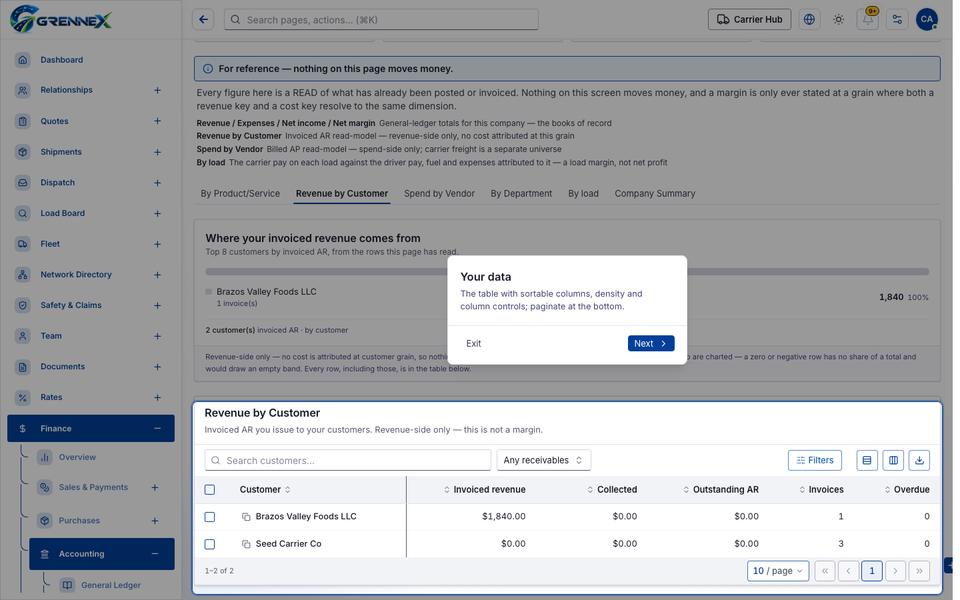
Section titled “What this page tells you”Every figure here is a READ of what has already been posted or invoiced. Nothing on this screen moves money, and a margin is only ever stated at a grain where both a revenue key and a cost key resolve to the same dimension. Top 8 customers by invoiced AR, from the rows this page has read. Revenue-side only — no cost is attributed at customer grain, so nothing here is a margin. Only customers with invoiced revenue above zero are charted — a zero or negative row has no share of a total and would draw an empty band. Every row, including those, is in the table below.
What you see
Section titled “What you see”- Where your invoiced revenue comes from
- Revenue by Customer
Table columns
Section titled “Table columns”Segment · Value · Share · Detail · Brazos Valley Foods Llc · Customer · Invoiced Revenue · Collected · Outstanding Ar · Invoices · Overdue
- By Product/Service
- Revenue by Customer
- Spend by Vendor
- By Department
- By load
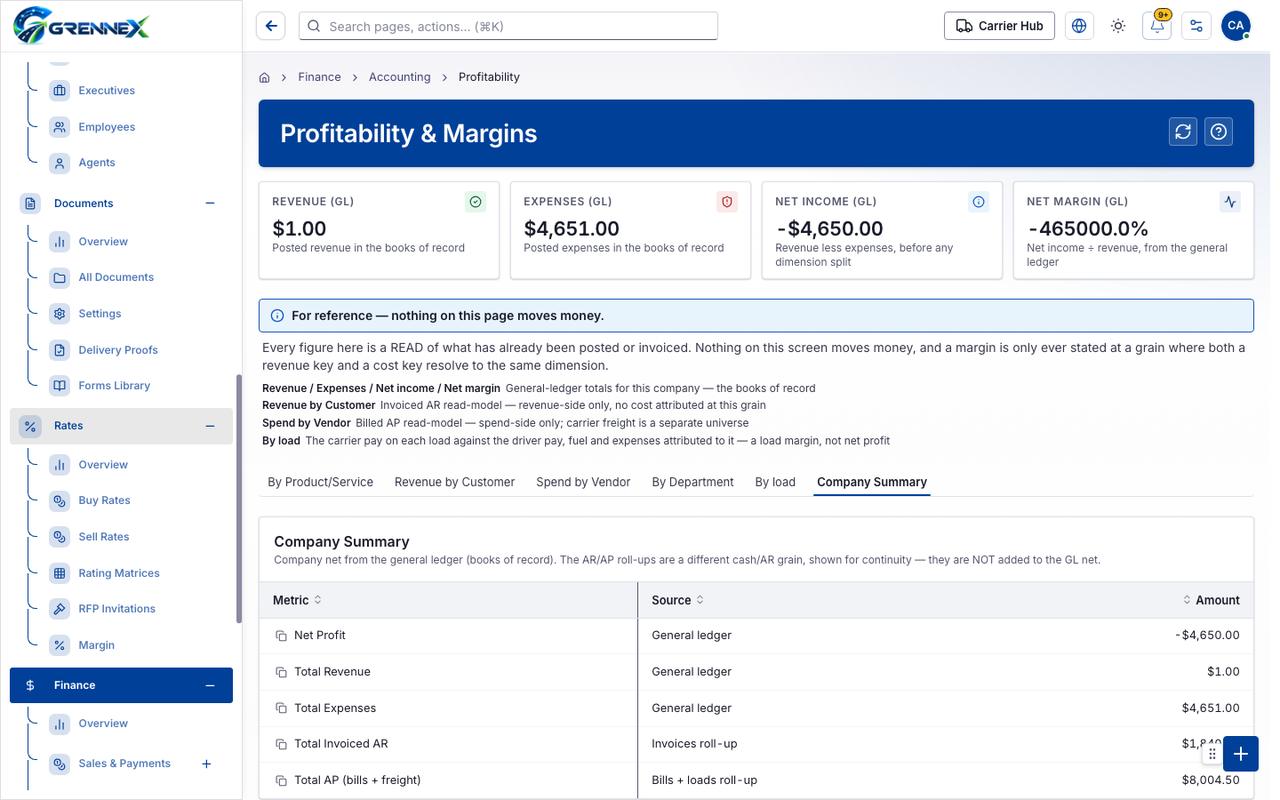
- Company Summary
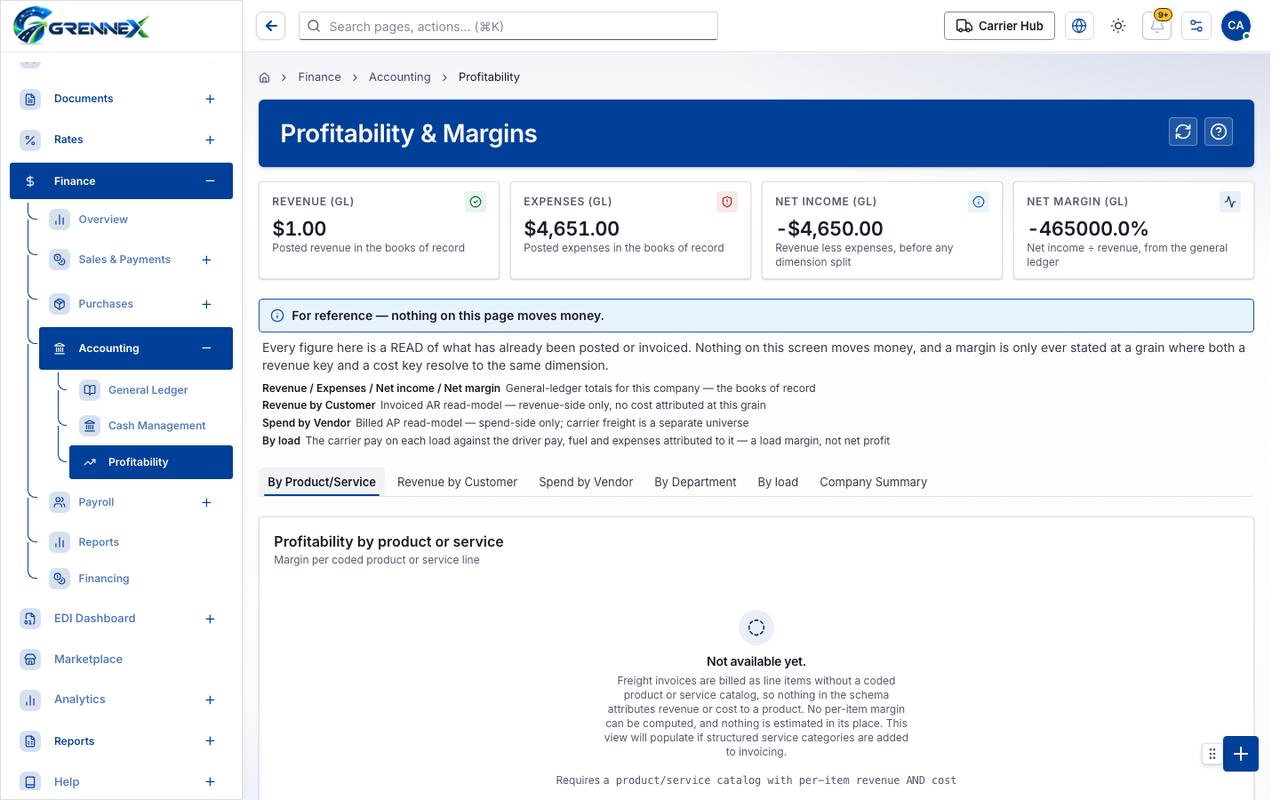
Tab: By Product Service
Tab: Revenue by Customer
Tab: Last page 1
Tab: Spend by Vendor
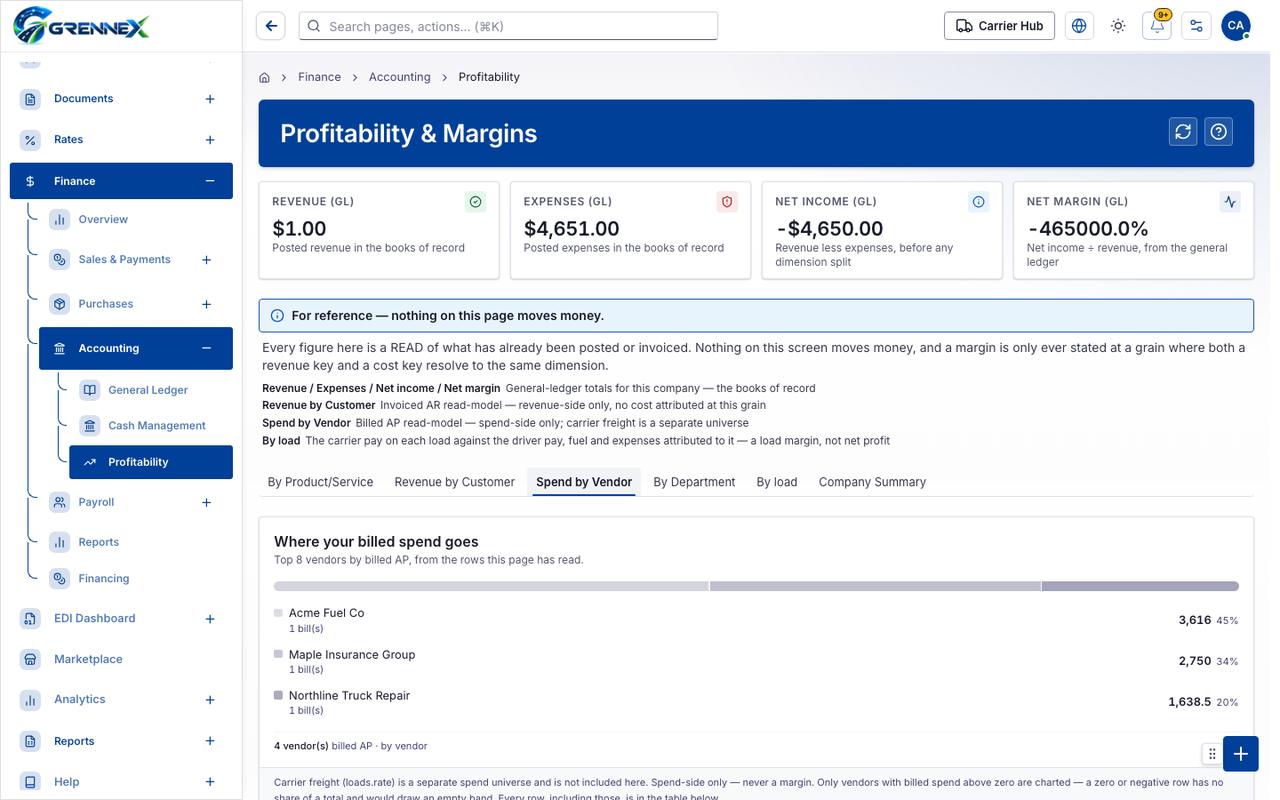
Tab: By Department
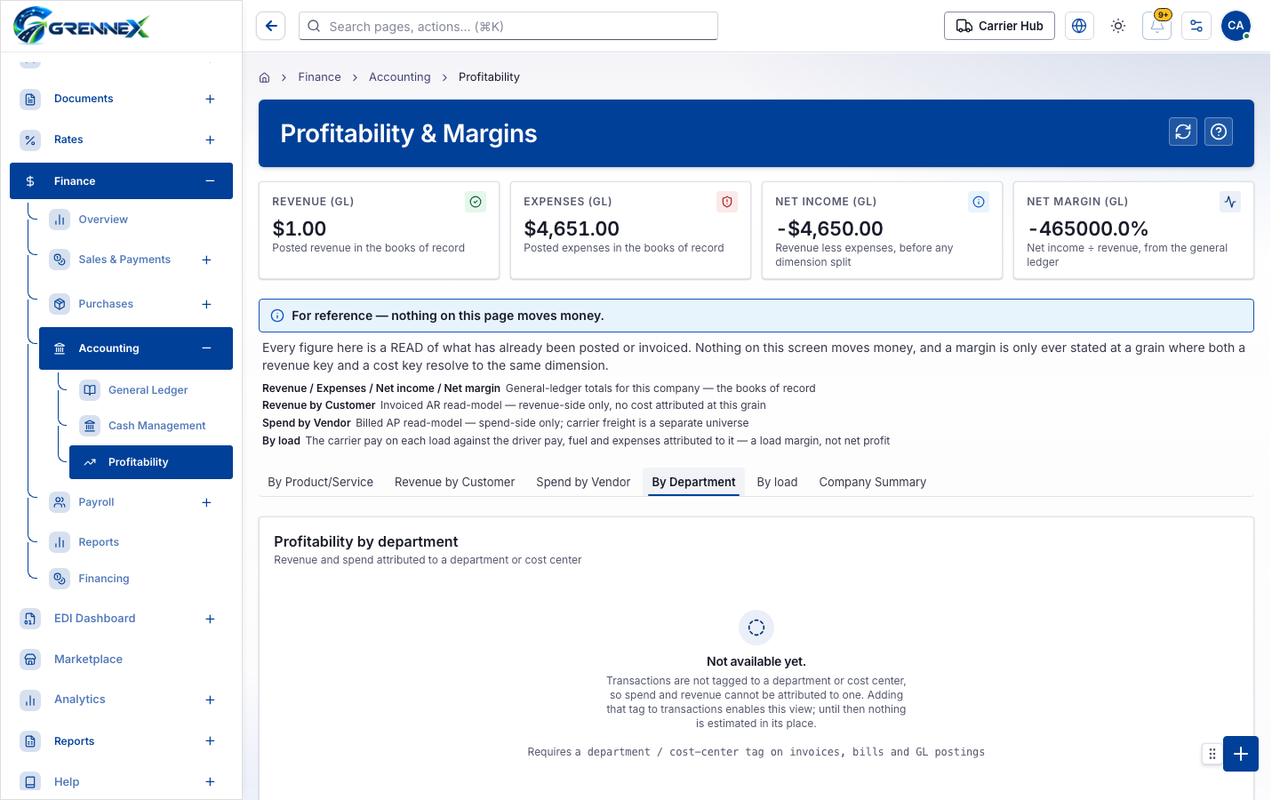
Tab: By load
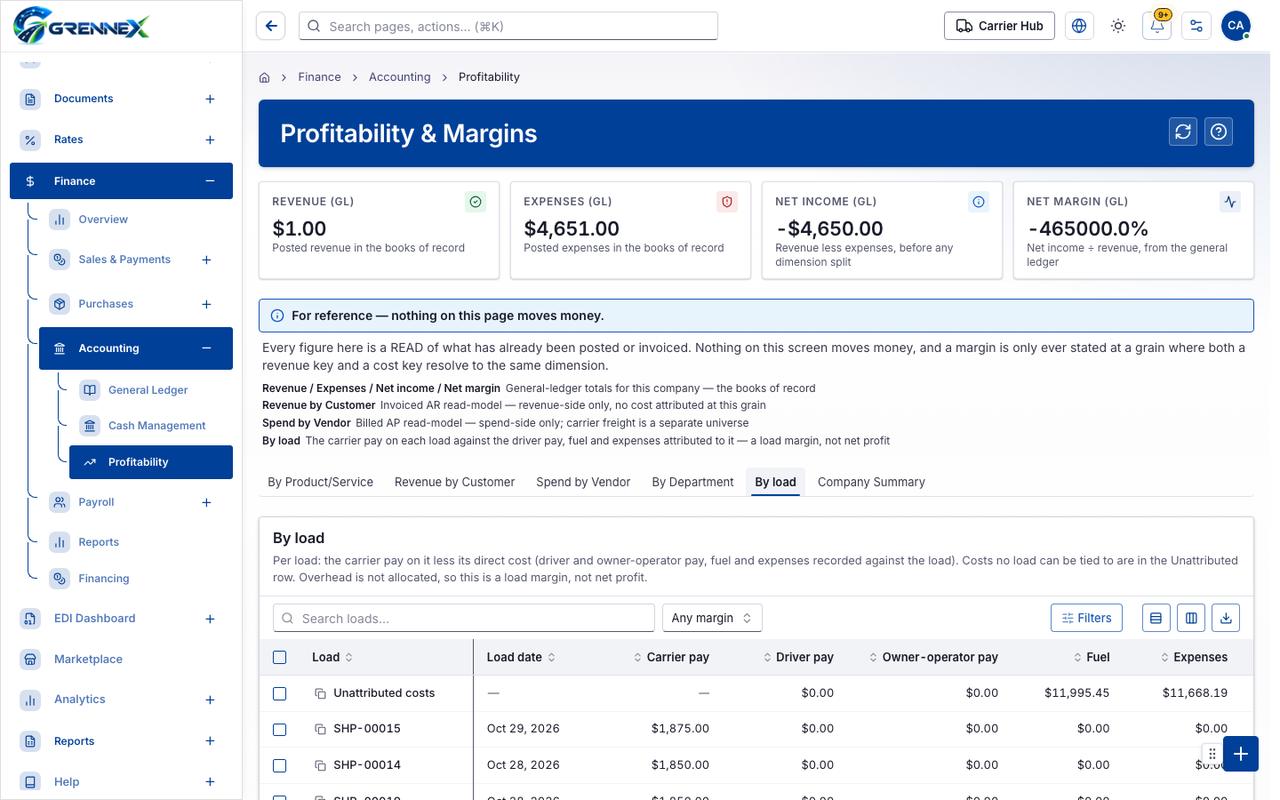
What you can do
Section titled “What you can do”- Refresh
- Filters
- Export 2 rows to CSV
- Customer
- Invoiced revenue
- Collected
- Outstanding AR
- Invoices
- Overdue
- Rows per page — currently 10
Fields
Section titled “Fields”| Field | Required | Type | Example |
|---|---|---|---|
| Receivables | No | combobox | Any receivables |
Loading, empty and error states
Section titled “Loading, empty and error states”Loading state
Popover-Guide state
Tooltip state
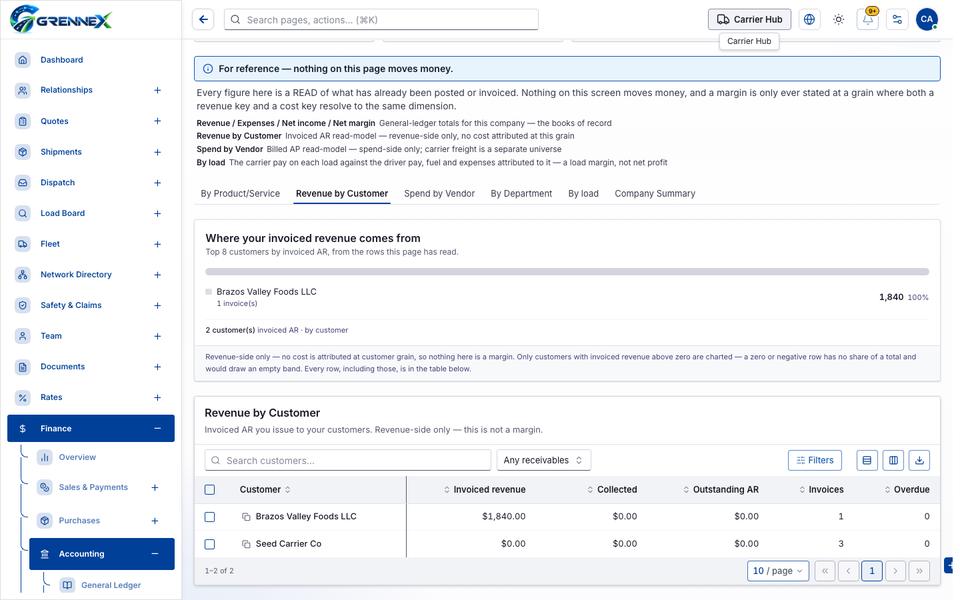
Last updated 2026-10-27