

Driver Activity
Module: Shipments · For: Carrier users · Page address: /carrier-portal/shipments/driver-activity
How to get there
Section titled “How to get there”Shipments → Driver Activity
Who can use this page
Section titled “Who can use this page”Needs: View permission on the Shipments module.
| Seat | Can open it |
|---|---|
| Owner / Admin | Yes |
| Manager | Yes |
| User | Yes |
Actions on this page and the permission each needs
Section titled “Actions on this page and the permission each needs”| Action | Permission | Notes |
|---|---|---|
| Export | Export on Shipments | Manage also grants it |
What this page tells you
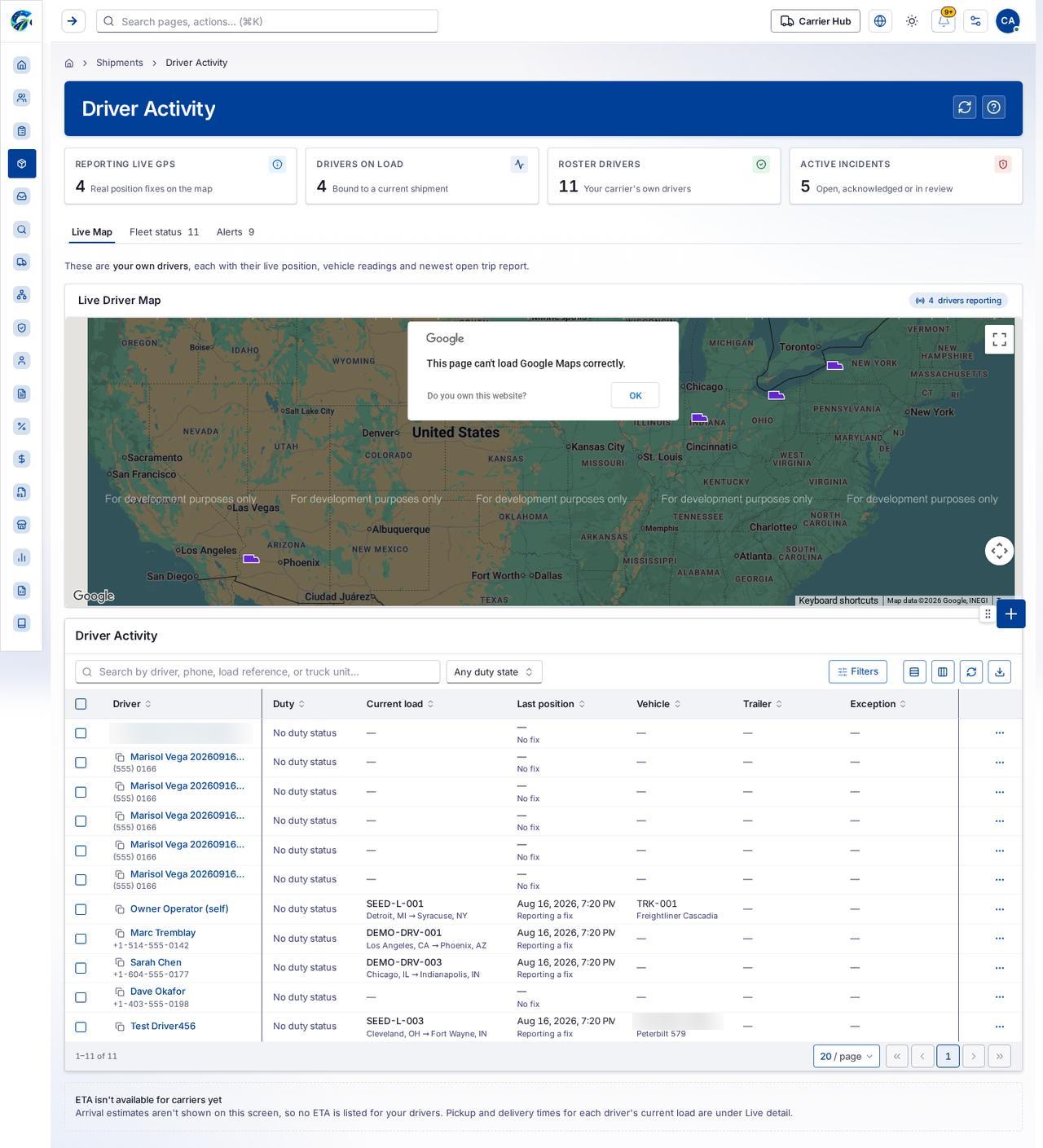
Section titled “What this page tells you”These are your own drivers, each with their live position, vehicle readings and newest open trip report.
What you see
Section titled “What you see”- Live Driver Map
- Driver Activity
Table columns
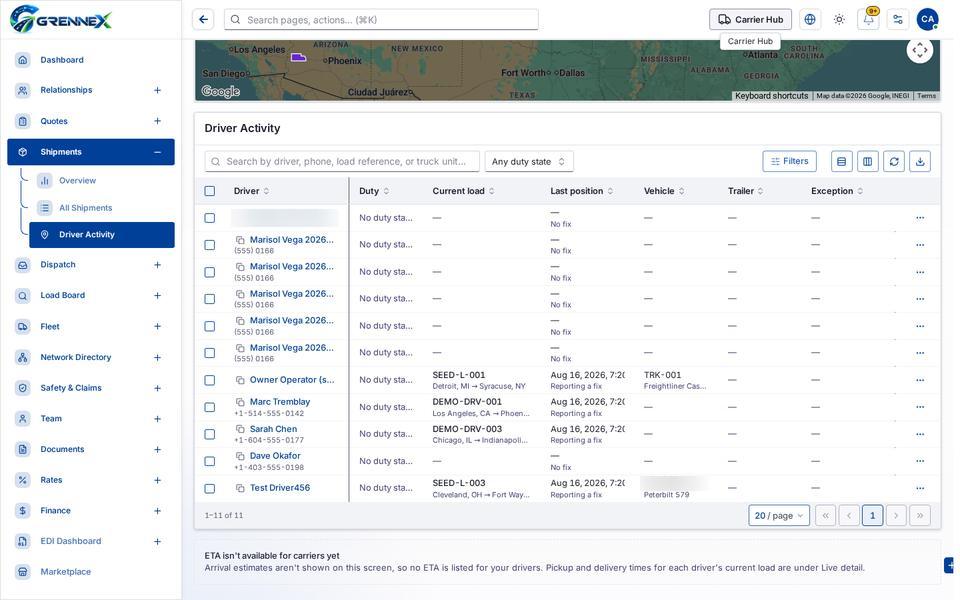
Section titled “Table columns”Driver · Duty · Current Load · Last Position · Vehicle · Trailer · Exception
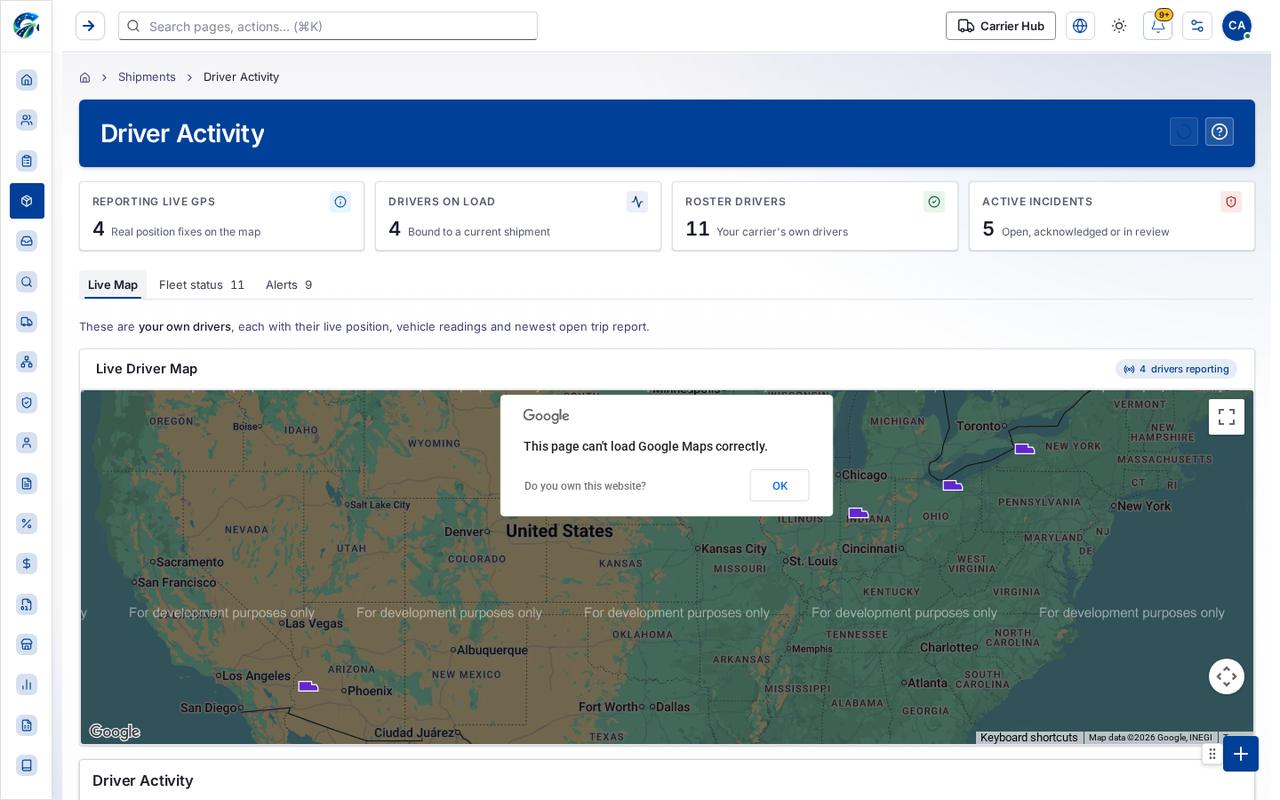
- Live Map
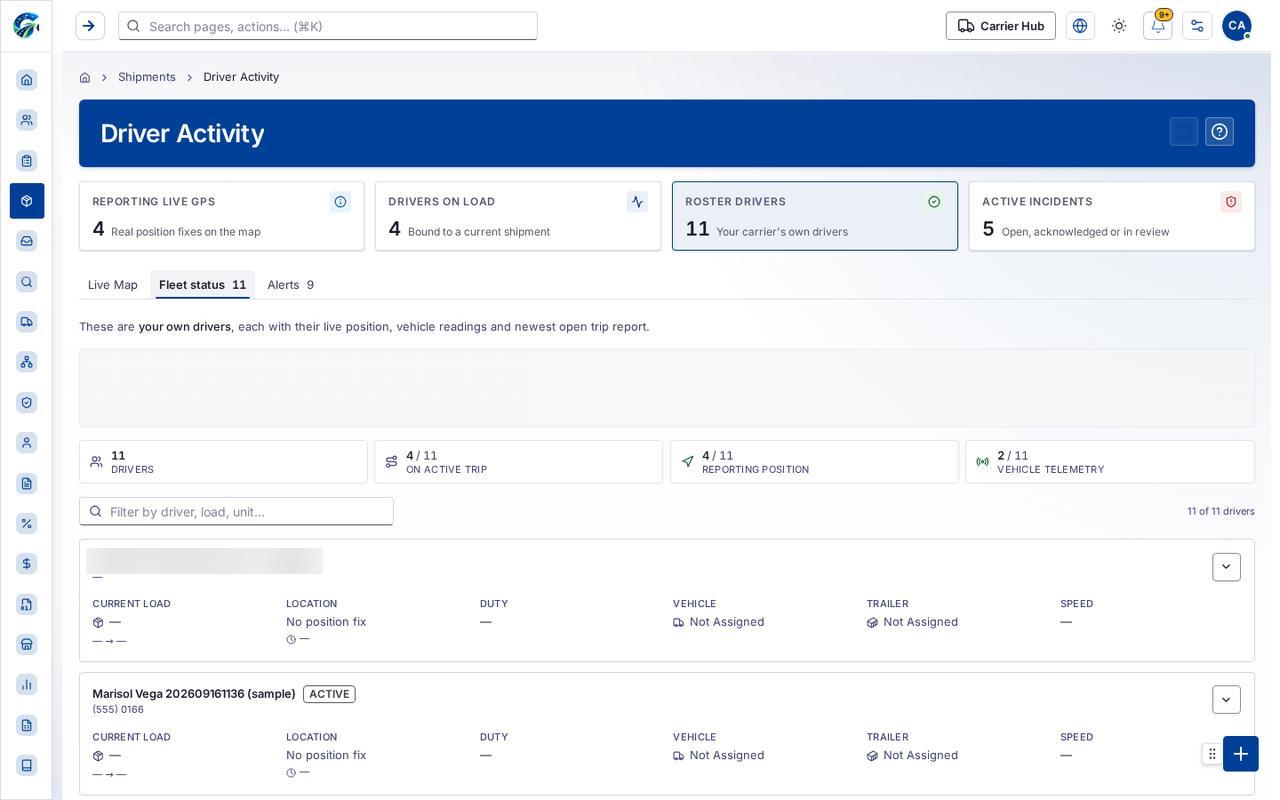
- Fleet status 11
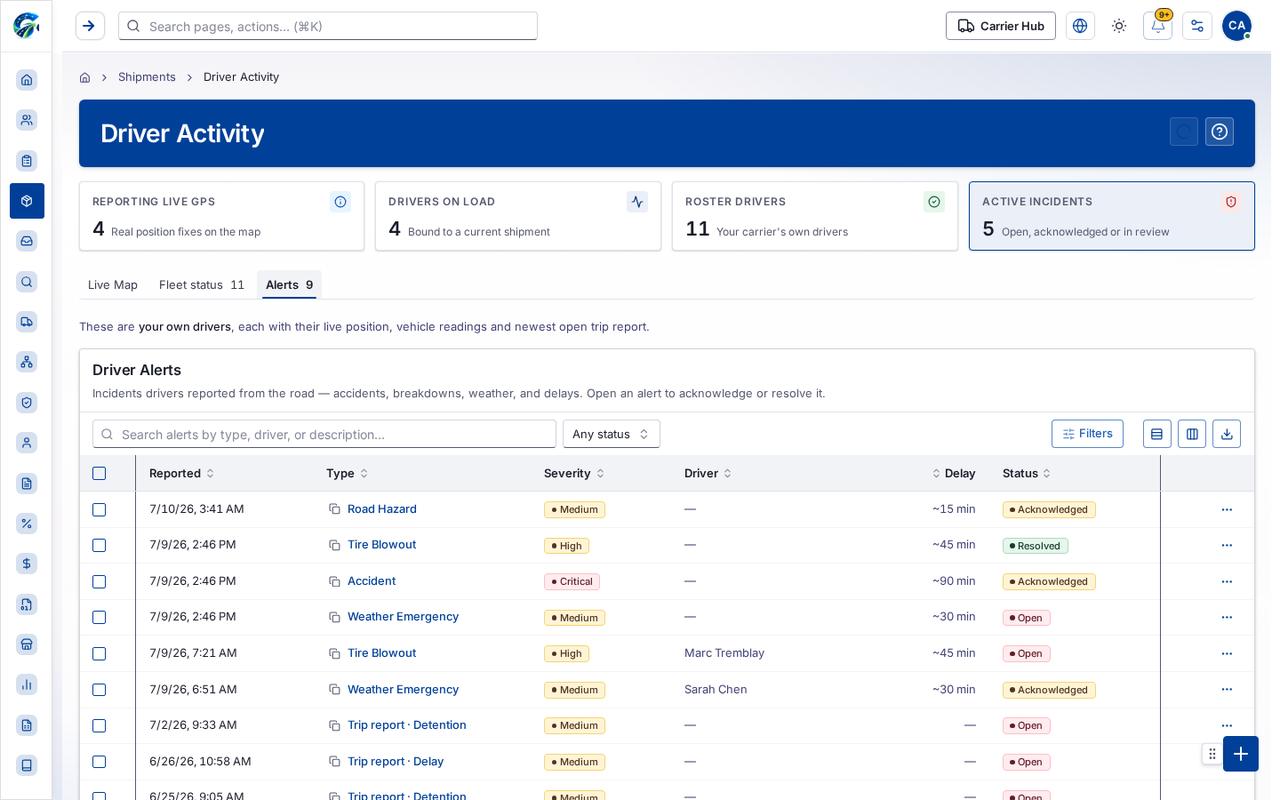
- Alerts 9
Tab: Live Map
Tab: Fleet status11
Tab: Alerts9
Tab: First page
Tab: Previous page
Tab: Page 1
What you can do
Section titled “What you can do”- Refresh
- Filter to drivers reporting live GPS
- Show the full live driver list
- Open the fleet status view
- Open the driver alerts feed
- Keyboard shortcuts
- Map camera controls
- Drag Pegman onto the map to open Street View
- OK
- Filters
- Export
- Driver
- Duty
- Current load
- Last position
- Vehicle
Fields
Section titled “Fields”| Field | Required | Type | Example |
|---|---|---|---|
| Duty state | No | combobox | Any duty state |
Loading, empty and error states
Section titled “Loading, empty and error states”Loading state

Popover-Guide state
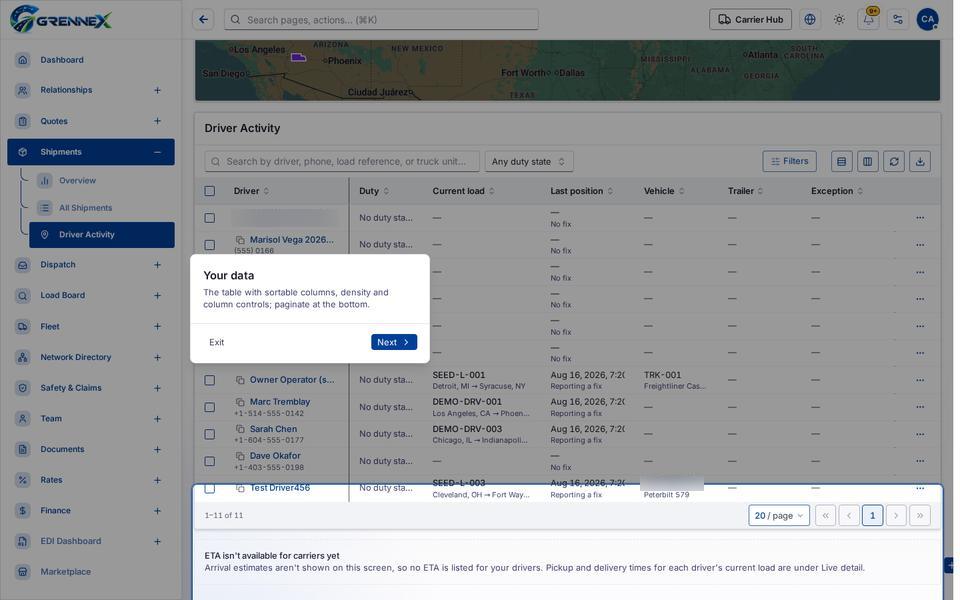
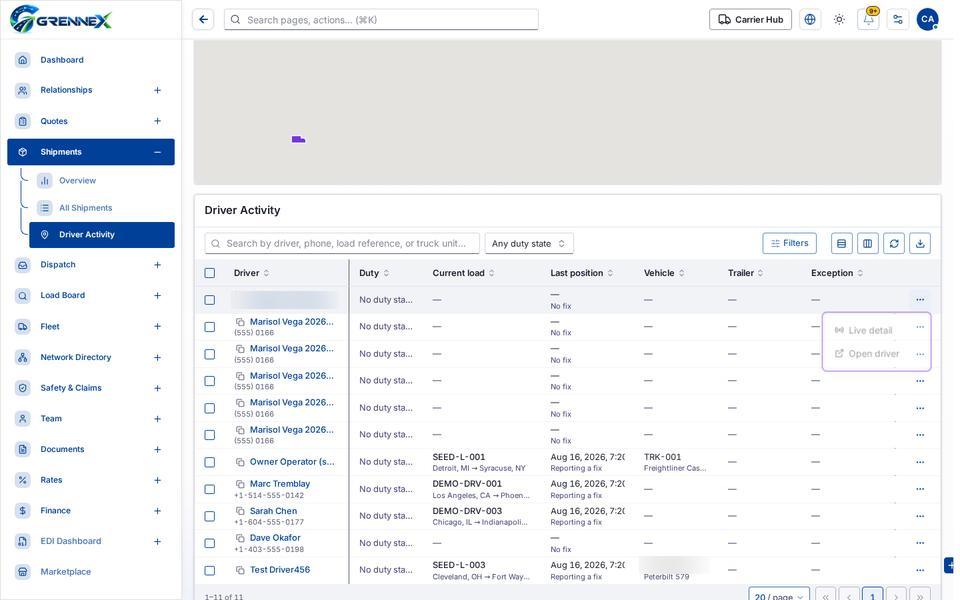
Rowmenu state
Tooltip state
Last updated 2026-10-27