

Assets
Module: Fleet · For: Carrier users · Page address: /carrier-portal/assets
How to get there
Section titled “How to get there”Fleet → Overview
Who can use this page
Section titled “Who can use this page”Needs: View permission on the Fleet module.
| Seat | Can open it |
|---|---|
| Owner / Admin | Yes |
| Manager | Yes |
| User | Yes |
What this page tells you
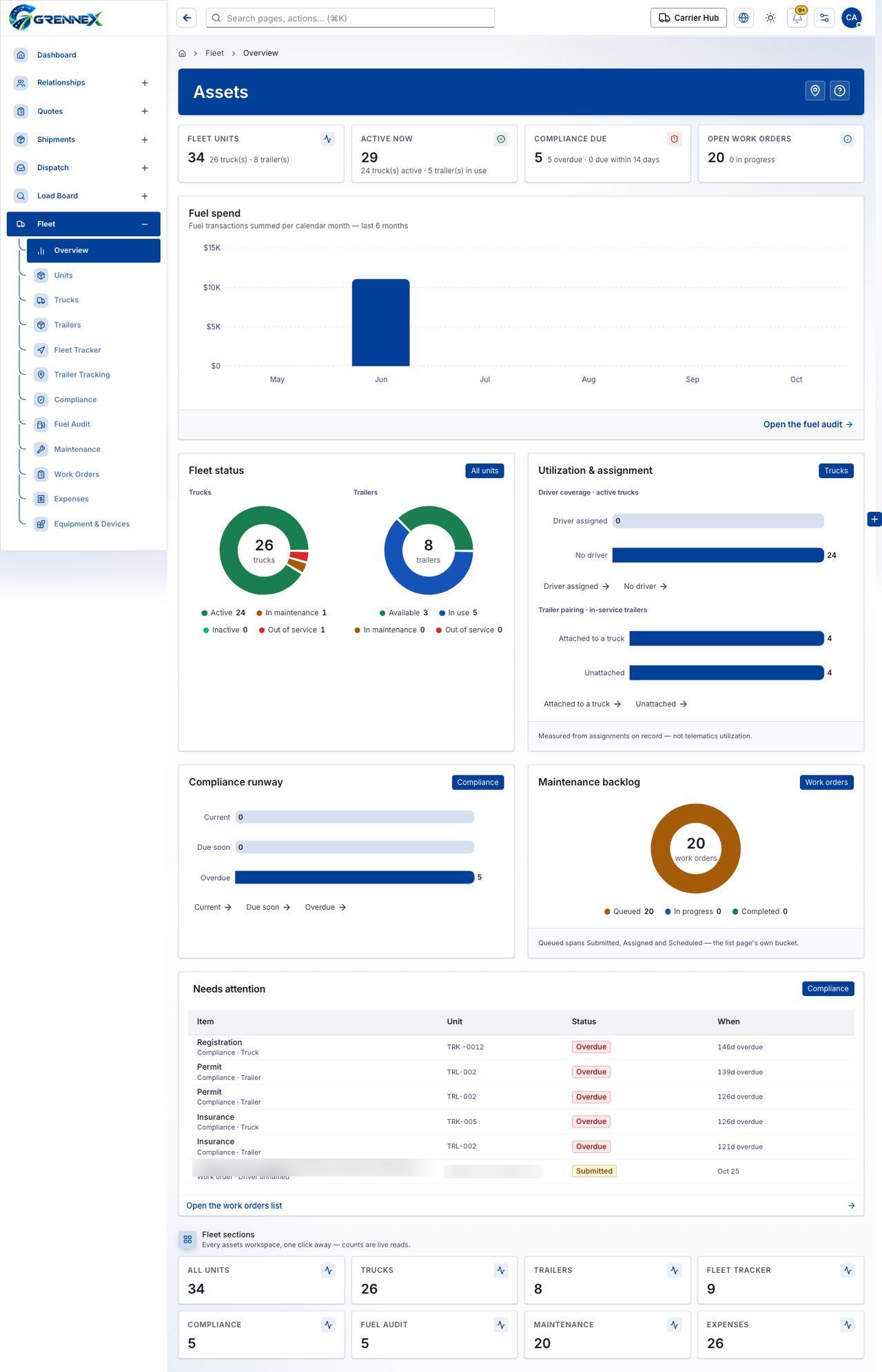
Section titled “What this page tells you”Fuel transactions summed per calendar month — last 6 months May: $0; Jun: $11,060; Jul: $0; Aug: $0; Sep: $0; Oct: $0 Measured from assignments on record — not telematics utilization.
What you see
Section titled “What you see”- Fuel spend
- Fleet status
- Utilization & assignment
- Compliance runway
What you can do
Section titled “What you can do”- Live tracker
- Open all fleet units
- Open the live fleet tracker
- Open compliance items
- Open the work orders list
Loading, empty and error states
Section titled “Loading, empty and error states”Loading state

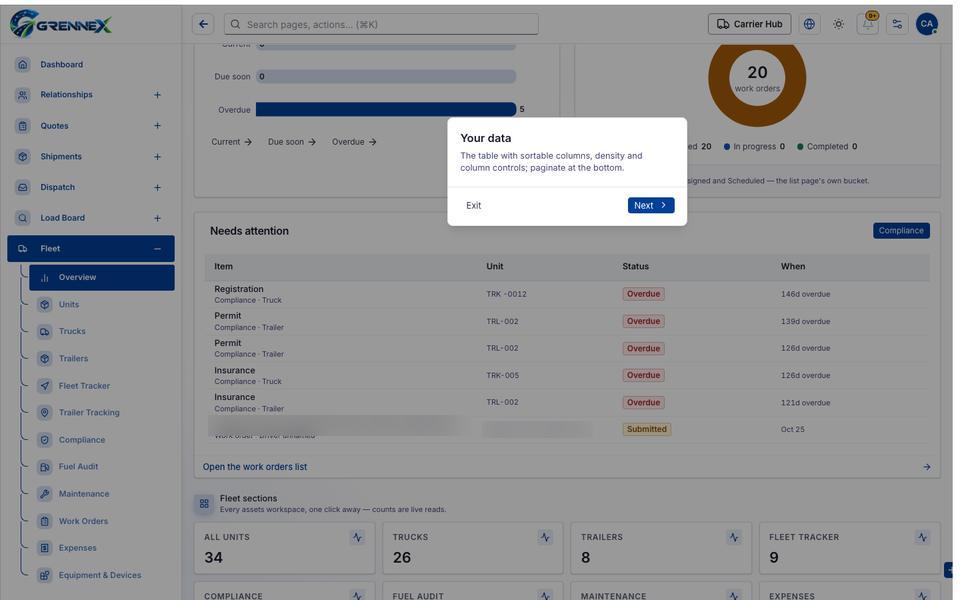
Popover-Guide state
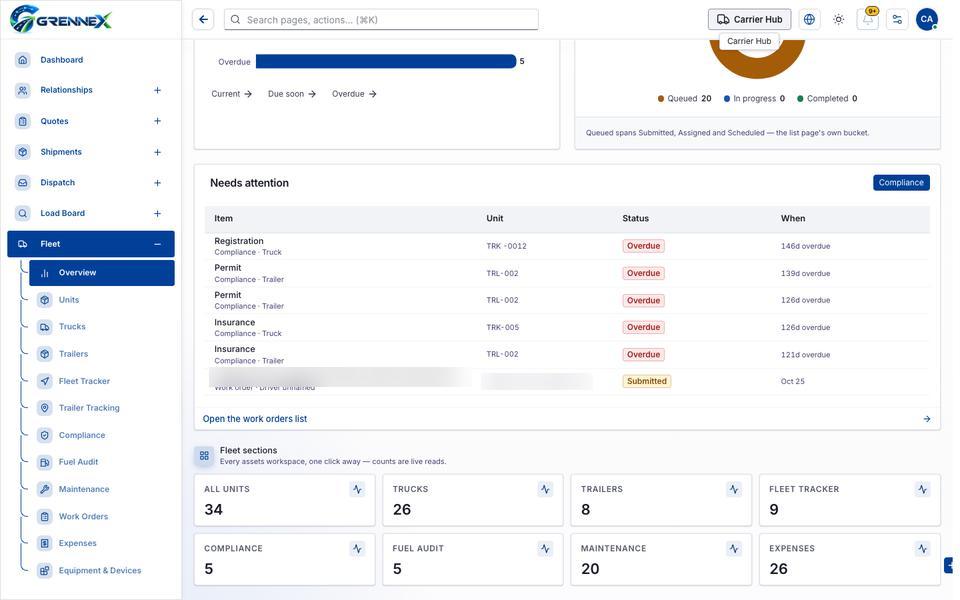
Tooltip state
Last updated 2026-10-26