

New item
Module: Truck & equipment · For: Drivers · Page address: /driver/fleet-tech/:category/items/new
How to get there
Section titled “How to get there”Fleet & Route Technology → Add equipment
Who can use this page
Section titled “Who can use this page”Needs: No module permission: every signed-in member of the company can open it.
Drivers use their own personal account; the company seat rules do not apply here.
Actions on this page and the permission each needs
Section titled “Actions on this page and the permission each needs”| Action | Permission | Notes |
|---|---|---|
| Cancel | Any signed-in member | Must be granted on its own (not part of Manage) |
| Add equipment | Any signed-in member | Manage also grants it |
What you see
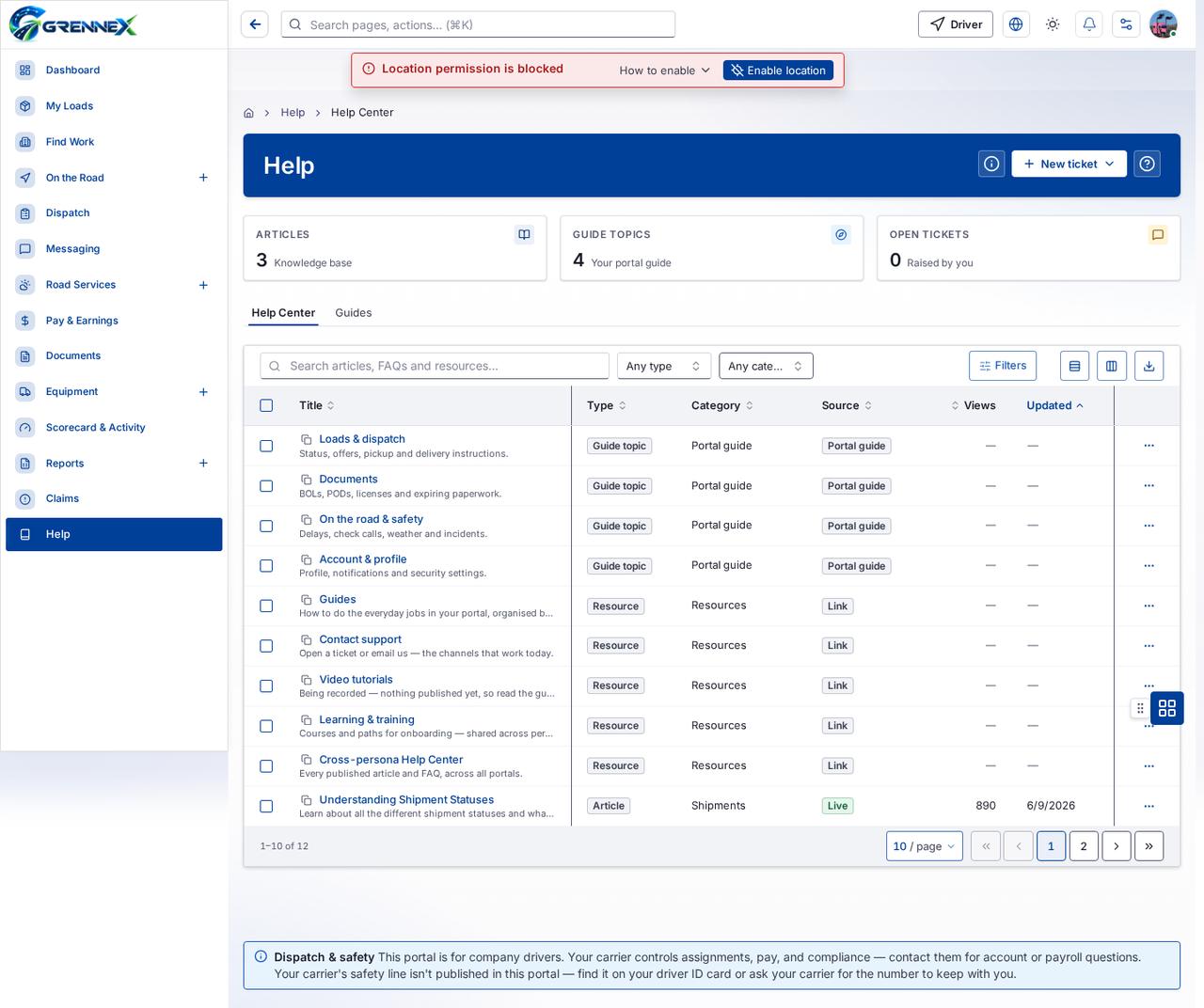
Section titled “What you see”- Details
- Assignment & Status
- Specifications
- Equipment — Draft
- Electronic Logging Device (ELD)
Table columns
Section titled “Table columns”Title · Type · Category · Source · Views · Updated
What you can do
Section titled “What you can do”- How this works
- Cancel
- Add equipment
- Hide preview
- View & edit notes
- Provider
- ELD registration ID
Fields
Section titled “Fields”| Field | Required | Type | Example |
|---|---|---|---|
| Equipment type | No | combobox | Electronic Logging Device (ELD) |
| Provider | Yes | combobox | — |
| Quantity | Yes | spinbutton | 1 |
| Label / asset tag | No | textbox | |
| Serial number | No | textbox | |
| Condition | No | combobox | Good |
| Status | No | combobox | Available |
| Assigned to | No | combobox | Unassigned |
| Compliance / inspection expiry | No | textbox | MM/DD/YYYY |
| Device model | No | textbox | |
| ELD registration ID | Yes | textbox | |
| Firmware version | No | textbox | |
| Malfunction status | No | combobox | — |
| Notes | No | textbox |
Loading, empty and error states
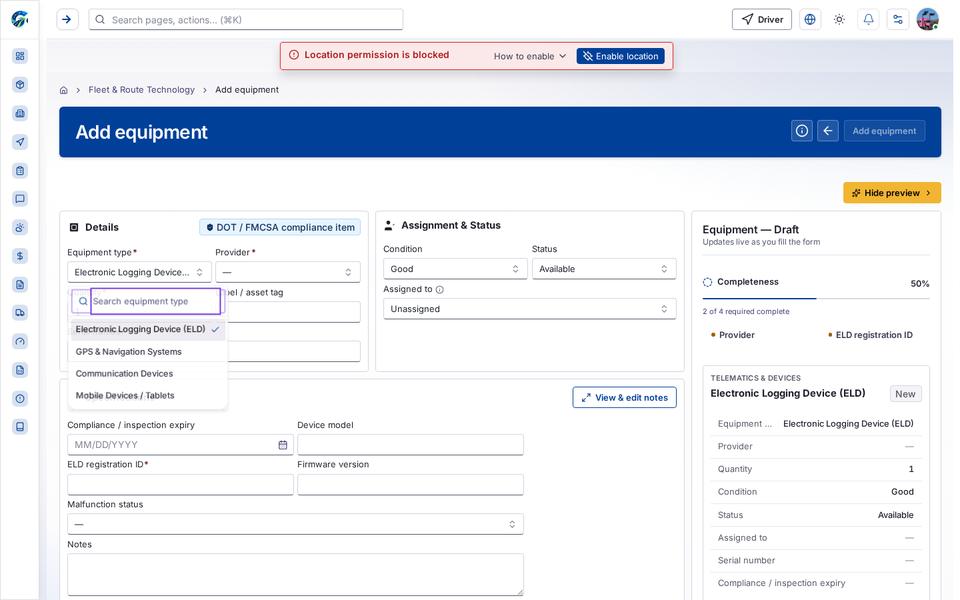
Section titled “Loading, empty and error states”Dropdown-Status state
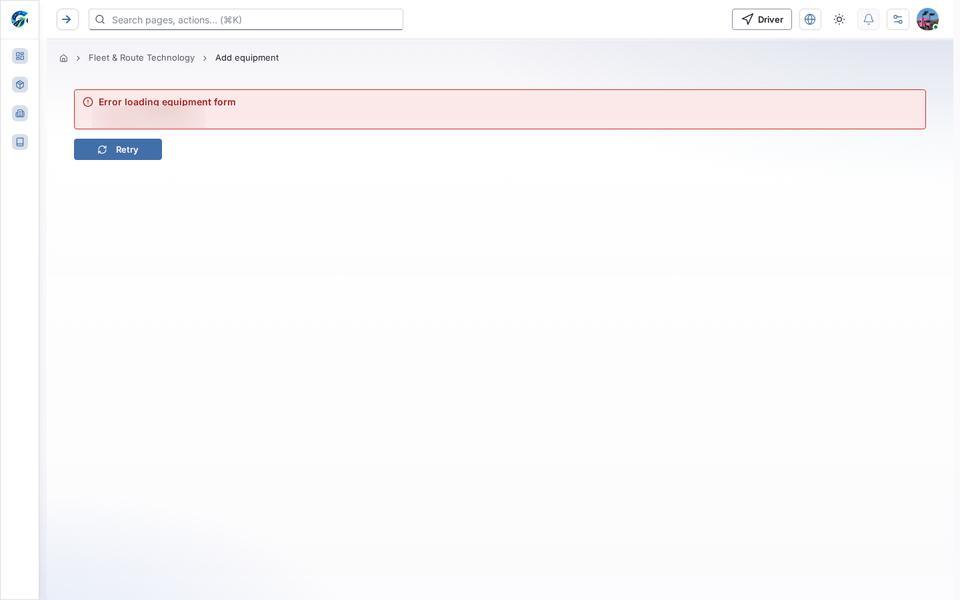
Error state
Loading state
Tooltip state
Last updated 2026-10-27