

New compliance
Module: Fleet · For: Carrier users · Page address: /carrier-portal/assets/compliance/new/edit
How to get there
Section titled “How to get there”Fleet → Compliance → New Compliance Item
Who can use this page
Section titled “Who can use this page”Needs: Create permission on the Fleet module.
| Seat | Can open it |
|---|---|
| Owner / Admin | Yes |
| Manager | Yes |
| User | Yes |
Actions on this page and the permission each needs
Section titled “Actions on this page and the permission each needs”| Action | Permission | Notes |
|---|---|---|
| Cancel | Delete on Fleet | Must be granted on its own (not part of Manage) |
| Add compliance item | Create on Fleet | Manage also grants it |
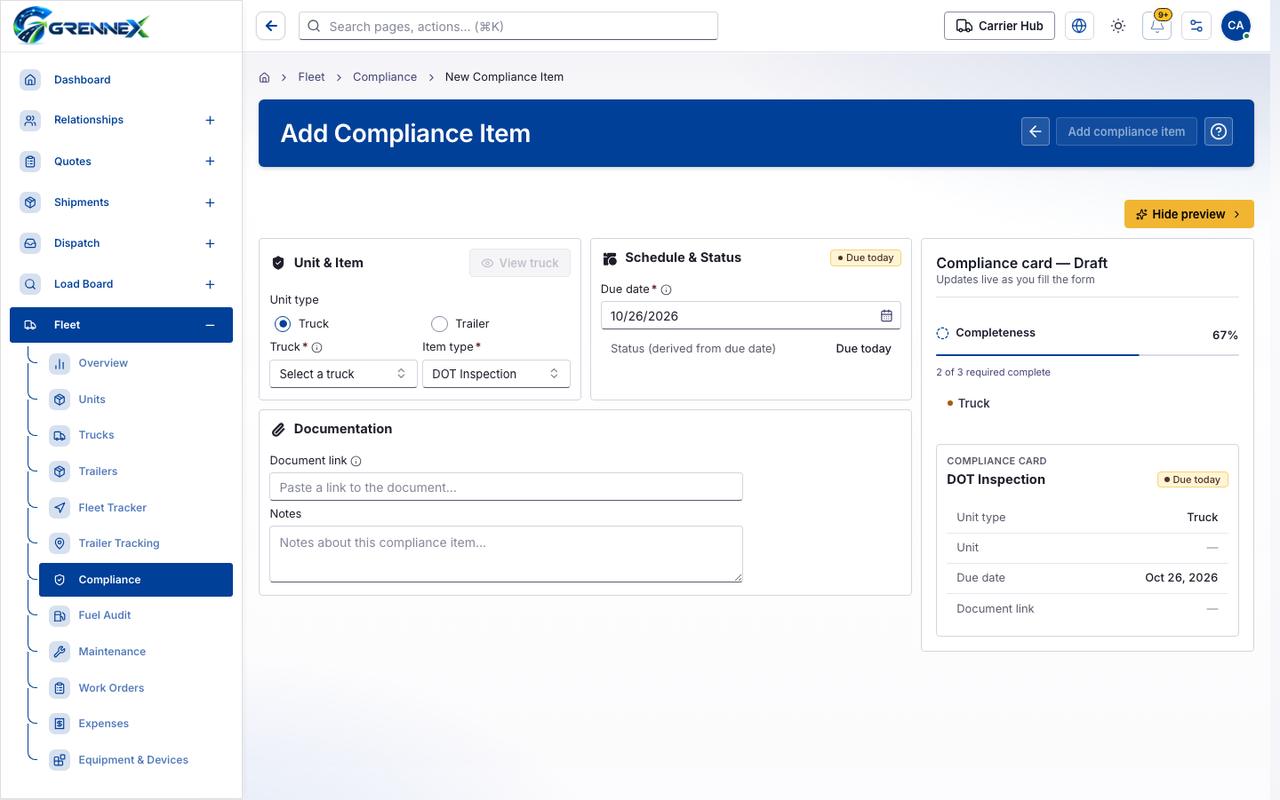
What you see
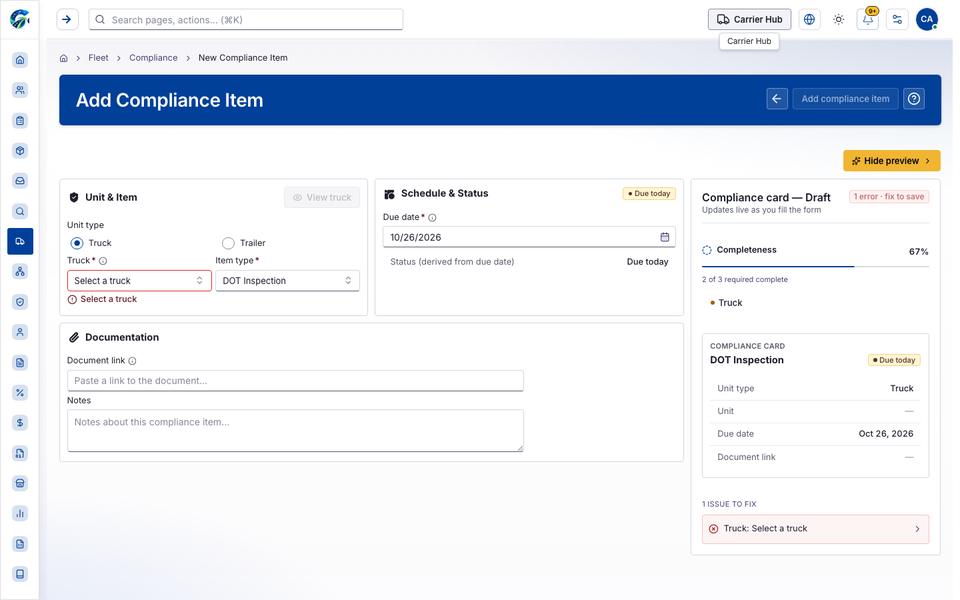
Section titled “What you see”- Unit & Item
- Schedule & Status
- Documentation
- Compliance card — Draft
- DOT Inspection
What you can do
Section titled “What you can do”- Cancel
- Add compliance item
- Hide preview
- View truck
- Truck
Fields
Section titled “Fields”| Field | Required | Type | Example |
|---|---|---|---|
| Truck | No | radio | |
| Trailer | No | radio | |
| Item type | Yes | combobox | DOT Inspection |
| Due date | Yes | textbox | MM/DD/YYYY |
| Document link | No | textbox | Paste a link to the document… |
| Notes | No | textbox | Notes about this compliance item… |
Loading, empty and error states
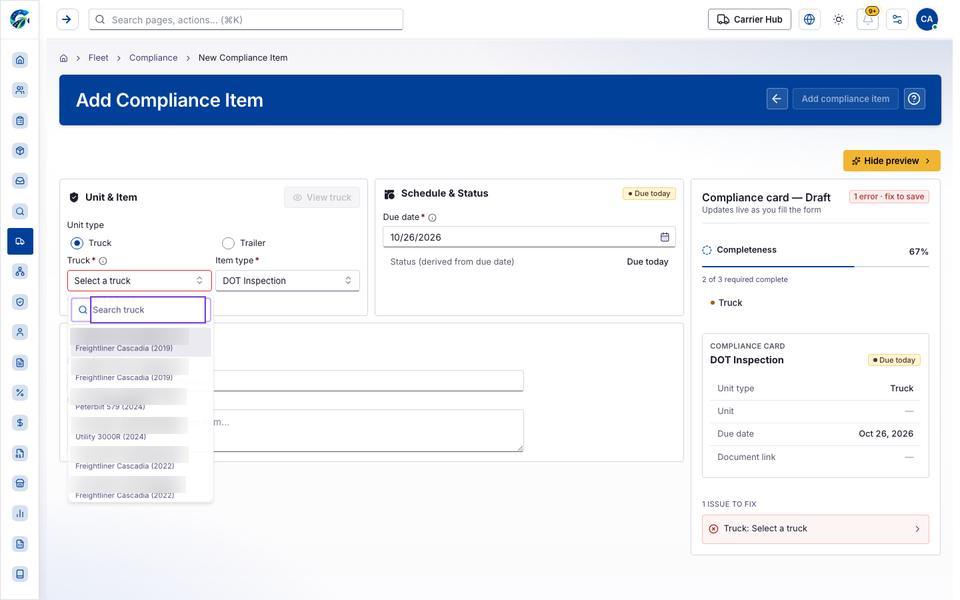
Section titled “Loading, empty and error states”Dropdown-Status state
Loading state
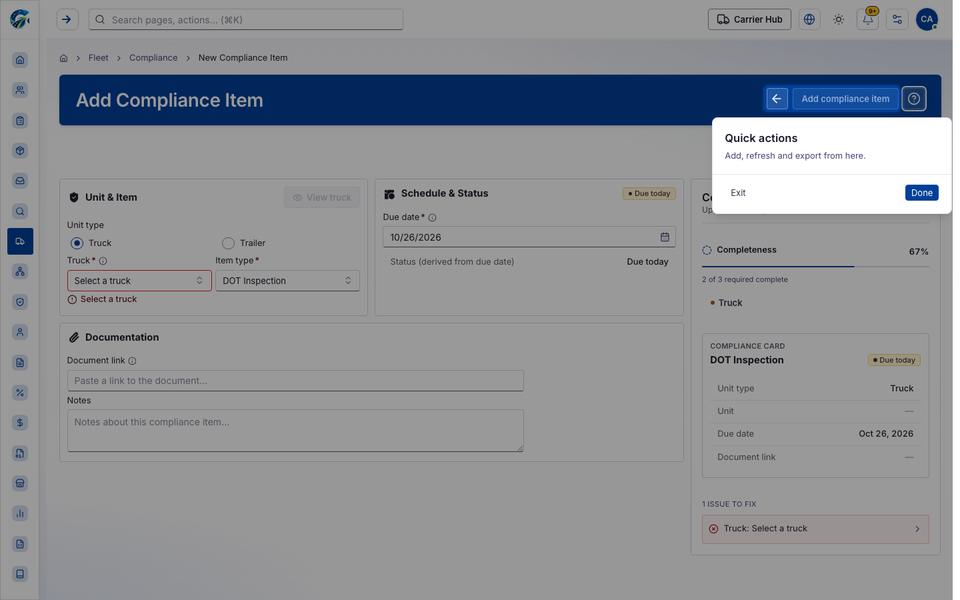
Popover-Guide state
Tooltip state
Last updated 2026-10-26