

Account
Module: Settings & help · For: Drivers · Page address: /driver/settings/account
How to get there
Section titled “How to get there”Settings → Profile
Who can use this page
Section titled “Who can use this page”Needs: No module permission: every signed-in member of the company can open it.
Drivers use their own personal account; the company seat rules do not apply here.
Actions on this page and the permission each needs
Section titled “Actions on this page and the permission each needs”| Action | Permission | Notes |
|---|---|---|
| Cancel | Any signed-in member | Must be granted on its own (not part of Manage) |
| Save changes | Any signed-in member | Manage also grants it |
| Change photo | Any signed-in member | Manage also grants it |
| Export 0 rows to CSV | Any signed-in member | Manage also grants it |
| File | Any signed-in member | Manage also grants it |
| Request Owner-operator access | Any signed-in member | Manage also grants it |
| Change password | Any signed-in member | Manage also grants it |
What this page tells you
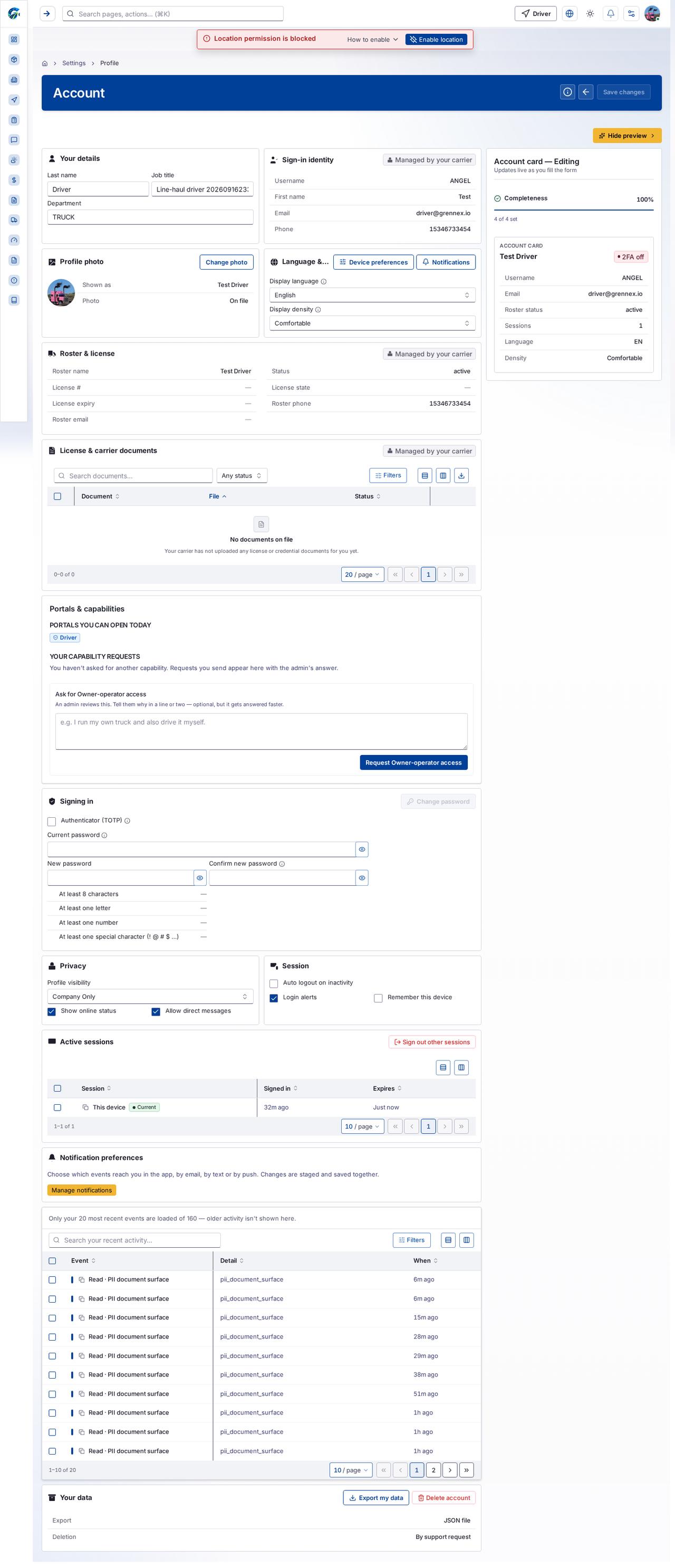
Section titled “What this page tells you”Your carrier has not uploaded any license or credential documents for you yet. You haven’t asked for another capability. Requests you send appear here with the admin’s answer. An admin reviews this. Tell them why in a line or two — optional, but it gets answered faster.
What you see
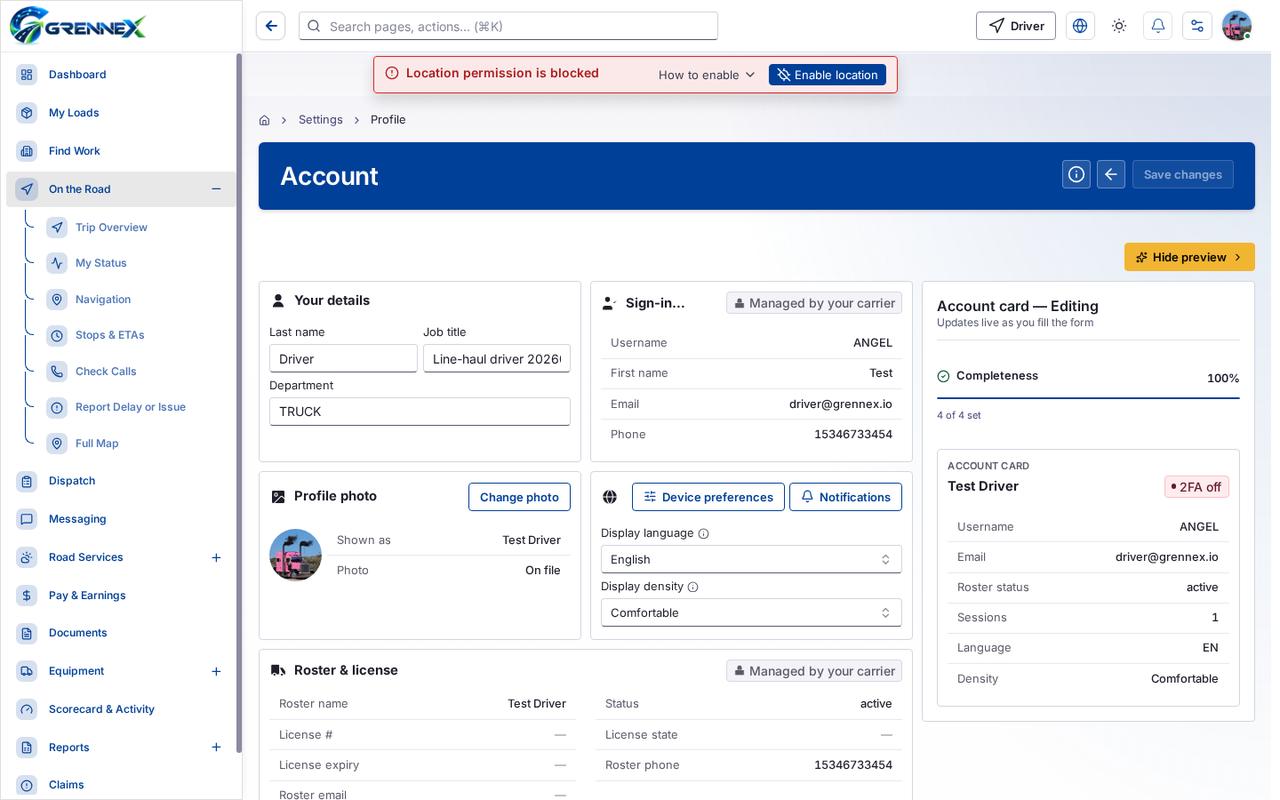
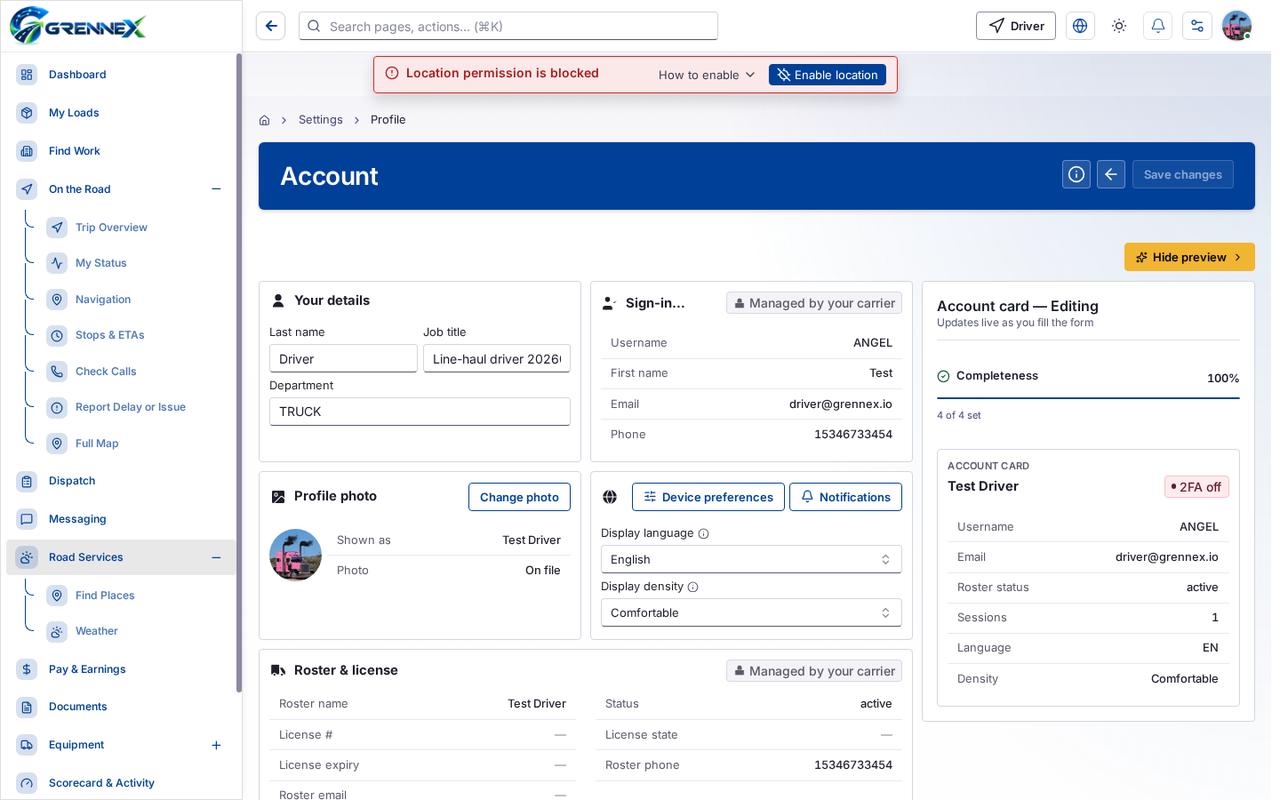
Section titled “What you see”- Your details
- Sign-in identity
- Profile photo
- Language & display
- Roster & license
- License & carrier documents
- Portals & capabilities
- Portals you can open today
- Your capability requests
- Signing in
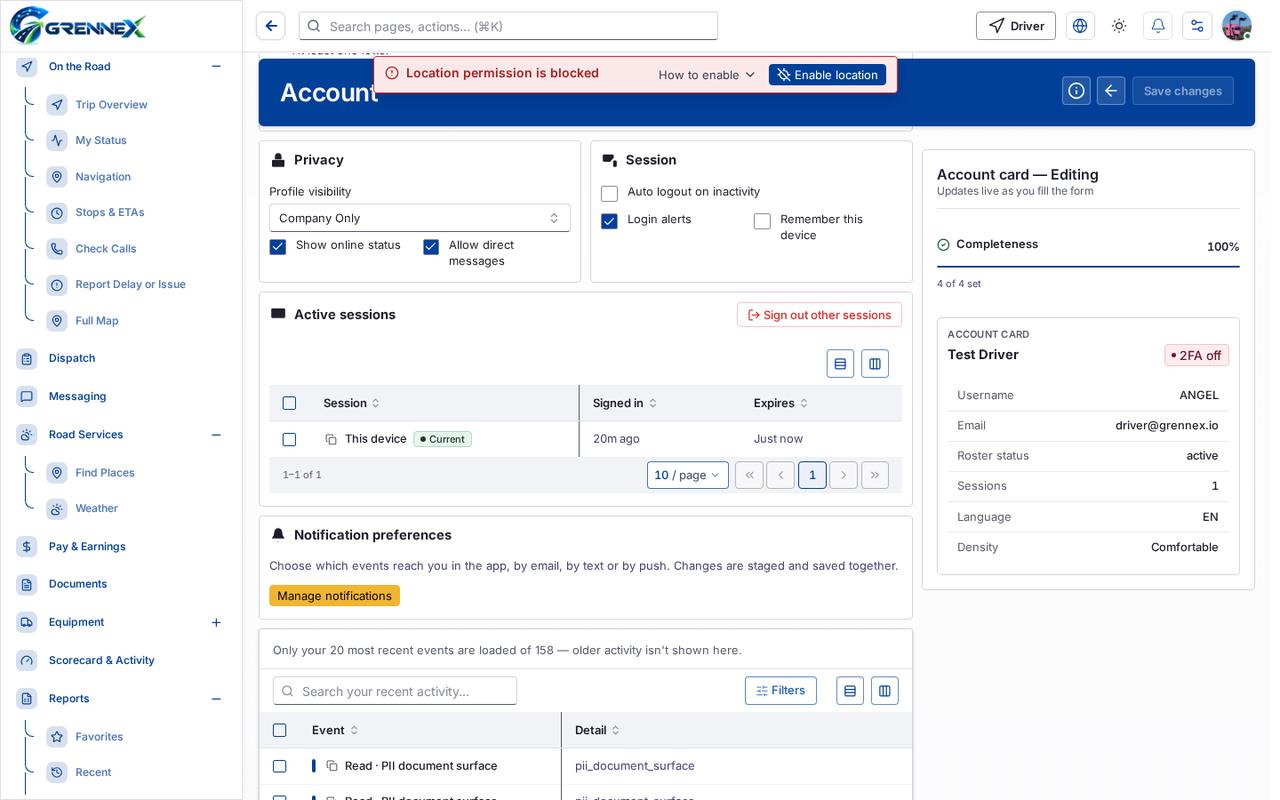
- Privacy
- Session
- Active sessions
Table columns
Section titled “Table columns”Document · File · Status · Session · Signed In · Expires · Event · Detail · When
Tab: First page
Tab: Previous page
Tab: Previous page
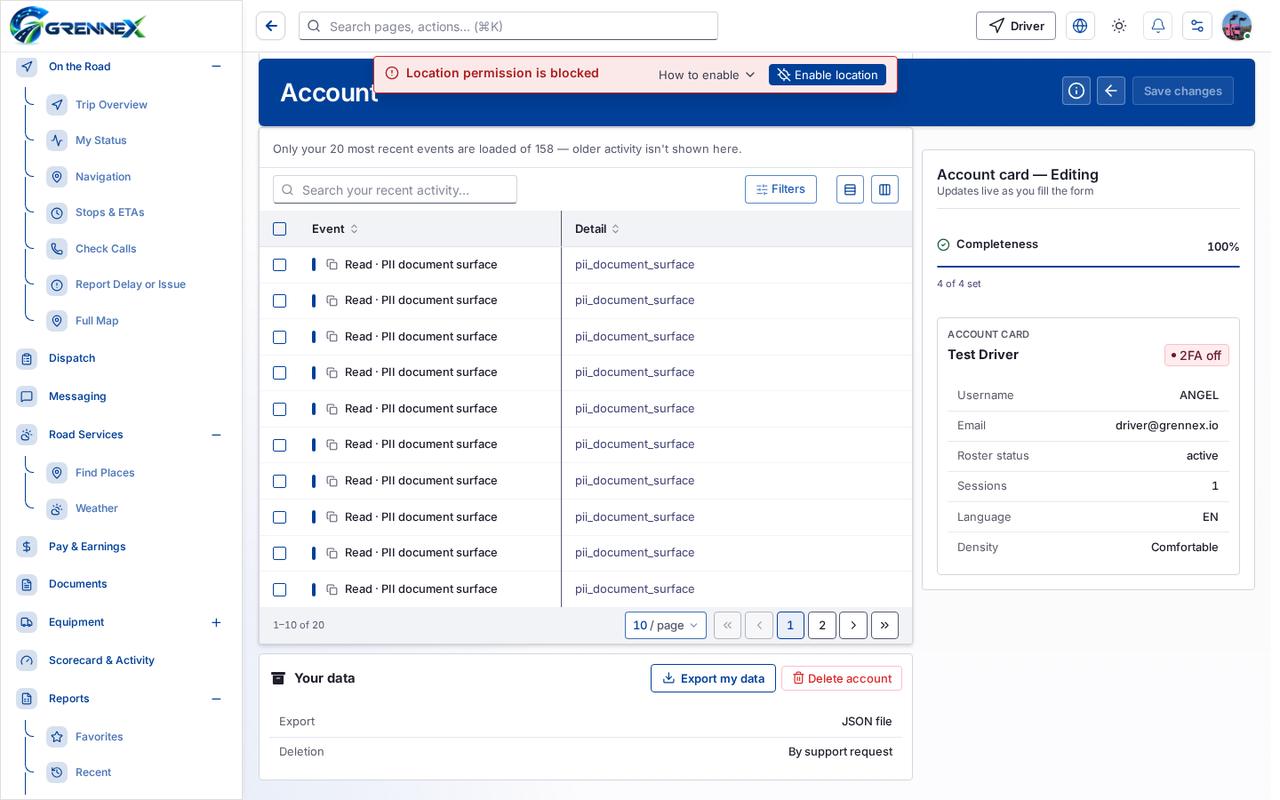
Tab: Page 1
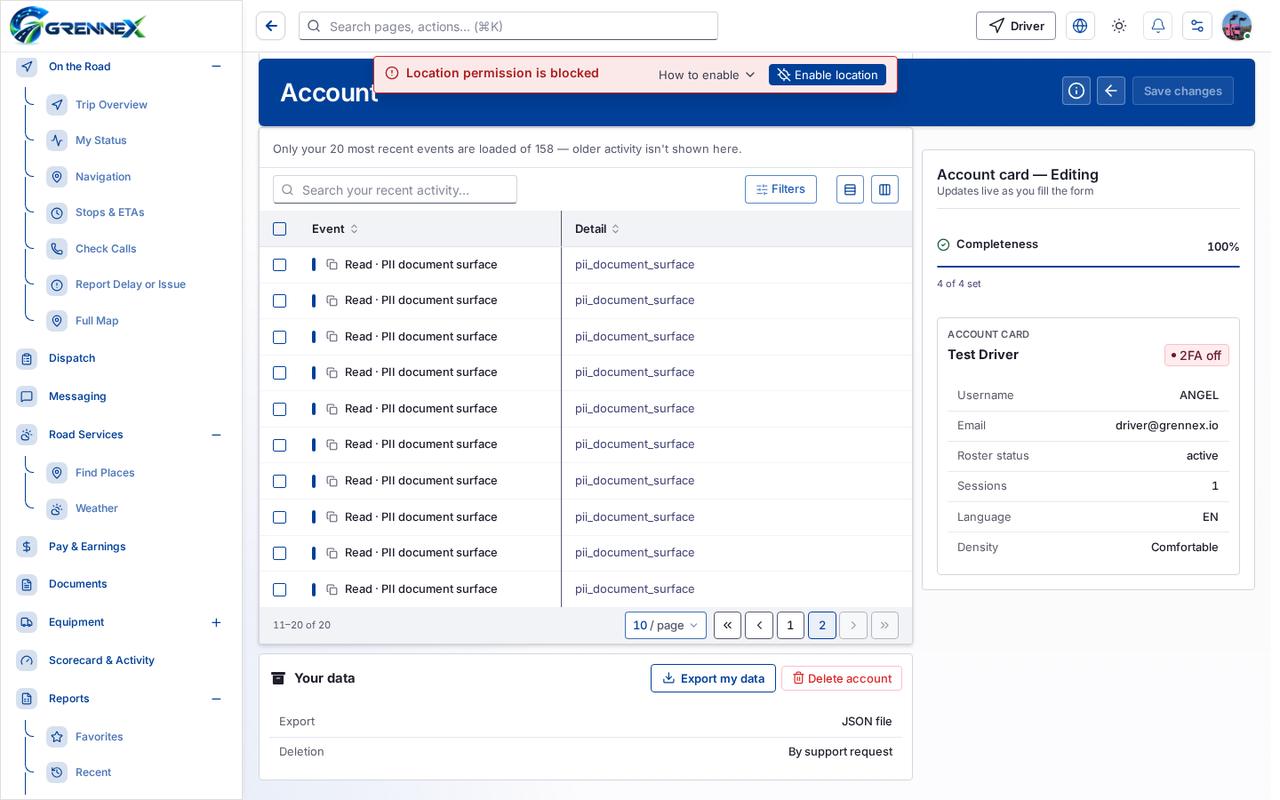
Tab: Page 2
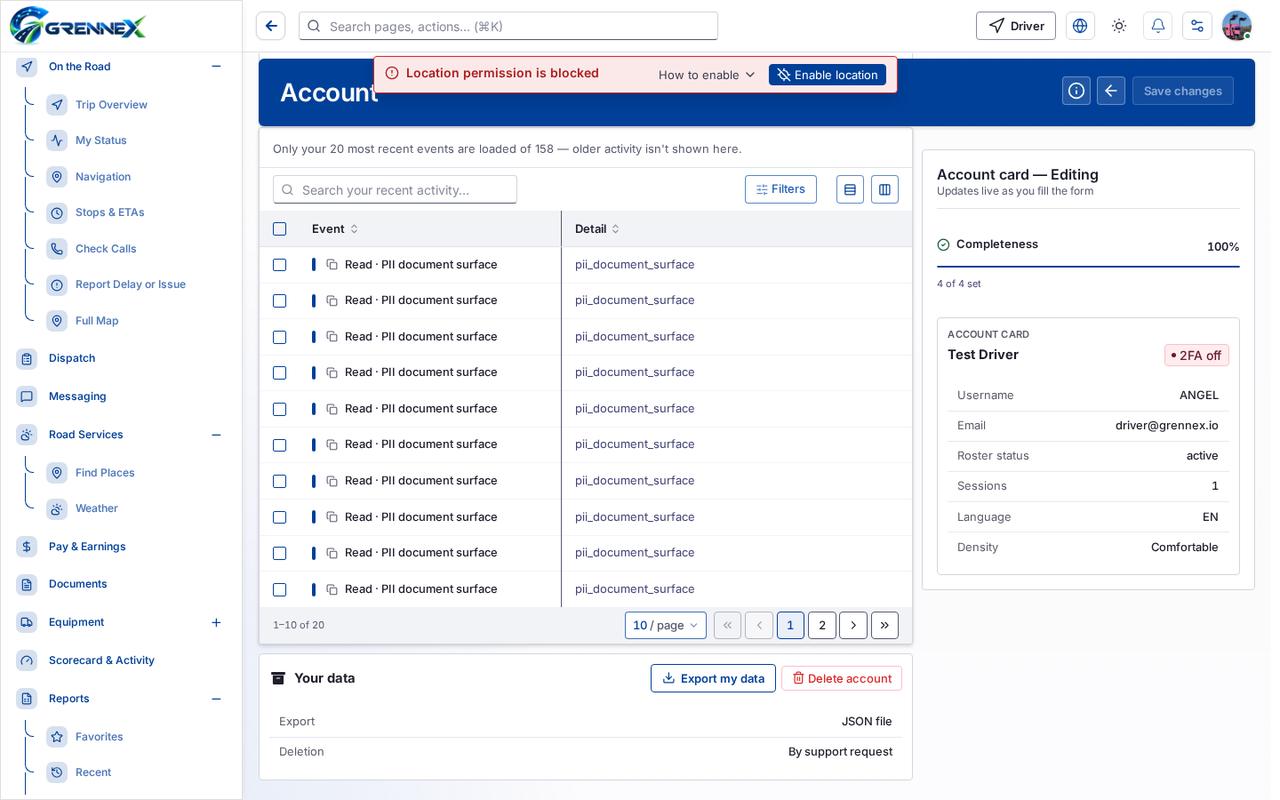
Tab: Next page
What you can do
Section titled “What you can do”- How this works
- Cancel
- Save changes
- Hide preview
- Change photo
- Device preferences
- Notifications
- Filters
- Export 0 rows to CSV
- Document
- File
- Status
- Rows per page — currently 20
- Request Owner-operator access
- Change password
- Show current password
Fields
Section titled “Fields”| Field | Required | Type | Example |
|---|---|---|---|
| Last name | No | textbox | Driver |
| Job title | No | textbox | Line-haul driver 202609162333 |
| Department | No | textbox | TRUCK |
| Display language | No | combobox | English |
| Display density | No | combobox | Comfortable |
| Status | No | combobox | Any status |
| Ask for Owner-operator access | No | textbox | e.g. I run my own truck and also drive i |
| Authenticator (TOTP) | No | checkbox | |
| Current password | No | textbox | |
| New password | No | textbox | |
| Confirm new password | No | textbox | |
| Profile visibility | No | combobox | Company Only |
| Show online status | No | checkbox | |
| Allow direct messages | No | checkbox | |
| Auto logout on inactivity | No | checkbox | |
| Login alerts | No | checkbox | |
| Remember this device | No | checkbox |
Loading, empty and error states
Section titled “Loading, empty and error states”Dropdown-Status state
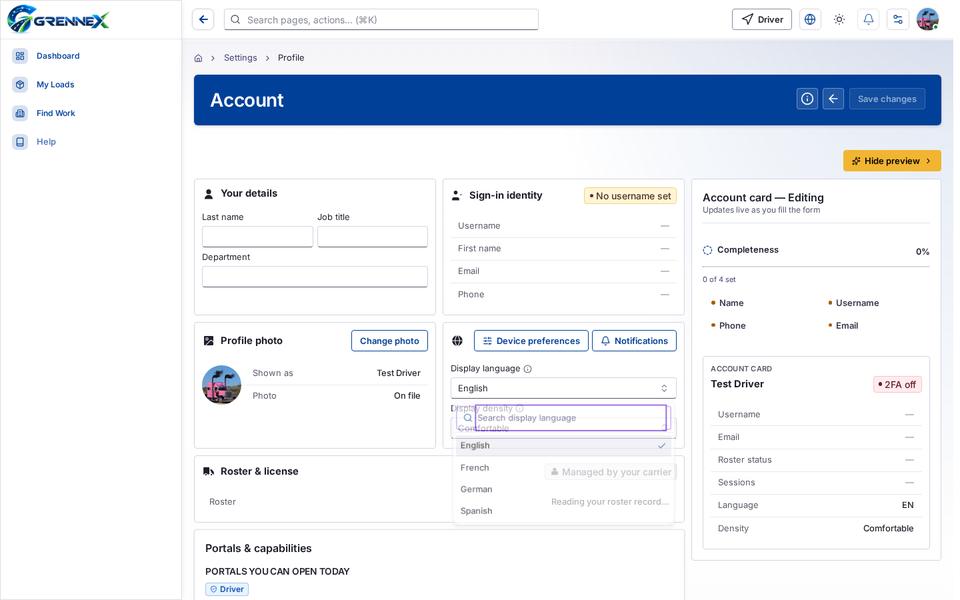
Empty state
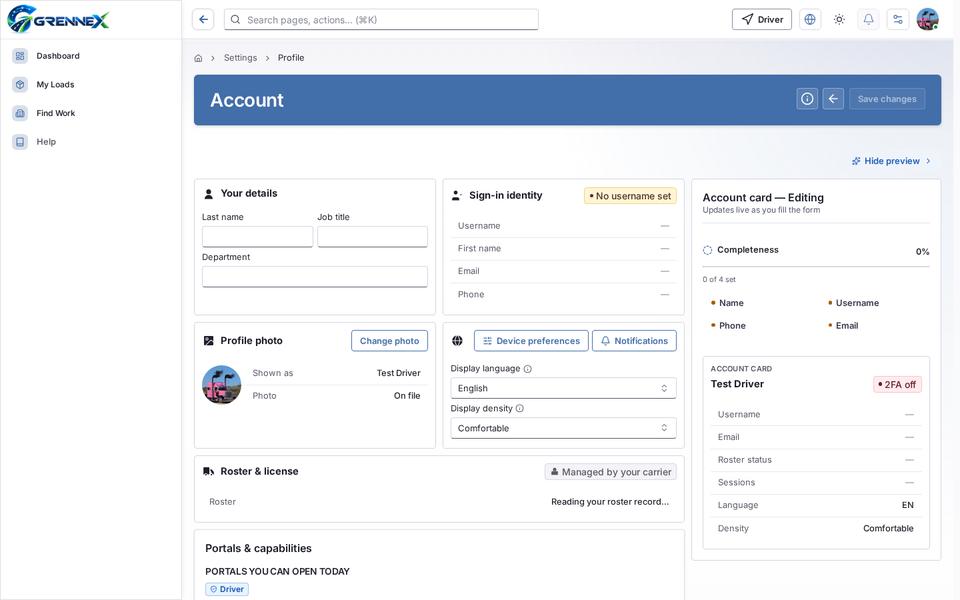
Error state
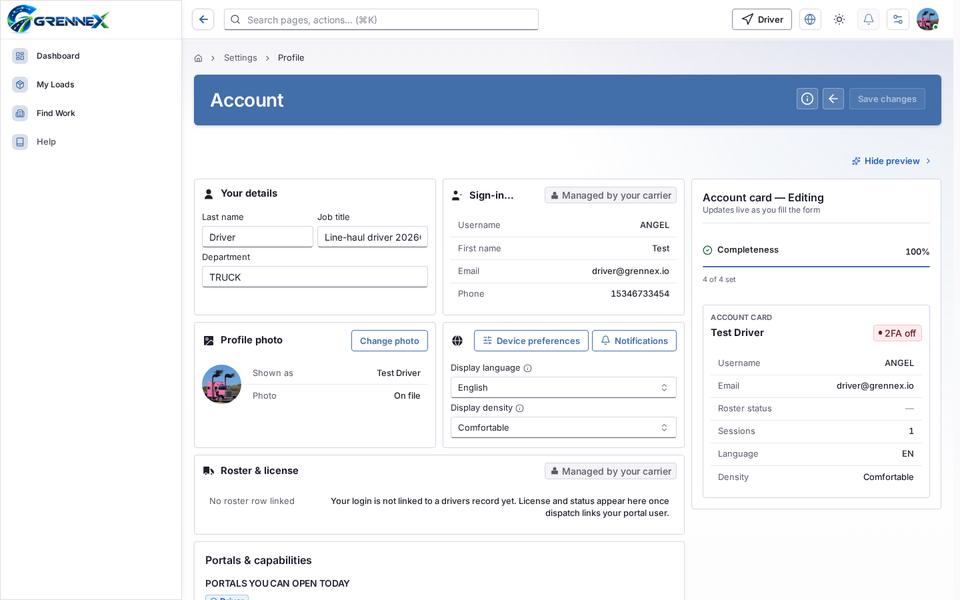
Loading state
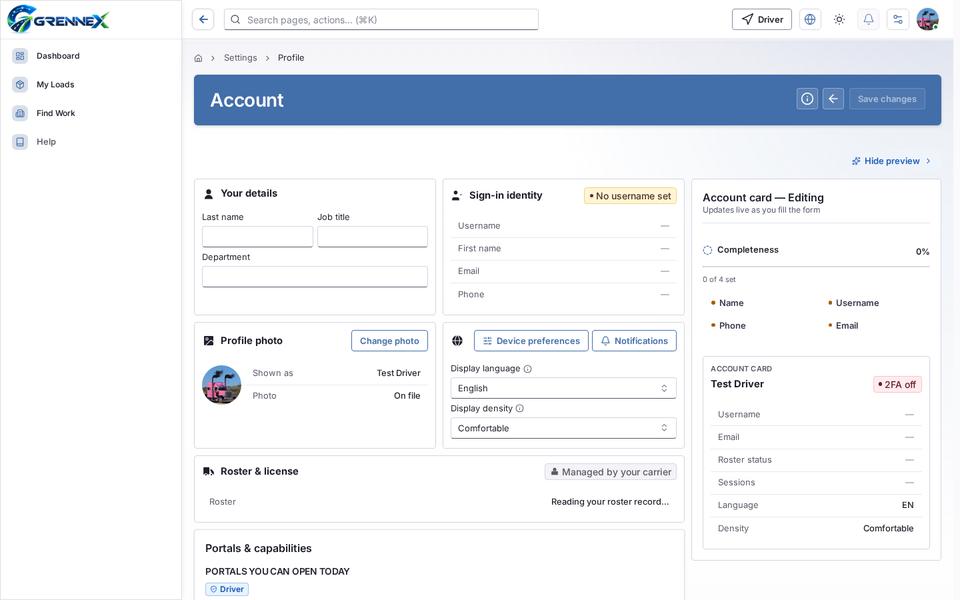
Last updated 2026-10-27