

New work order
Module: Fleet · For: Carrier users · Page address: /carrier-portal/assets/maintenance/work-orders/new/edit
How to get there
Section titled “How to get there”Fleet → Work Orders → New work order
Who can use this page
Section titled “Who can use this page”Needs: Create permission on the Fleet module.
| Seat | Can open it |
|---|---|
| Owner / Admin | Yes |
| Manager | Yes |
| User | Yes |
Actions on this page and the permission each needs
Section titled “Actions on this page and the permission each needs”| Action | Permission | Notes |
|---|---|---|
| Cancel | Delete on Fleet | Must be granted on its own (not part of Manage) |
| Create work order | Create on Fleet | Manage also grants it |
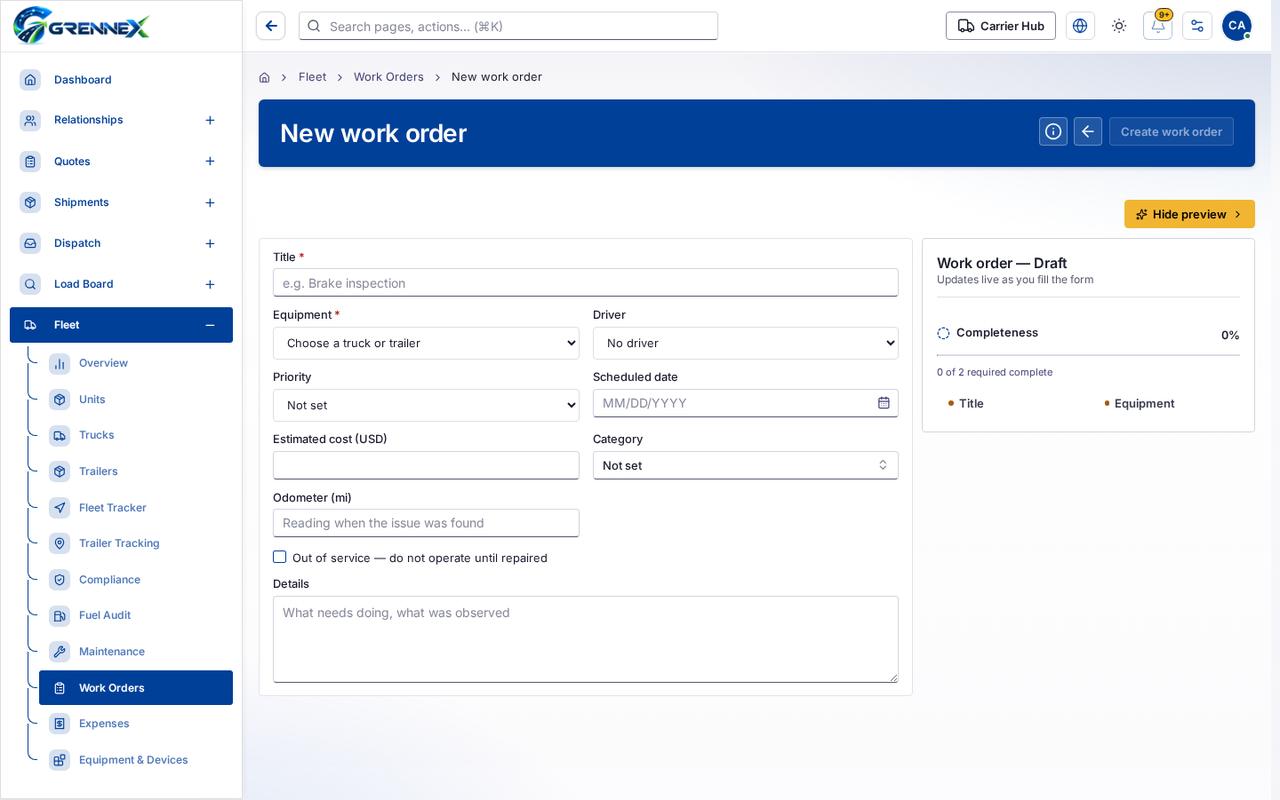
What you see
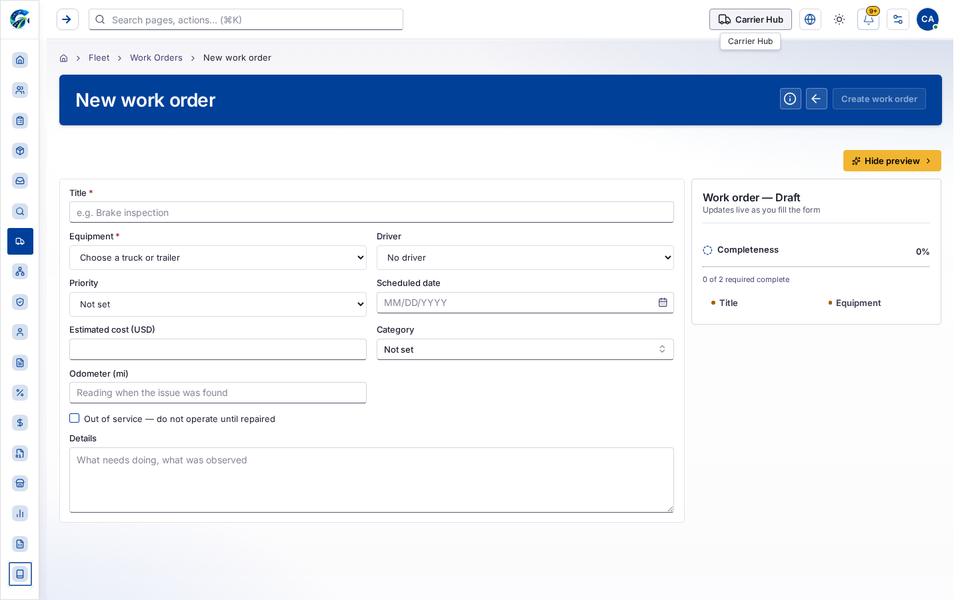
Section titled “What you see”- Work order — Draft
What you can do
Section titled “What you can do”- How this works
- Cancel
- Create work order
- Hide preview
- Title
- Equipment
Fields
Section titled “Fields”| Field | Required | Type | Example |
|---|---|---|---|
| Title | No | textbox | e.g. Brake inspection |
| Equipment | No | combobox | |
| Driver | No | combobox | |
| Priority | No | combobox | |
| Scheduled date | No | textbox | MM/DD/YYYY |
| Estimated cost (USD) | No | spinbutton | |
| Category | No | combobox | Not set |
| Odometer (mi) | No | textbox | Reading when the issue was found |
| Out of service — do not operate until repaired | No | checkbox | |
| Details | No | textbox | What needs doing, what was observed |
Loading, empty and error states
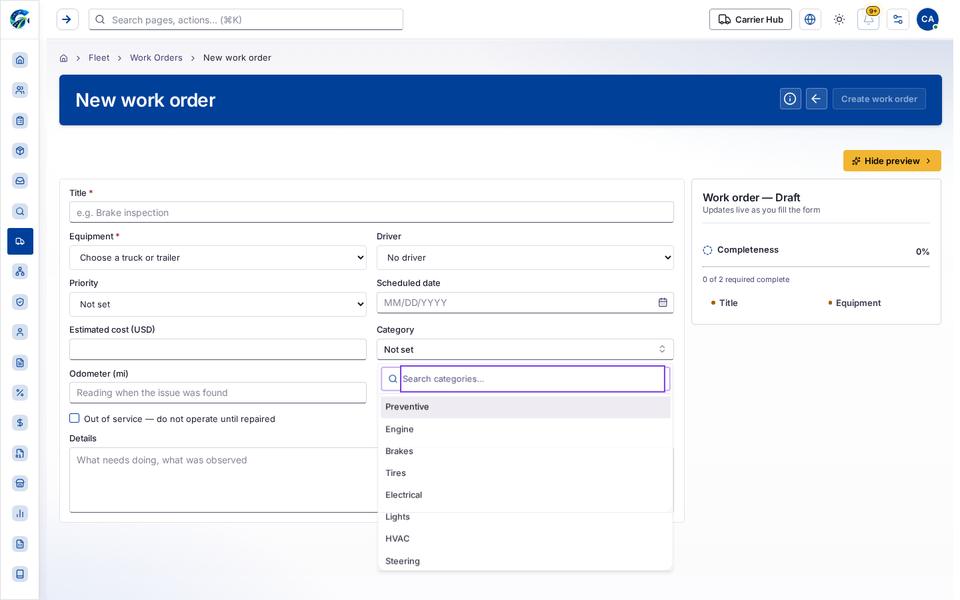
Section titled “Loading, empty and error states”Dropdown-Status state
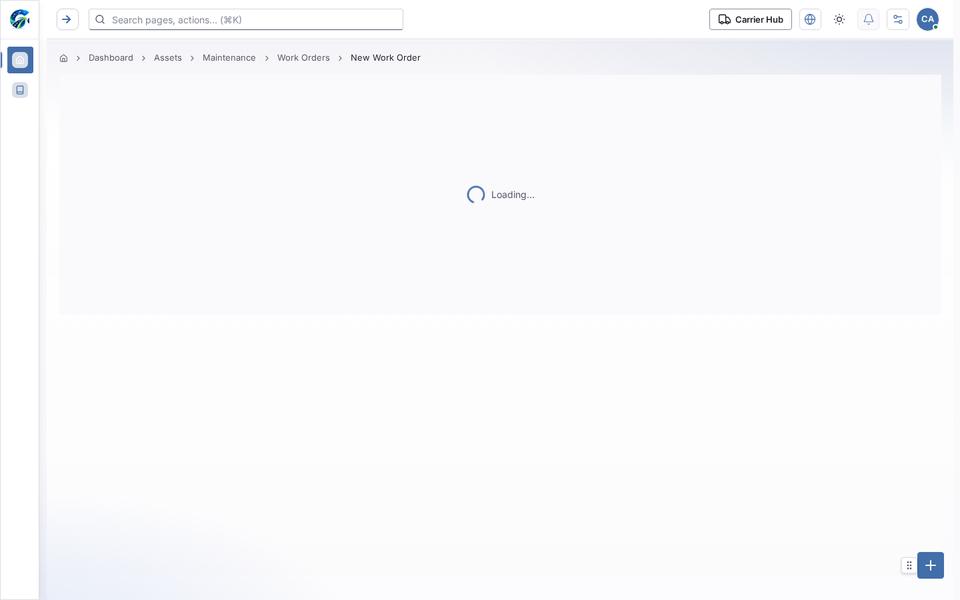
Loading state
Popover-Guide state
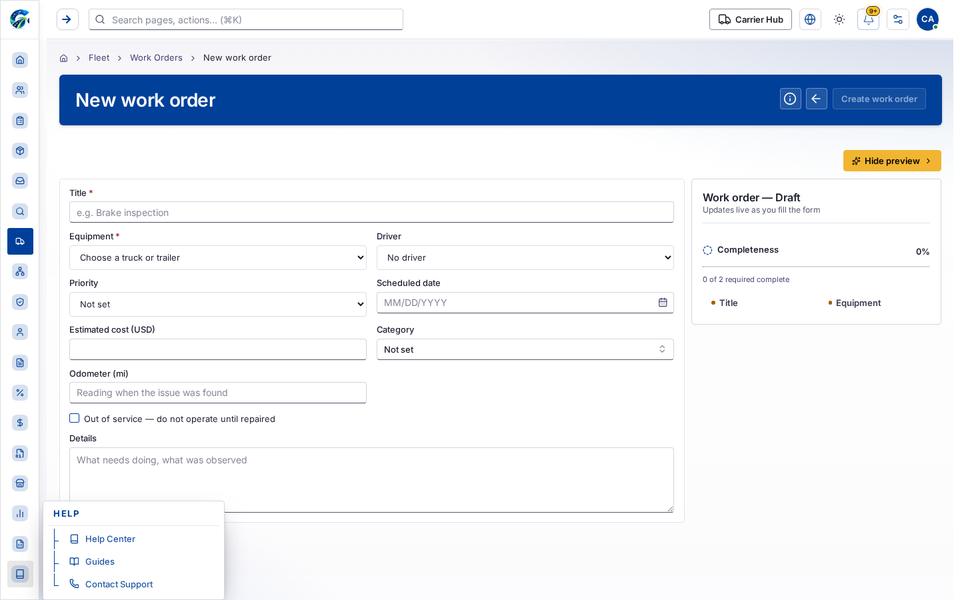
Tooltip state
Last updated 2026-10-27