

New quote
Module: Quotes · For: Carrier users · Page address: /carrier-portal/quotes/new
How to get there
Section titled “How to get there”Quotes → Quotations → Create New Quote
Who can use this page
Section titled “Who can use this page”Needs: Create permission on the Quotes module.
| Seat | Can open it |
|---|---|
| Owner / Admin | Yes |
| Manager | Yes |
| User | Yes |
Actions on this page and the permission each needs
Section titled “Actions on this page and the permission each needs”| Action | Permission | Notes |
|---|---|---|
| Cancel | Delete on Quotes | Must be granted on its own (not part of Manage) |
| Save draft | Edit on Quotes | Manage also grants it |
| Send quote | Create on Quotes | Manage also grants it |
| New | Create on Quotes | Manage also grants it |
| Add stop | Create on Quotes | Manage also grants it |
| Edit stop | Edit on Quotes | Manage also grants it |
| Add item | Create on Quotes | Manage also grants it |
| Edit services | Edit on Quotes | Manage also grants it |
What this page tells you
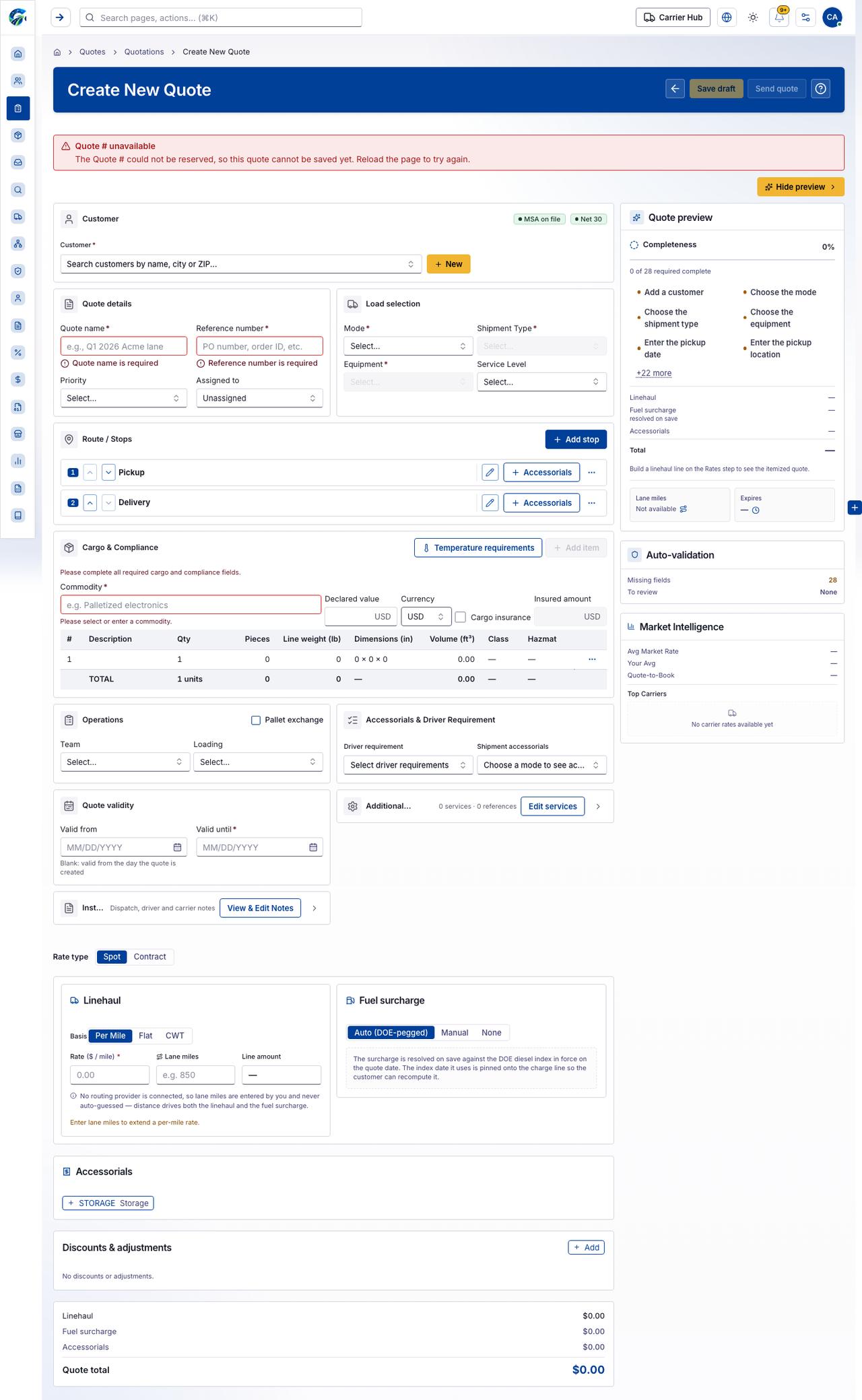
Section titled “What this page tells you”Blank: valid from the day the quote is created No routing provider is connected, so lane miles are entered by you and never auto-guessed — distance drives both the linehaul and the fuel surcharge. Enter lane miles to extend a per-mile rate.
What you see
Section titled “What you see”- Customer
- Quote details
- Load selection
- Route / Stops
- Cargo & Compliance
- Operations
- Accessorials & Driver Requirement
- Quote validity
- Additional services & references
- Instructions & notes
- Linehaul
- Fuel surcharge
- Accessorials
- Discounts & adjustments
What you can do
Section titled “What you can do”- Cancel
- Save draft
- Send quote
- Hide preview
- New
- Add stop
- Move up
- Move down
- Edit stop
- Accessorials
- Temperature requirements
- Add item
- Edit services
- Show Additional services & references
- View & Edit Notes
- Show Instructions & notes
Fields
Section titled “Fields”| Field | Required | Type | Example |
|---|---|---|---|
| Customer | Yes | combobox | Search customers by name, city or ZIP... |
| Quote name | Yes | textbox | e.g., Q1 2026 Acme lane |
| Reference number | Yes | textbox | PO number, order ID, etc. |
| Priority | No | combobox | Select… |
| Assigned to | No | combobox | Unassigned |
| Mode | Yes | combobox | Select… |
| Shipment Type | Yes | combobox | Select… |
| Equipment | Yes | combobox | Select… |
| Service Level | No | combobox | Select… |
| Commodity | No | combobox | |
| Declared value | No | textbox | |
| Currency | No | combobox | USD |
| Cargo insurance | No | checkbox | |
| Insured amount | No | textbox | |
| Pallet exchange | No | checkbox | |
| Team | No | combobox | Select… |
| Loading | No | combobox | Select… |
| Driver requirement | No | combobox | Select driver requirements |
| Shipment accessorials | No | combobox | Choose a mode to see accessorials |
| Valid from | No | textbox | MM/DD/YYYY |
| Valid until | Yes | textbox | MM/DD/YYYY |
| Spot | No | radio | |
| Contract | No | radio | |
| Per Mile | No | radio | |
| Flat | No | radio | |
| CWT | No | radio | |
| Rate ($ / mile) | No | spinbutton | |
| Lane miles | No | spinbutton | |
| Line amount | No | textbox | — |
| Auto (DOE-pegged) | No | radio | |
| Manual | No | radio | |
| None | No | radio |
Loading, empty and error states
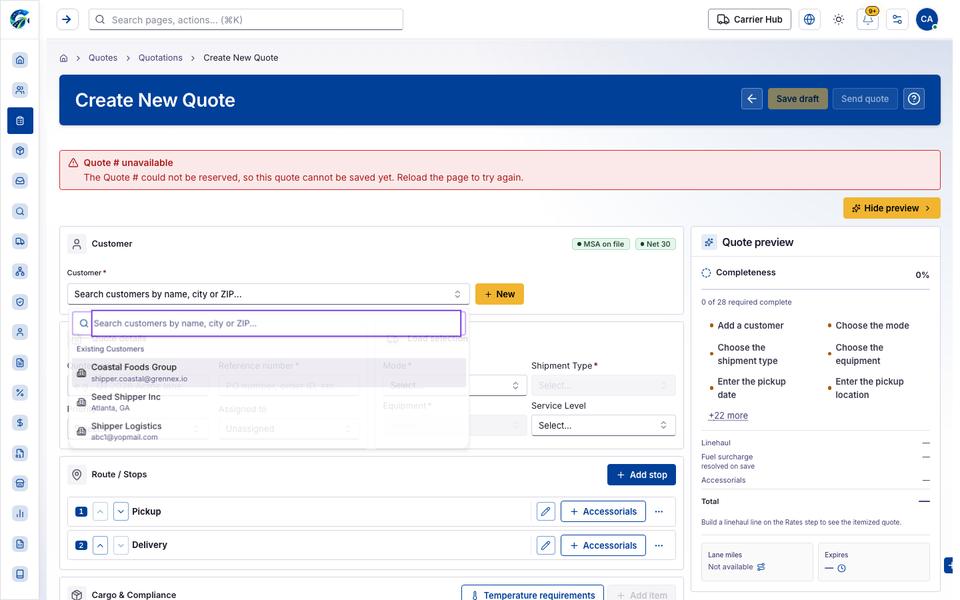
Section titled “Loading, empty and error states”Dropdown-Status state
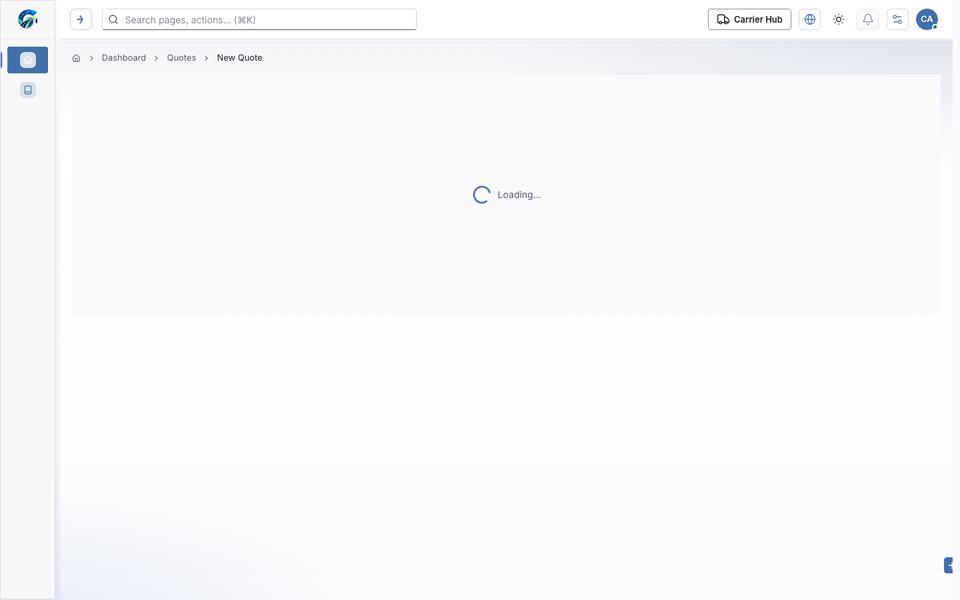
Loading state
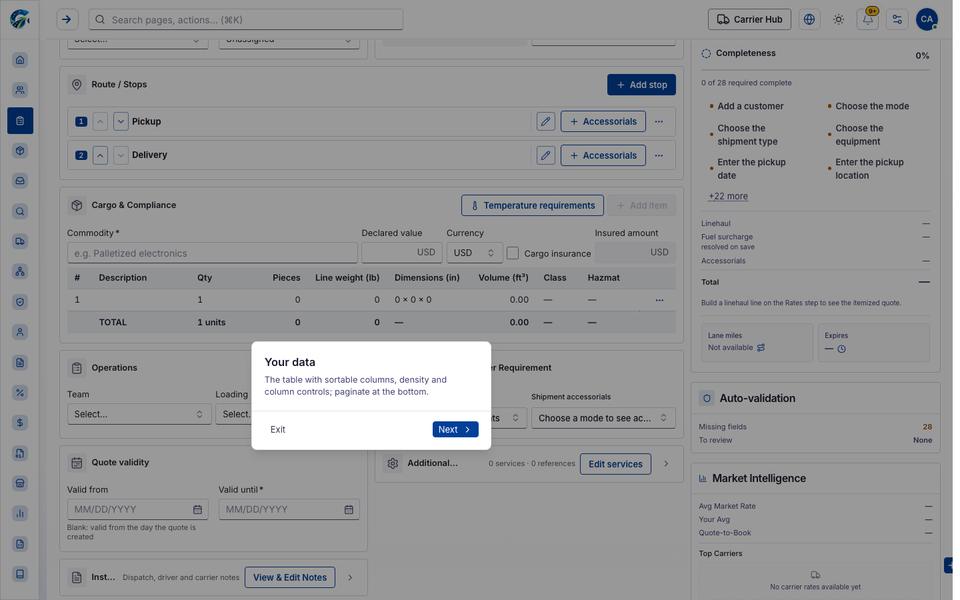
Popover-Guide state
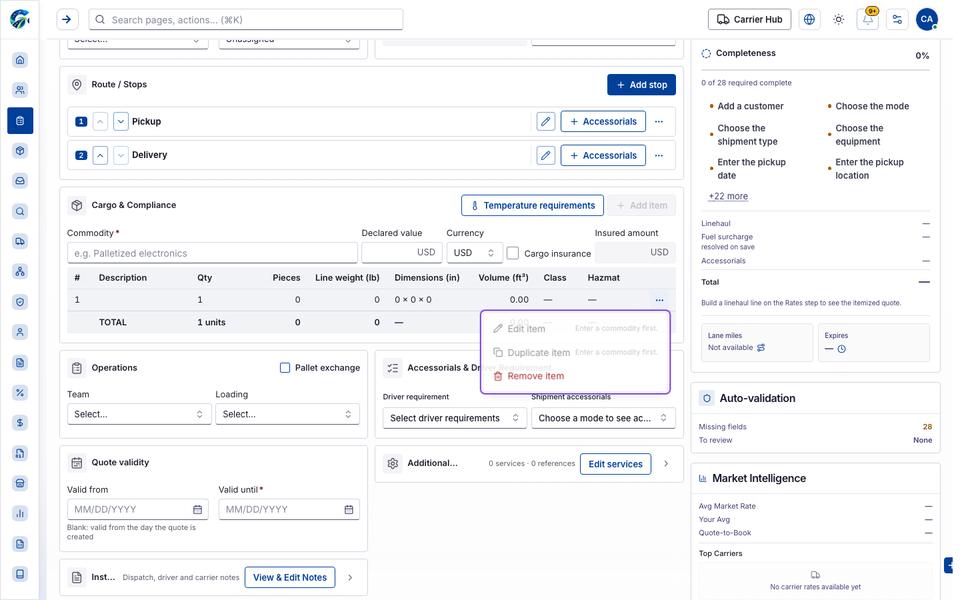
Rowmenu state
Last updated 2026-10-27