

Inspection details
Module: Truck & equipment · For: Drivers · Page address: /driver/equipment/inspections/:id
How to get there
Section titled “How to get there”Equipment → DVIR → (a record) → Back
Who can use this page
Section titled “Who can use this page”Needs: View permission on the Fleet module.
Drivers use their own personal account; the company seat rules do not apply here.
Actions on this page and the permission each needs
Section titled “Actions on this page and the permission each needs”| Action | Permission | Notes |
|---|---|---|
| File a correcting report | Create on Fleet | Manage also grants it |
What this page tells you
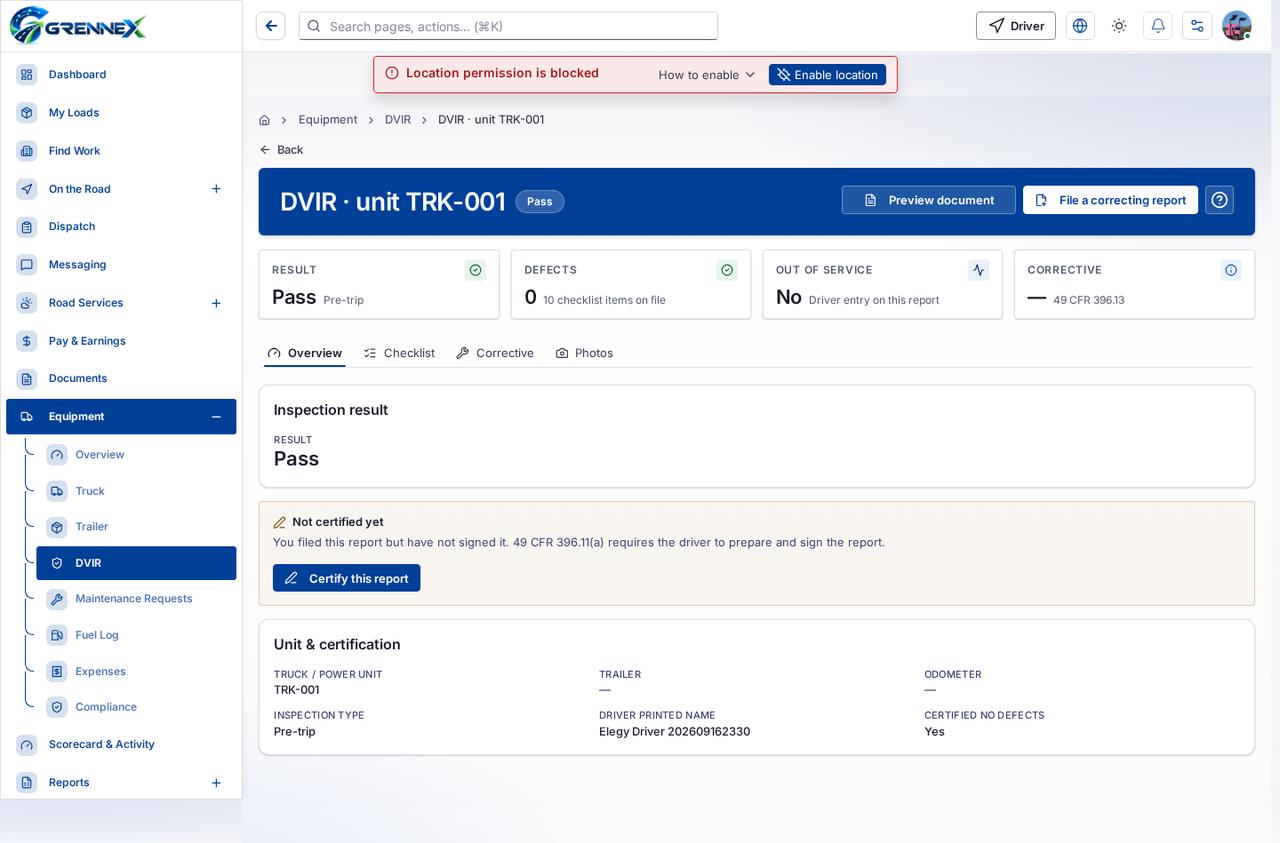
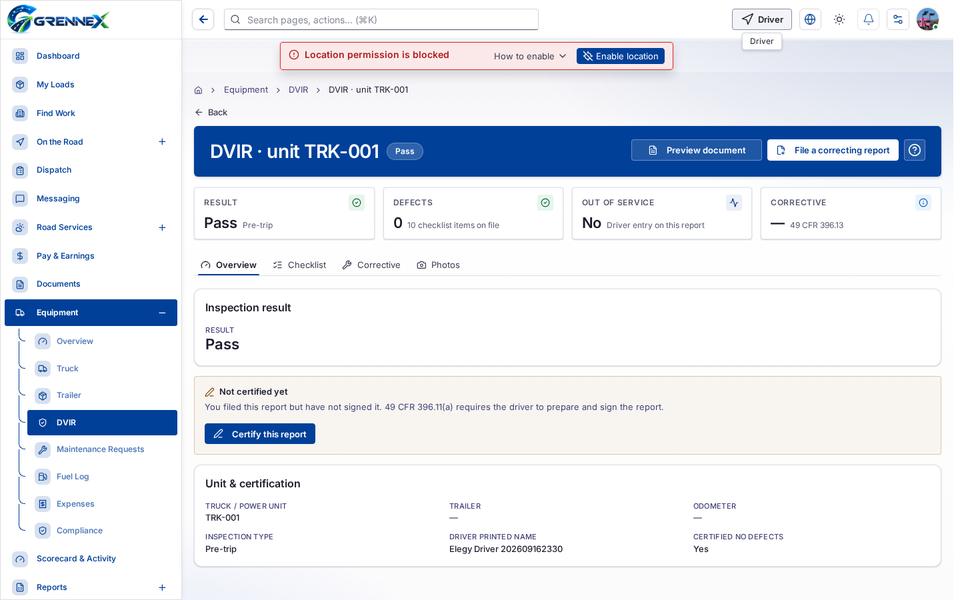
Section titled “What this page tells you”You filed this report but have not signed it. 49 CFR 396.11(a) requires the driver to prepare and sign the report.
What you see
Section titled “What you see”- Inspection result
- Unit & certification
- Overview
- Checklist
- Corrective
- Photos
Tab: Overview
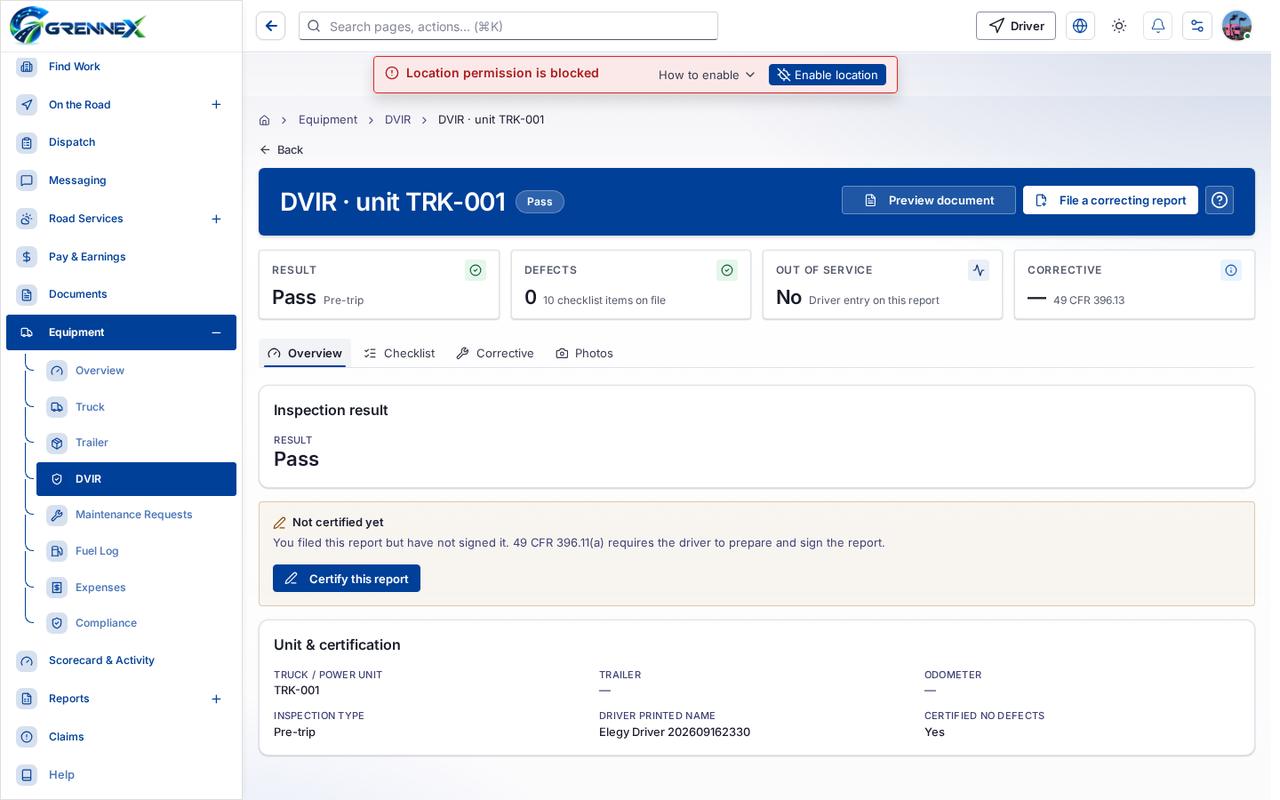
Tab: Checklist
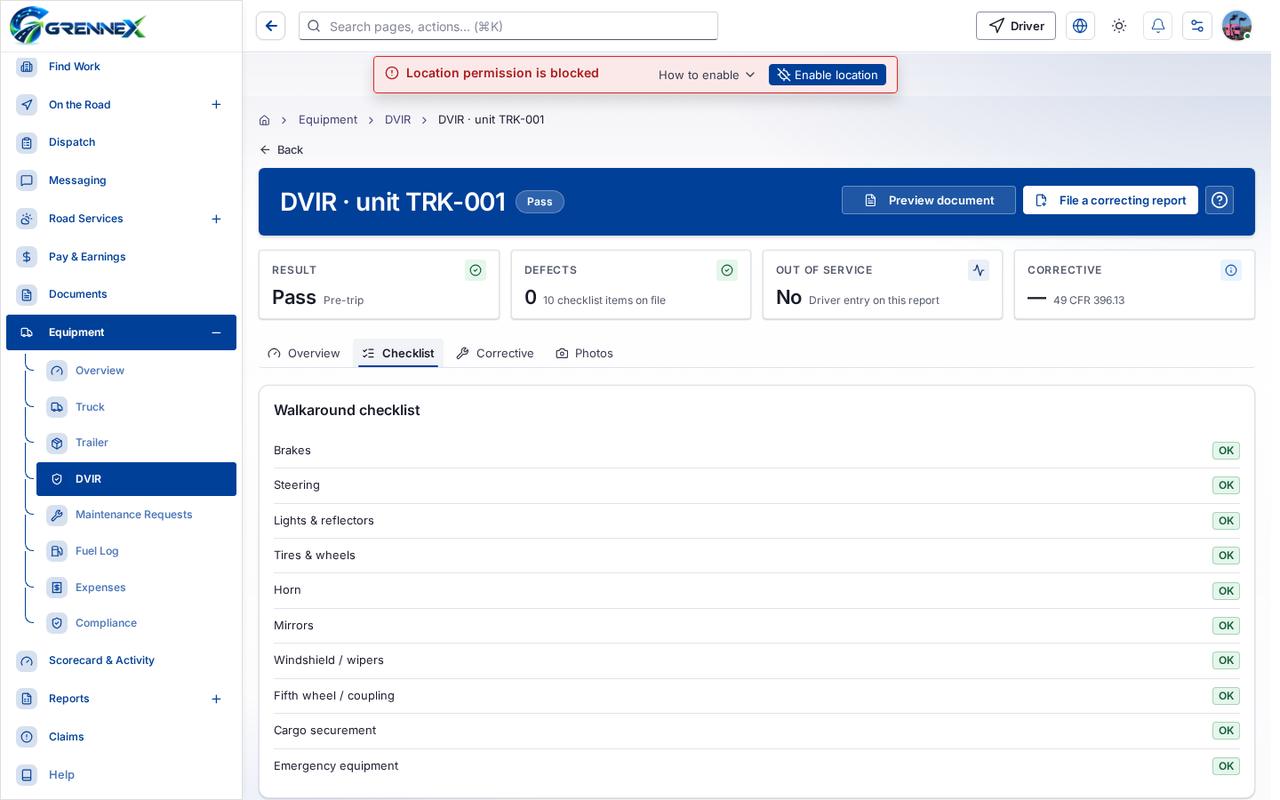
Tab: Corrective
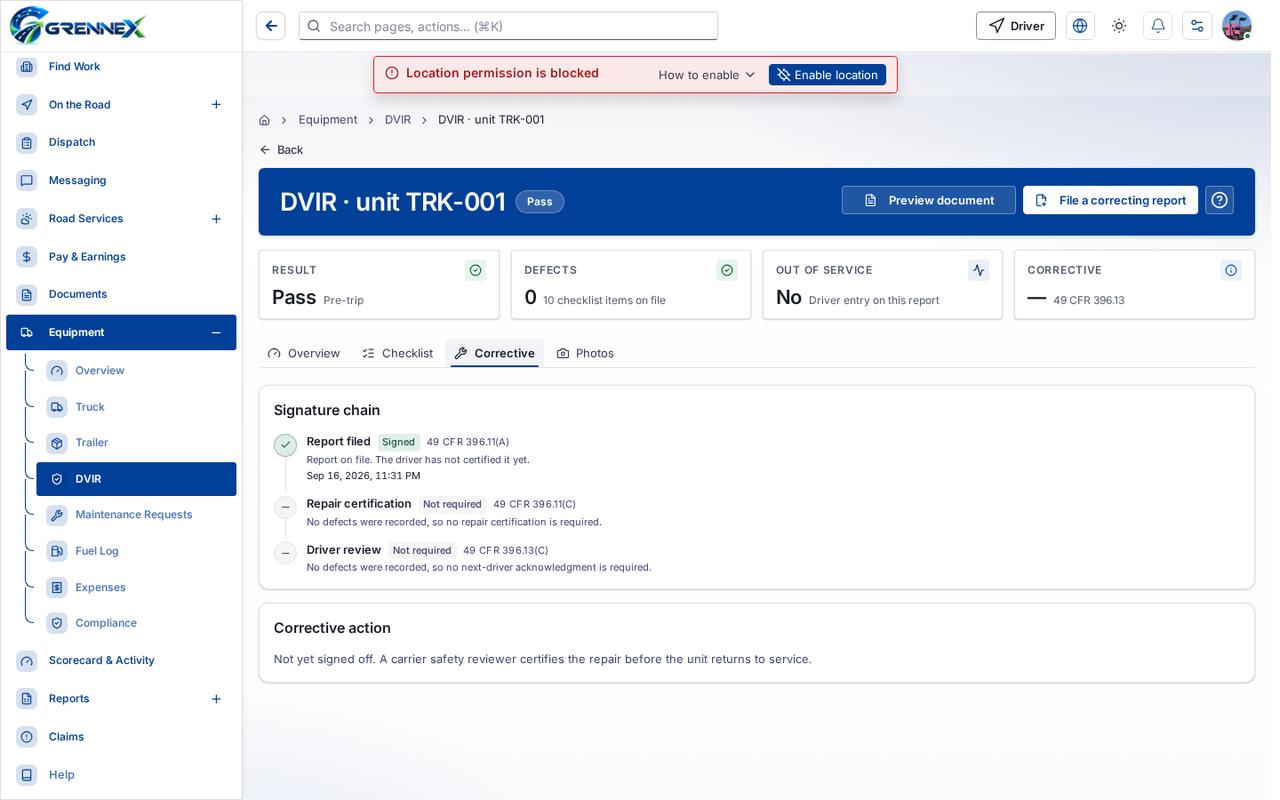
Tab: Photos
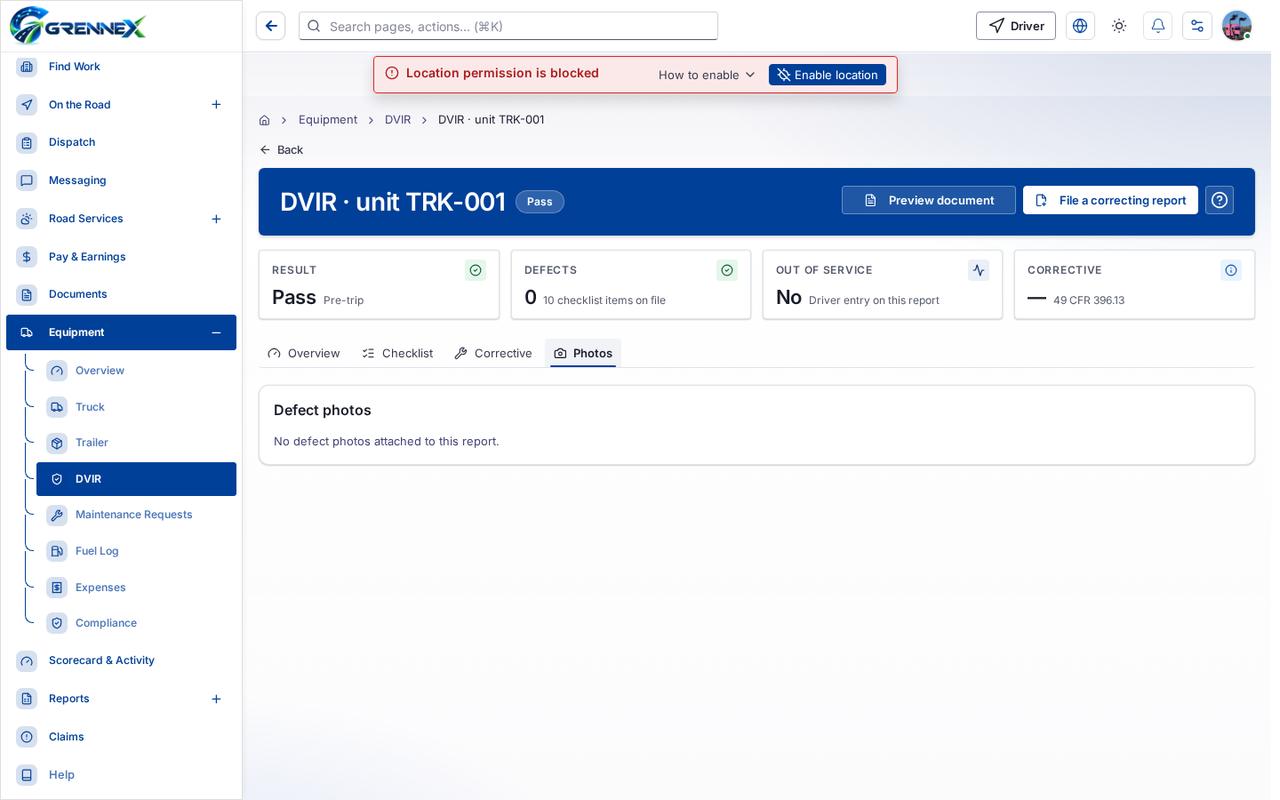
What you can do
Section titled “What you can do”- Preview document
- File a correcting report
- Certify this report
Loading, empty and error states
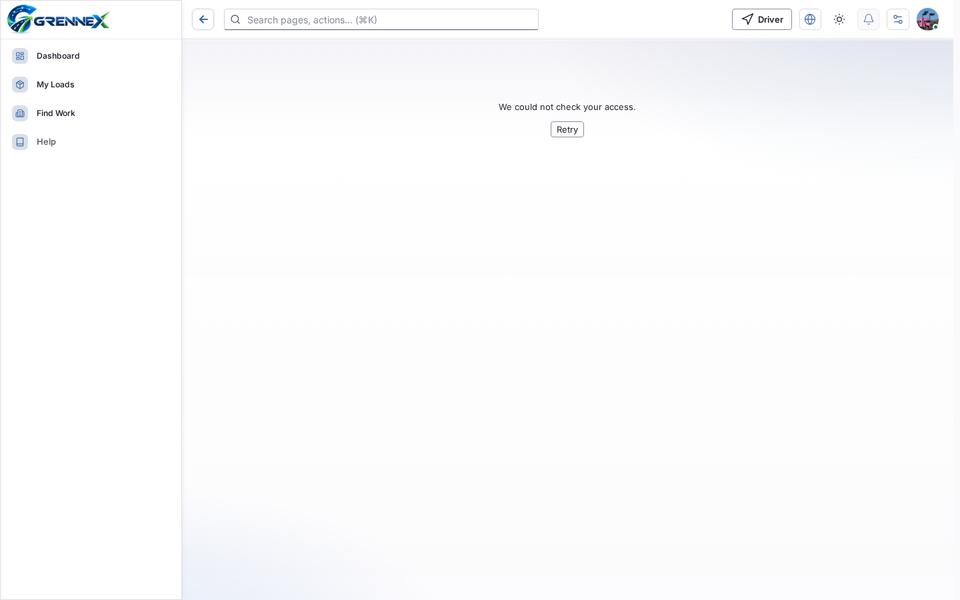
Section titled “Loading, empty and error states”Error state
Loading state
Popover-Guide state
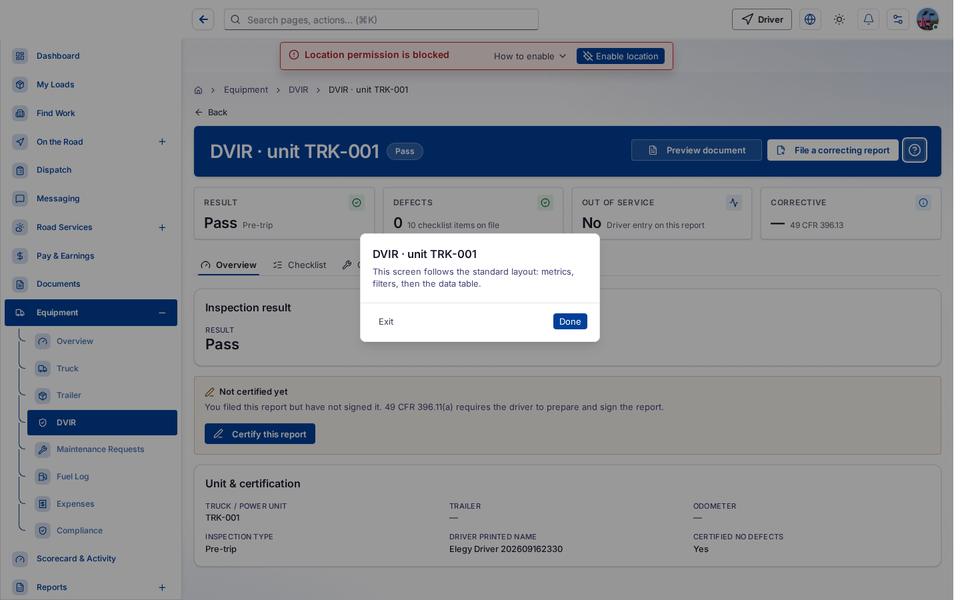
Tooltip state
Last updated 2026-10-27