

Help Assistant
Module: Messages · For: Drivers · Page address: /driver/messaging/ai
How to get there
Section titled “How to get there”Messaging → Help Assistant
Who can use this page
Section titled “Who can use this page”Needs: View permission on the Messaging module.
Drivers use their own personal account; the company seat rules do not apply here.
Actions on this page and the permission each needs
Section titled “Actions on this page and the permission each needs”| Action | Permission | Notes |
|---|---|---|
| Accept a load | Approve on Messaging | Must be granted on its own (not part of Manage) |
| Upload a POD | Upload on Messaging | Manage also grants it |
| Send | Create on Messaging | Manage also grants it |
What this page tells you
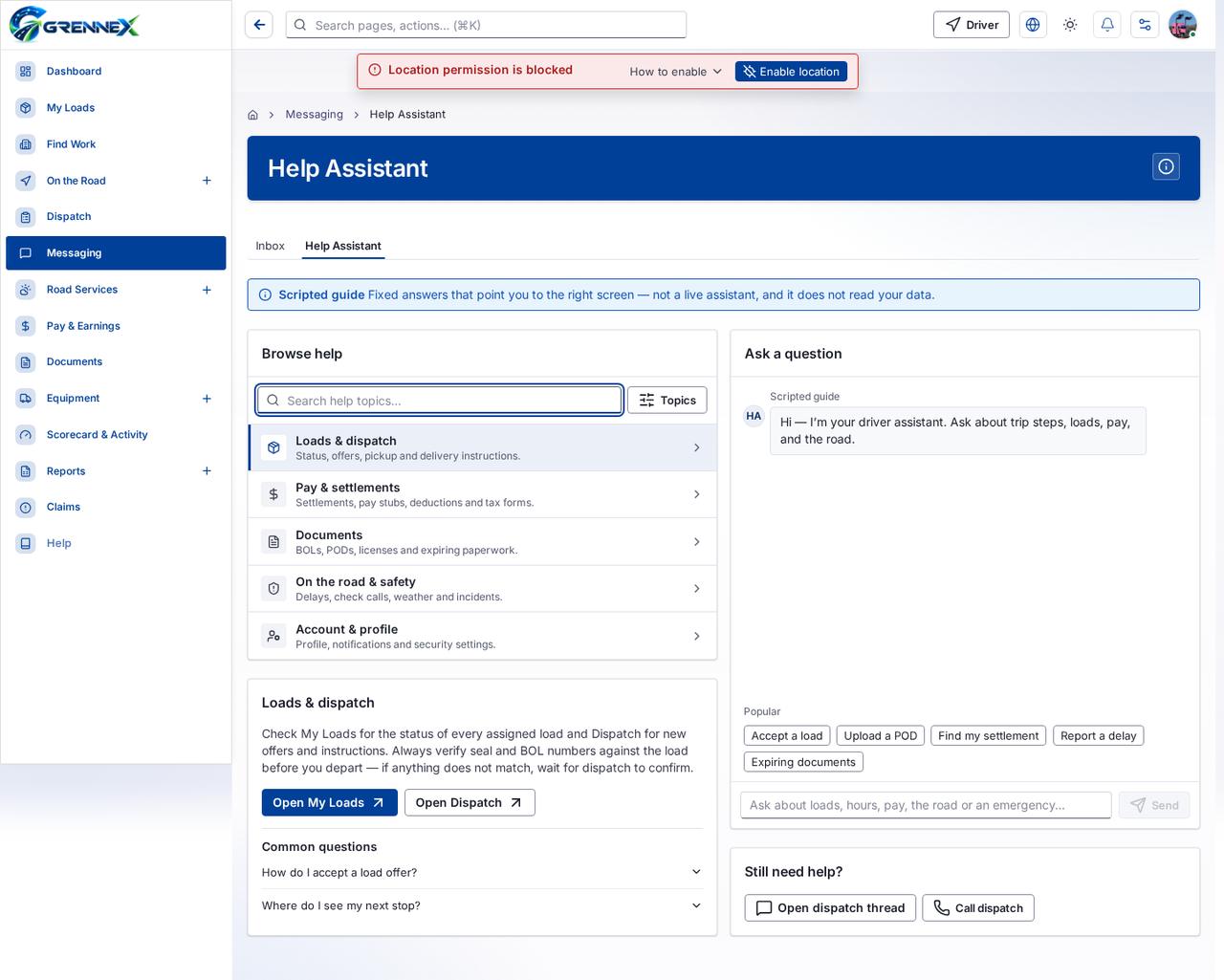
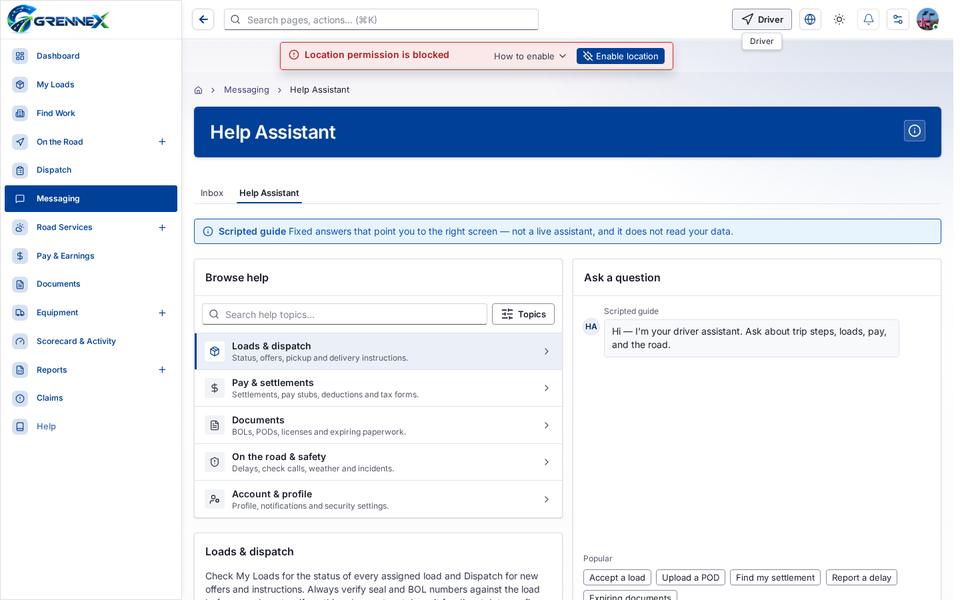
Section titled “What this page tells you”Check My Loads for the status of every assigned load and Dispatch for new offers and instructions. Always verify seal and BOL numbers against the load before you depart — if anything does not match, wait for dispatch to confirm. Hi — I’m your driver assistant. Ask about trip steps, loads, pay, and the road.
What you see
Section titled “What you see”- Browse help
- Loads & dispatch
- Common questions
- How do I accept a load offer?
- Where do I see my next stop?
- Ask a question
- Still need help?
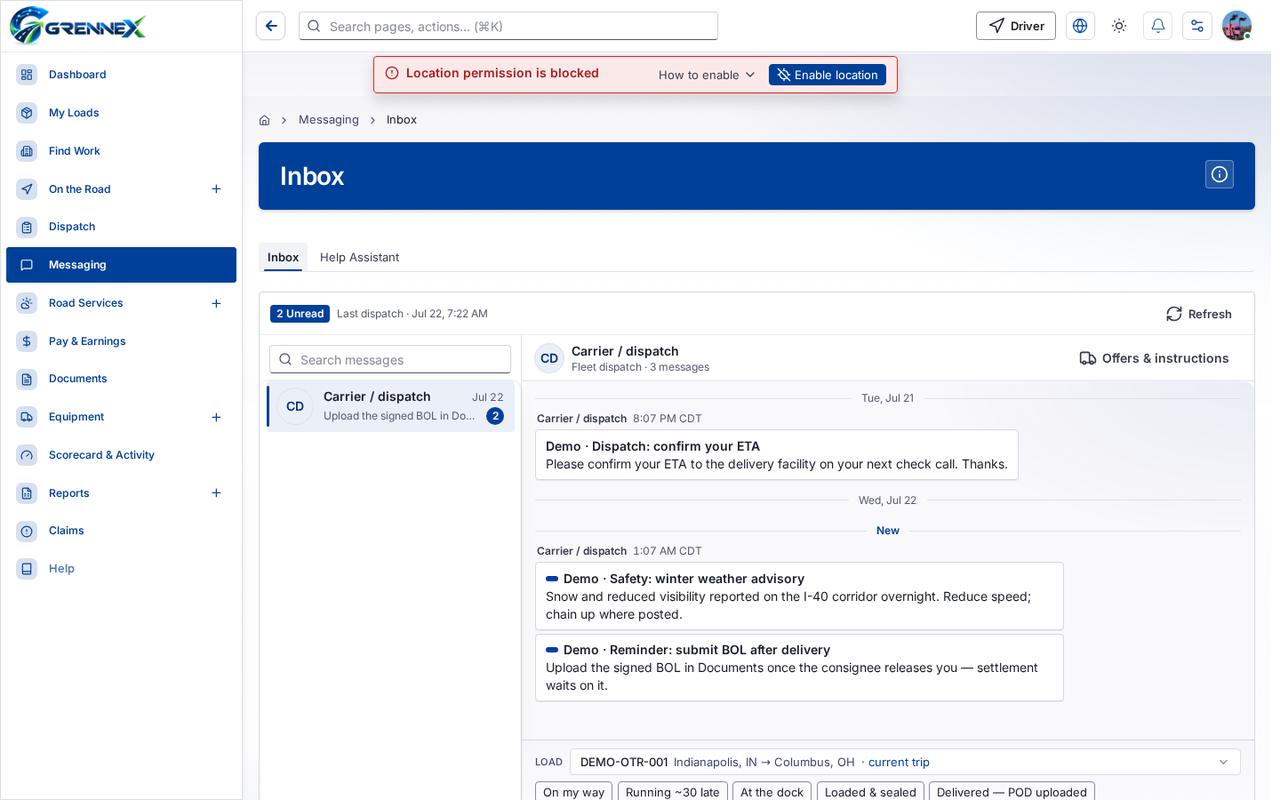
- Inbox
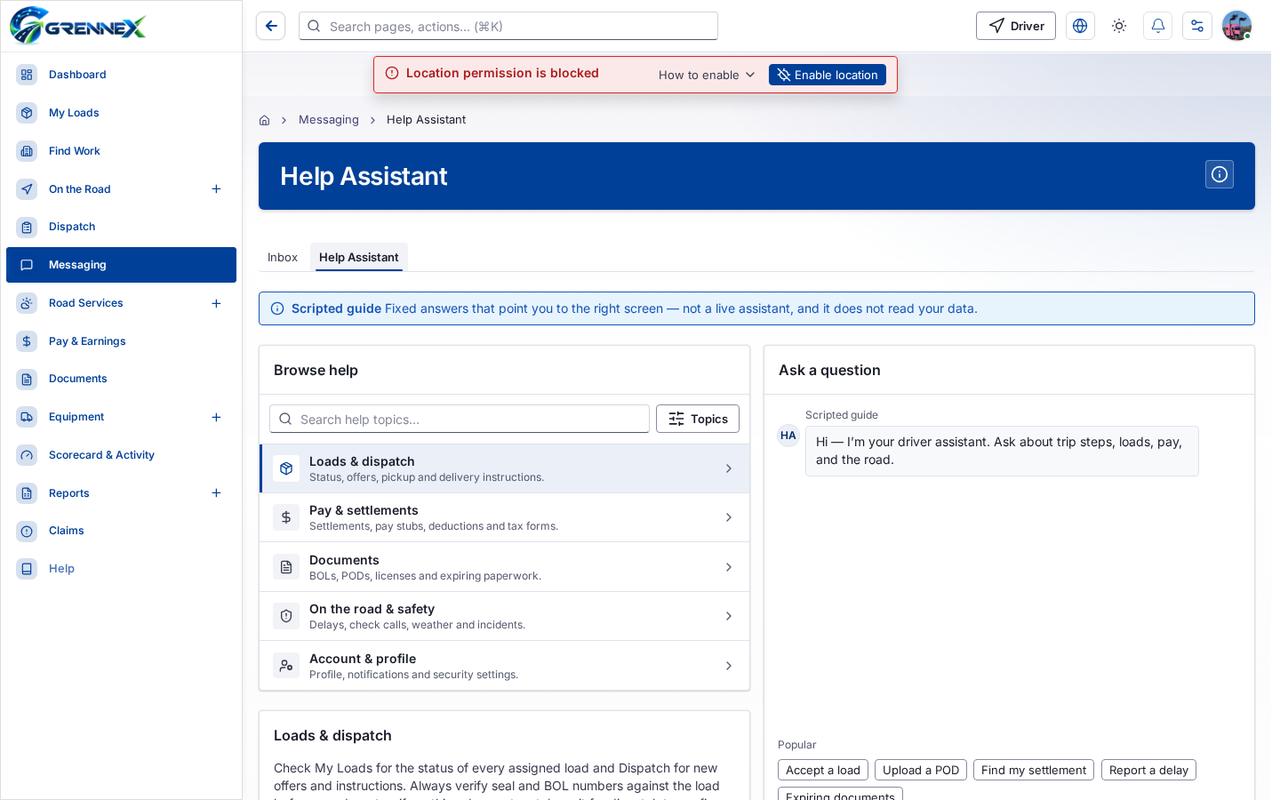
- Help Assistant
Tab: Inbox
Tab: Help Assistant
What you can do
Section titled “What you can do”- How this works
- Topics
- Loads & dispatch Status, offers, pickup and delivery instructions.
- Pay & settlements Settlements, pay stubs, deductions and tax forms.
- Documents BOLs, PODs, licenses and expiring paperwork.
- On the road & safety Delays, check calls, weather and incidents.
- Account & profile Profile, notifications and security settings.
- How do I accept a load offer?
- Where do I see my next stop?
- Accept a load
- Upload a POD
- Find my settlement
- Report a delay
- Expiring documents
- Send
- Call dispatch
Fields
Section titled “Fields”| Field | Required | Type | Example |
|---|---|---|---|
| Ask the scripted guide about loads, hours, pay, the road or an emergency. It replies with fixed guidance that points you to the right screen, and it does not read your data. | No | textbox | Ask about loads, hours, pay, the road or |
Loading, empty and error states
Section titled “Loading, empty and error states”Error state
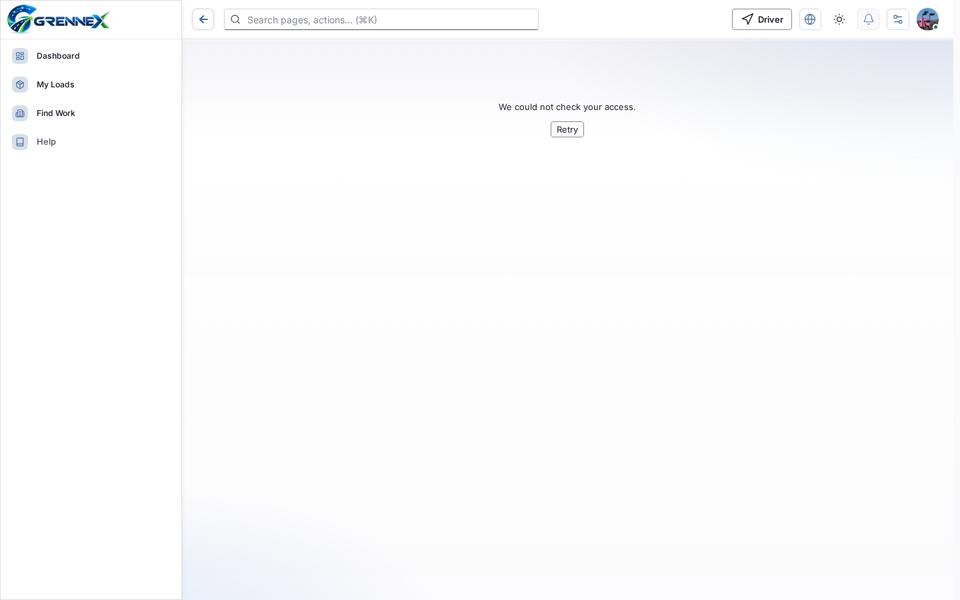
Loading state

Tooltip state
Last updated 2026-10-27