

Camera scan
Module: Documents · For: Drivers · Page address: /driver/documents/scan
How to get there
Section titled “How to get there”Documents → Camera Scan
Who can use this page
Section titled “Who can use this page”Needs: View permission on the Documents module.
Drivers use their own personal account; the company seat rules do not apply here.
Actions on this page and the permission each needs
Section titled “Actions on this page and the permission each needs”| Action | Permission | Notes |
|---|---|---|
| Upload document | Upload on Documents | Manage also grants it |
What this page tells you
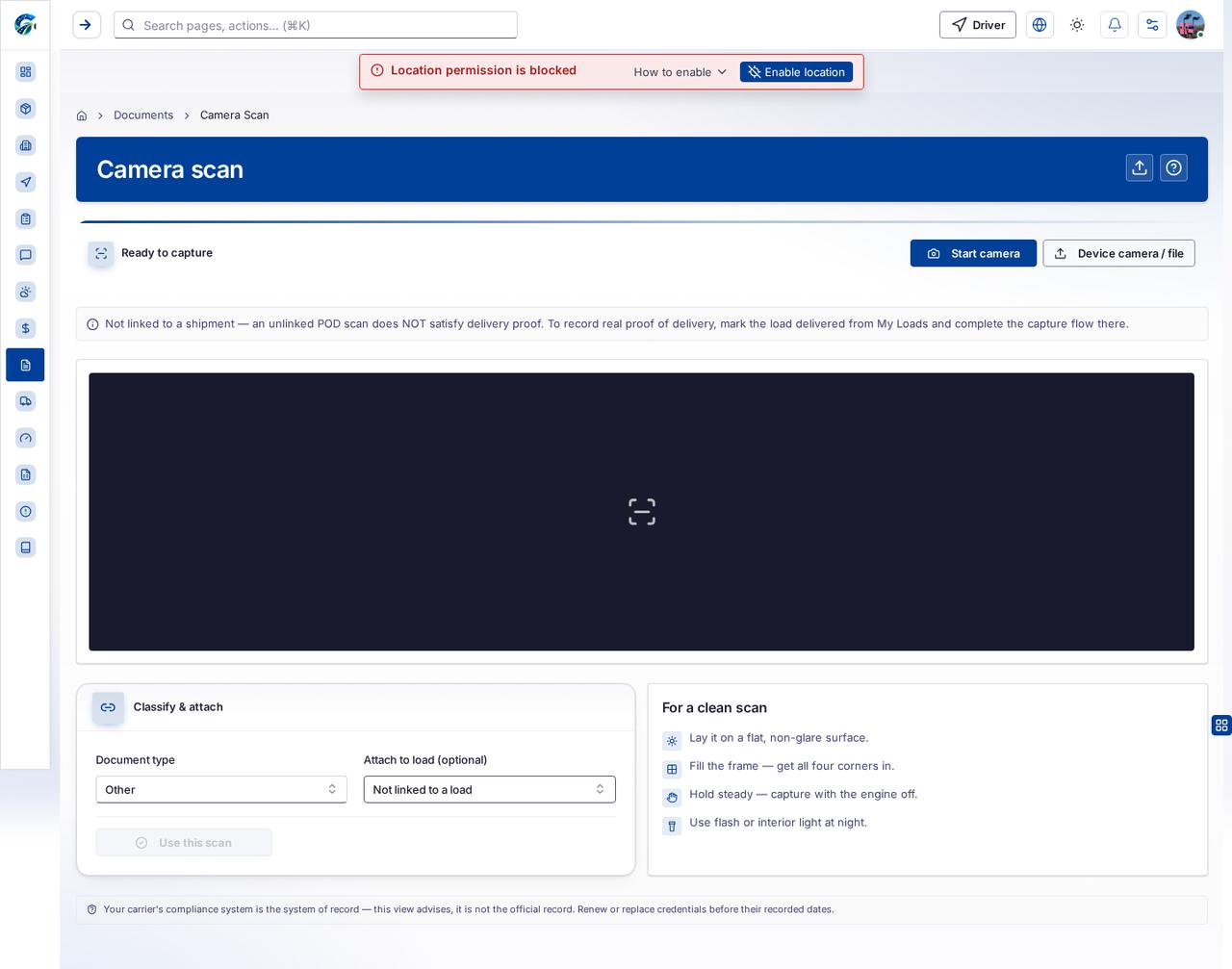
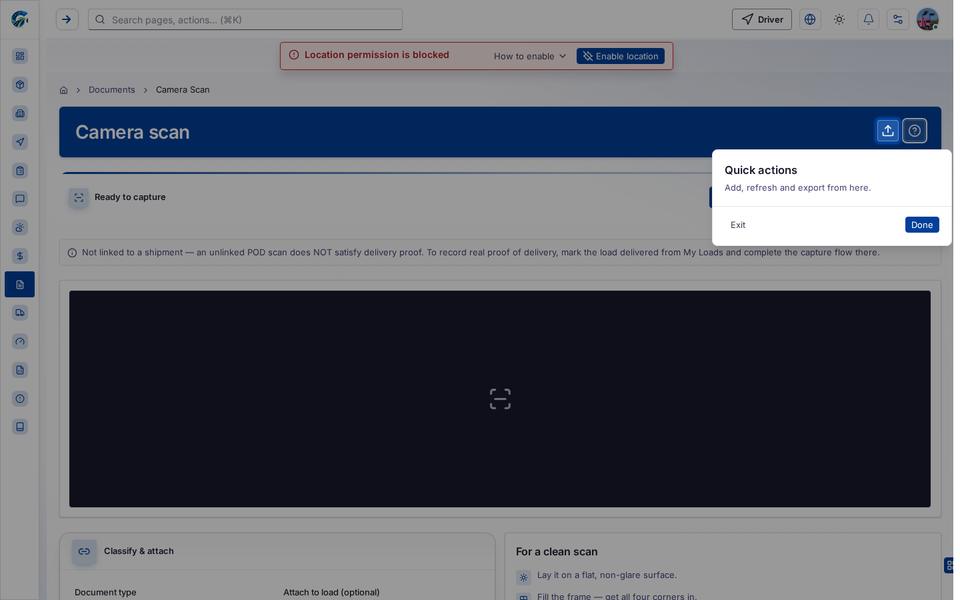
Section titled “What this page tells you”Capture BOL, POD, or ID. Files upload to your document library. Your carrier’s compliance system is the system of record — this view advises, it is not the official record. Renew or replace credentials before their recorded dates.
What you see
Section titled “What you see”- Ready to capture
- Classify & attach
- For a clean scan
What you can do
Section titled “What you can do”- Upload document
- Start camera
- Device camera / file
- Choose a document photo or file from your device
- Use this scan
Fields
Section titled “Fields”| Field | Required | Type | Example |
|---|---|---|---|
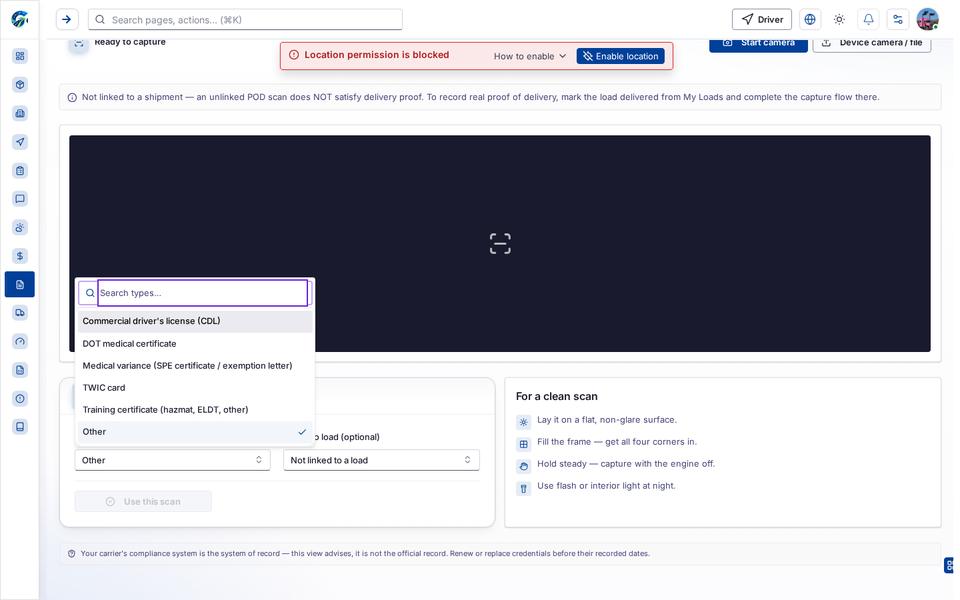
| Document type | No | combobox | Other |
| Attach to load (optional) | No | combobox | Not linked to a load |
Loading, empty and error states
Section titled “Loading, empty and error states”Dropdown-Status state
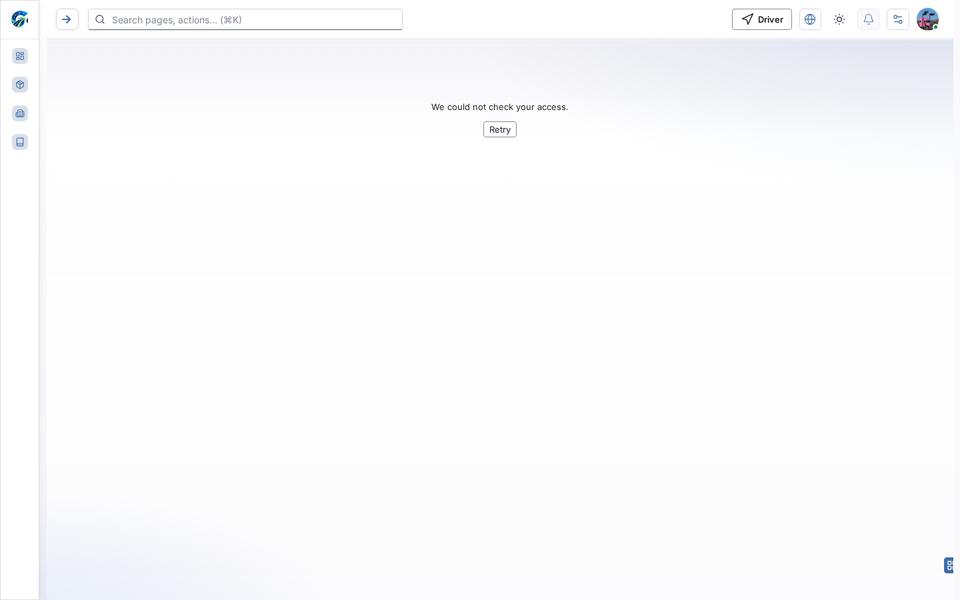
Error state
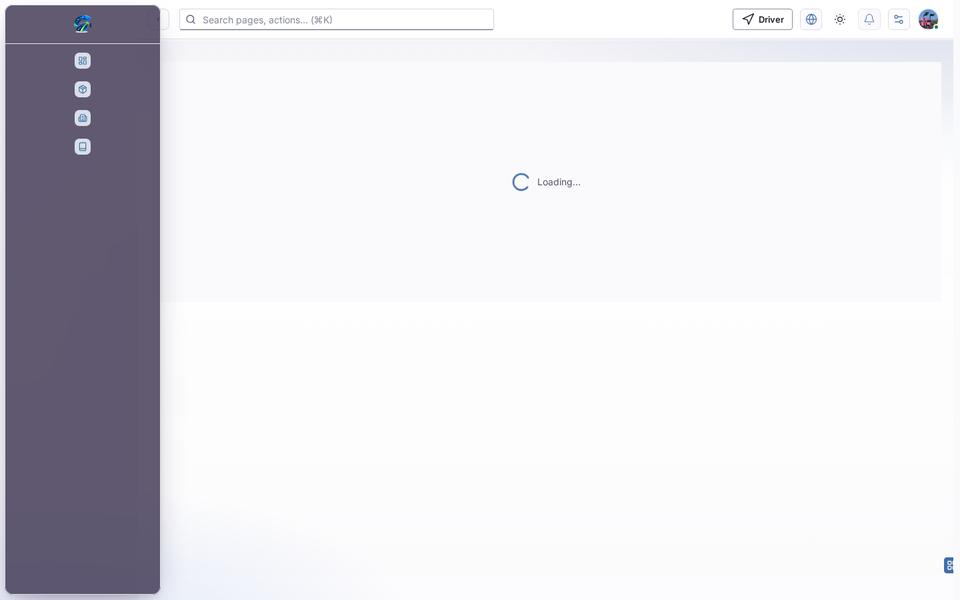
Loading state
Popover-Guide state
Last updated 2026-10-27