

Invoice details
Module: Financials · For: Carrier users · Page address: /carrier-portal/financials/ar/invoices/:id
How to get there
Section titled “How to get there”Finance → Sales & Payments → Accounts Receivable → Invoices → (a record)
Who can use this page
Section titled “Who can use this page”Needs: View permission on the Financials module.
| Seat | Can open it |
|---|---|
| Owner / Admin | Yes |
| Manager | Yes |
| User | Yes |
Actions on this page and the permission each needs
Section titled “Actions on this page and the permission each needs”| Action | Permission | Notes |
|---|---|---|
| Edit Invoice | Edit on Financials | Manage also grants it |
What this page tells you
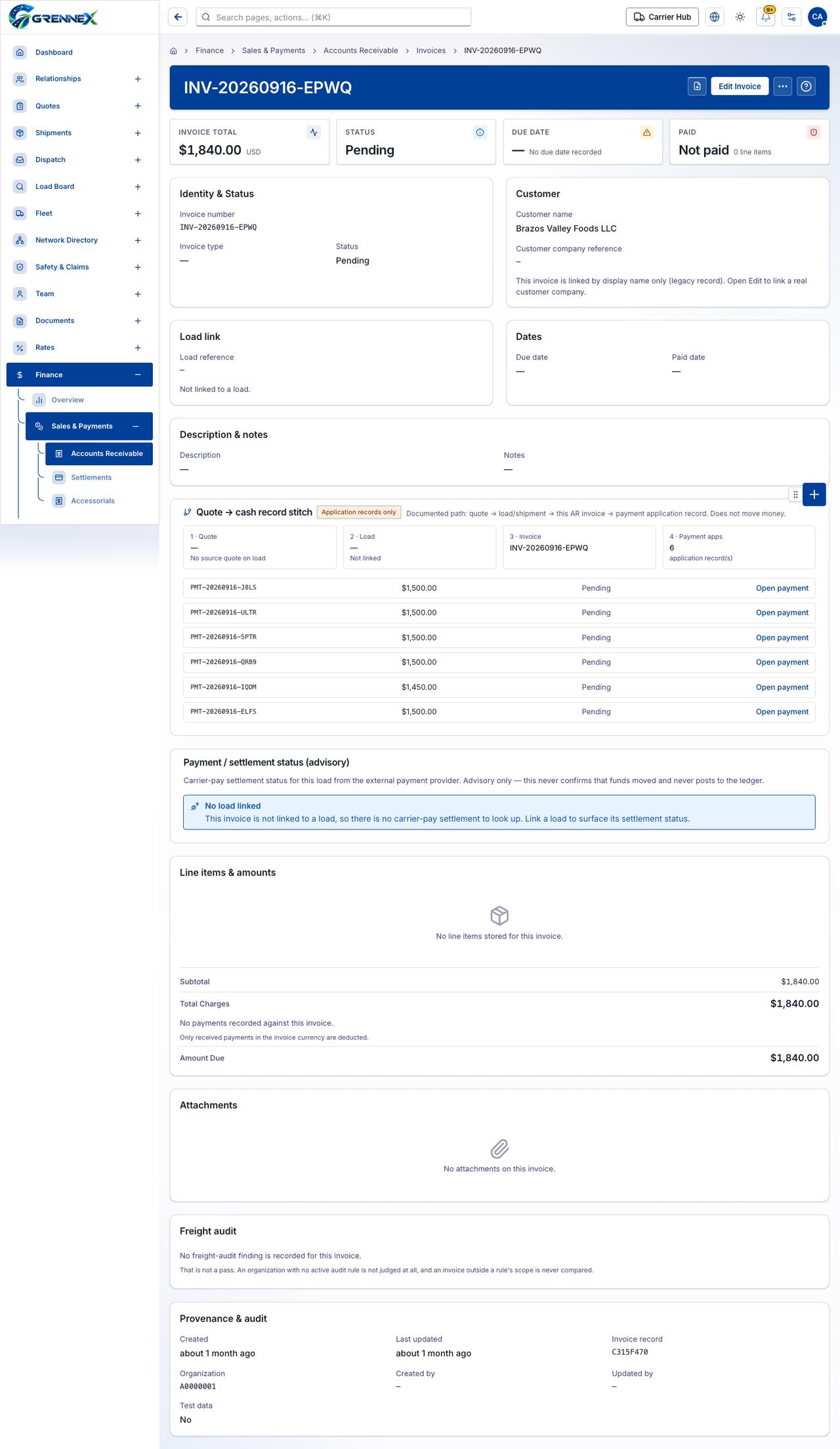
Section titled “What this page tells you”This invoice is linked by display name only (legacy record). Open Edit to link a real customer company. Documented path: quote → load/shipment → this AR invoice → payment application record. Does not move money. Carrier-pay settlement status for this load from the external payment provider. Advisory only — this never confirms that funds moved and never posts to the ledger.
What you see
Section titled “What you see”- Identity & Status
- Customer
- Load link
- Dates
- Description & notes
- Quote → cash record stitch
- Payment / settlement status (advisory)
- Line items & amounts
- Attachments
- Freight audit
- Provenance & audit
What you can do
Section titled “What you can do”- Preview invoice document
- Edit Invoice
- More actions
When there is nothing to show
Section titled “When there is nothing to show”- “Invoice total $1,840.00 USD Status Pending Due date — No due date recorded Paid Not paid 0 line items”
- “No payments recorded against this invoice. Only received payments in the invoice currency are deducted.”
Loading, empty and error states
Section titled “Loading, empty and error states”Loading state

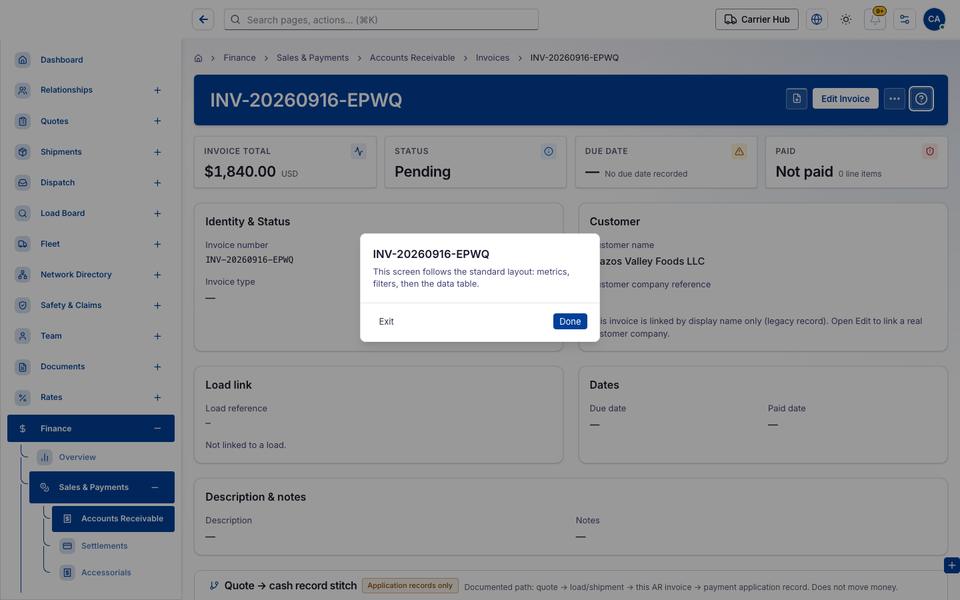
Popover-Guide state
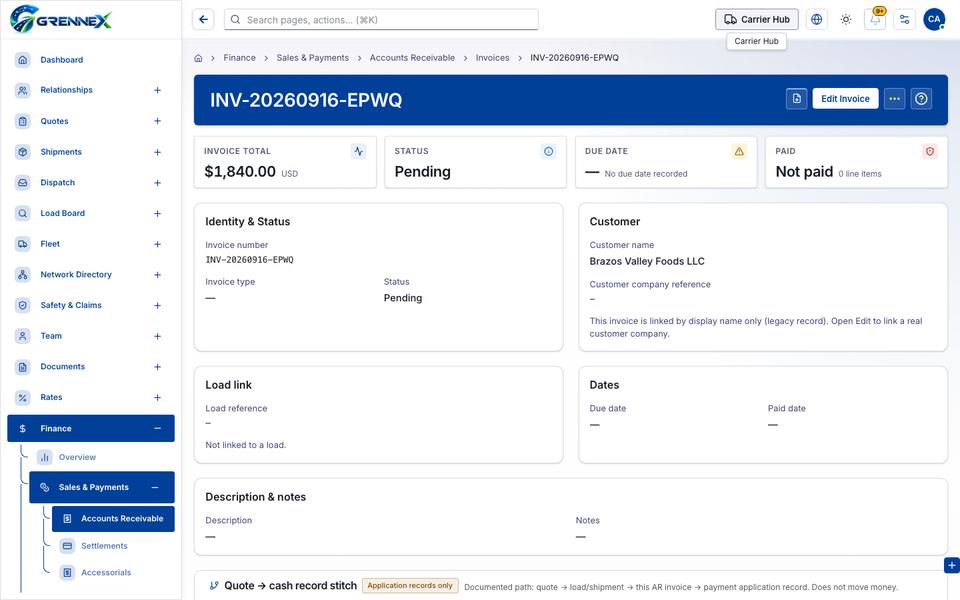
Tooltip state
Last updated 2026-10-27