

New shipment
Module: Shipments · For: Carrier users · Page address: /carrier-portal/shipments/new
How to get there
Section titled “How to get there”Shipments → All Shipments → New Shipment
Who can use this page
Section titled “Who can use this page”Needs: Create permission on the Shipments module.
| Seat | Can open it |
|---|---|
| Owner / Admin | Yes |
| Manager | Yes |
| User | Yes |
What this page tells you
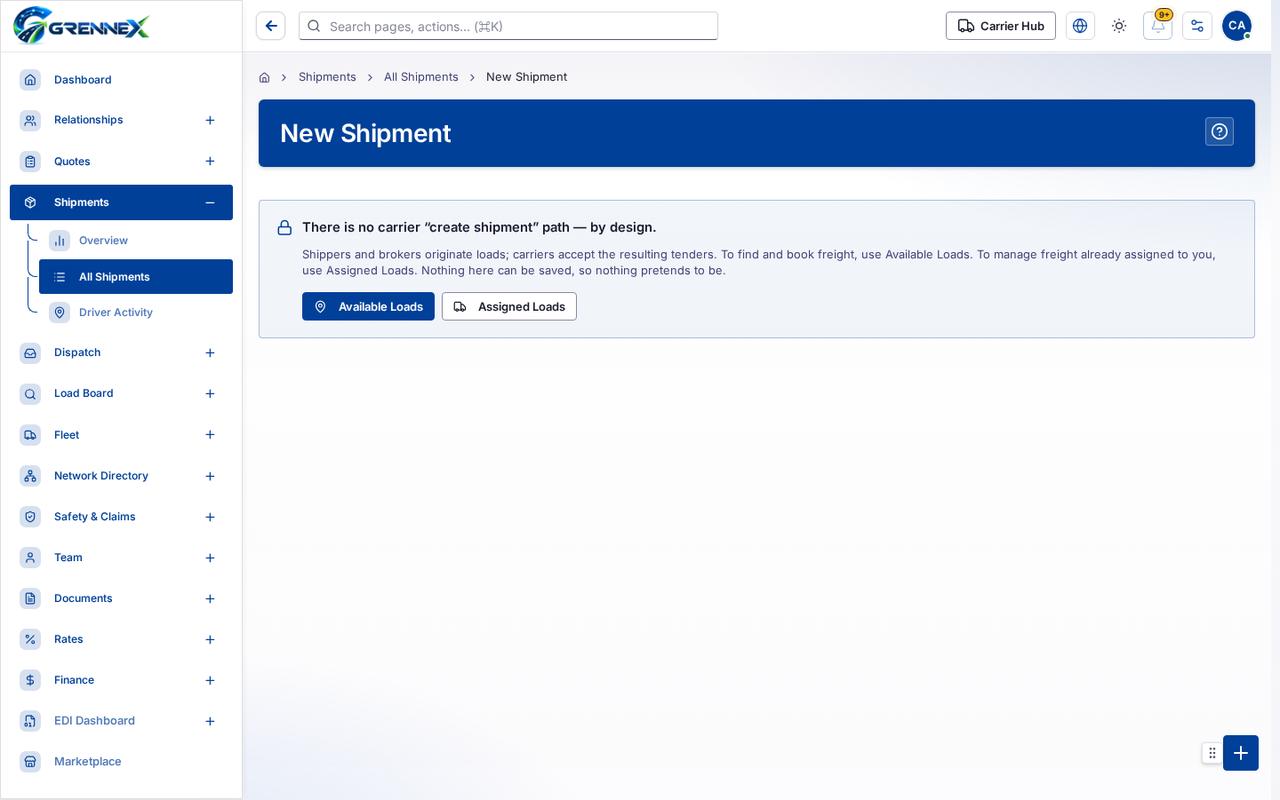
Section titled “What this page tells you”There is no carrier “create shipment” path — by design. Shippers and brokers originate loads; carriers accept the resulting tenders. To find and book freight, use Available Loads. To manage freight already assigned to you, use Assigned Loads. Nothing here can be saved, so nothing pretends to be.
What you can do
Section titled “What you can do”- Available Loads
- Assigned Loads
Loading, empty and error states
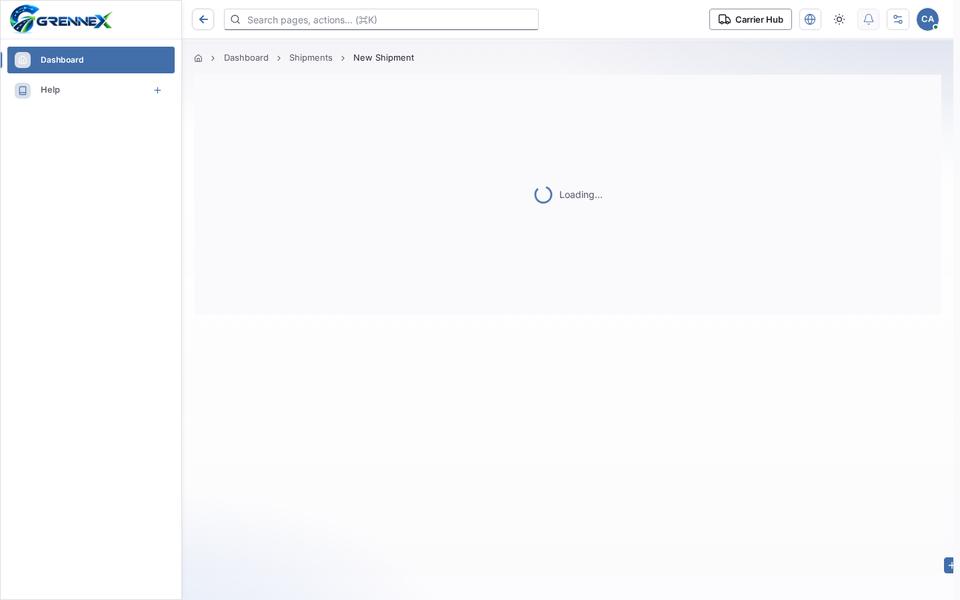
Section titled “Loading, empty and error states”Loading state
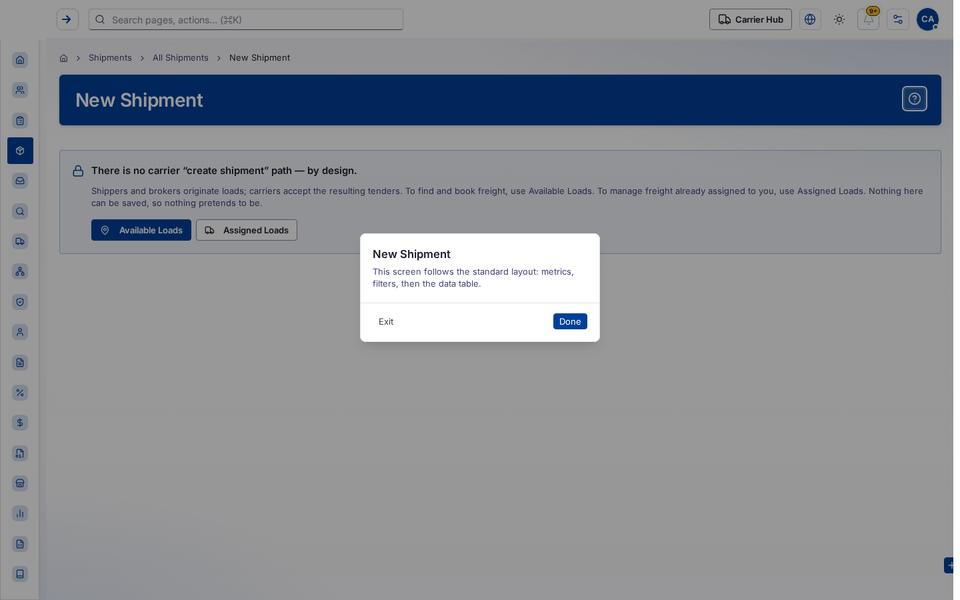
Popover-Guide state
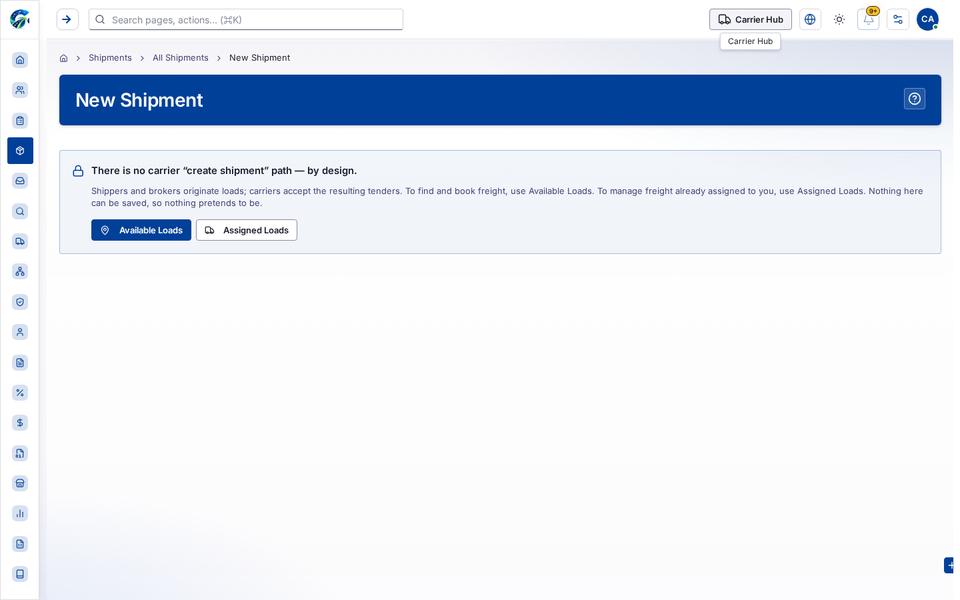
Tooltip state
Last updated 2026-10-27