

Company
Module: Settings & help · For: Drivers · Page address: /driver/settings/company
How to get there
Section titled “How to get there”Settings → Company
Who can use this page
Section titled “Who can use this page”Needs: No module permission: every signed-in member of the company can open it.
Drivers use their own personal account; the company seat rules do not apply here.
What this page tells you
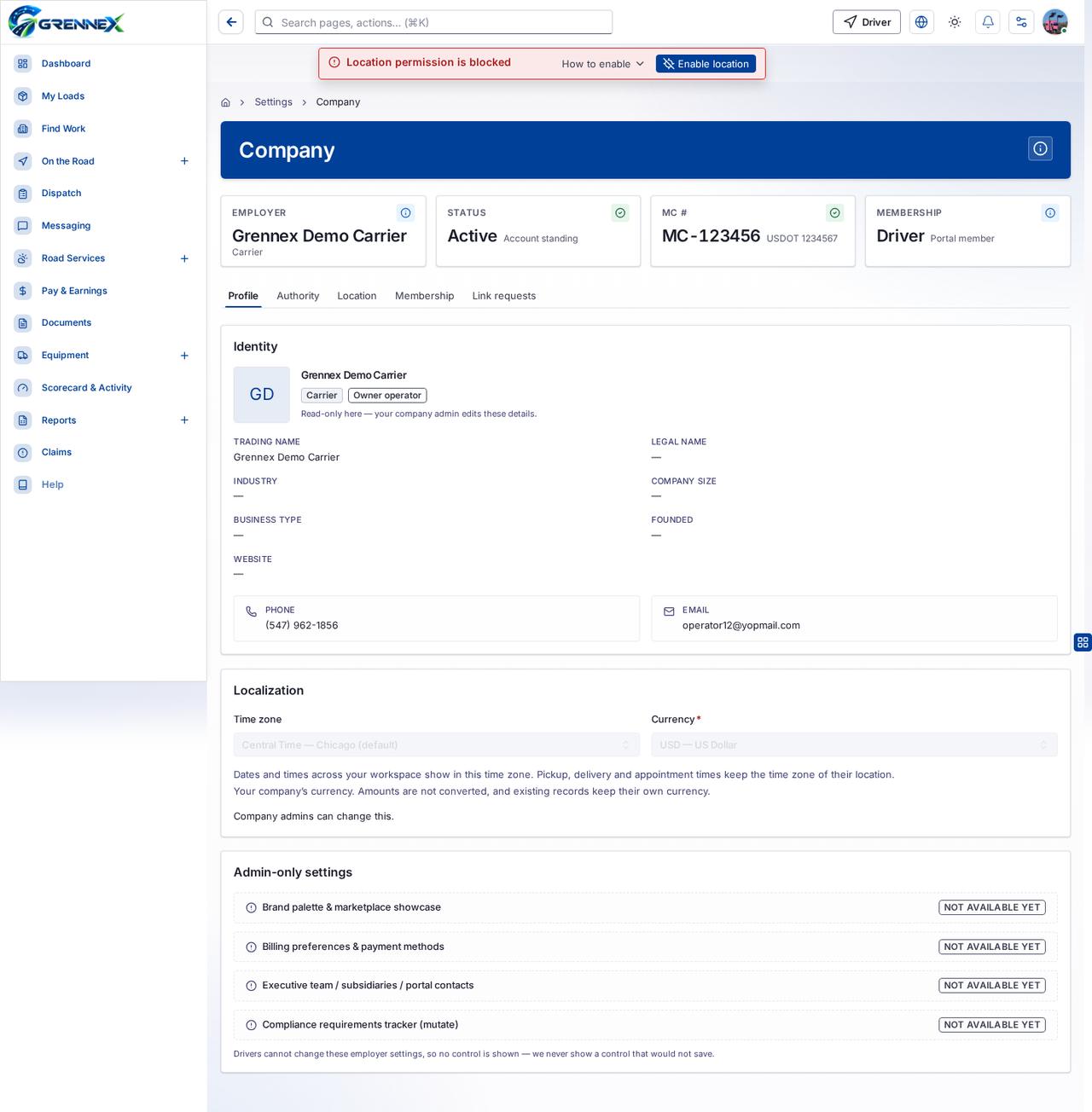
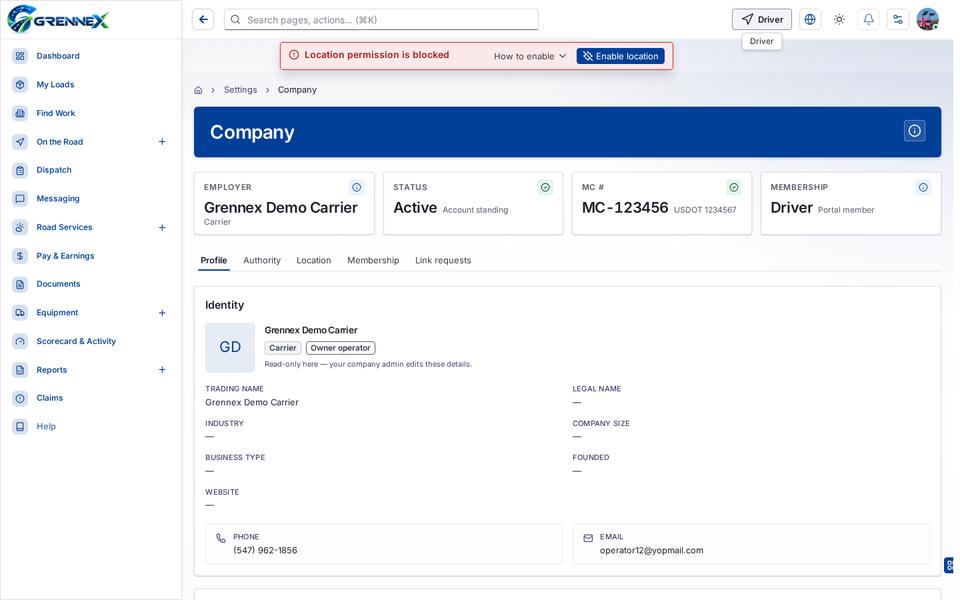
Section titled “What this page tells you”Read-only here — your company admin edits these details. Dates and times across your workspace show in this time zone. Pickup, delivery and appointment times keep the time zone of their location. Your company’s currency. Amounts are not converted, and existing records keep their own currency.
What you see
Section titled “What you see”- Identity
- Grennex Demo Carrier
- Localization
- Admin-only settings
- Profile
- Authority
- Location
- Membership
- Link requests
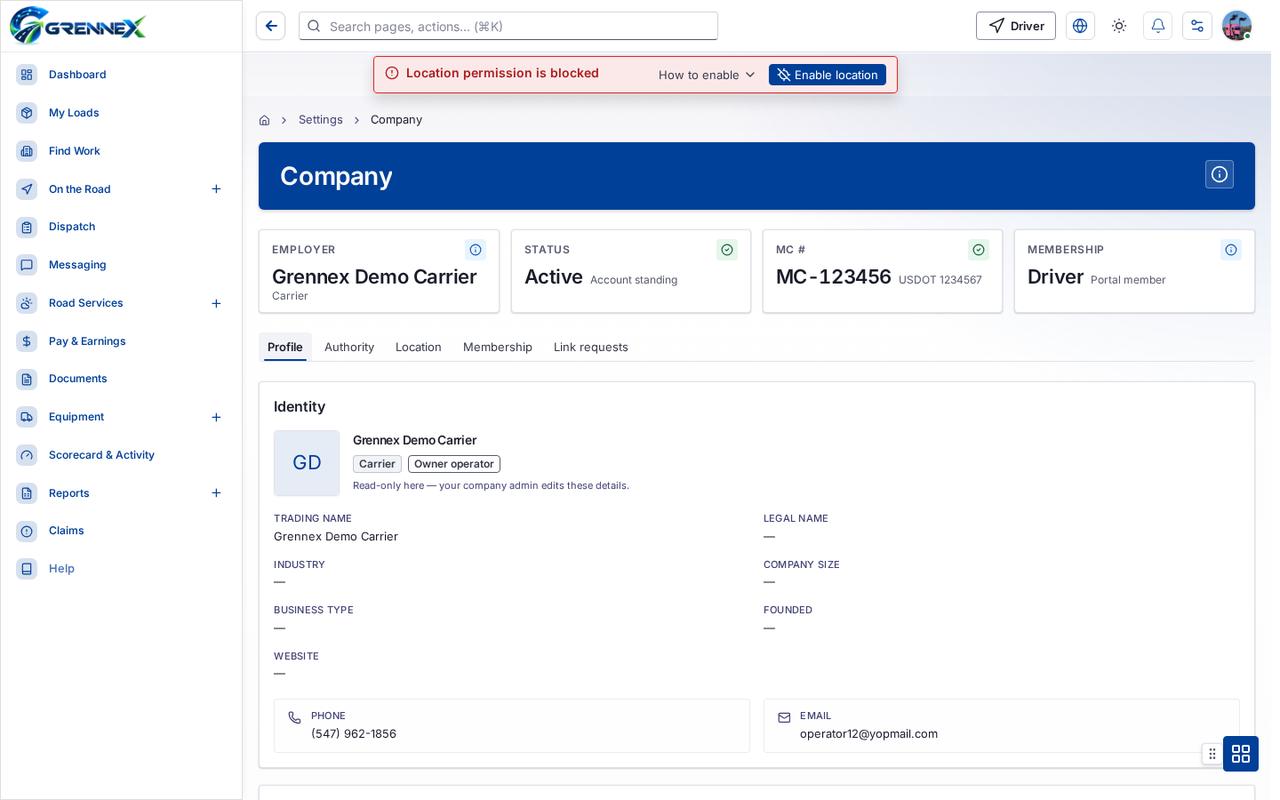
Tab: Profile
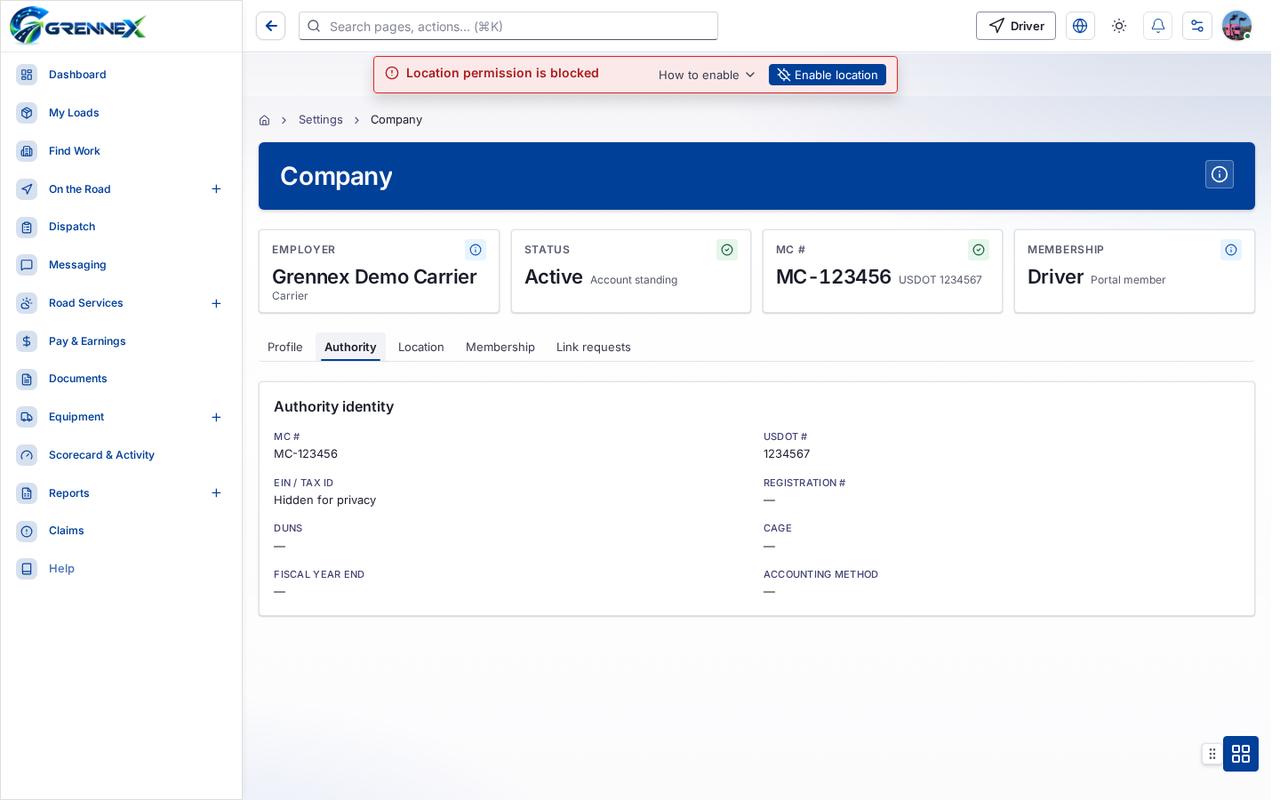
Tab: Authority
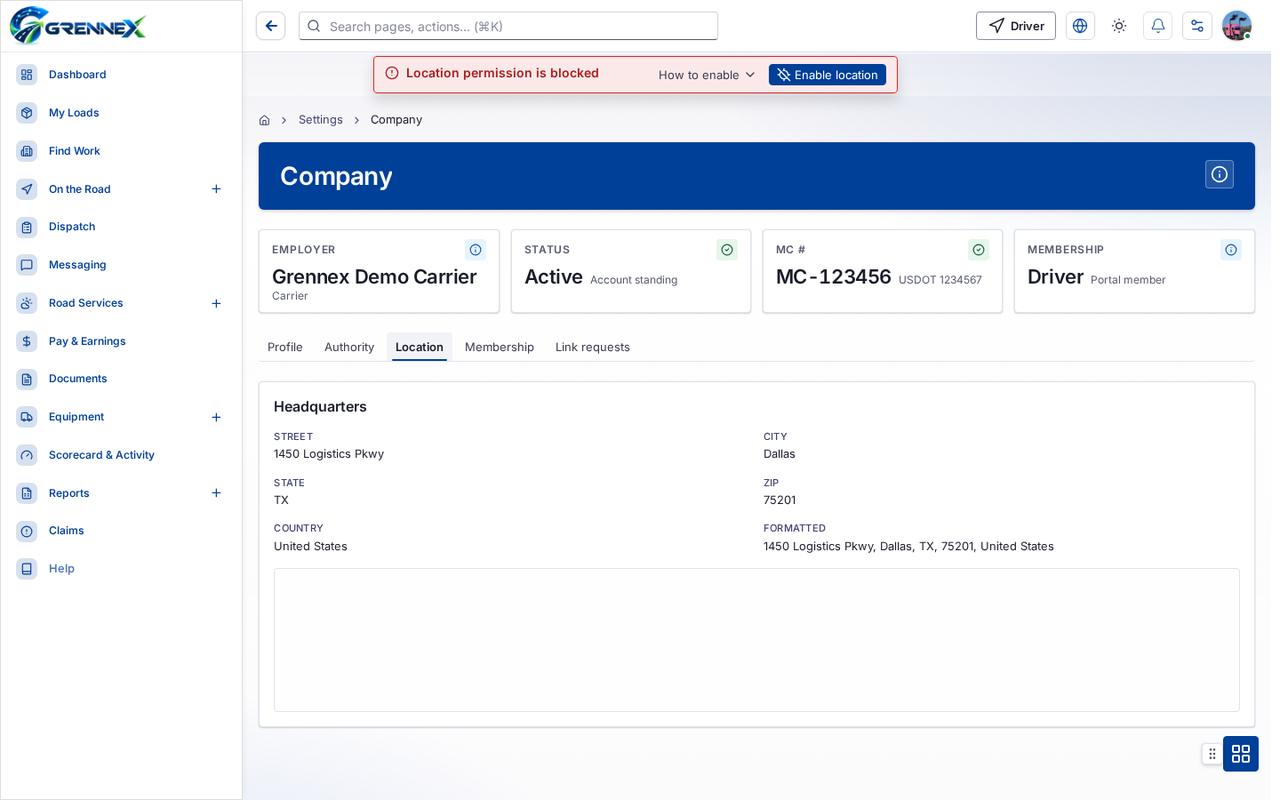
Tab: Location
Tab: Membership
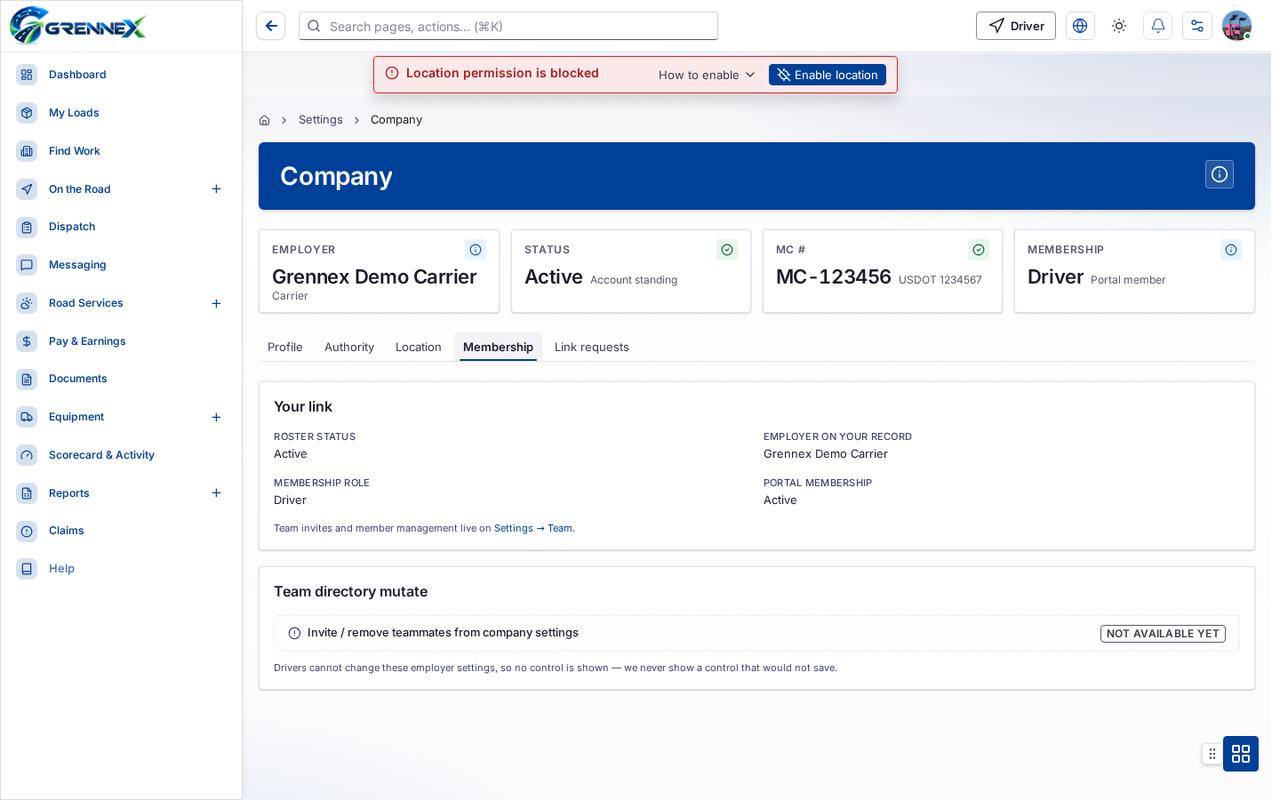
Tab: Link requests
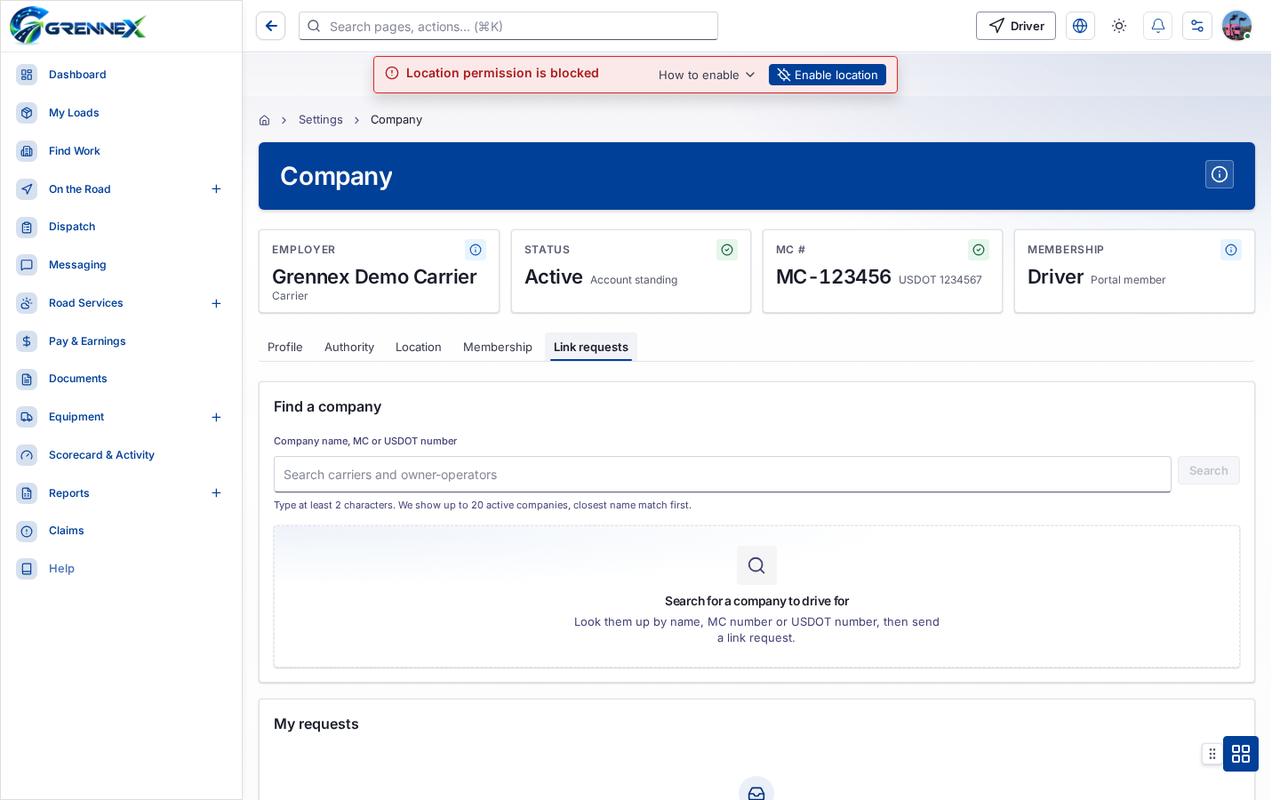
What you can do
Section titled “What you can do”- How this works
Fields
Section titled “Fields”| Field | Required | Type | Example |
|---|---|---|---|
| Time zone | No | combobox | Central Time — Chicago (default) |
| Currency | Yes | combobox | USD — US Dollar |
Loading, empty and error states
Section titled “Loading, empty and error states”Error state
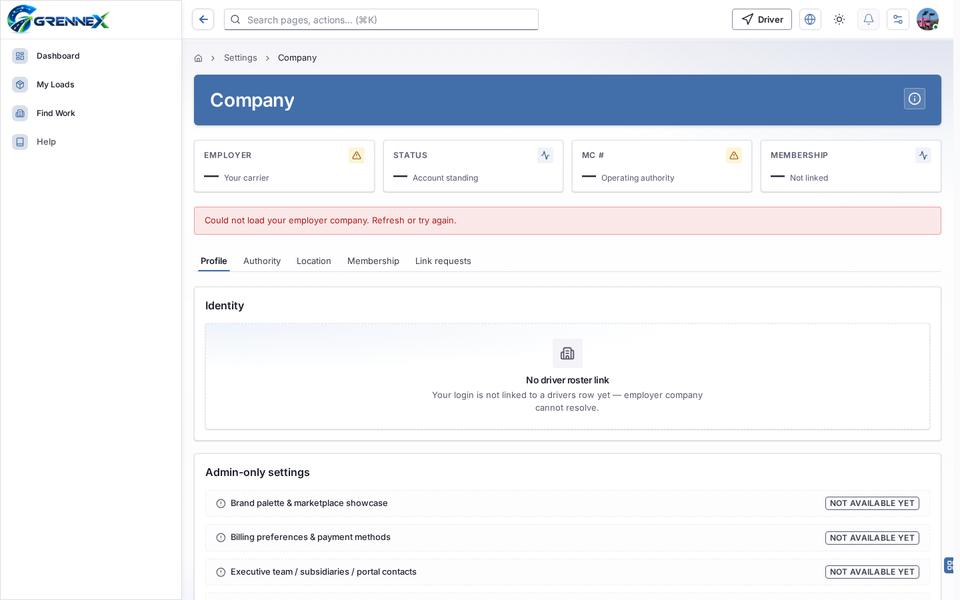
Loading state
Tooltip state
Last updated 2026-10-27