

Edit maintenance
Module: Truck & equipment · For: Drivers · Page address: /driver/equipment/maintenance/:id/edit
How to get there
Section titled “How to get there”Equipment → Maintenance Requests → (a record) → Edit
Who can use this page
Section titled “Who can use this page”Needs: Edit permission on the Fleet module.
Drivers use their own personal account; the company seat rules do not apply here.
Actions on this page and the permission each needs
Section titled “Actions on this page and the permission each needs”| Action | Permission | Notes |
|---|---|---|
| Cancel | Delete on Fleet | Must be granted on its own (not part of Manage) |
| Save changes | Edit on Fleet | Manage also grants it |
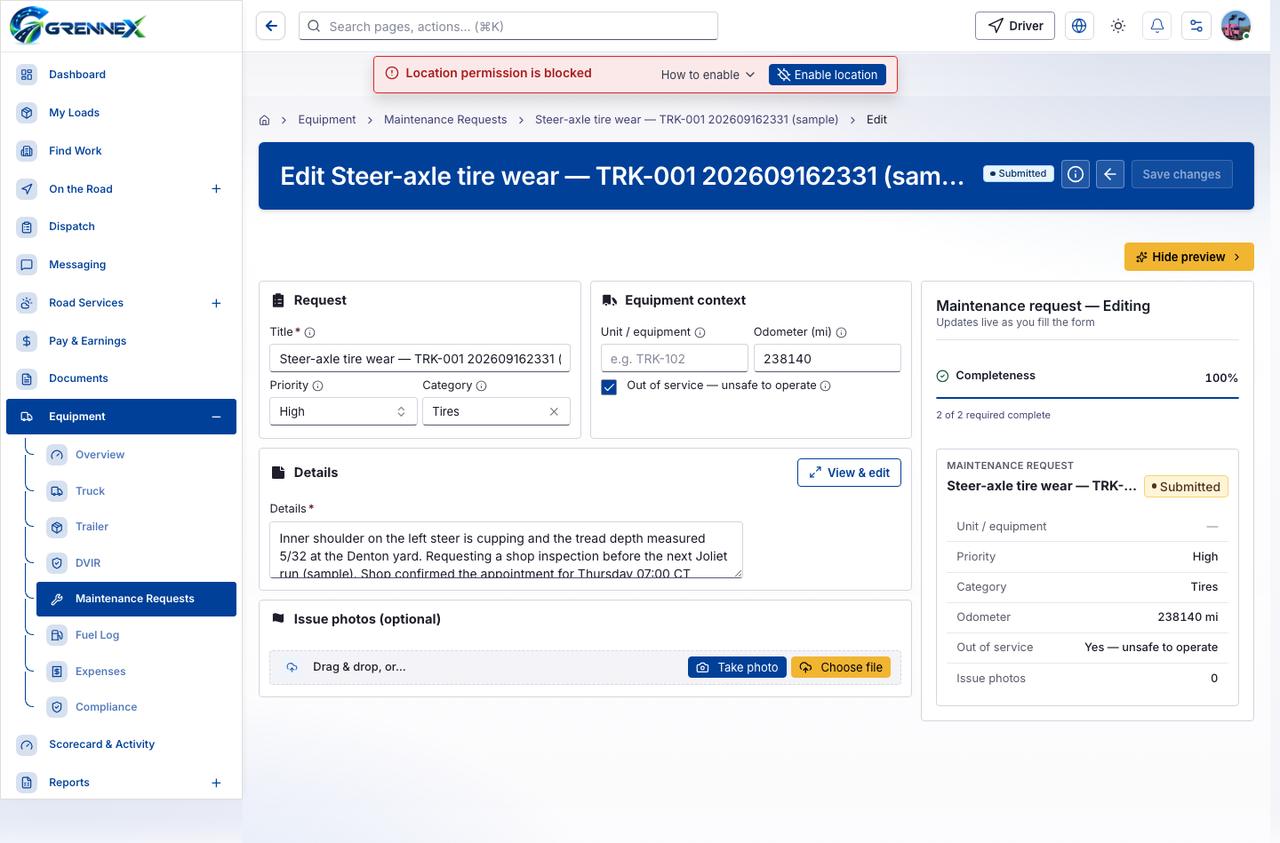
What you see
Section titled “What you see”- Request
- Equipment context
- Details
- Issue photos (optional)
- Maintenance request — Editing
- Steer-axle tire wear — TRK-001 202609162331 (sample)
What you can do
Section titled “What you can do”- How this works
- Cancel
- Save changes
- Hide preview
- Clear selection
- View & edit
- Take a photo with your device camera
- Take photo
- Choose file
Fields
Section titled “Fields”| Field | Required | Type | Example |
|---|---|---|---|
| Title | Yes | textbox | e.g. Tire inspection — steer axle |
| Priority | No | combobox | High |
| Category | No | combobox | Tires |
| Unit / equipment | No | textbox | e.g. TRK-102 |
| Odometer (mi) | No | spinbutton | 238140 |
| Out of service — unsafe to operate | No | checkbox | |
| Details | Yes | textbox | Describe the issue so the shop can plan. |
Loading, empty and error states
Section titled “Loading, empty and error states”Dropdown-Status state
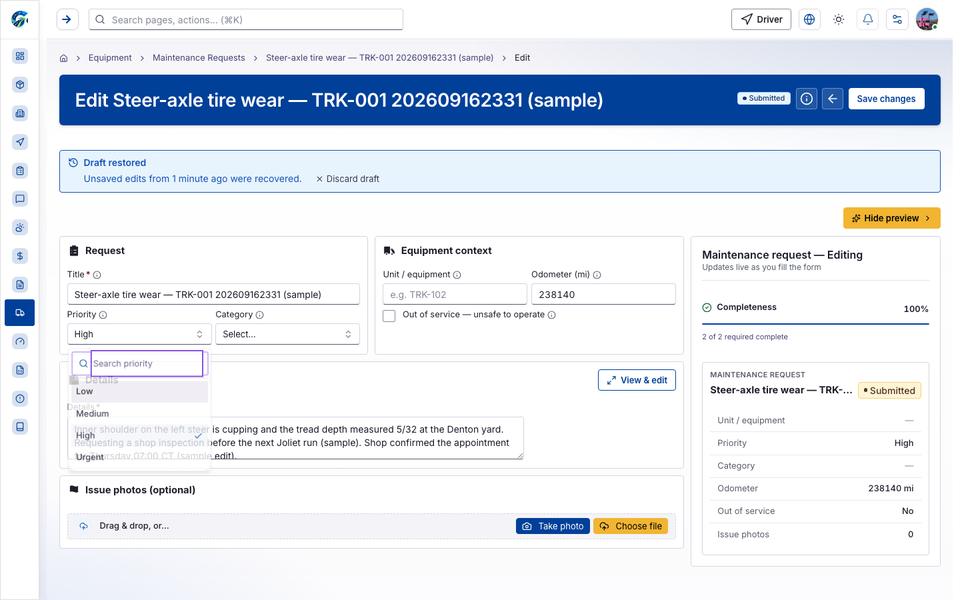
Loading state

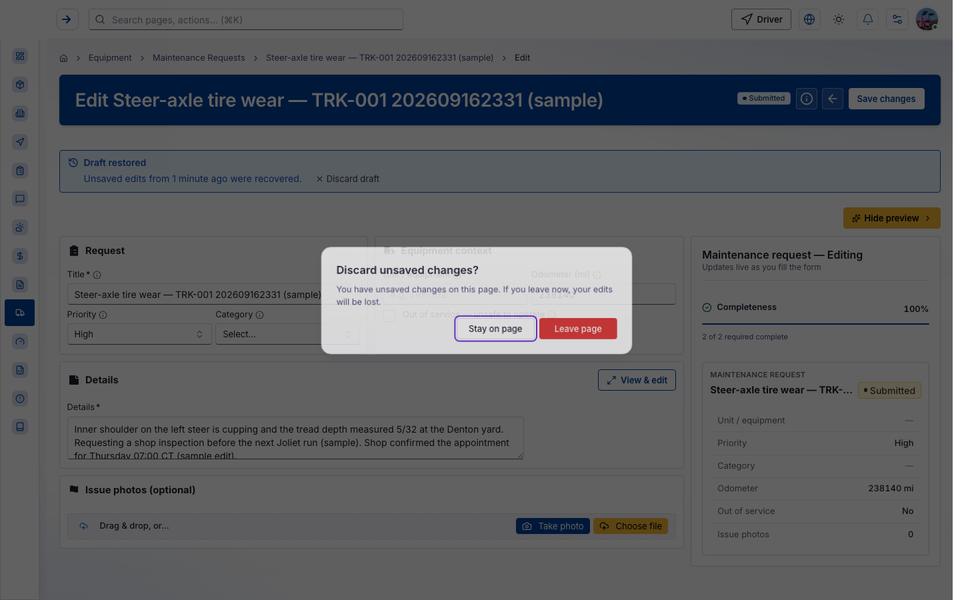
Popover-Guide state
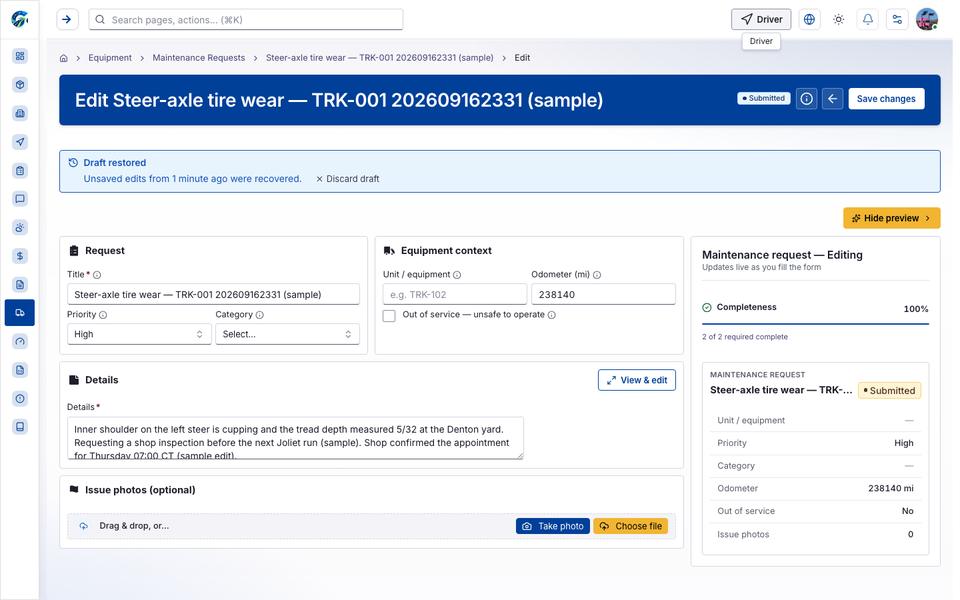
Tooltip state
Last updated 2026-10-27