

Load board details
Module: Load Board · For: Carrier users · Page address: /carrier-portal/load-board/:loadId
How to get there
Section titled “How to get there”Load Board → Search Loads → (a record)
Who can use this page
Section titled “Who can use this page”Needs: View permission on the Load Board module.
| Seat | Can open it |
|---|---|
| Owner / Admin | Yes |
| Manager | Yes |
| User | Yes |
What this page tells you
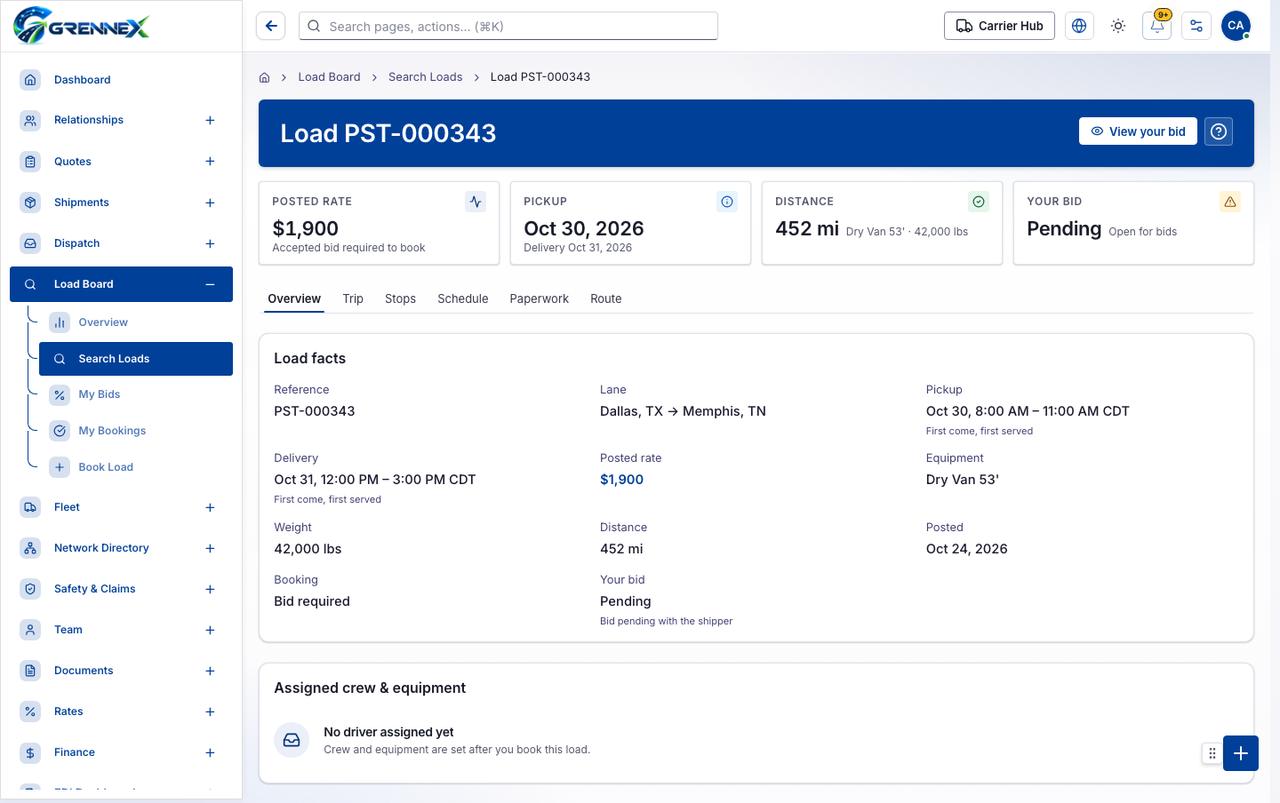
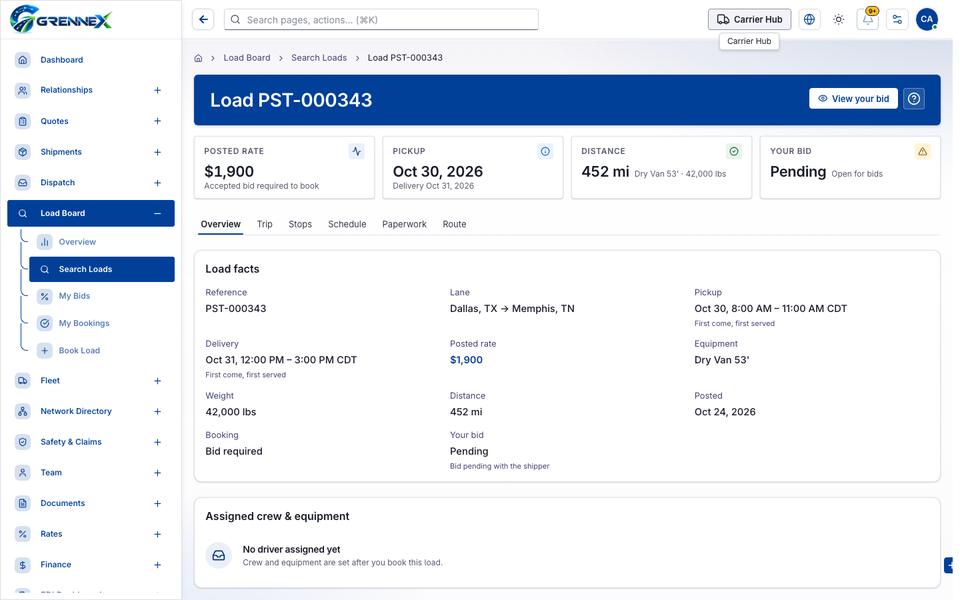
Section titled “What this page tells you”Crew and equipment are set after you book this load.
What you see
Section titled “What you see”- Load facts
- Assigned crew & equipment
- No driver assigned yet
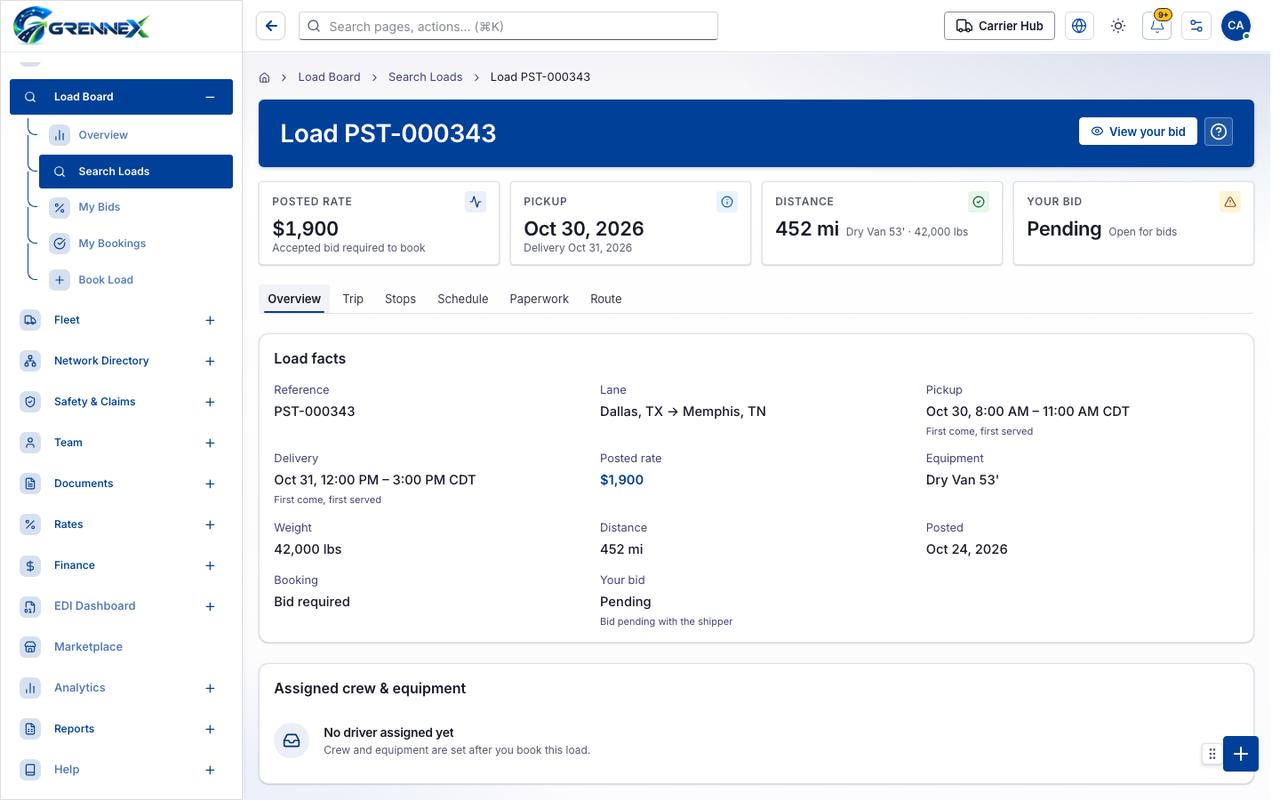
- Overview
- Trip
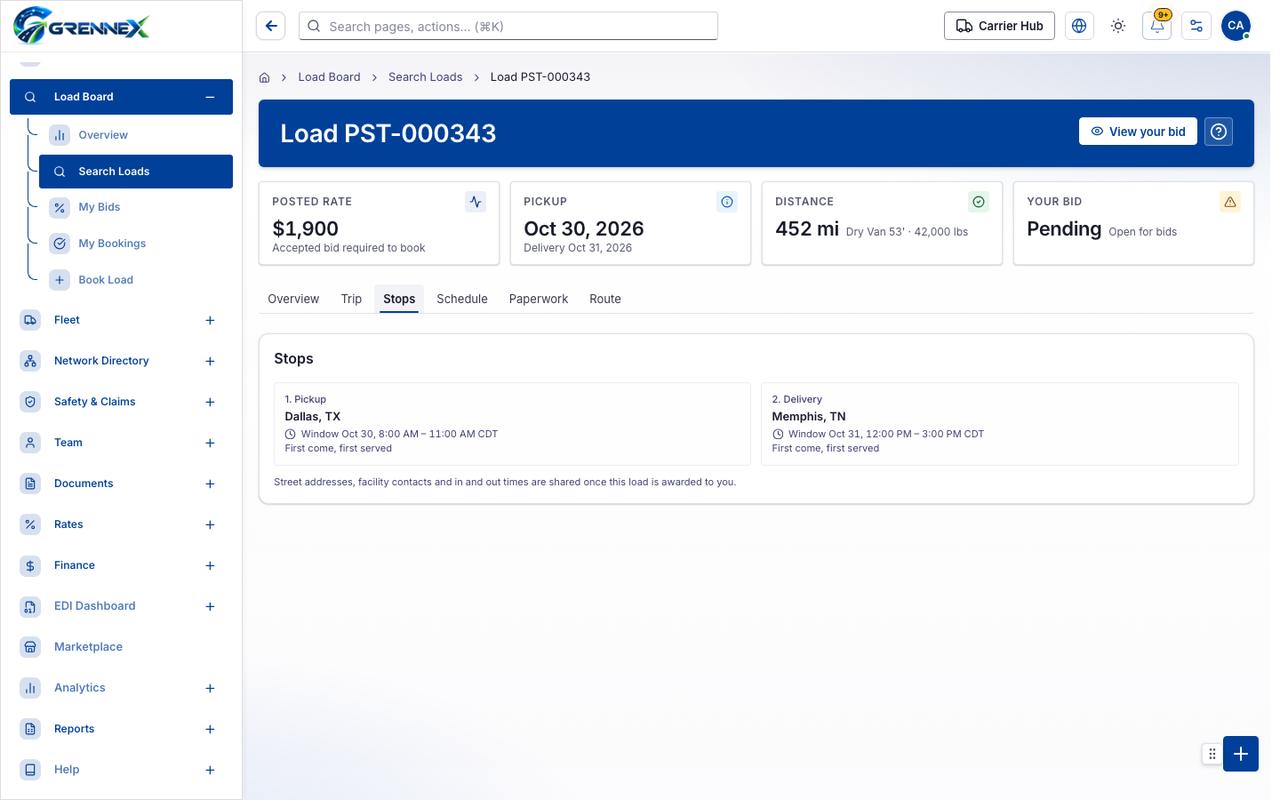
- Stops
- Schedule
- Paperwork
- Route
Tab: Overview
Tab: Trip
Tab: Stops
Tab: Schedule
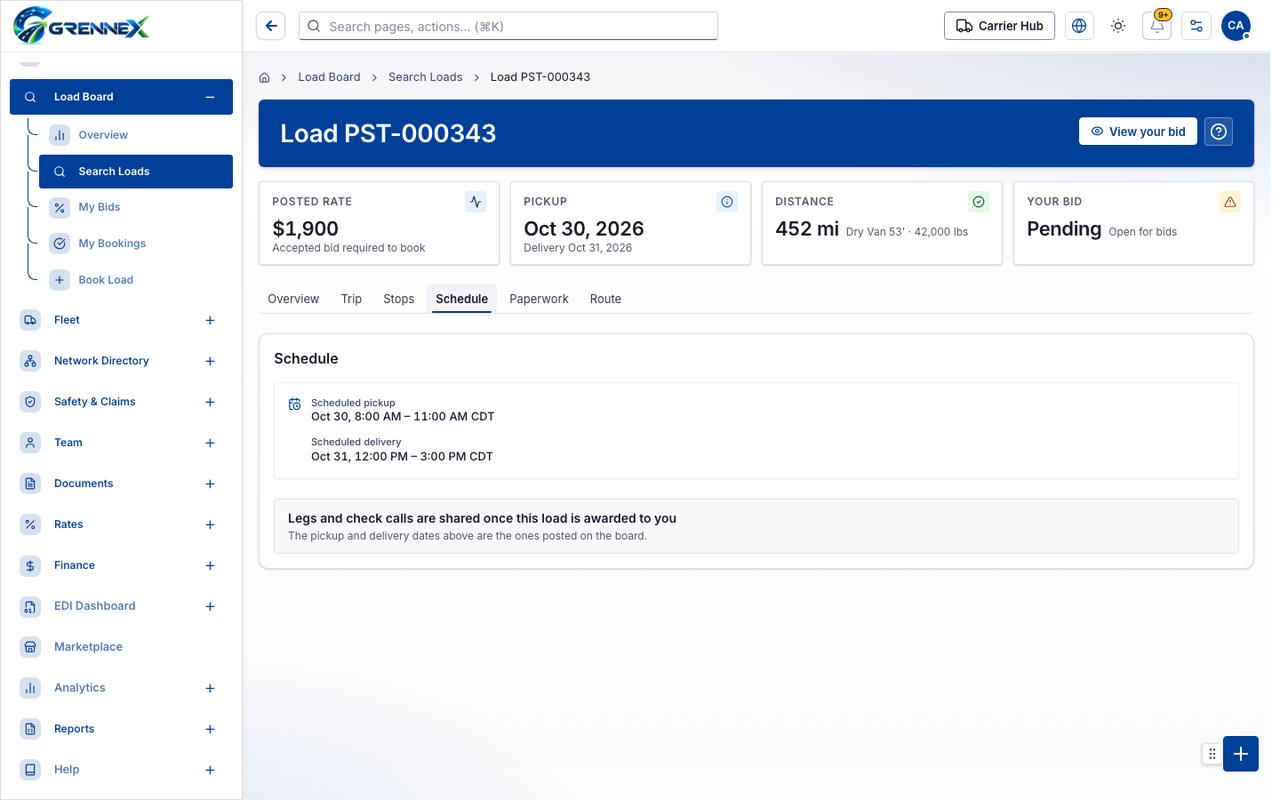
Tab: Paperwork
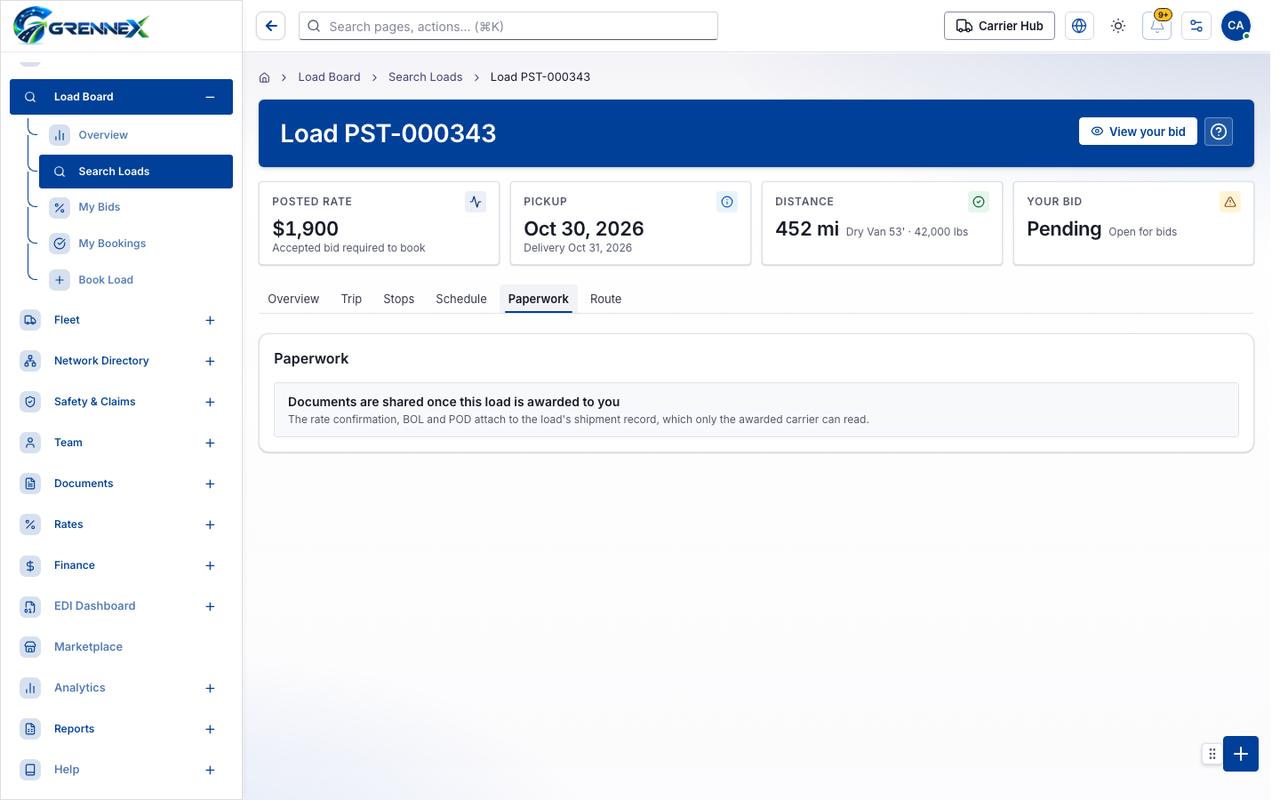
Tab: Route
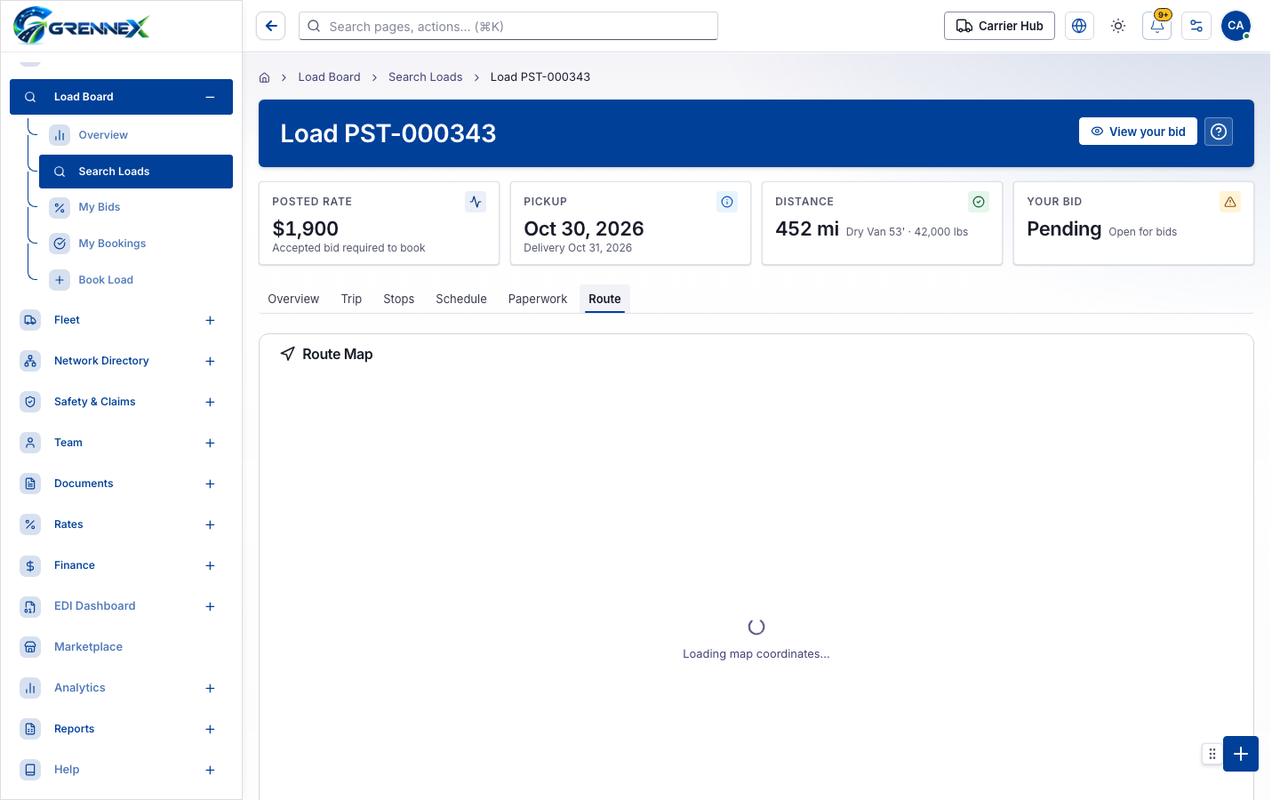
What you can do
Section titled “What you can do”- View your bid
When there is nothing to show
Section titled “When there is nothing to show”- “- heading “No driver assigned yet” [level=3]”
Loading, empty and error states
Section titled “Loading, empty and error states”Error state
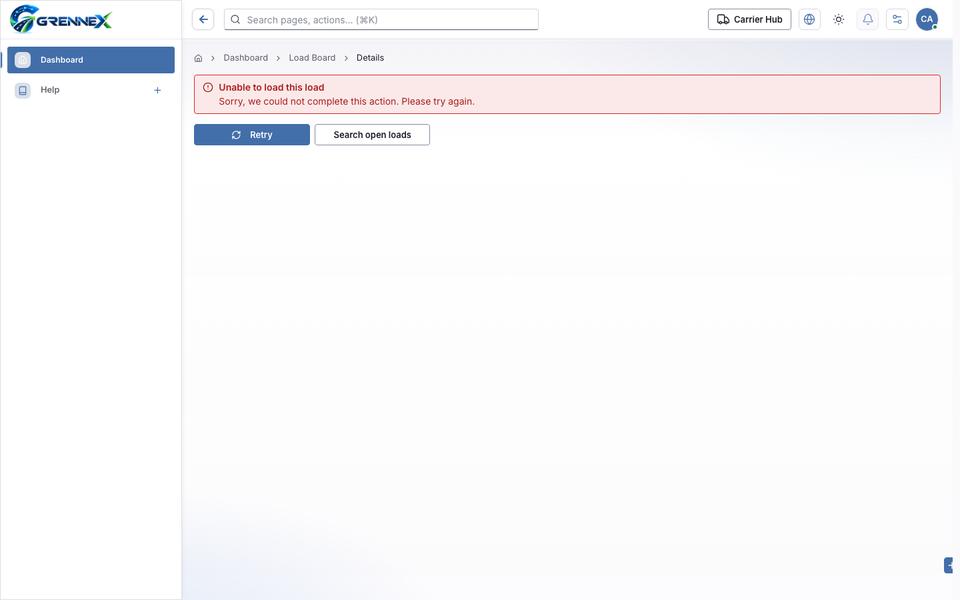
Loading state
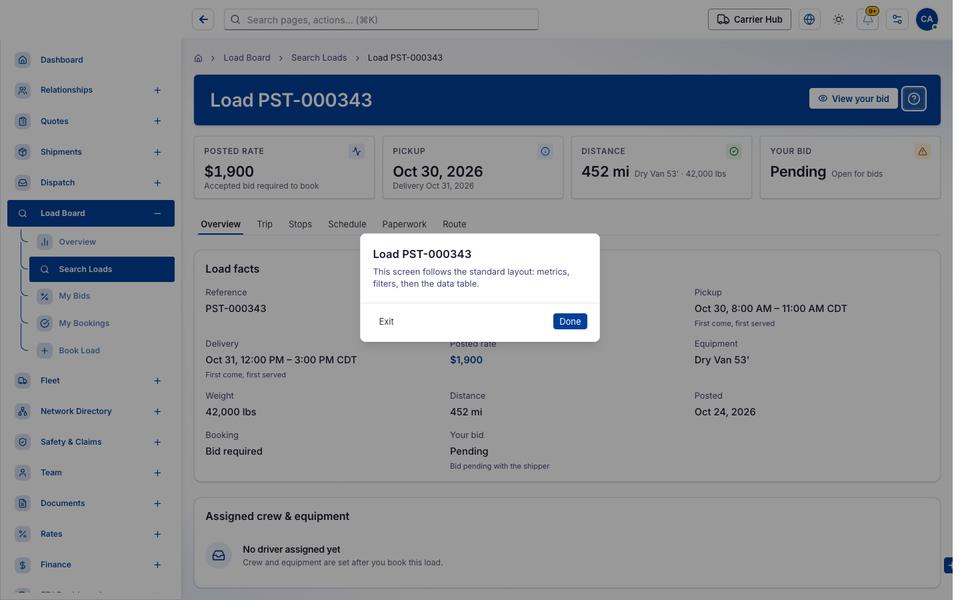
Popover-Guide state
Tooltip state
Last updated 2026-10-27