

Edit project
Module: Relationships (CRM) · For: Carrier users · Page address: /carrier-portal/crm/projects/:id/edit
How to get there
Section titled “How to get there”Dashboard → Demo — synthetic · Carrier Onboarding Automation → Edit Project
Who can use this page
Section titled “Who can use this page”Needs: No module permission: every signed-in member of the company can open it.
| Seat | Can open it |
|---|---|
| Owner / Admin | Yes |
| Manager | Yes |
| User | Yes |
Actions on this page and the permission each needs
Section titled “Actions on this page and the permission each needs”| Action | Permission | Notes |
|---|---|---|
| Cancel | Any signed-in member | Must be granted on its own (not part of Manage) |
| Save all changes | Any signed-in member | Manage also grants it |
| Remove Demo — synthetic · Rachel Coleman | Any signed-in member | Must be granted on its own (not part of Manage) |
| Remove Demo — synthetic · Marcus Reyes | Any signed-in member | Must be granted on its own (not part of Manage) |
| Upload document | Any signed-in member | Manage also grants it |
What this page tells you
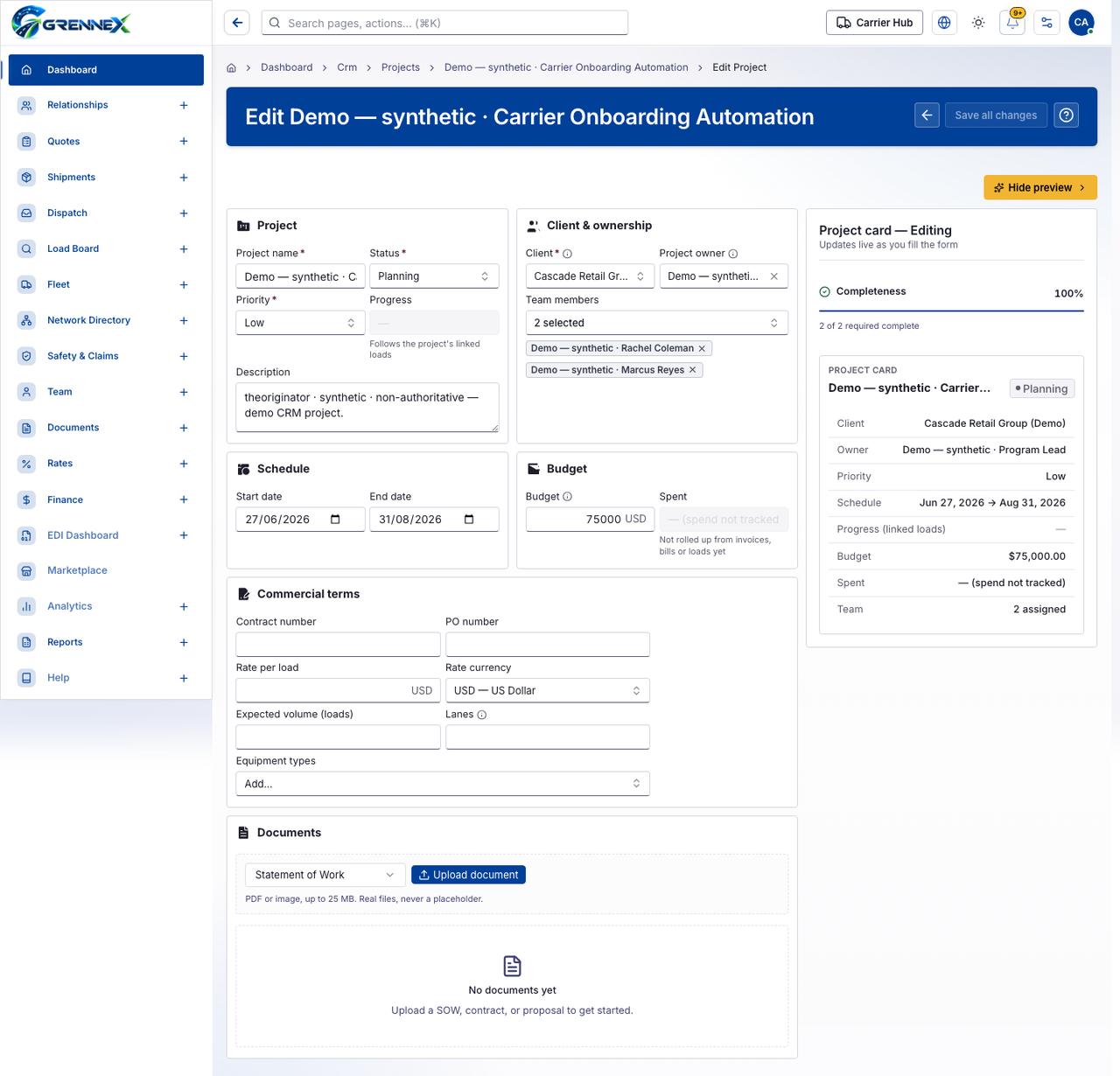
Section titled “What this page tells you”Not rolled up from invoices, bills or loads yet PDF or image, up to 25 MB. Real files, never a placeholder. Upload a SOW, contract, or proposal to get started.
What you see
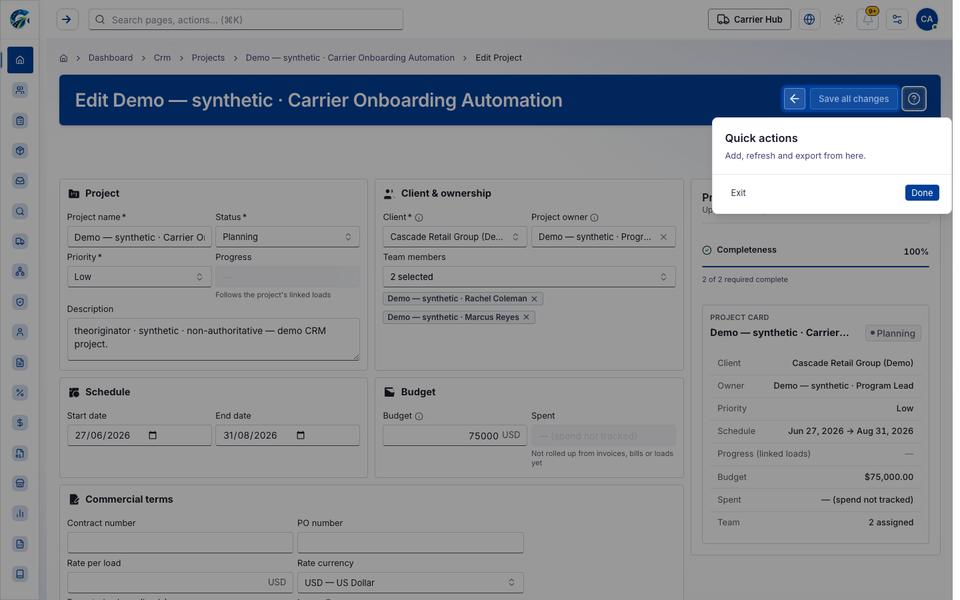
Section titled “What you see”- Project
- Client & ownership
- Schedule
- Budget
- Commercial terms
- Documents
- Project card — Editing
- Demo — synthetic · Carrier Onboarding Automation
What you can do
Section titled “What you can do”- Cancel
- Save all changes
- Hide preview
- Clear selection
- Remove Demo — synthetic · Rachel Coleman
- Remove Demo — synthetic · Marcus Reyes
- Upload document
- Choose File
Fields
Section titled “Fields”| Field | Required | Type | Example |
|---|---|---|---|
| Project name | Yes | textbox | Fleet Modernization Program |
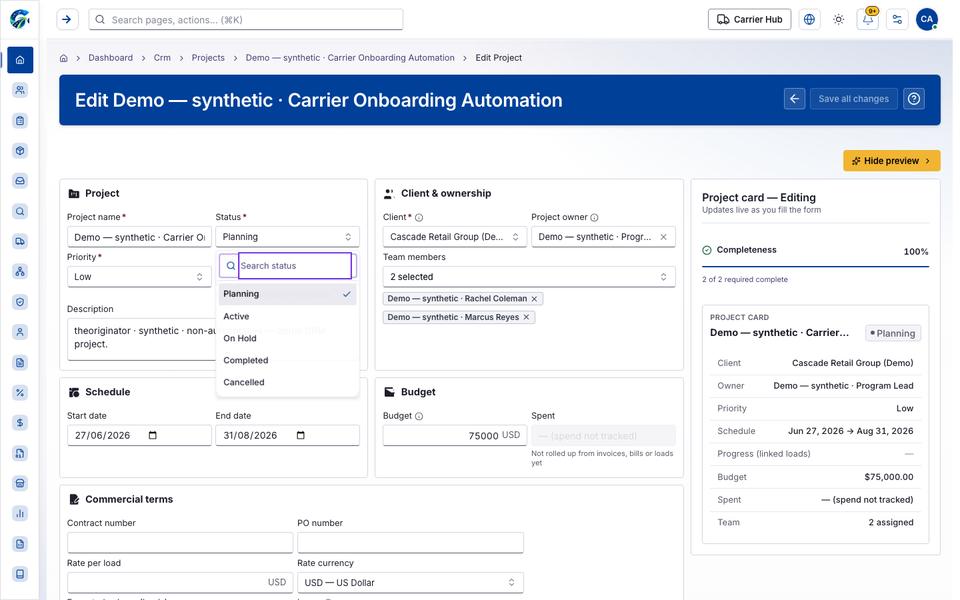
| Status | Yes | combobox | Planning |
| Priority | Yes | combobox | Low |
| Progress | No | textbox | — |
| Description | No | textbox | Scope, objectives and what done looks li |
| Client | Yes | combobox | Cascade Retail Group (Demo) |
| Project owner | No | combobox | Demo — synthetic · Program Lead |
| Team members | No | combobox | 2 selected |
| Start date | No | textbox | 2026-06-27 |
| End date | No | textbox | 2026-08-31 |
| Budget | No | textbox | 250000.00 |
| Spent | No | textbox | — (spend not tracked) |
| Contract number | No | textbox | |
| PO number | No | textbox | |
| Rate per load | No | textbox | |
| Rate currency | No | combobox | USD — US Dollar |
| Expected volume (loads) | No | spinbutton | |
| Lanes | No | textbox | |
| Equipment types | No | combobox | Add… |
| Document type to upload | No | combobox | Statement of Work |
When there is nothing to show
Section titled “When there is nothing to show”- “No documents yet”
Loading, empty and error states
Section titled “Loading, empty and error states”Dropdown-Status state
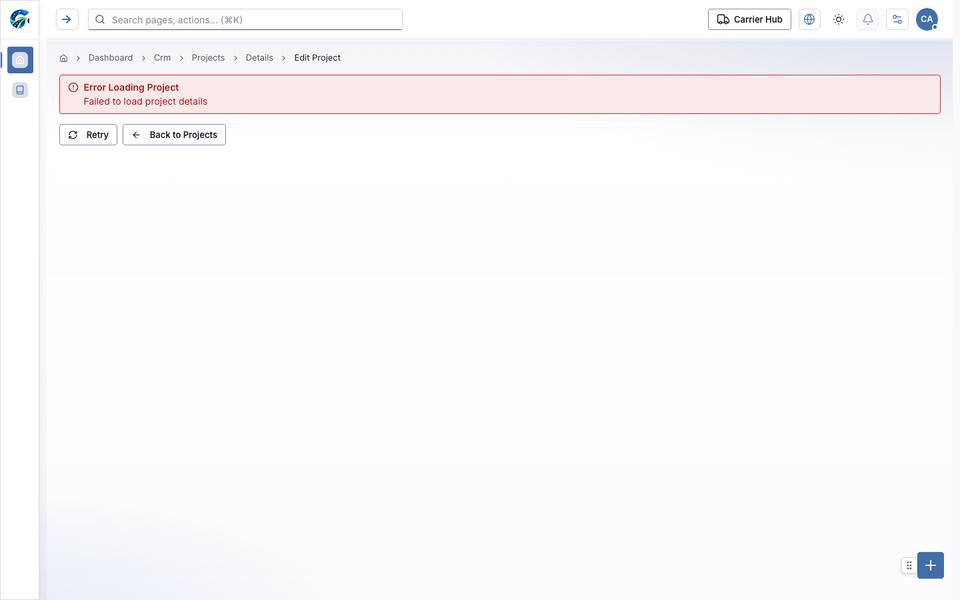
Error state
Loading state
Popover-Guide state
Last updated 2026-10-27