

Delivery Proofs
Module: Documents · For: Carrier users · Page address: /carrier-portal/documents/deliveries
How to get there
Section titled “How to get there”Documents → Delivery Proofs
Who can use this page
Section titled “Who can use this page”Needs: View permission on the Documents module.
| Seat | Can open it |
|---|---|
| Owner / Admin | Yes |
| Manager | Yes |
| User | Yes |
Actions on this page and the permission each needs
Section titled “Actions on this page and the permission each needs”| Action | Permission | Notes |
|---|---|---|
| Upload | Upload on Documents | Manage also grants it |
| Export 0 rows to CSV | Export on Documents | Manage also grants it |
What this page tells you
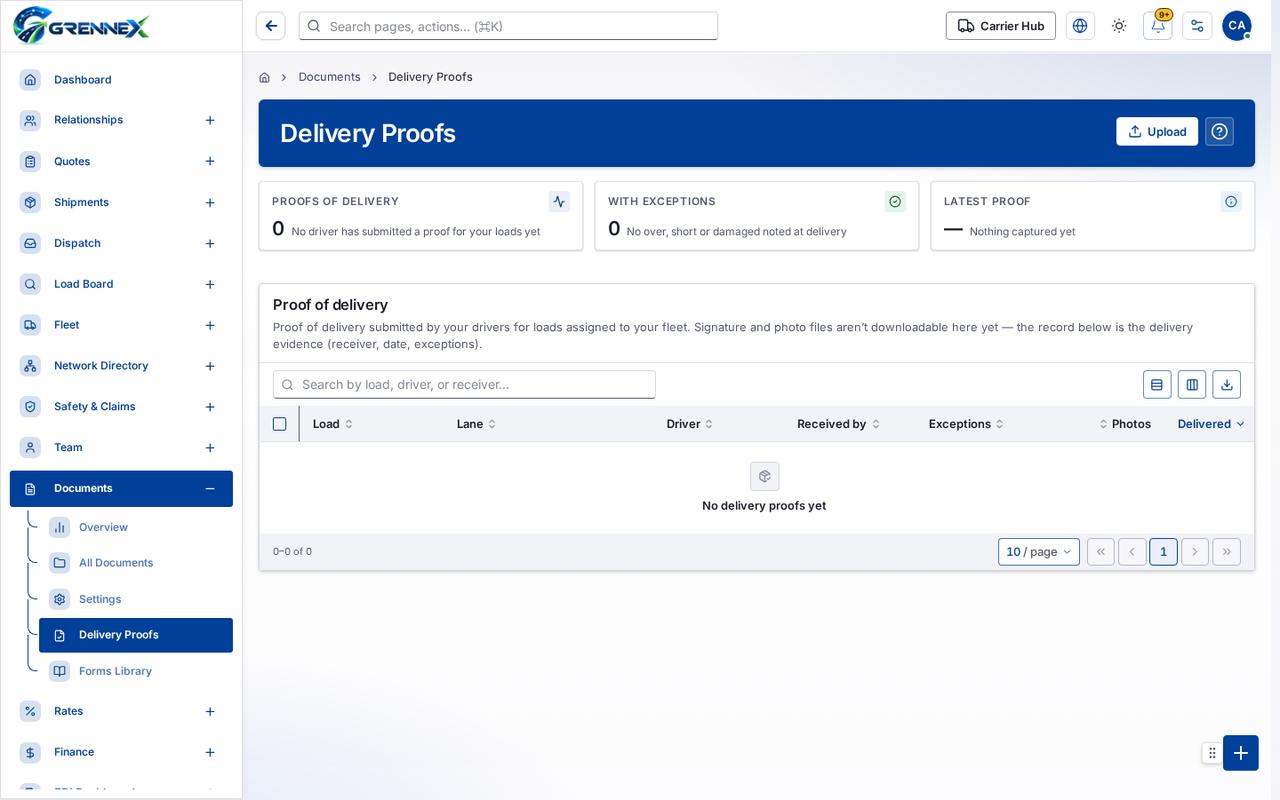
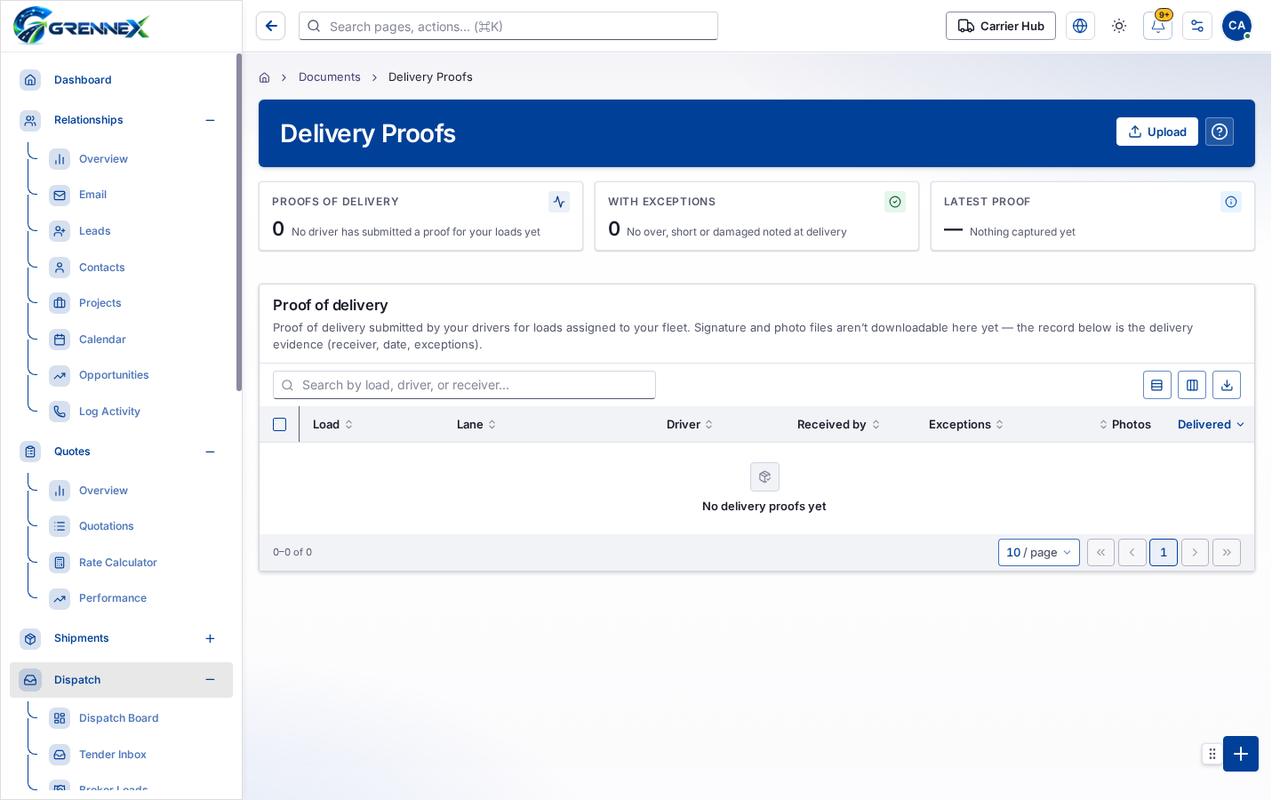
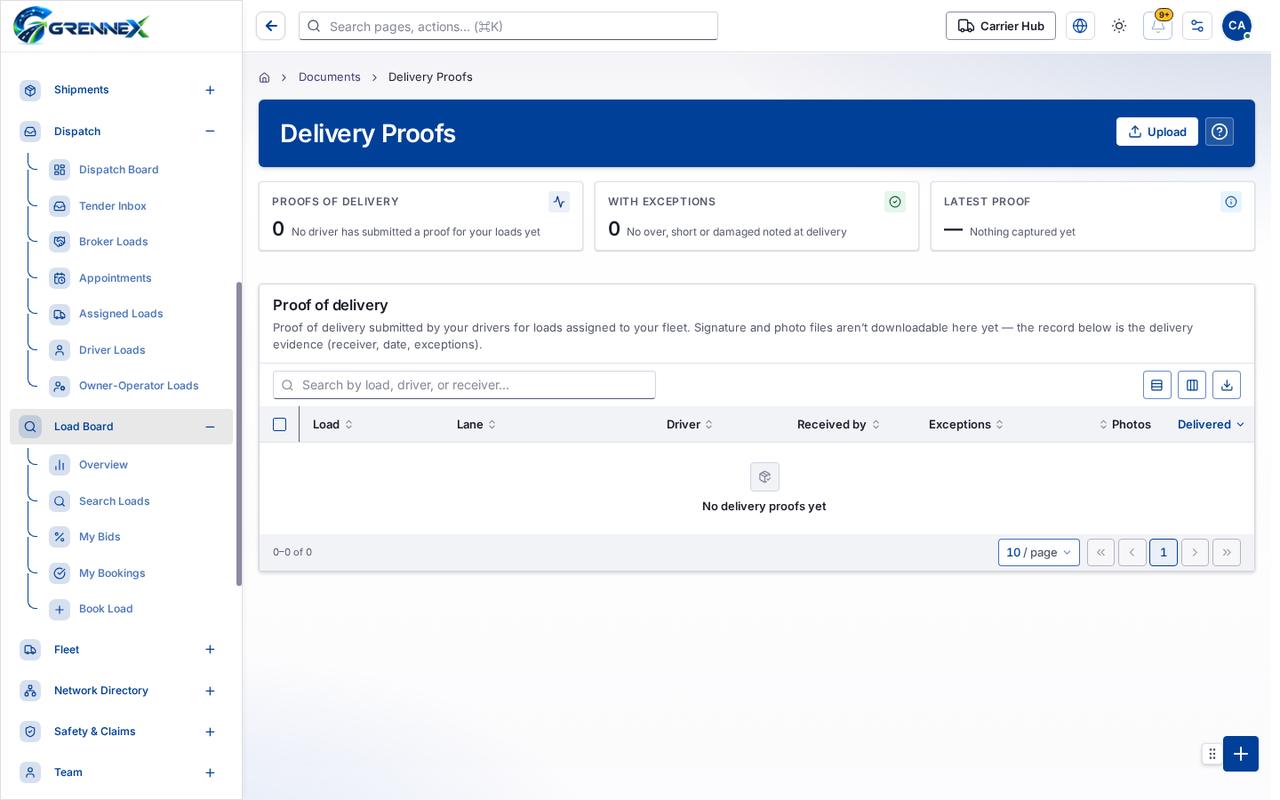
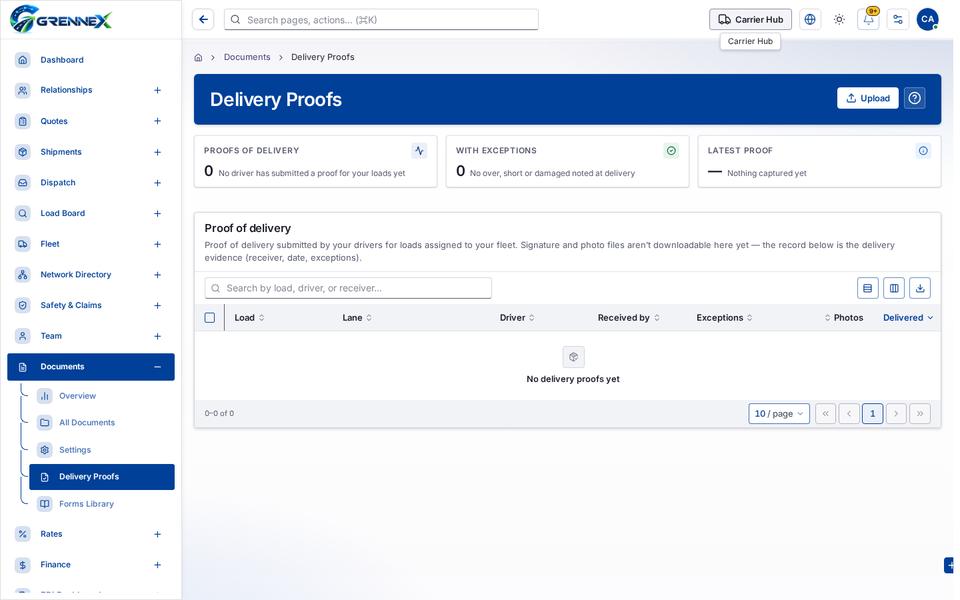
Section titled “What this page tells you”Proof of delivery submitted by your drivers for loads assigned to your fleet. Signature and photo files aren’t downloadable here yet — the record below is the delivery evidence (receiver, date, exceptions).
What you see
Section titled “What you see”- Proof of delivery
Table columns
Section titled “Table columns”Load · Lane · Driver · Received By · Exceptions · Photos · Delivered
Tab: First page
Tab: Previous page
Tab: Page 1
Tab: Next page
Tab: Last page 1
What you can do
Section titled “What you can do”- Upload
- Export 0 rows to CSV
- Load
- Lane
- Driver
- Received by
- Exceptions
- Photos
- Delivered
- Rows per page — currently 10
When there is nothing to show
Section titled “When there is nothing to show”- “- row “No delivery proofs yet”:”
- “- cell “No delivery proofs yet”:”
- “No delivery proofs yet”
Loading, empty and error states
Section titled “Loading, empty and error states”Loading state
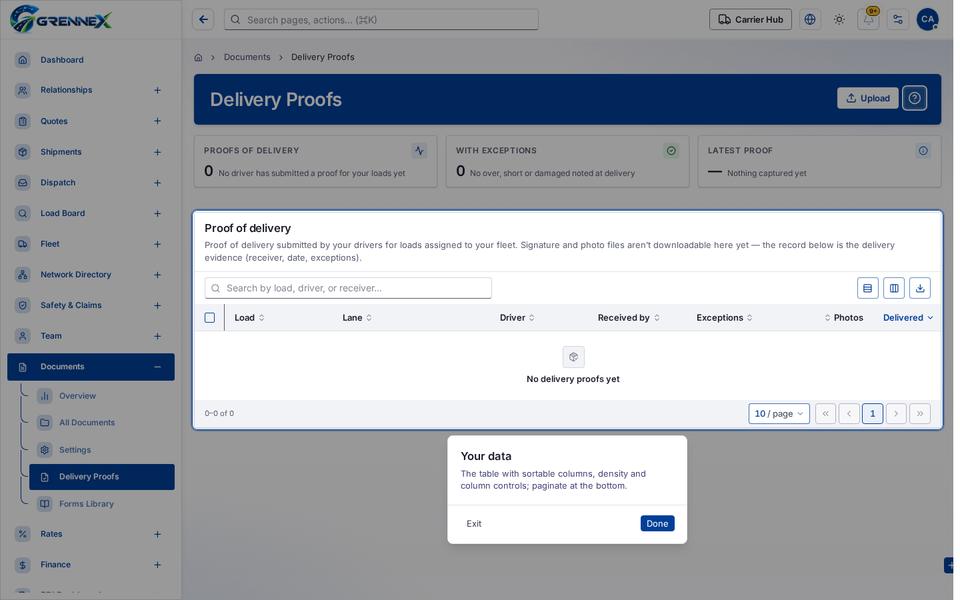
Popover-Guide state
Tooltip state
Last updated 2026-10-27