

Connect carrier details
Module: Network Directory · For: Carrier users · Page address: /carrier-portal/networks/connect-carriers/:id
How to get there
Section titled “How to get there”Network Directory → Carriers → Demo — synthetic · Ironhorse Carriers
Who can use this page
Section titled “Who can use this page”Needs: View permission on the Network Directory module.
| Seat | Can open it |
|---|---|
| Owner / Admin | Yes |
| Manager | Yes |
| User | Yes |
Actions on this page and the permission each needs
Section titled “Actions on this page and the permission each needs”| Action | Permission | Notes |
|---|---|---|
| Edit Carrier | Edit on Network Directory | Manage also grants it |
What this page tells you
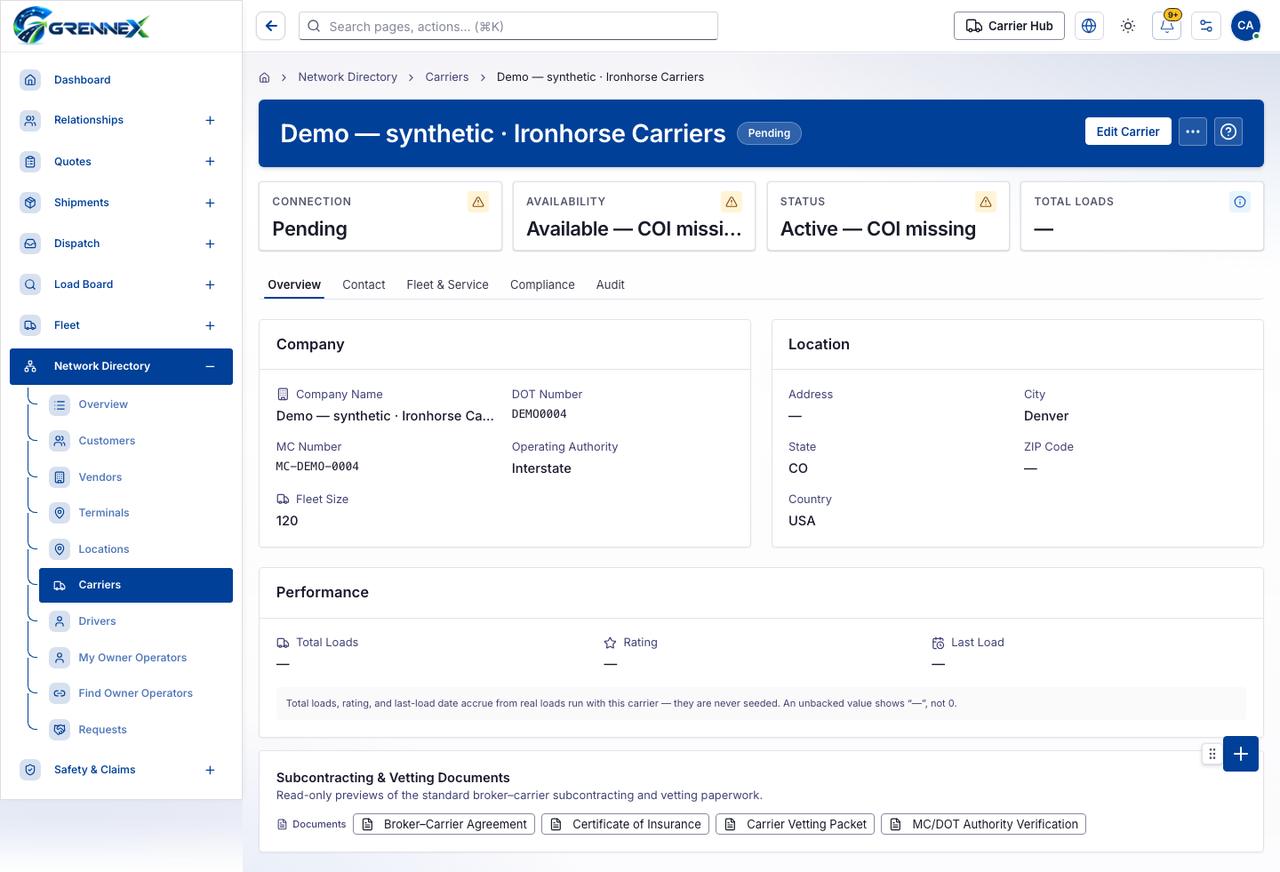
Section titled “What this page tells you”Total loads, rating, and last-load date accrue from real loads run with this carrier — they are never seeded. An unbacked value shows “—”, not 0. Read-only previews of the standard broker–carrier subcontracting and vetting paperwork.
What you see
Section titled “What you see”- Company
- Location
- Performance
- Subcontracting & Vetting Documents
- Overview
- Contact
- Fleet & Service
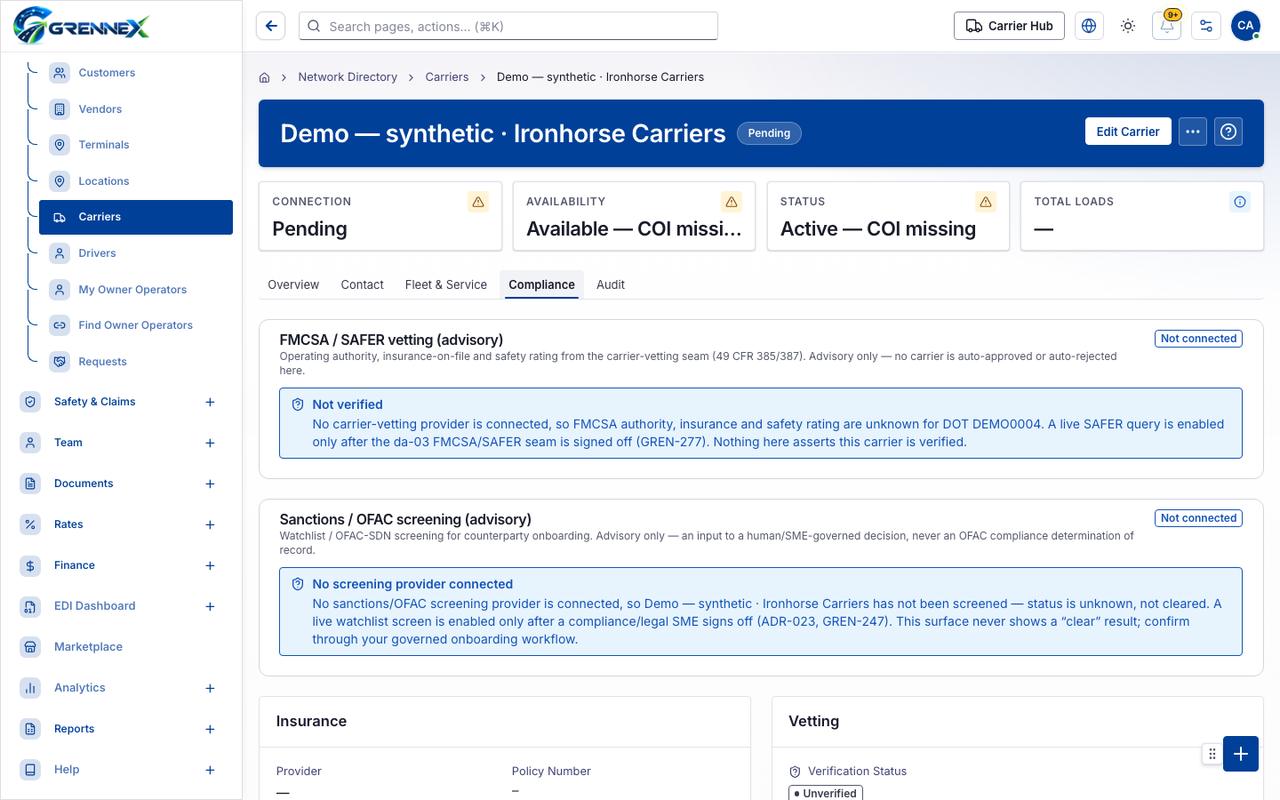
- Compliance
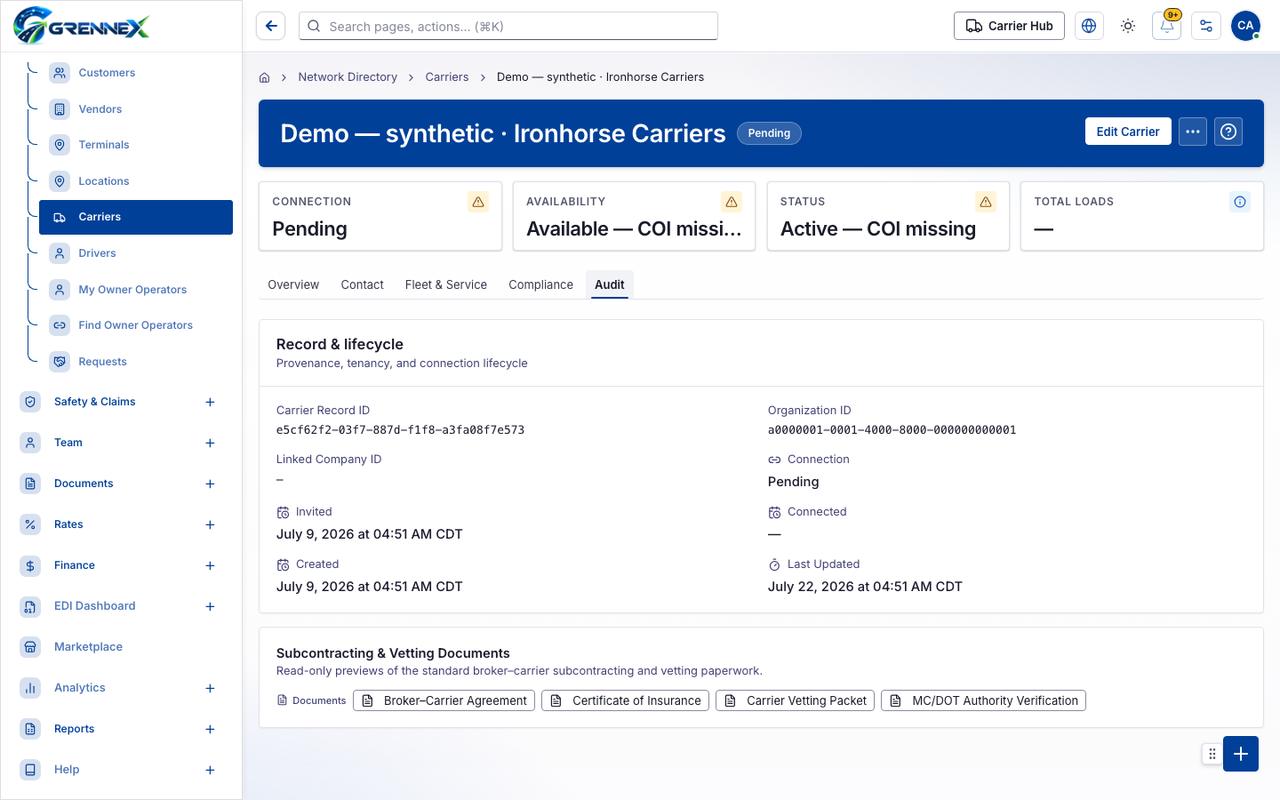
- Audit
Tab: Overview
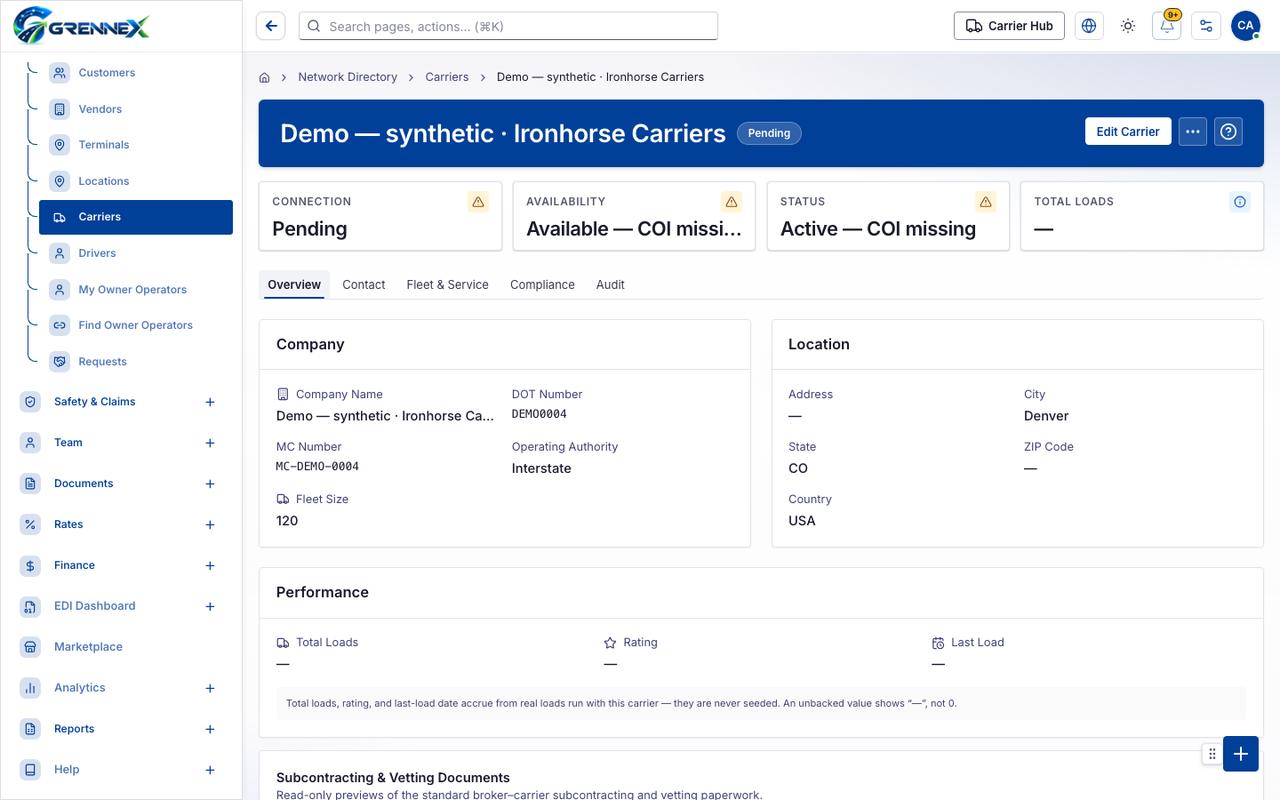
Tab: Contact
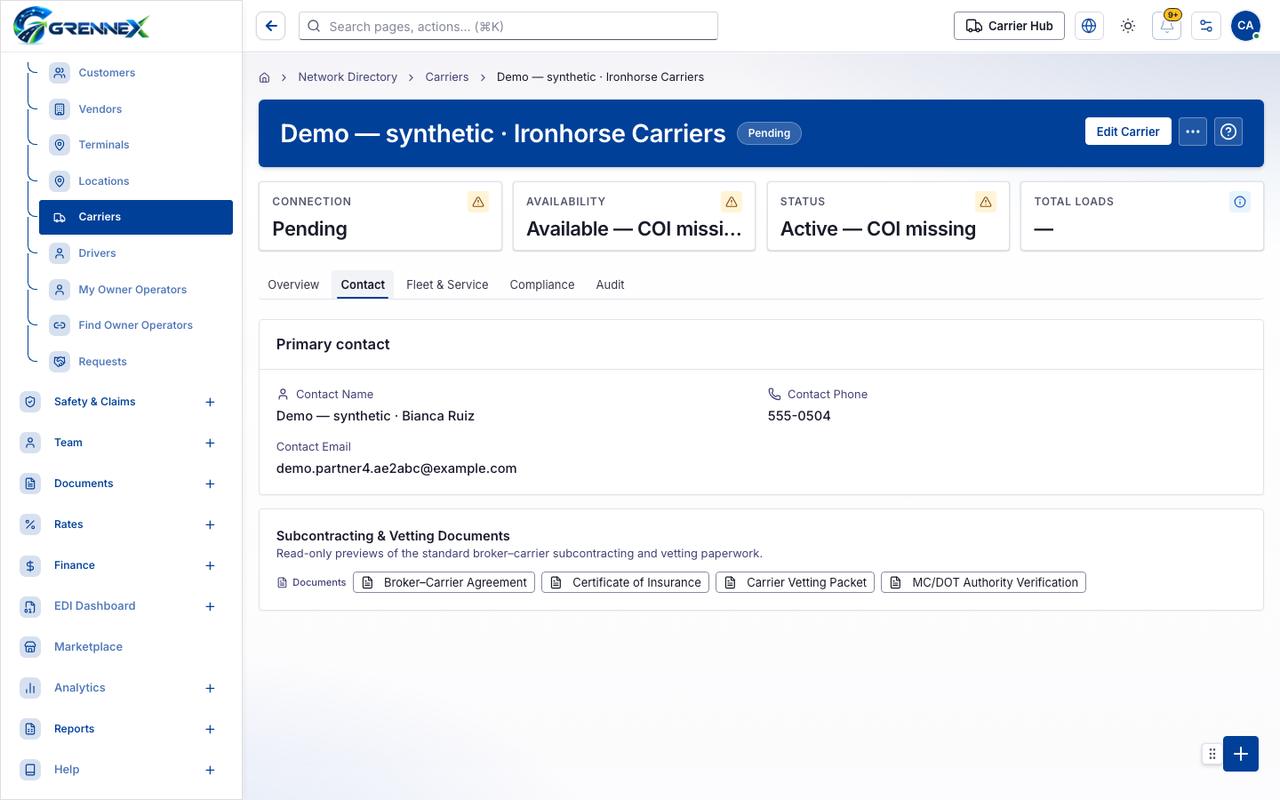
Tab: Fleet Service
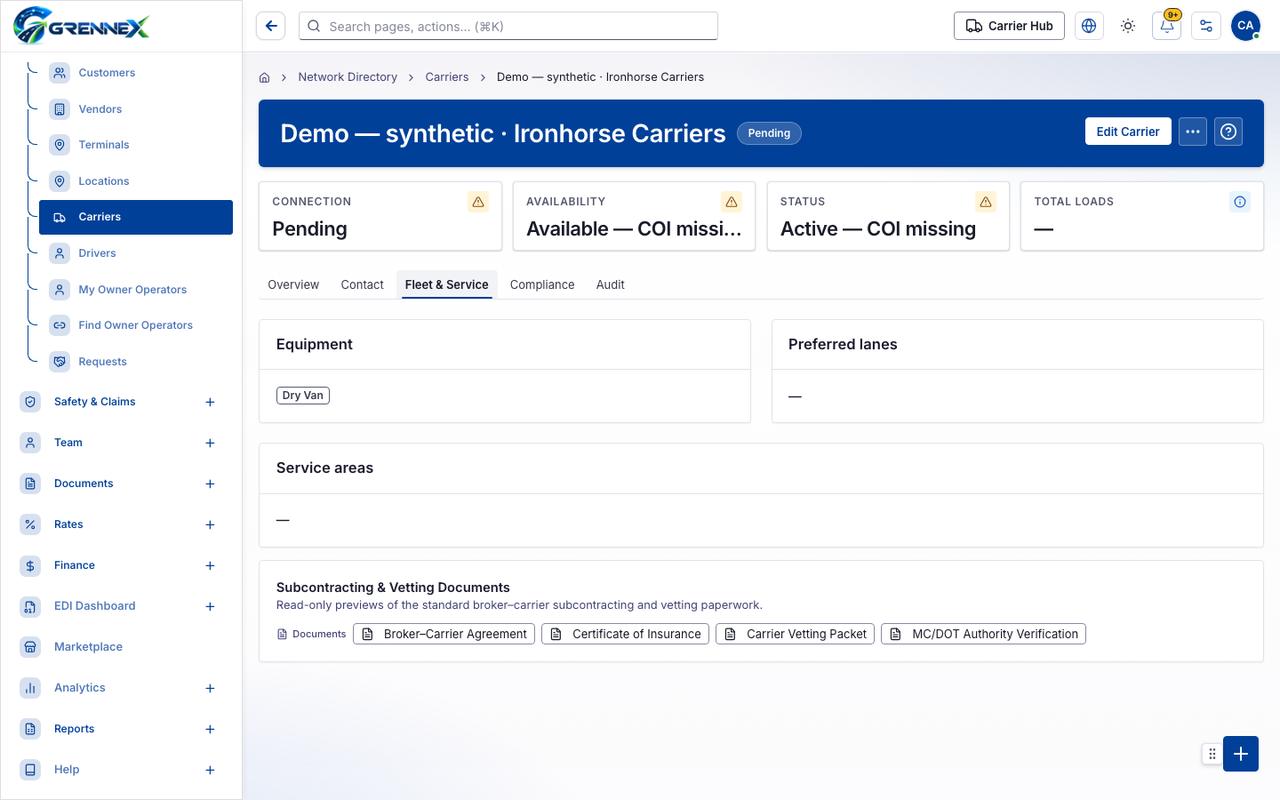
Tab: Compliance
Tab: Audit
What you can do
Section titled “What you can do”- Edit Carrier
- More actions
- Broker–Carrier Agreement
- Certificate of Insurance
- Carrier Vetting Packet
- MC/DOT Authority Verification
Loading, empty and error states
Section titled “Loading, empty and error states”Loading state

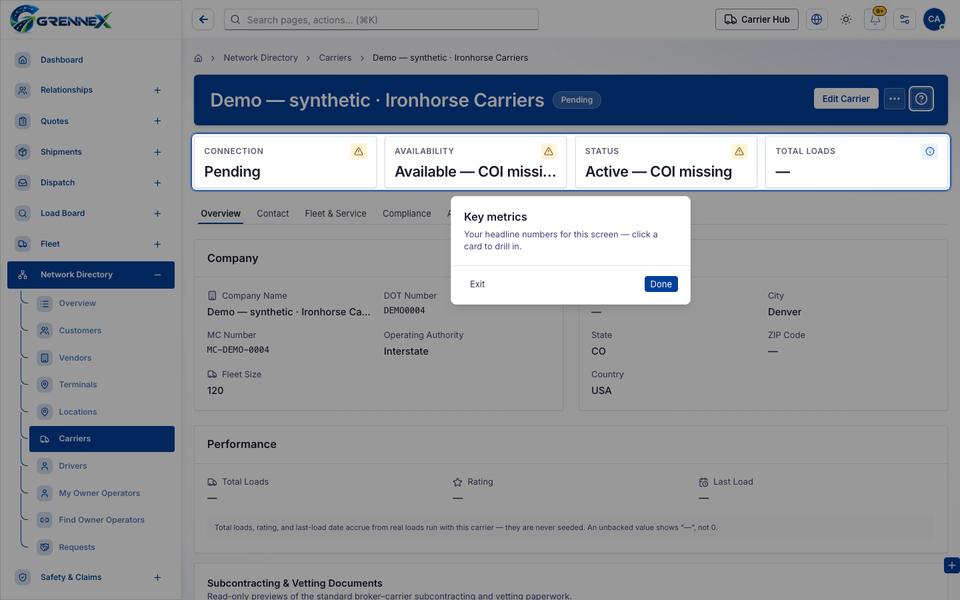
Popover-Guide state
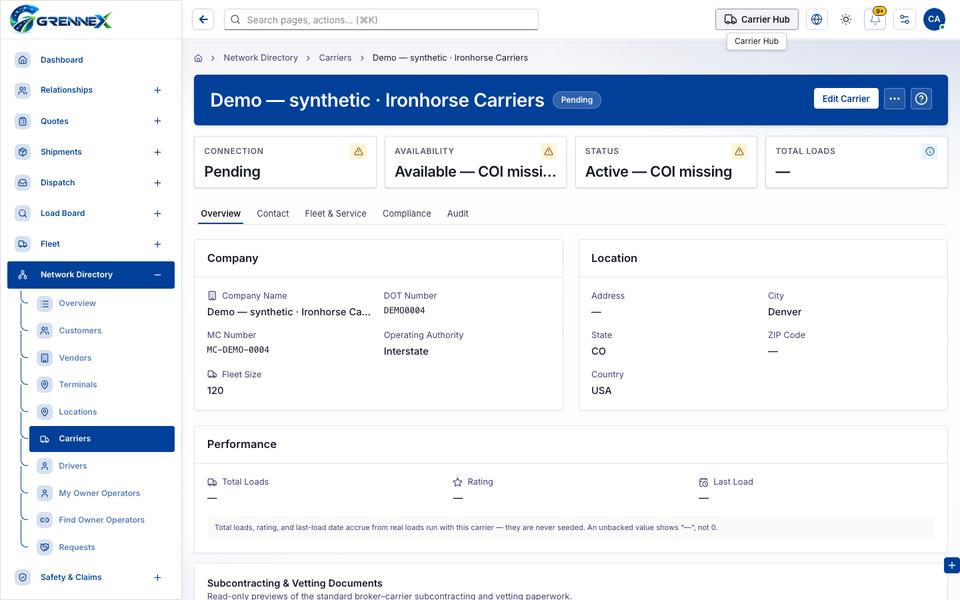
Tooltip state
Last updated 2026-10-27