

Shipments Overview
Module: Shipments · For: Carrier users · Page address: /carrier-portal/shipments/overview
How to get there
Section titled “How to get there”Shipments → Overview
Who can use this page
Section titled “Who can use this page”Needs: View permission on the Shipments module.
| Seat | Can open it |
|---|---|
| Owner / Admin | Yes |
| Manager | Yes |
| User | Yes |
What this page tells you
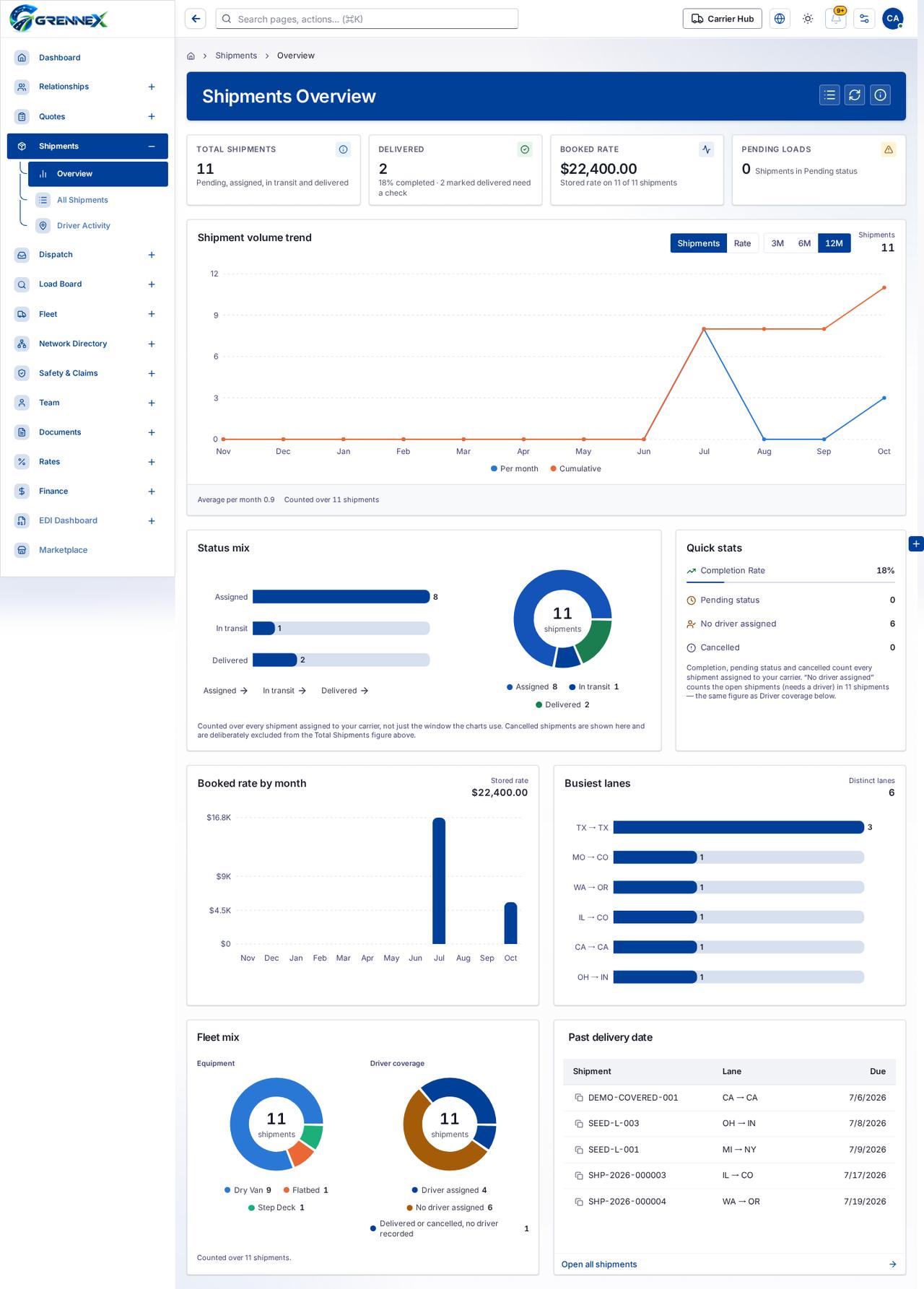
Section titled “What this page tells you”Counted over every shipment assigned to your carrier, not just the window the charts use. Cancelled shipments are shown here and are deliberately excluded from the Total Shipments figure above. Completion, pending status and cancelled count every shipment assigned to your carrier. “No driver assigned” counts the open shipments (needs a driver) in 11 shipments — the same figure as Driver coverage below.
What you see
Section titled “What you see”- Shipment volume trend
- Status mix
- Quick stats
- Booked rate by month
What you can do
Section titled “What you can do”- All shipments
- Refresh
- How this works
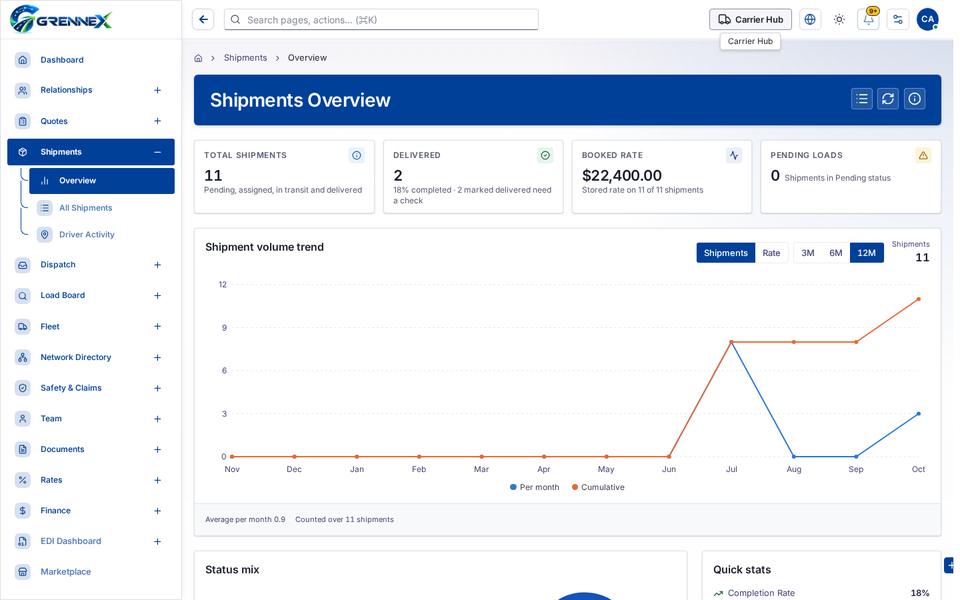
- Total Shipments 11 Pending, assigned, in transit and delivered
- Delivered 2 18% completed · 2 marked delivered need a check
- Pending Loads 0 Shipments in Pending status
- Shipments
- Rate
- 3M
- 6M
- 12M
Loading, empty and error states
Section titled “Loading, empty and error states”Loading state
Tooltip state
Last updated 2026-10-27