

Tender details
Module: Tenders · For: Carrier users · Page address: /carrier-portal/tenders/:tenderId
How to get there
Section titled “How to get there”Dispatch → Tender Inbox → (a record)
Who can use this page
Section titled “Who can use this page”Needs: View permission on the Dispatch module.
| Seat | Can open it |
|---|---|
| Owner / Admin | Yes |
| Manager | Yes |
| User | Yes |
What this page tells you
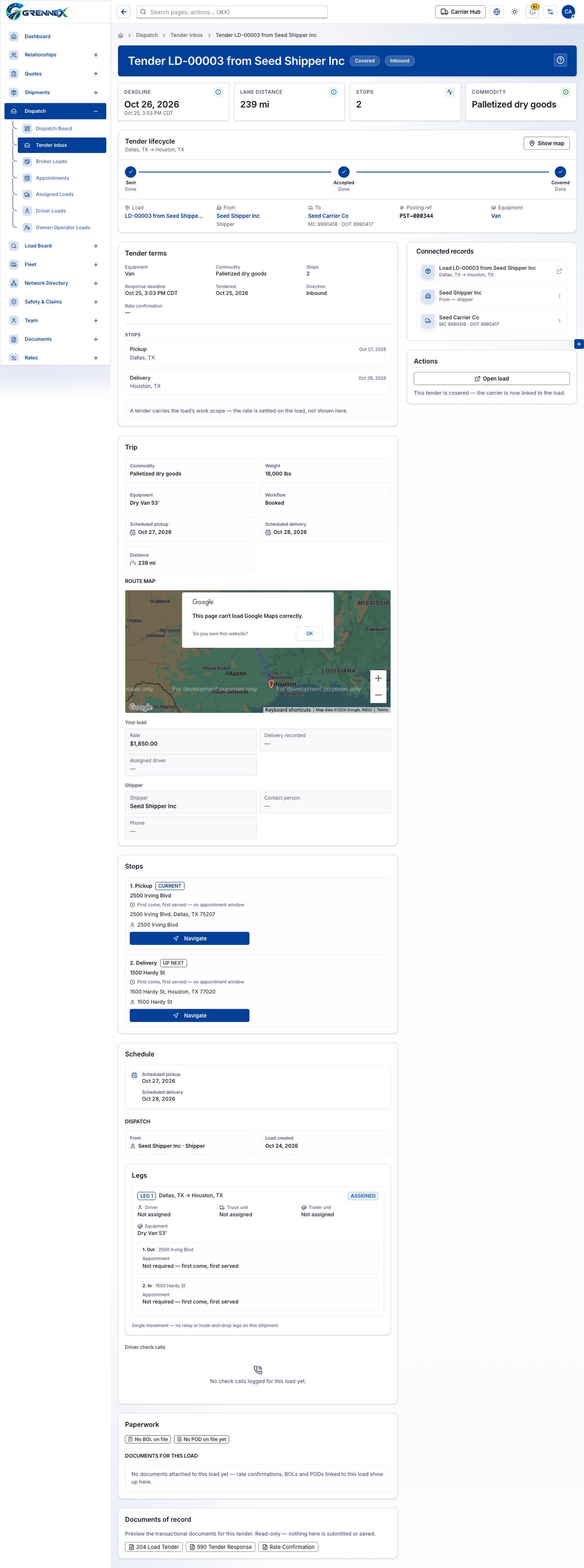
Section titled “What this page tells you”A tender carries the load’s work scope — the rate is settled on the load, not shown here. First come, first served — no appointment window First come, first served — no appointment window
What you see
Section titled “What you see”- Tender lifecycle
- Tender terms
- Trip
- Route map
- Your load
- Shipper
- Stops
- Schedule
- Dispatch
- Legs
- Driver check calls
- Paperwork
- Documents for this load
- Documents of record
What you can do
Section titled “What you can do”- Show map
- Sent
- Accepted
- Covered
- LD-00003 from Seed Shipper Inc
- Seed Shipper Inc
- Seed Carrier Co
- Van
- Keyboard shortcuts
- Zoom in
- Zoom out
- OK
- Navigate
- 204 Load Tender
- 990 Tender Response
- Rate Confirmation
When there is nothing to show
Section titled “When there is nothing to show”- “No check calls logged for this load yet.”
- “No BOL on file No POD on file yet”
- “No documents attached to this load yet — rate confirmations, BOLs and PODs linked to this load show up here.”
Loading, empty and error states
Section titled “Loading, empty and error states”Loading state
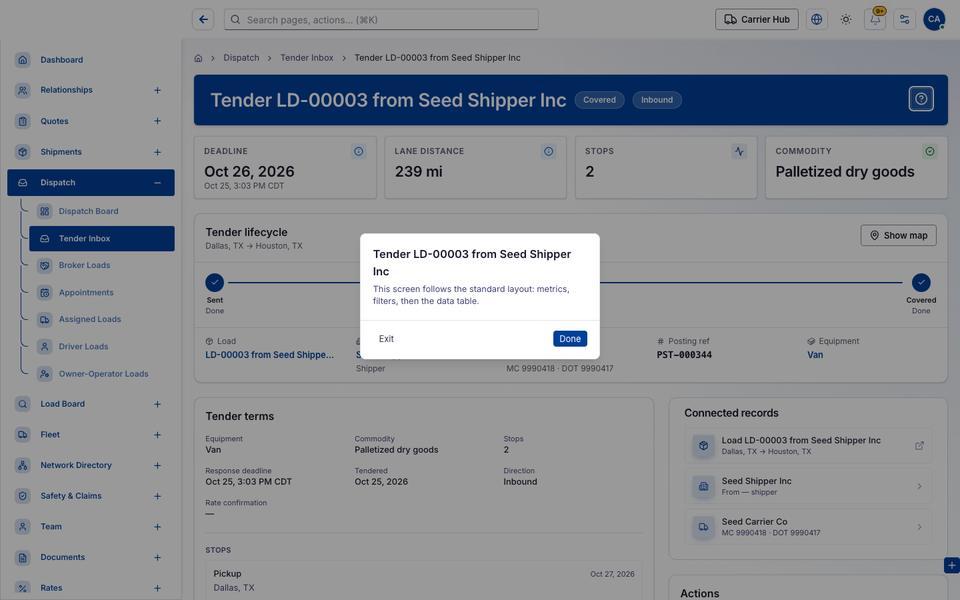
Popover-Guide state
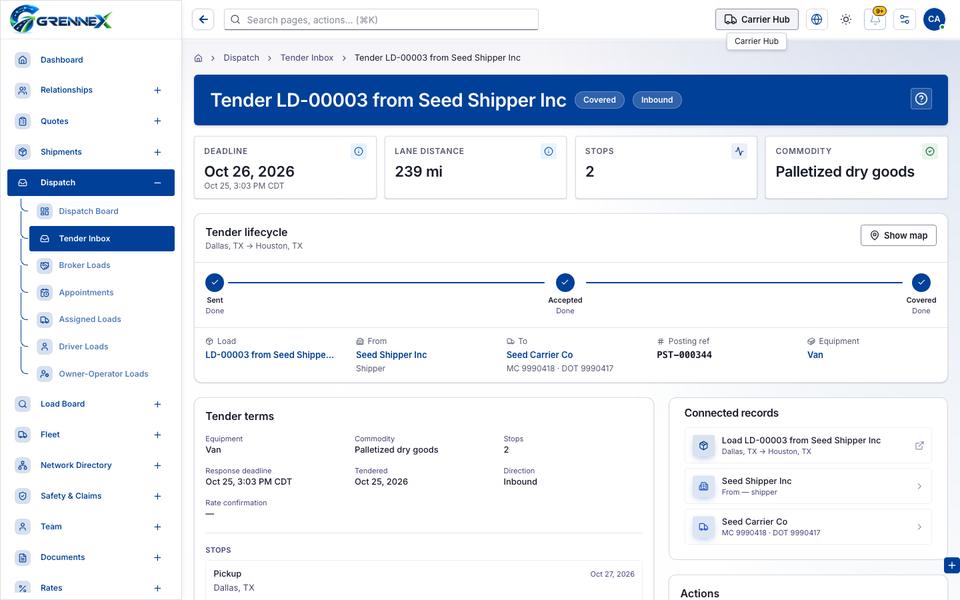
Tooltip state
Last updated 2026-10-27