

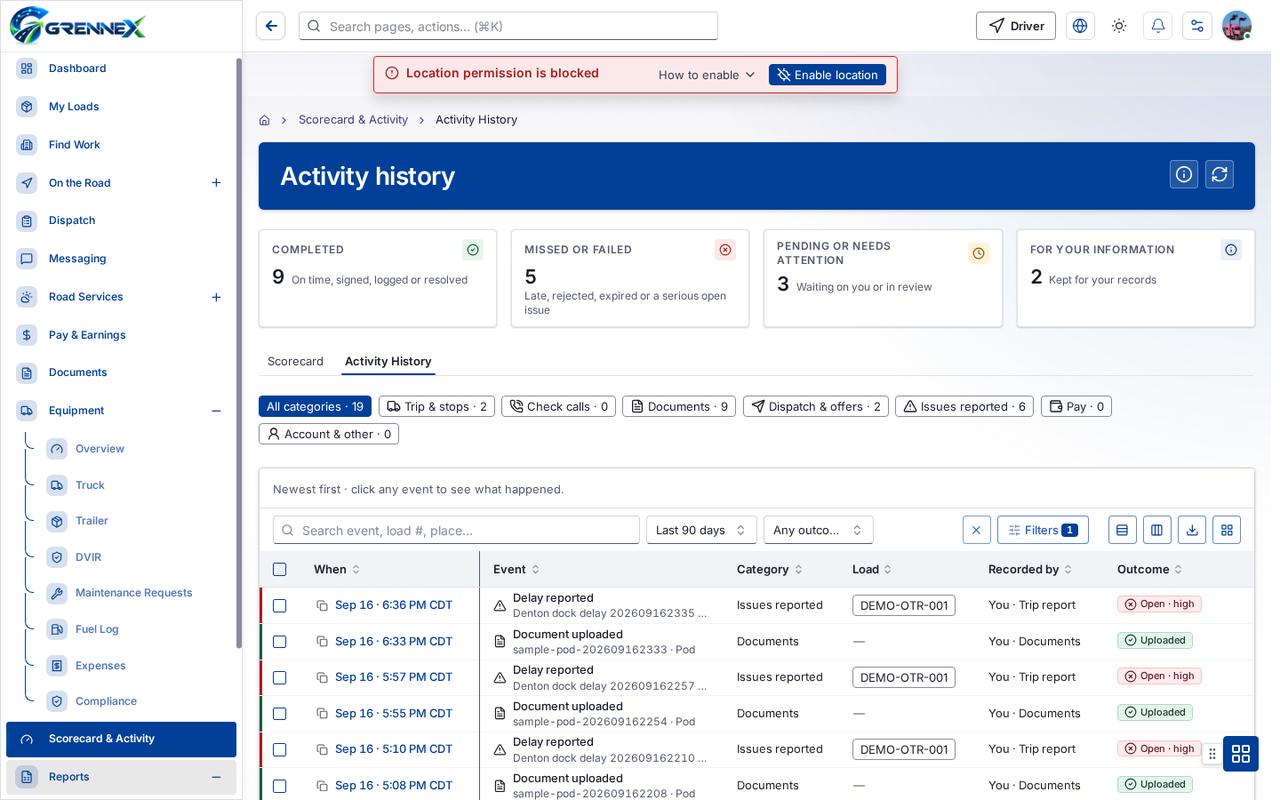
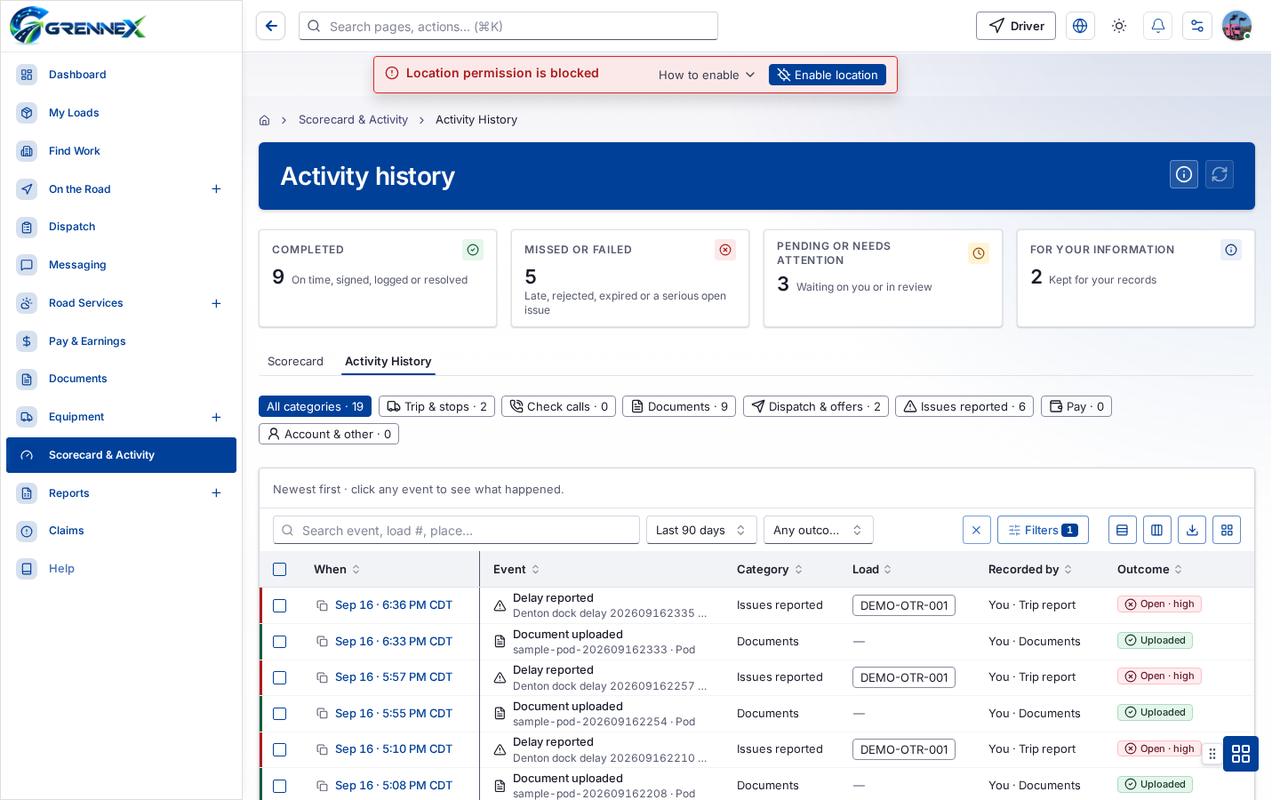
Activity history
Module: Performance · For: Drivers · Page address: /driver/activity
How to get there
Section titled “How to get there”Scorecard & Activity → Activity History
Who can use this page
Section titled “Who can use this page”Needs: View permission on the Reports module.
Drivers use their own personal account; the company seat rules do not apply here.
Actions on this page and the permission each needs
Section titled “Actions on this page and the permission each needs”| Action | Permission | Notes |
|---|---|---|
| Dispatch & offers · 2 | Assign on Reports | Manage also grants it |
| Export 19 rows to CSV | Export on Reports | Manage also grants it |
What this page tells you
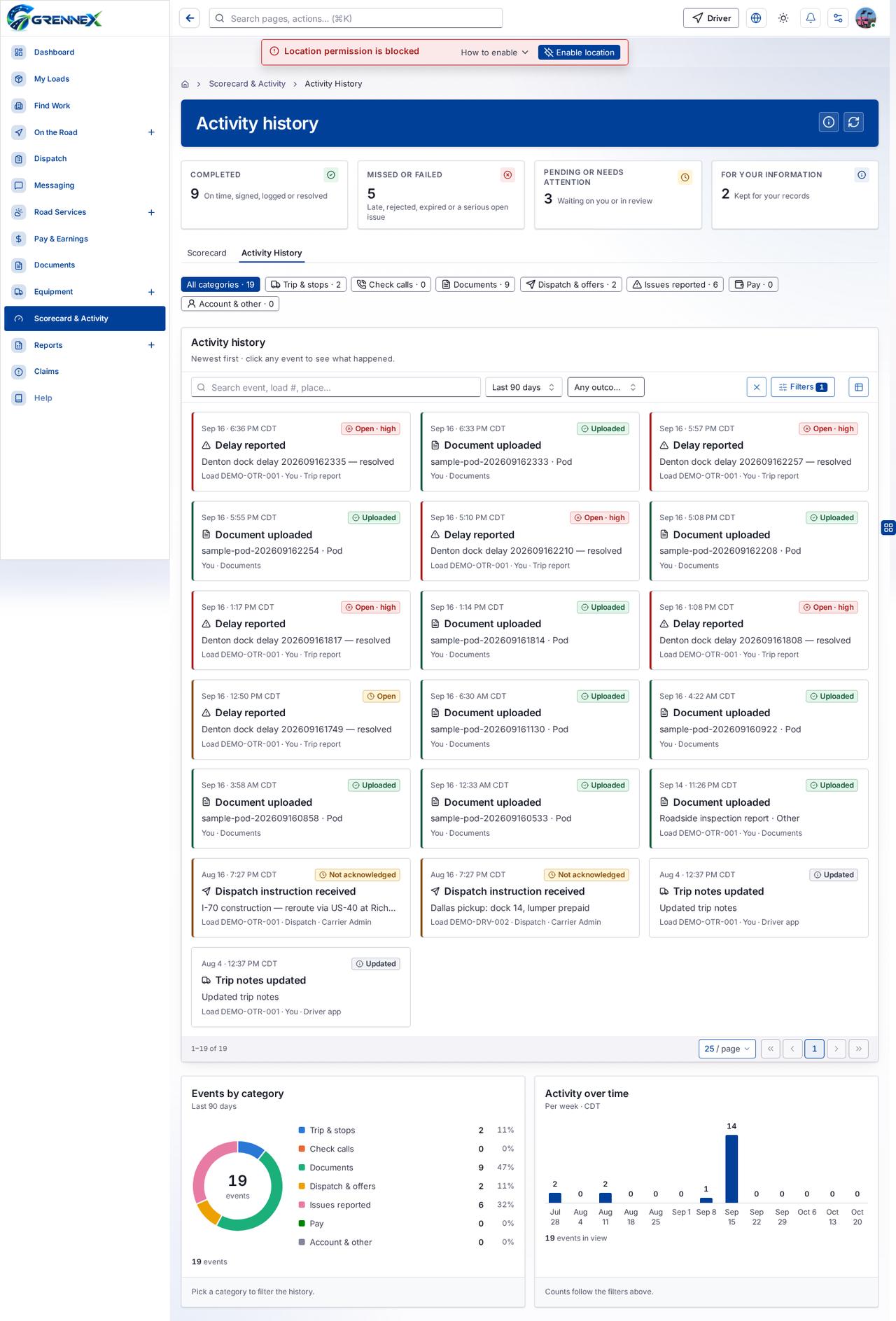
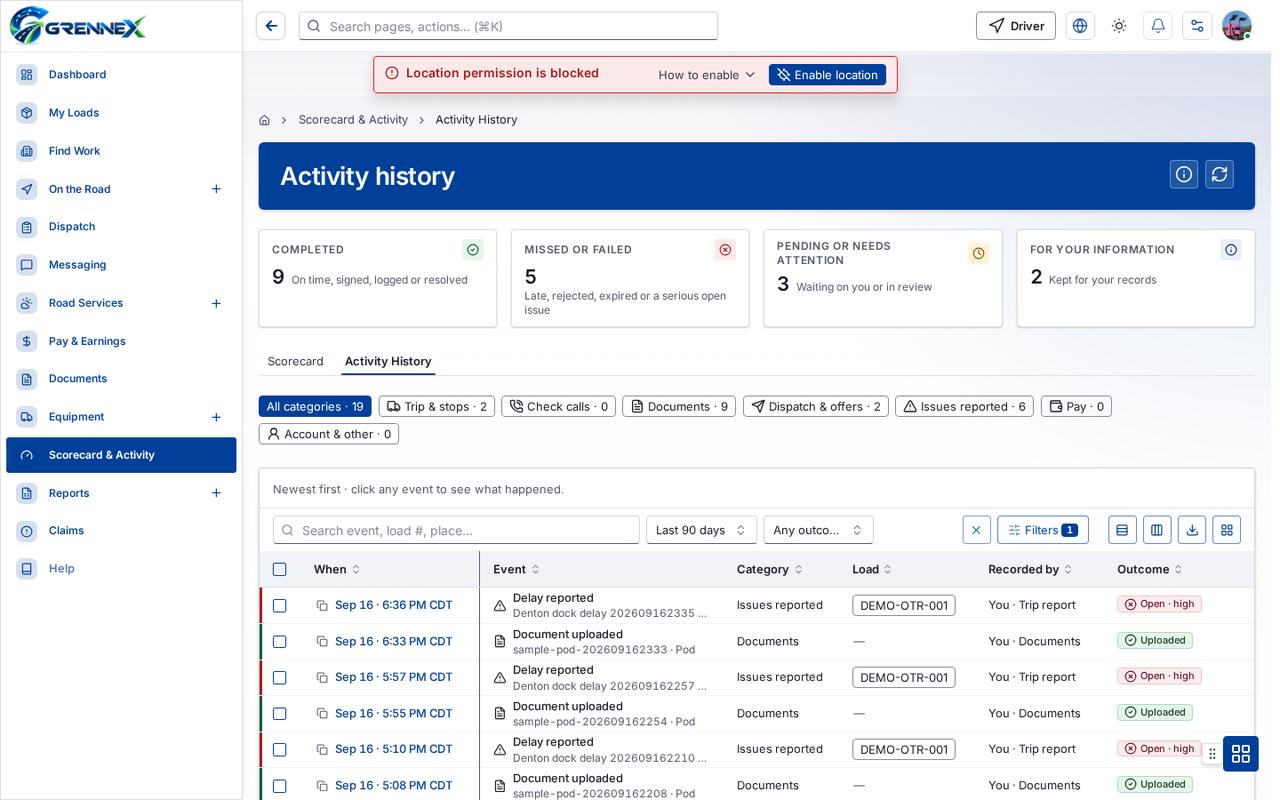
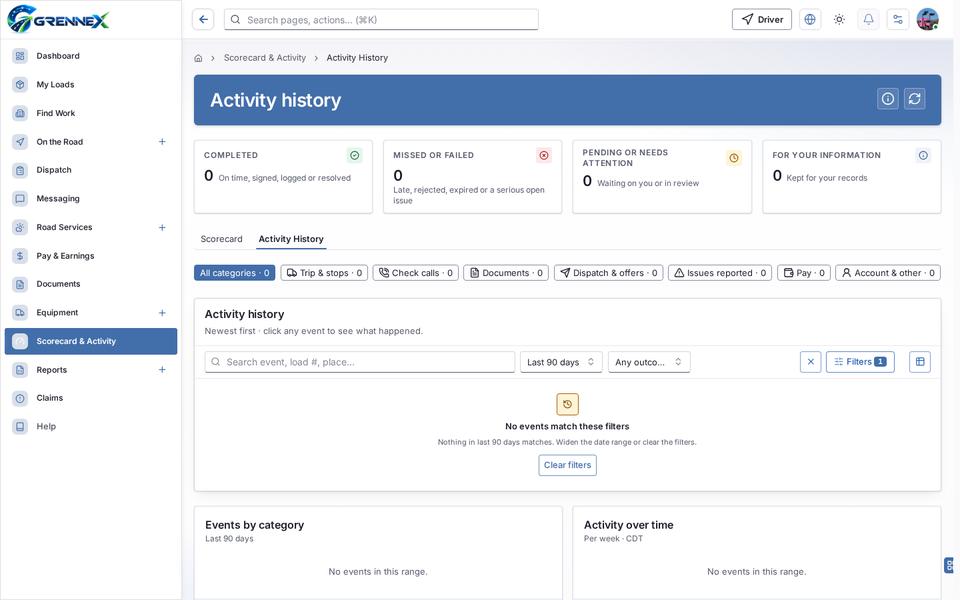
Section titled “What this page tells you”Newest first · click any event to see what happened.
What you see
Section titled “What you see”- Activity history
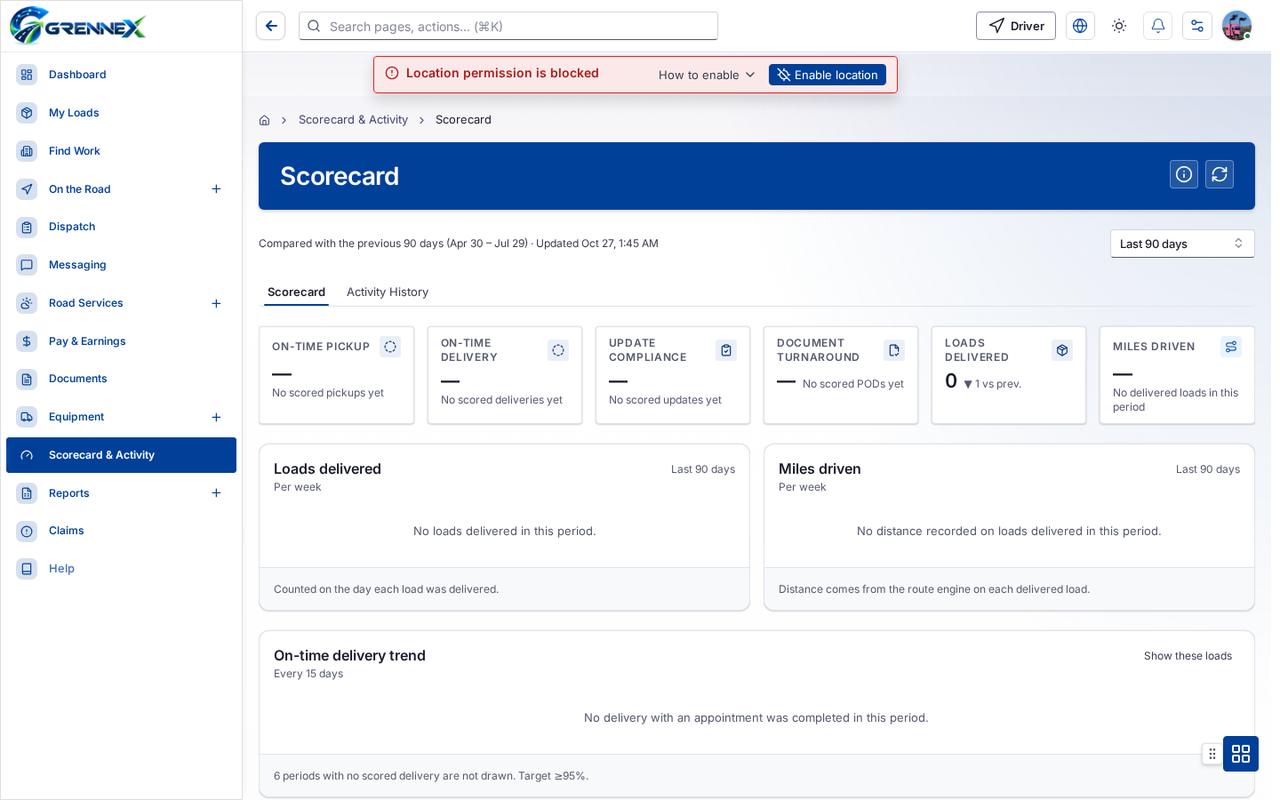
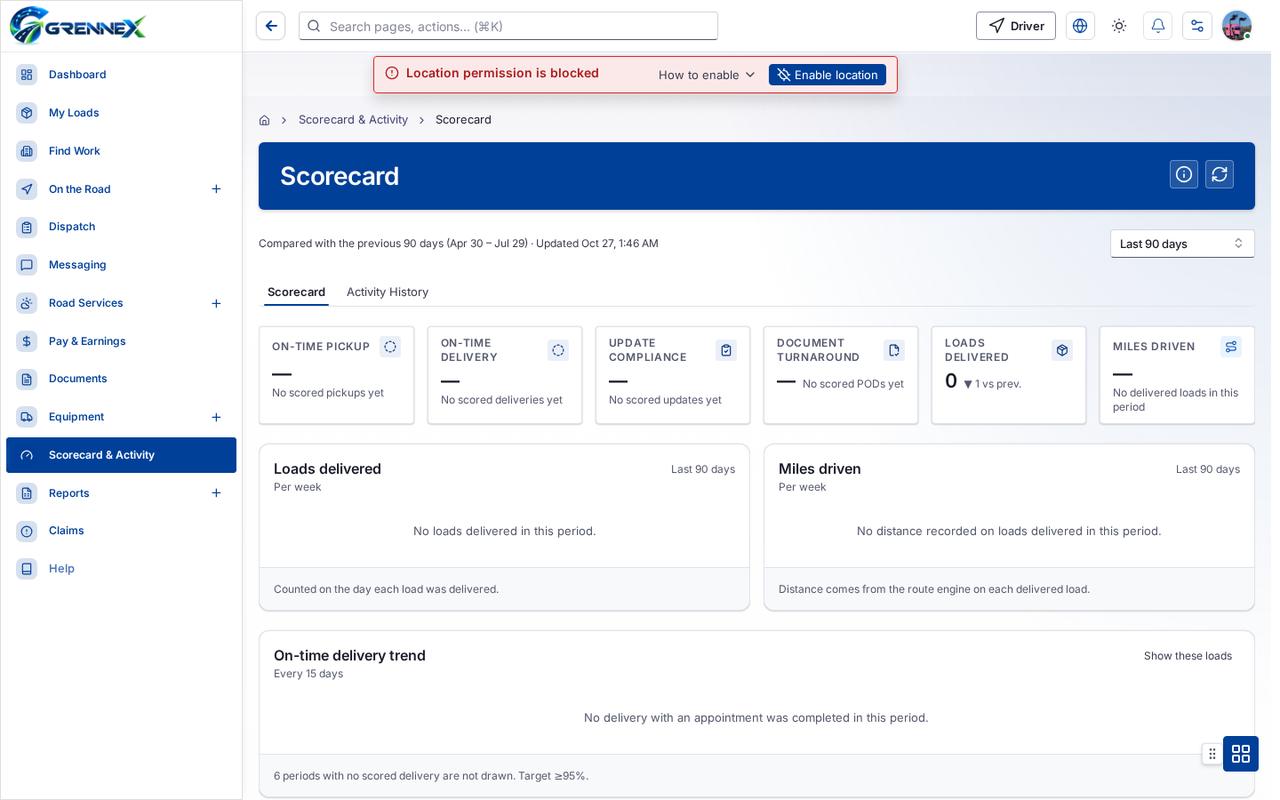
- Scorecard
- Activity History
Tab: Scorecard
Tab: Activity History
Tab: First page
Tab: Previous page
Tab: Page 1
Tab: Next page
What you can do
Section titled “What you can do”- How this works
- Refresh
- All categories · 19
- Trip & stops · 2
- Check calls · 0
- Documents · 9
- Dispatch & offers · 2
- Issues reported · 6
- Pay · 0
- Account & other · 0
- Clear all
- Filters, 1 applied
- Export 19 rows to CSV
- Card view
- When
- Event
Fields
Section titled “Fields”| Field | Required | Type | Example |
|---|---|---|---|
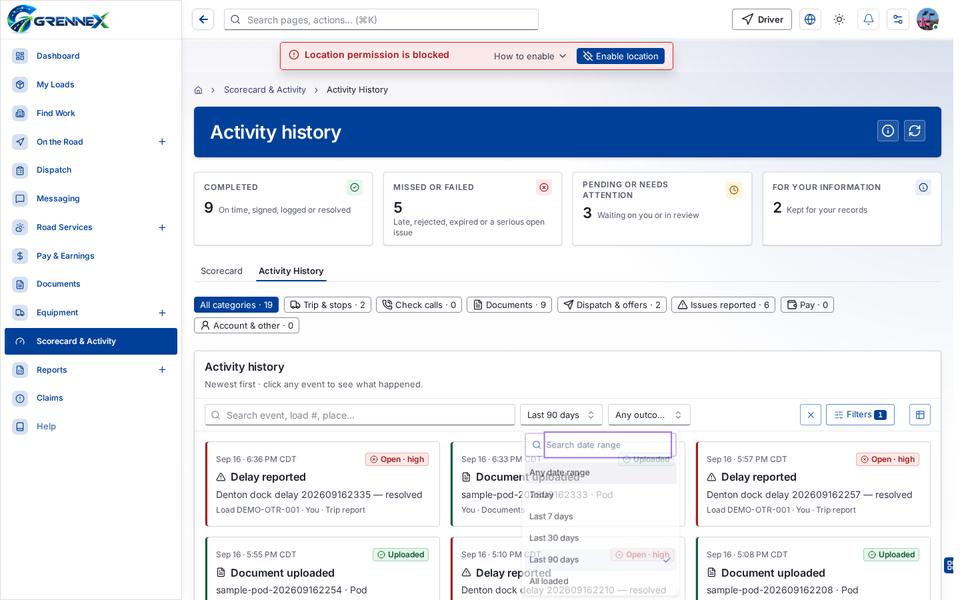
| Date range | No | combobox | Last 90 days |
| Outcome | No | combobox | Any outcome |
Loading, empty and error states
Section titled “Loading, empty and error states”Dropdown-Status state
Empty state
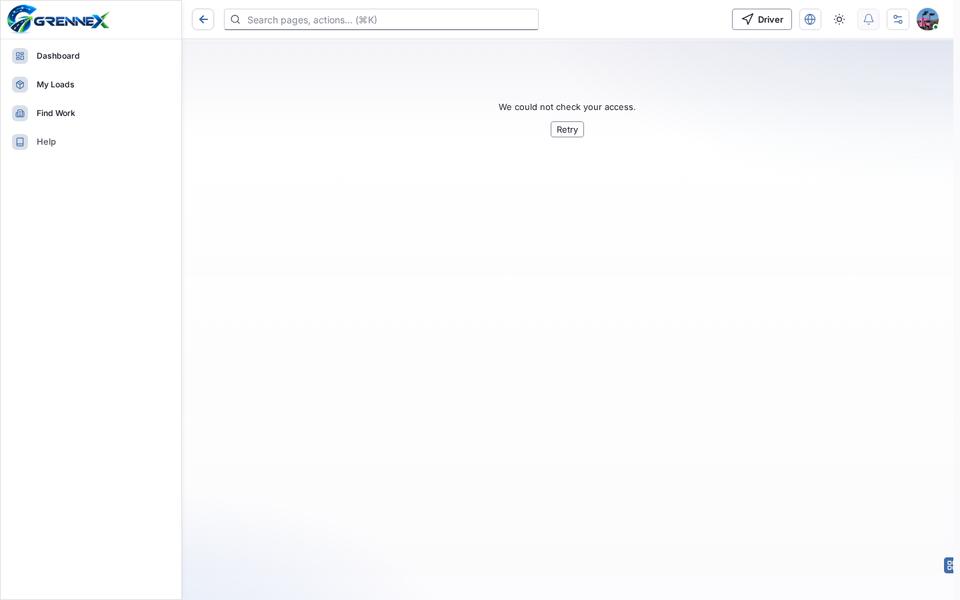
Error state
Loading state
Last updated 2026-10-27