

AI Agents
Module: Settings · For: Carrier users · Page address: /carrier-portal/settings/ai-agents
How to get there
Section titled “How to get there”Settings → AI Agents
Who can use this page
Section titled “Who can use this page”Needs: No module permission: every signed-in member of the company can open it.
| Seat | Can open it |
|---|---|
| Owner / Admin | Yes |
| Manager | Yes |
| User | Yes |
Actions on this page and the permission each needs
Section titled “Actions on this page and the permission each needs”| Action | Permission | Notes |
|---|---|---|
| Import | Any signed-in member | Manage also grants it |
| Export | Any signed-in member | Manage also grants it |
| New | Any signed-in member | Manage also grants it |
What this page tells you
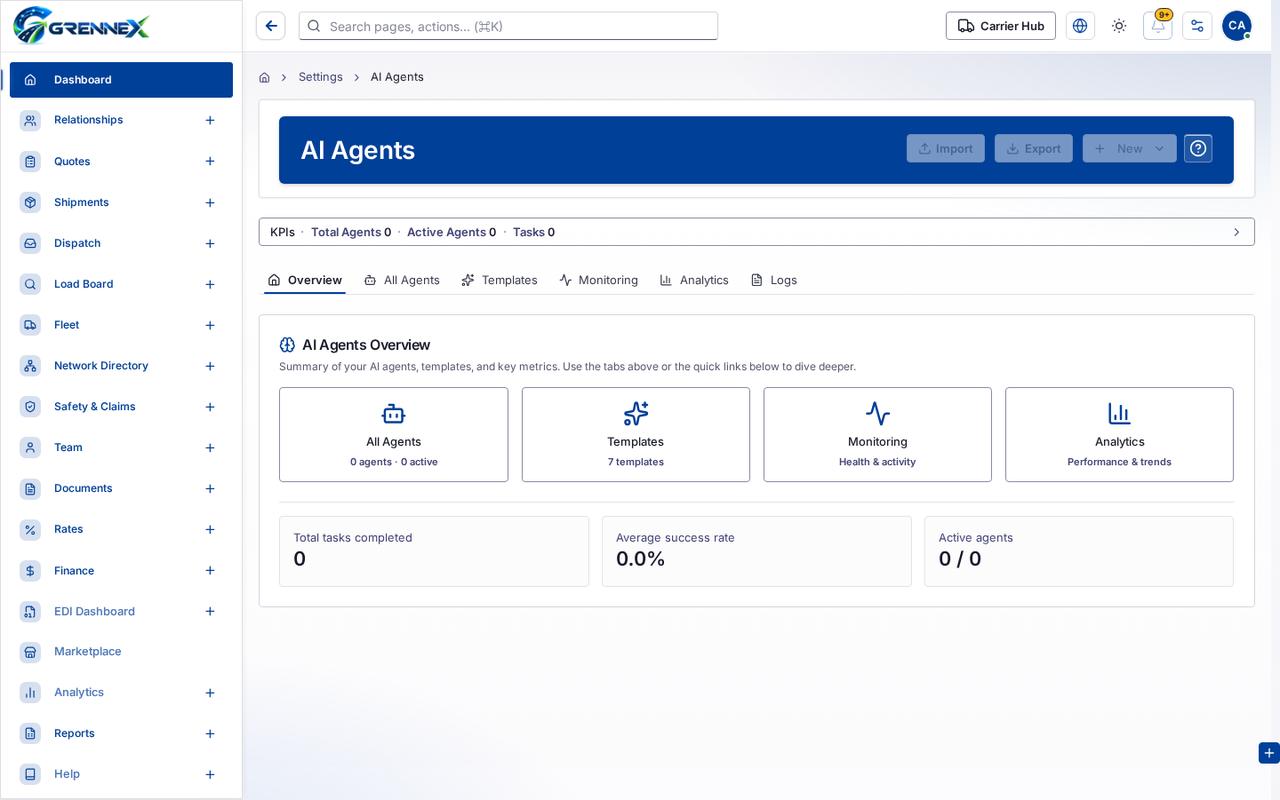
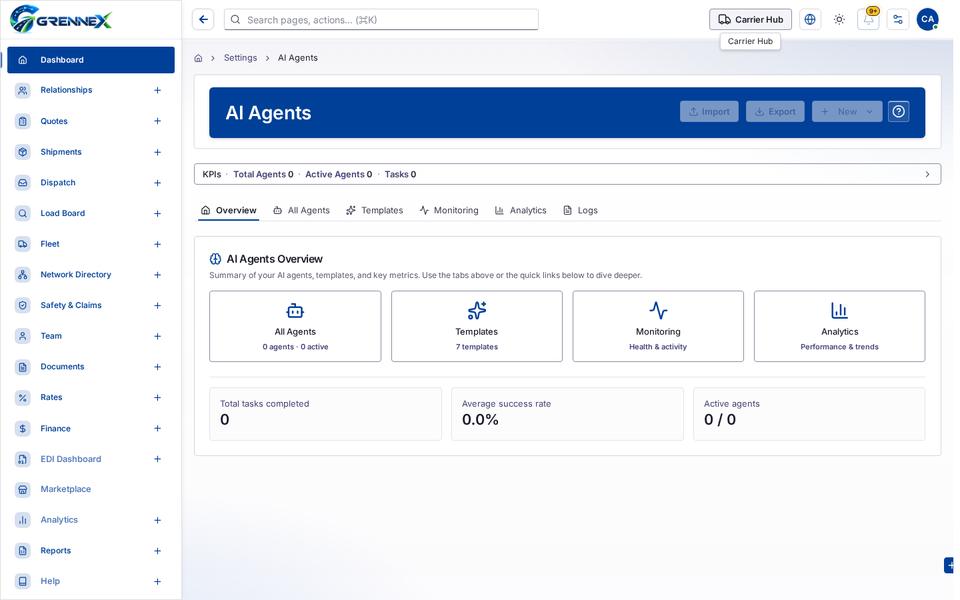
Section titled “What this page tells you”Summary of your AI agents, templates, and key metrics. Use the tabs above or the quick links below to dive deeper.
What you see
Section titled “What you see”- AI Agents Overview
- Overview
- All Agents
- Templates
- Monitoring
- Analytics
- Logs
Tab: Overview
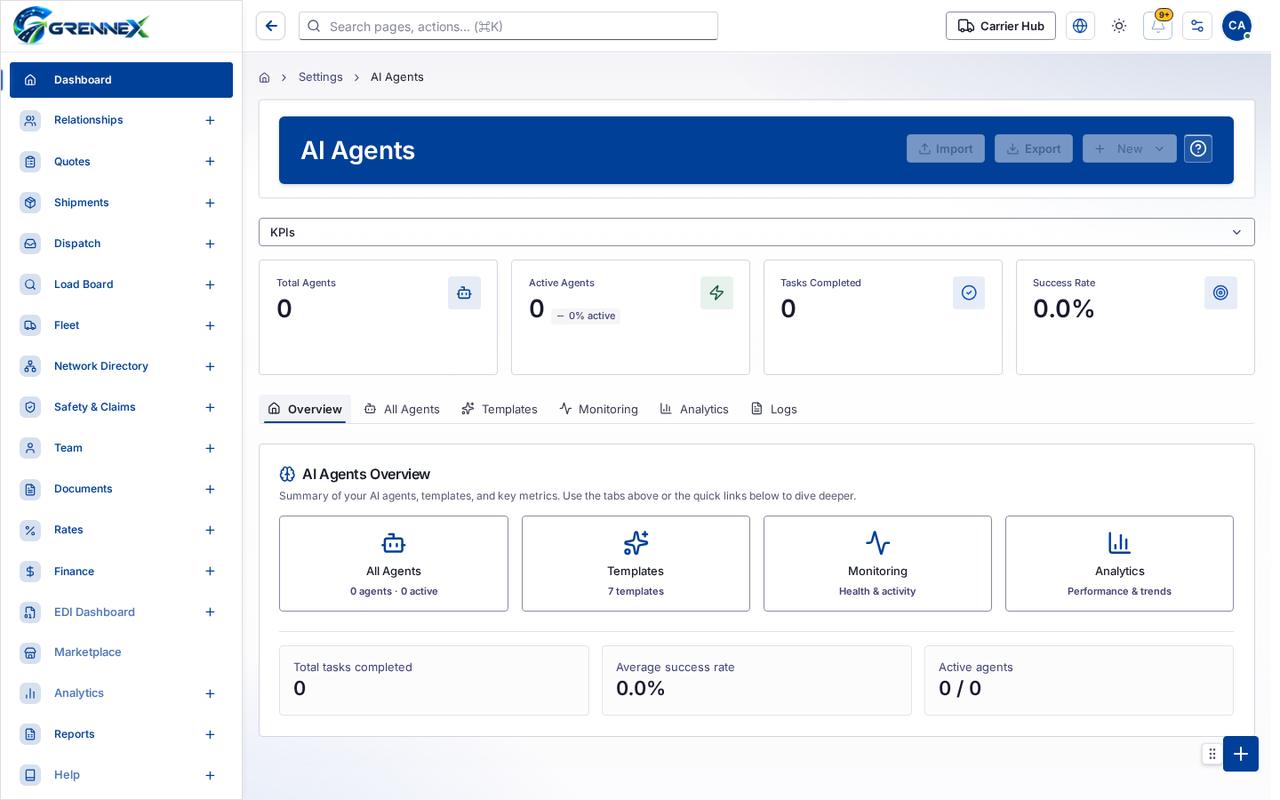
Tab: All Agents
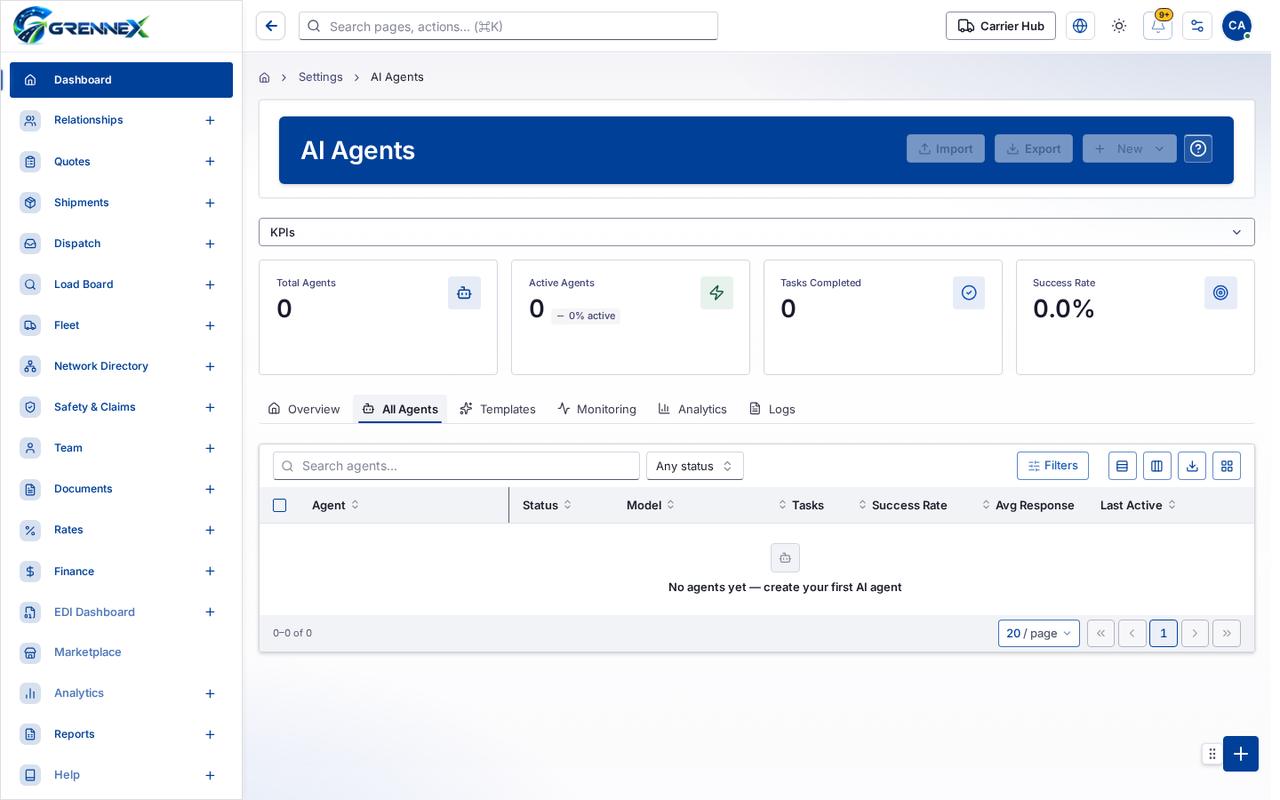
Tab: Templates
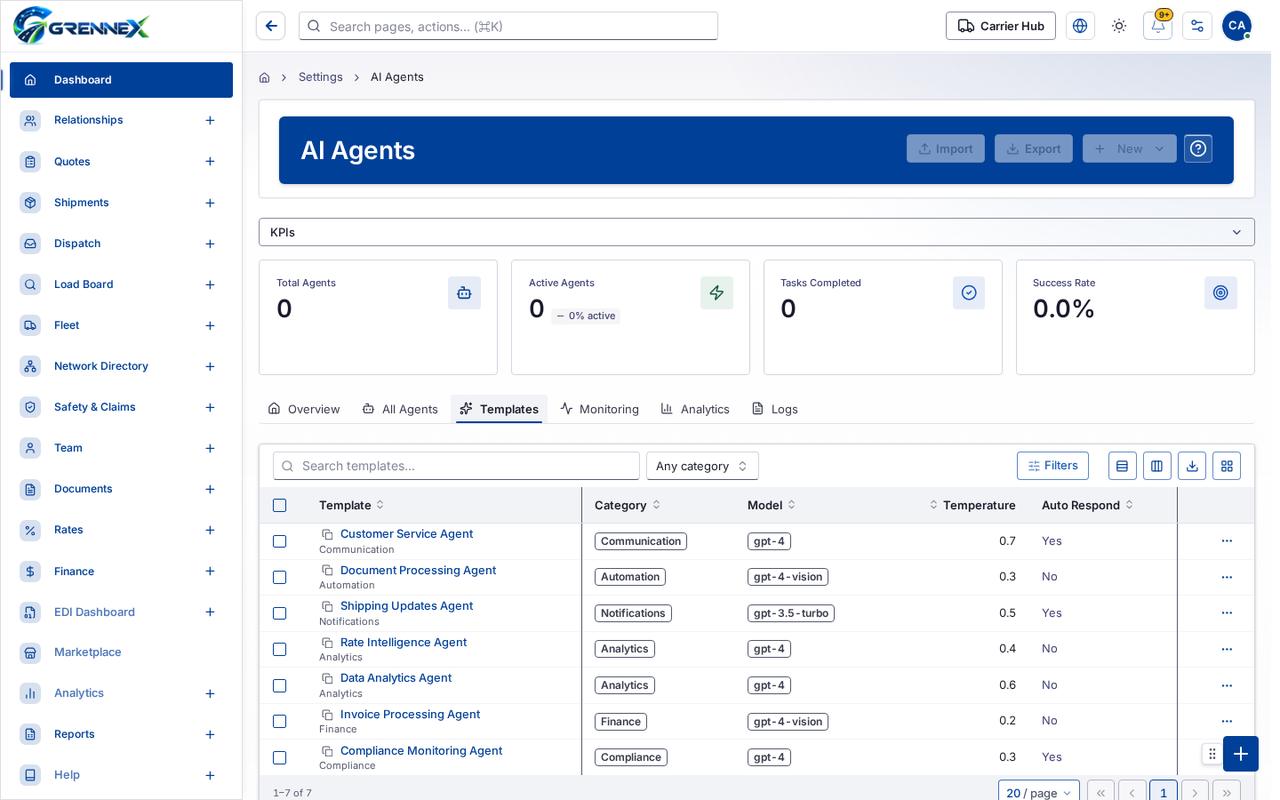
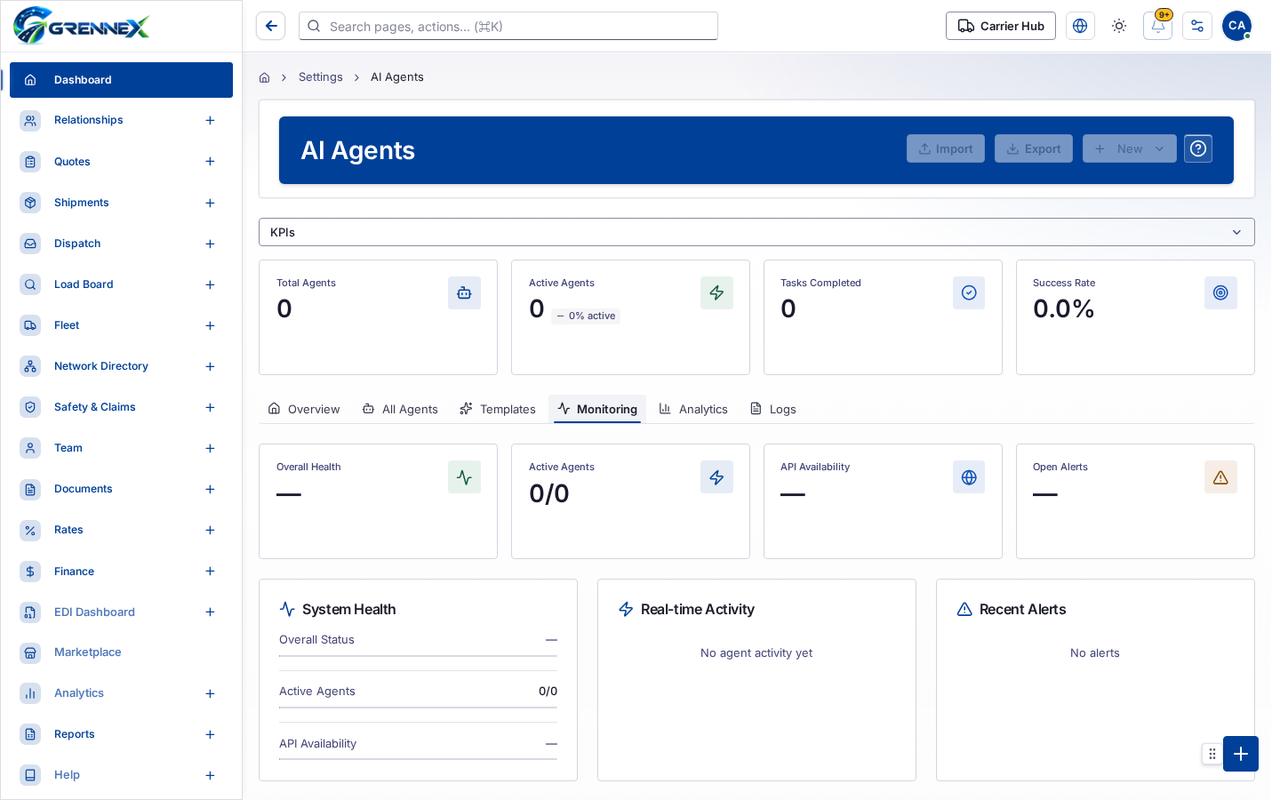
Tab: Monitoring
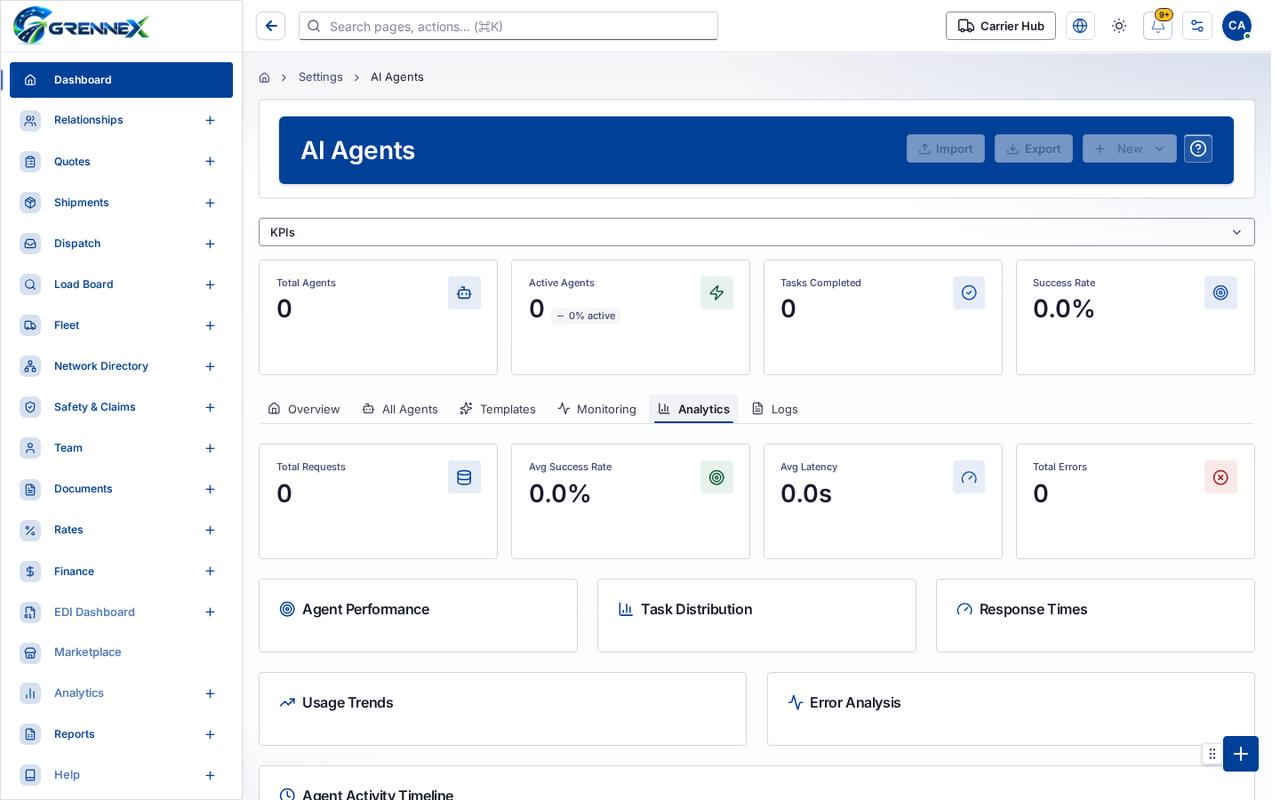
Tab: Analytics
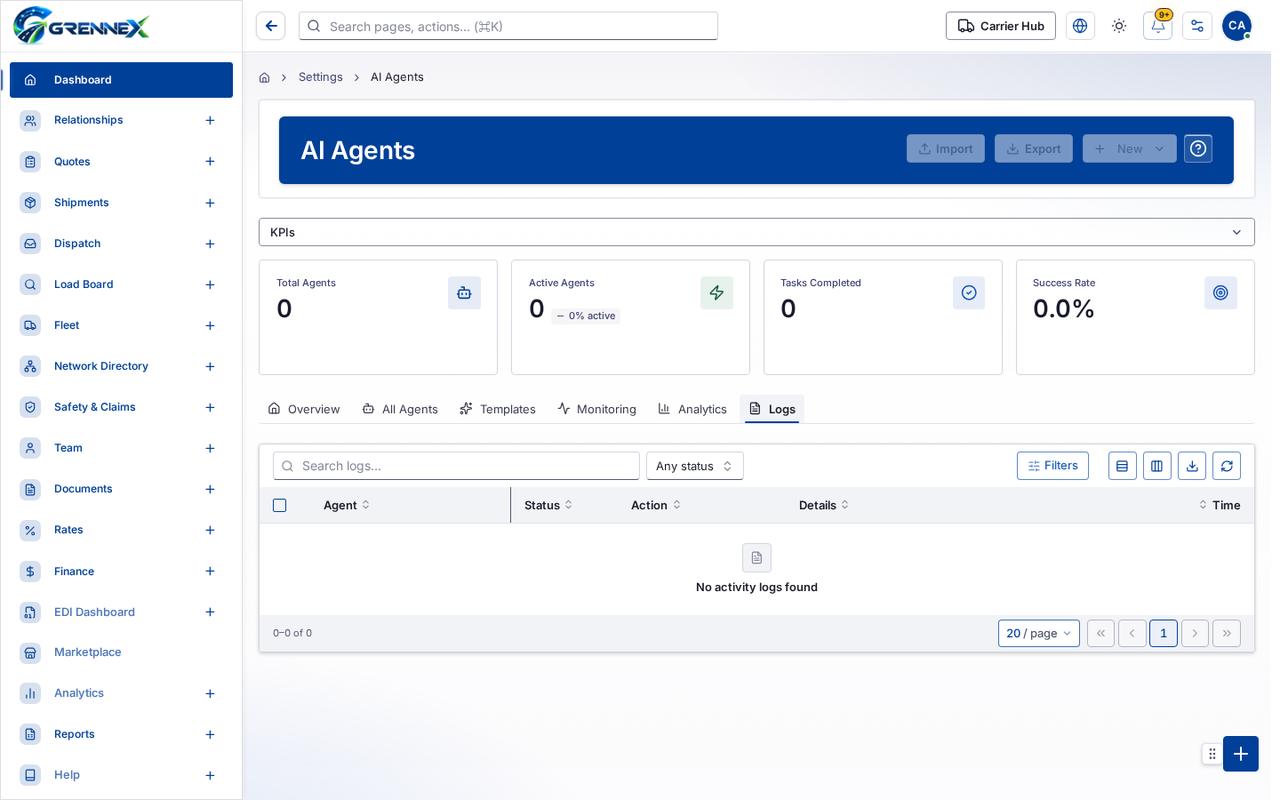
Tab: Logs
What you can do
Section titled “What you can do”- Import
- Export
- New
- KPIs
- Total Agents 0
- All Agents 0 agents · 0 active
- Templates 7 templates
- Monitoring Health & activity
- Analytics Performance & trends
Loading, empty and error states
Section titled “Loading, empty and error states”Error state

Loading state

Popover-Guide state
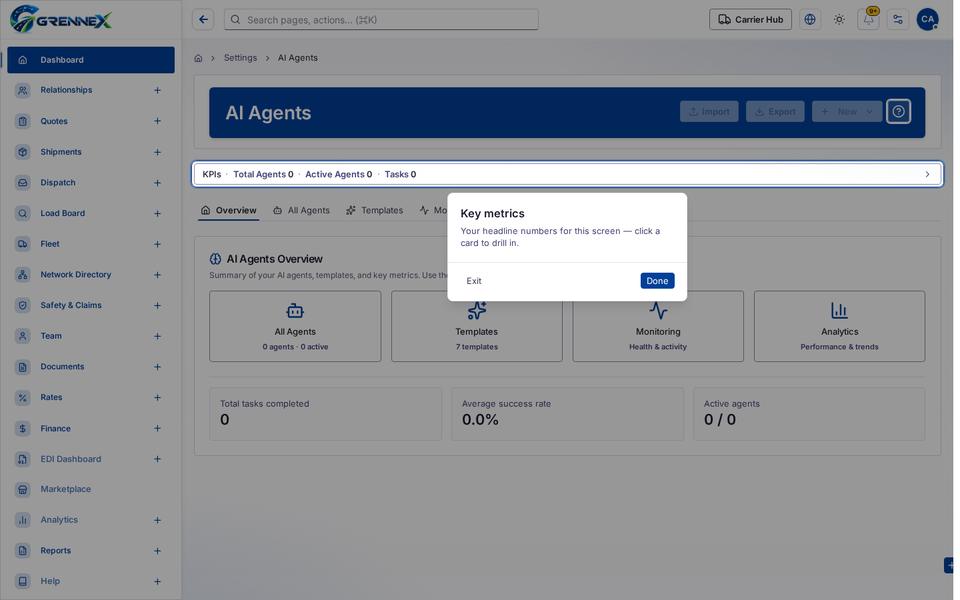
Tooltip state
Last updated 2026-10-27