

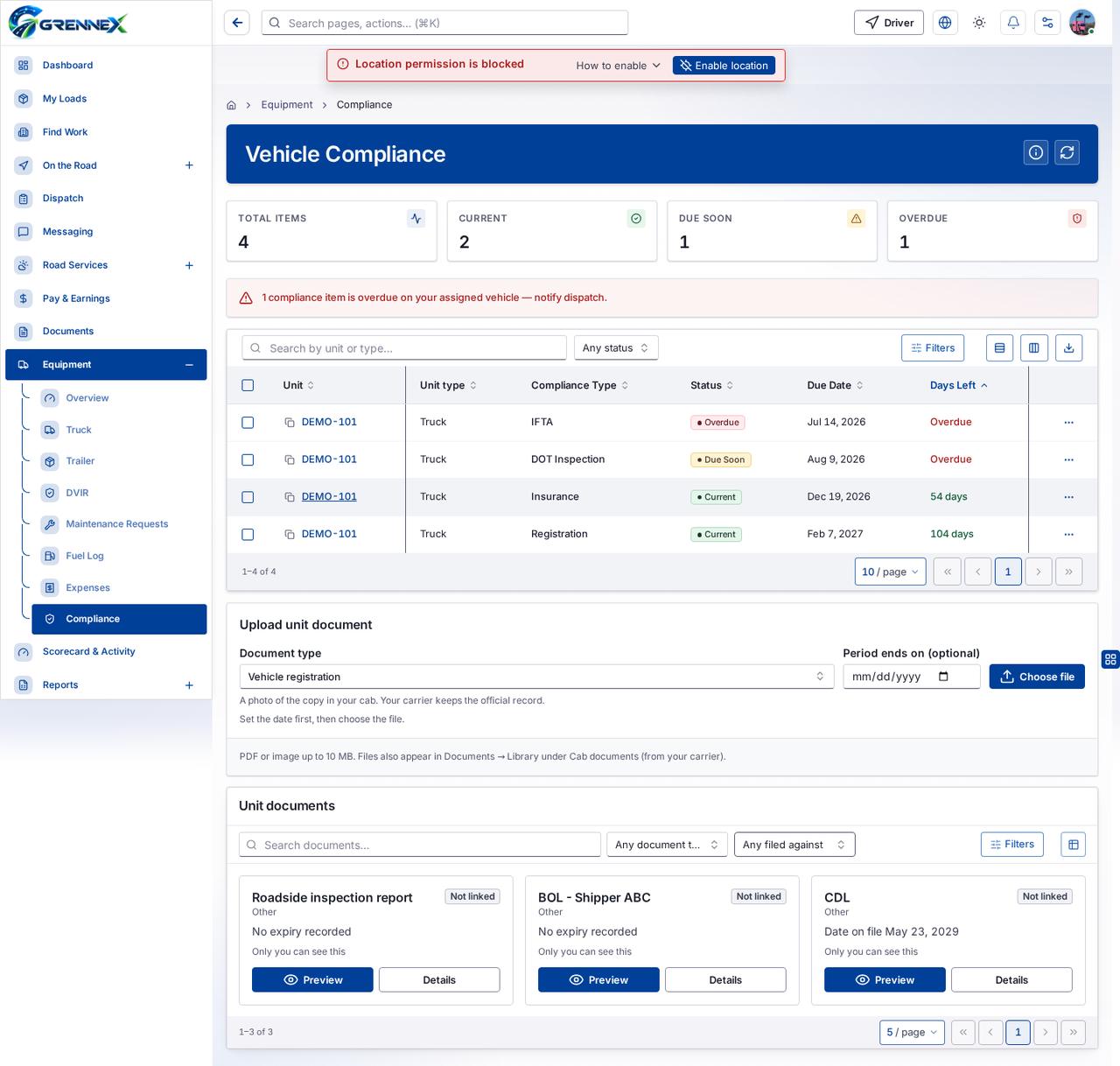
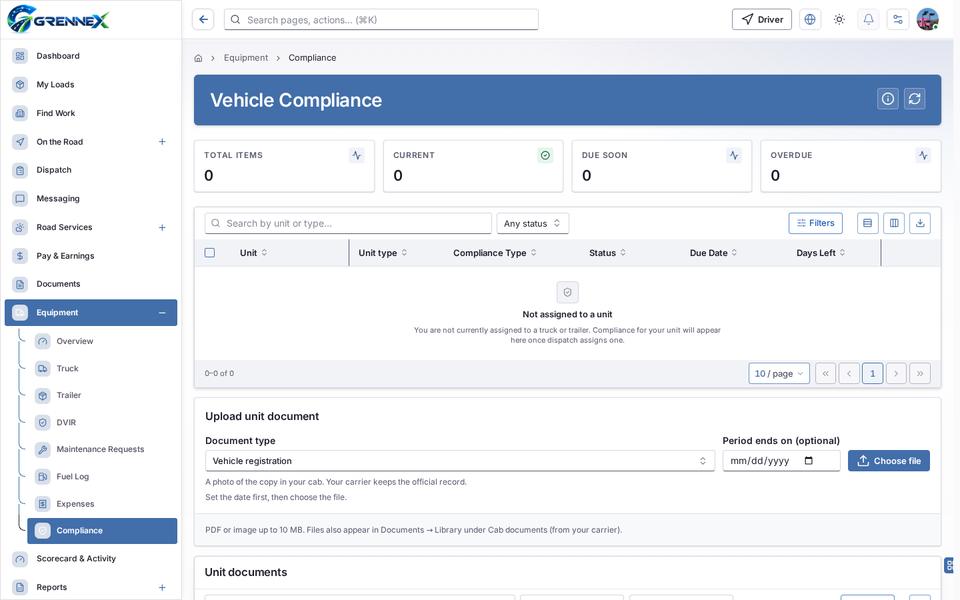
Vehicle Compliance
Module: Truck & equipment · For: Drivers · Page address: /driver/equipment/compliance
How to get there
Section titled “How to get there”Equipment → Compliance
Who can use this page
Section titled “Who can use this page”Needs: View permission on the Fleet module.
Drivers use their own personal account; the company seat rules do not apply here.
Actions on this page and the permission each needs
Section titled “Actions on this page and the permission each needs”| Action | Permission | Notes |
|---|---|---|
| Export 4 rows to CSV | Export on Fleet | Manage also grants it |
| Export 3 rows to CSV | Export on Fleet | Manage also grants it |
What this page tells you
Section titled “What this page tells you”A photo of the copy in your cab. Your carrier keeps the official record. Set the date first, then choose the file.
What you see
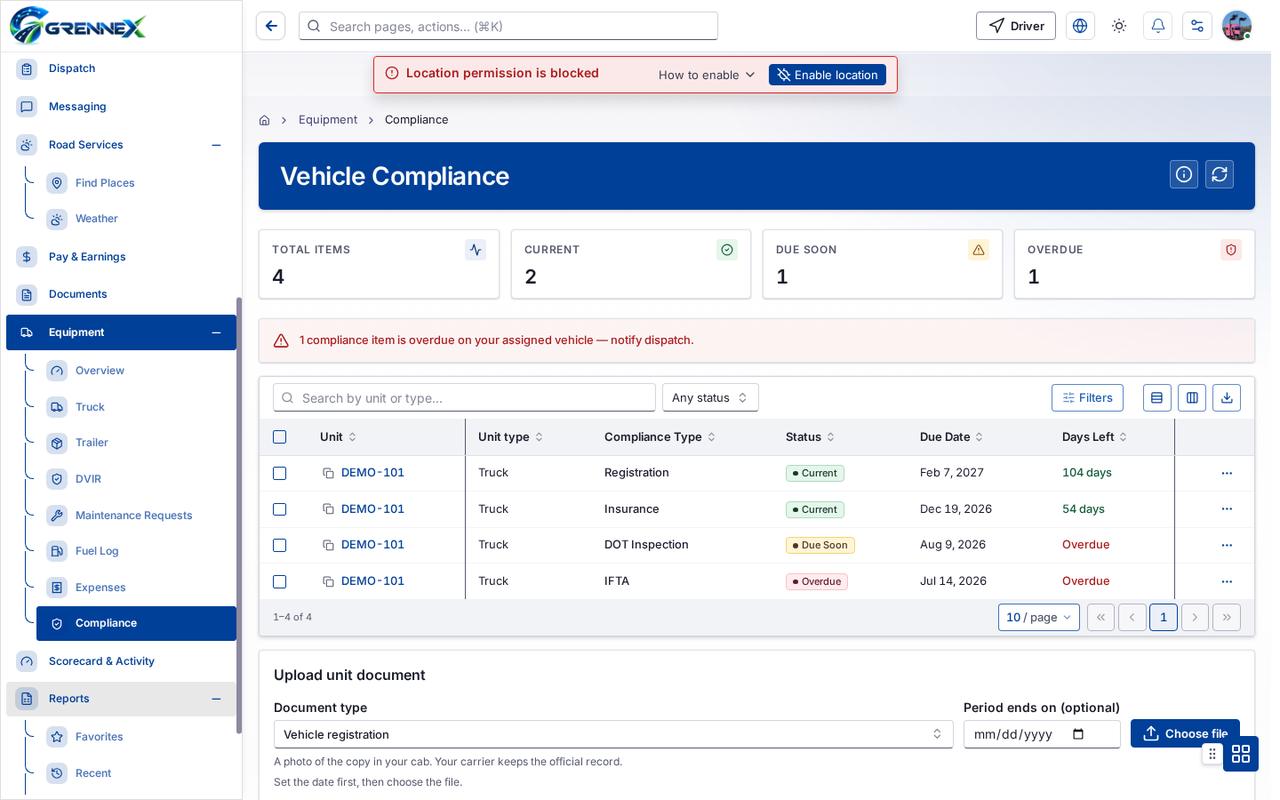
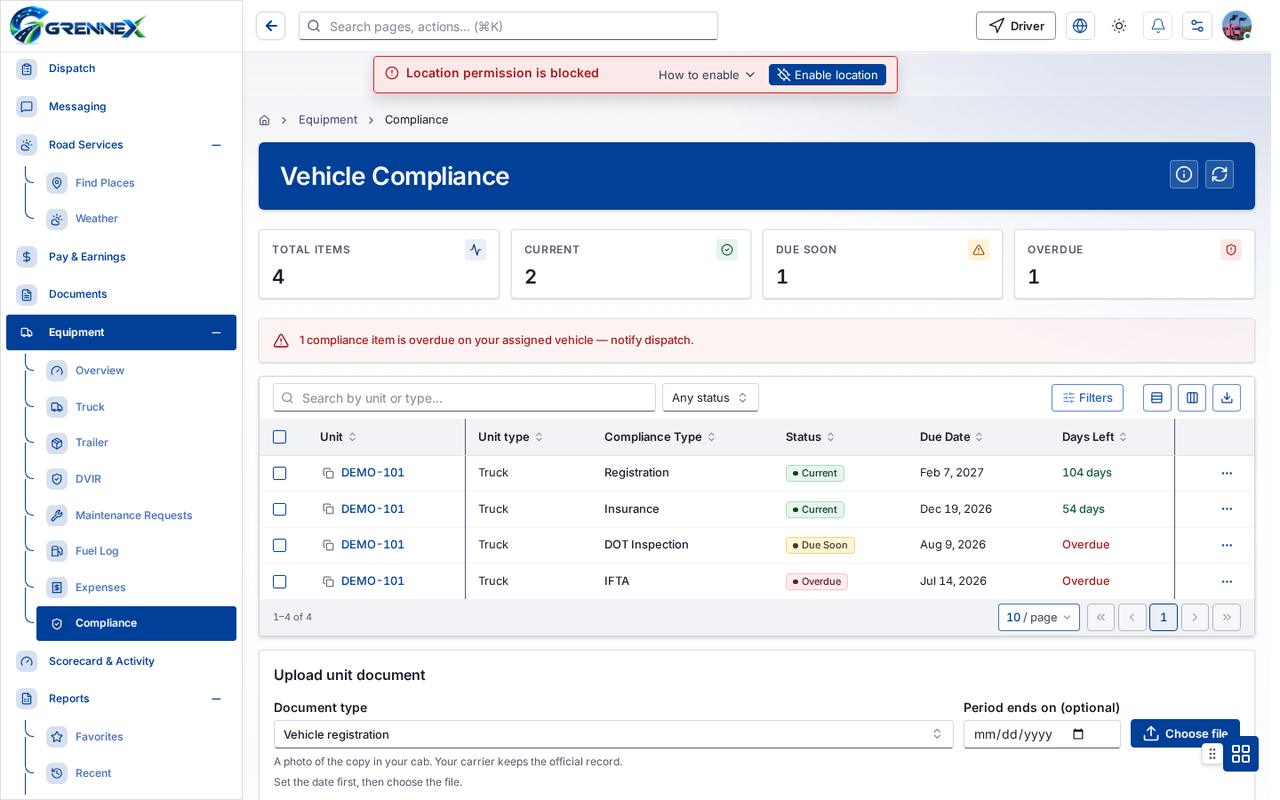
Section titled “What you see”- Vehicle compliance
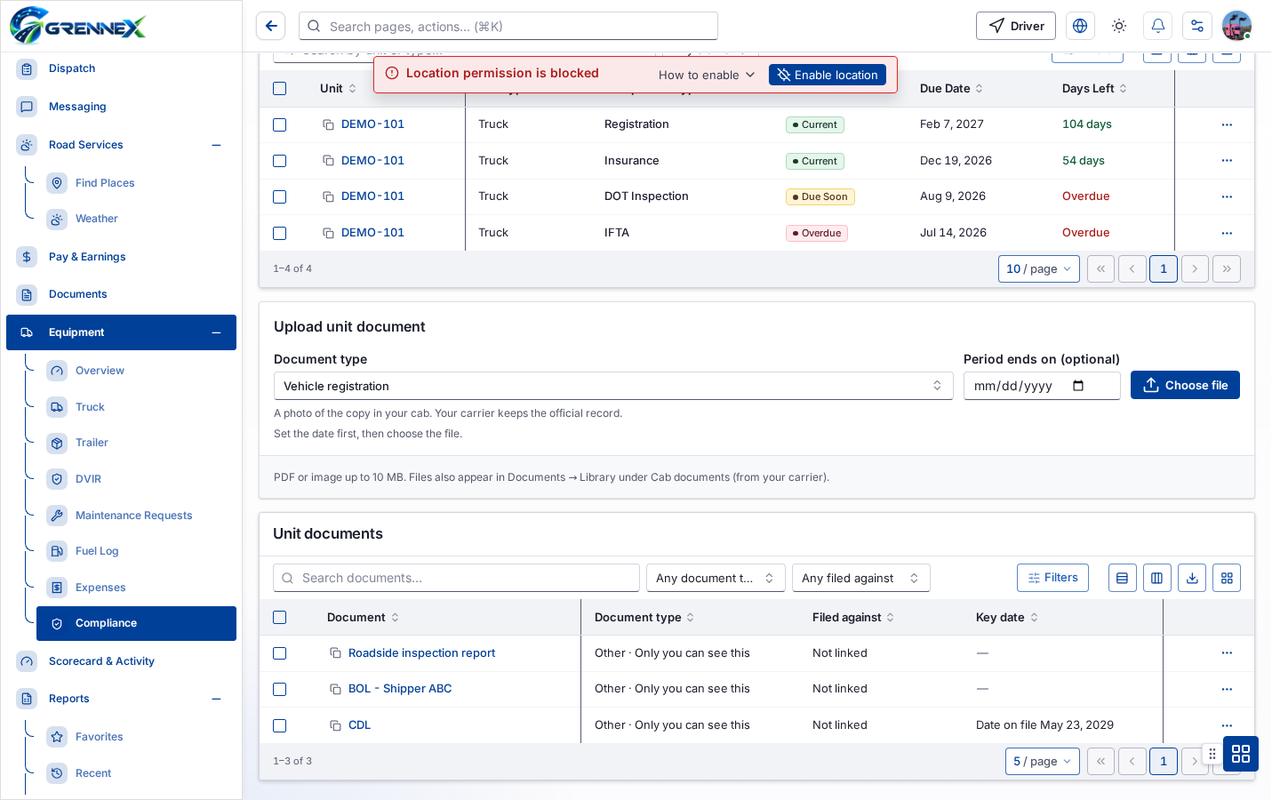
- Upload unit document
- Unit documents
Table columns
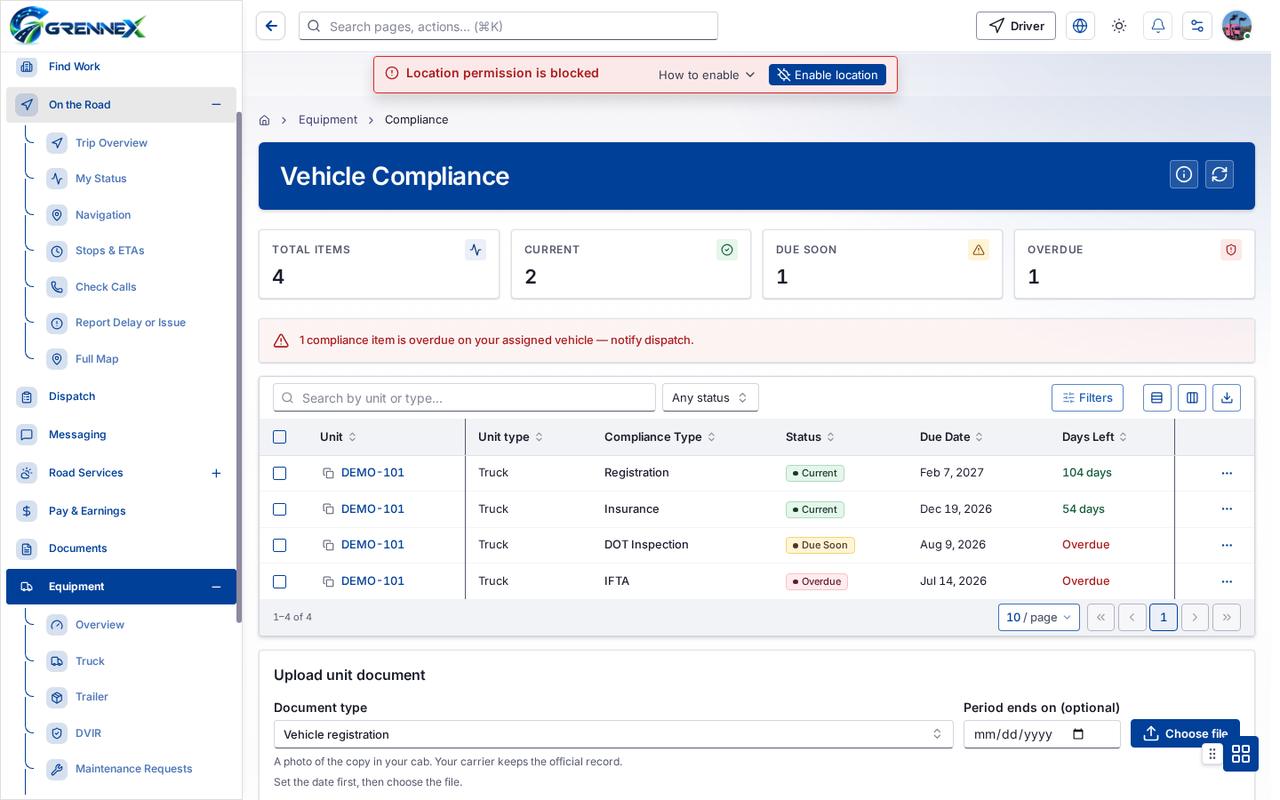
Section titled “Table columns”Unit · Unit Type · Compliance Type · Status · Due Date · Days Left
Tab: First page
Tab: Previous page
Tab: Page 1
Tab: Next page
Tab: Previous page
Tab: Page 1
What you can do
Section titled “What you can do”- How this works
- Refresh
- Filters
- Export 4 rows to CSV
- Unit
- Unit type
- Compliance Type
- Status
- Due Date
- Days Left
- Rows per page — currently 10
- Choose File
- Choose file
- Export 3 rows to CSV
- Card view
- Document
Fields
Section titled “Fields”| Field | Required | Type | Example |
|---|---|---|---|
| Status | No | combobox | Any status |
| Document type | No | combobox | Vehicle registration |
| Period ends on (optional) | No | textbox | |
| Filed against | No | combobox | Any filed against |
Loading, empty and error states
Section titled “Loading, empty and error states”Dropdown-Status state
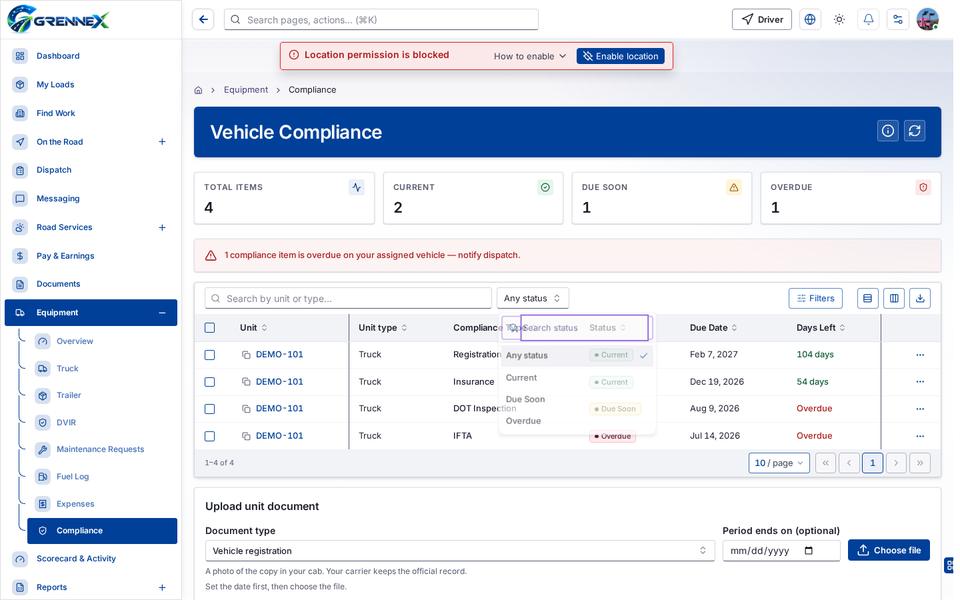
Empty state
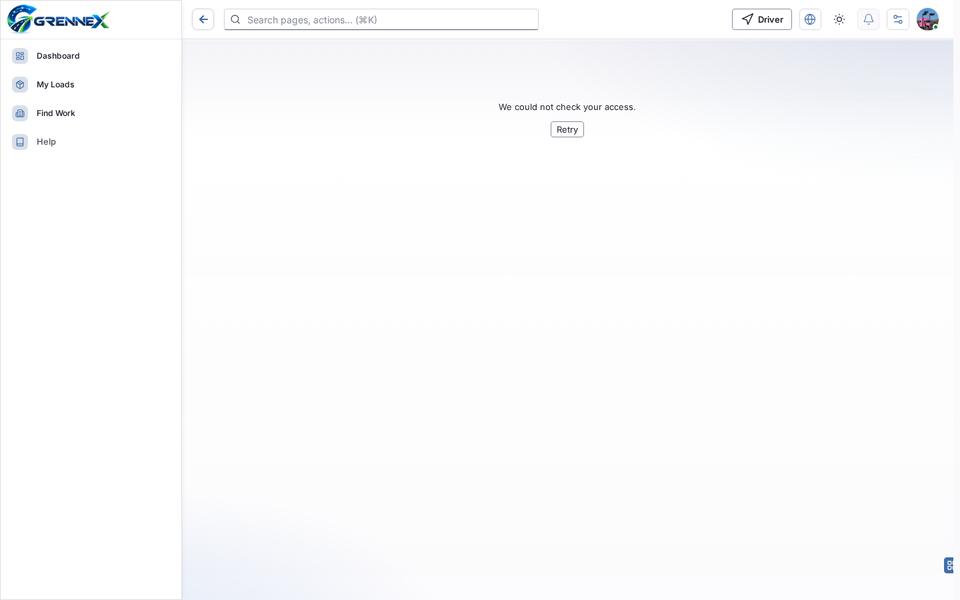
Error state
Loading state

Last updated 2026-10-27