

Internal Safety Trend
Module: Safety · For: Carrier users · Page address: /carrier-portal/safety/reporting
How to get there
Section titled “How to get there”Safety & Claims → Internal Safety Trend
Who can use this page
Section titled “Who can use this page”Needs: View permission on the Fleet module.
| Seat | Can open it |
|---|---|
| Owner / Admin | Yes |
| Manager | Yes |
| User | Yes |
Actions on this page and the permission each needs
Section titled “Actions on this page and the permission each needs”| Action | Permission | Notes |
|---|---|---|
| Export 4 rows to CSV | Export on Fleet | Manage also grants it |
What this page tells you
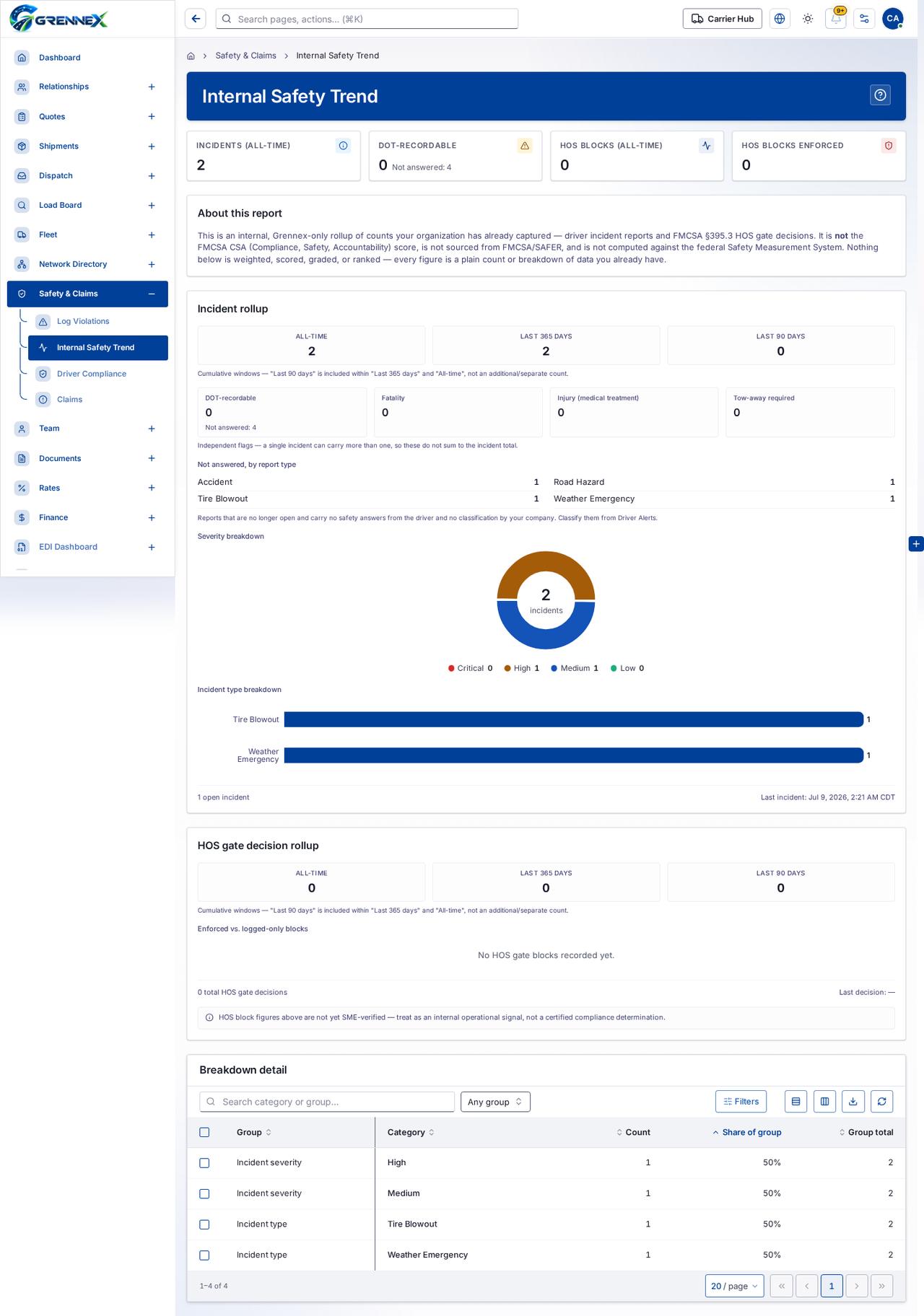
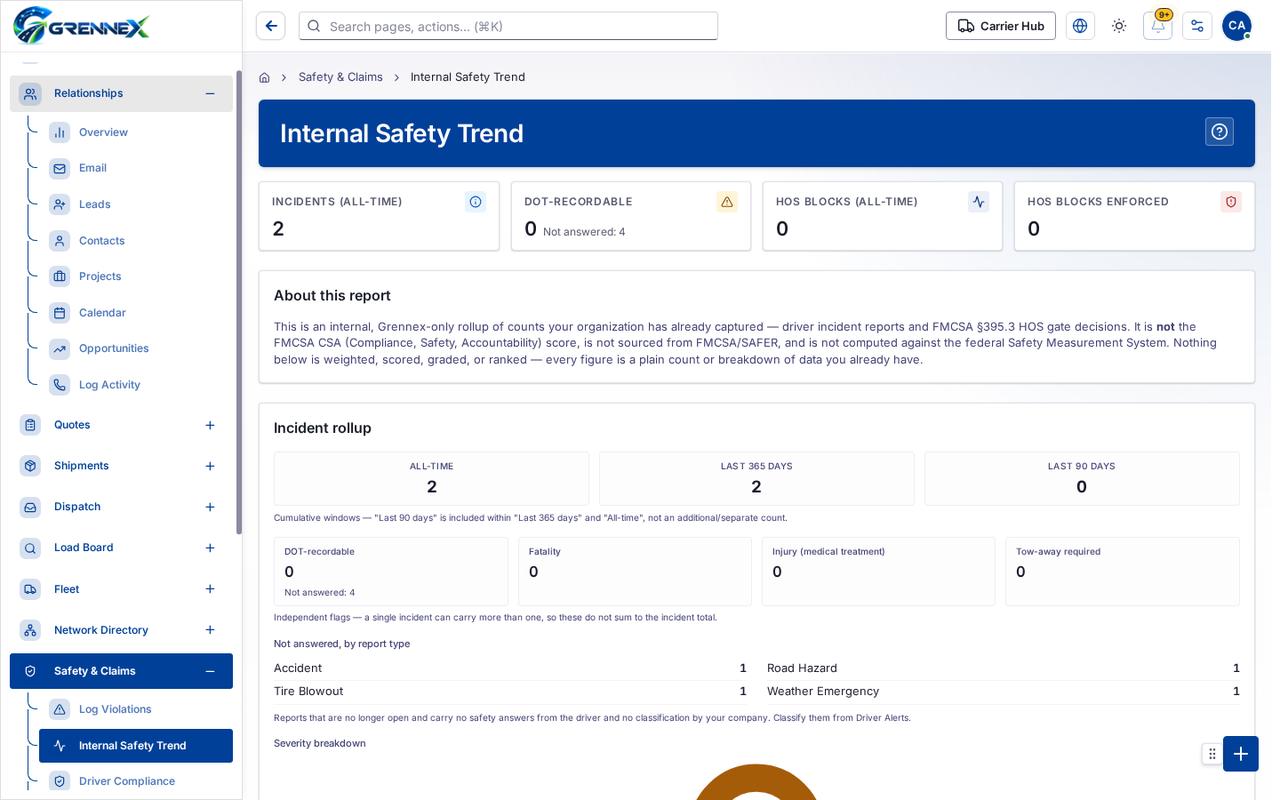
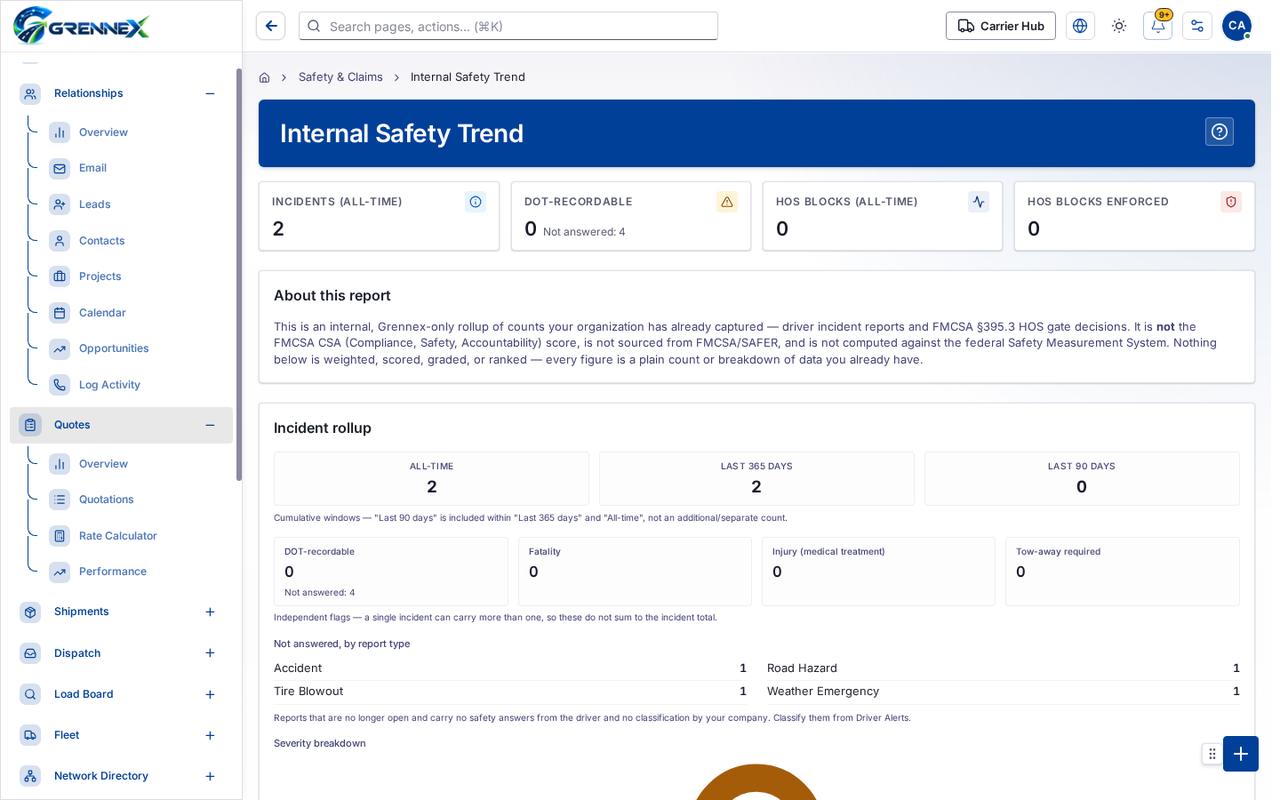
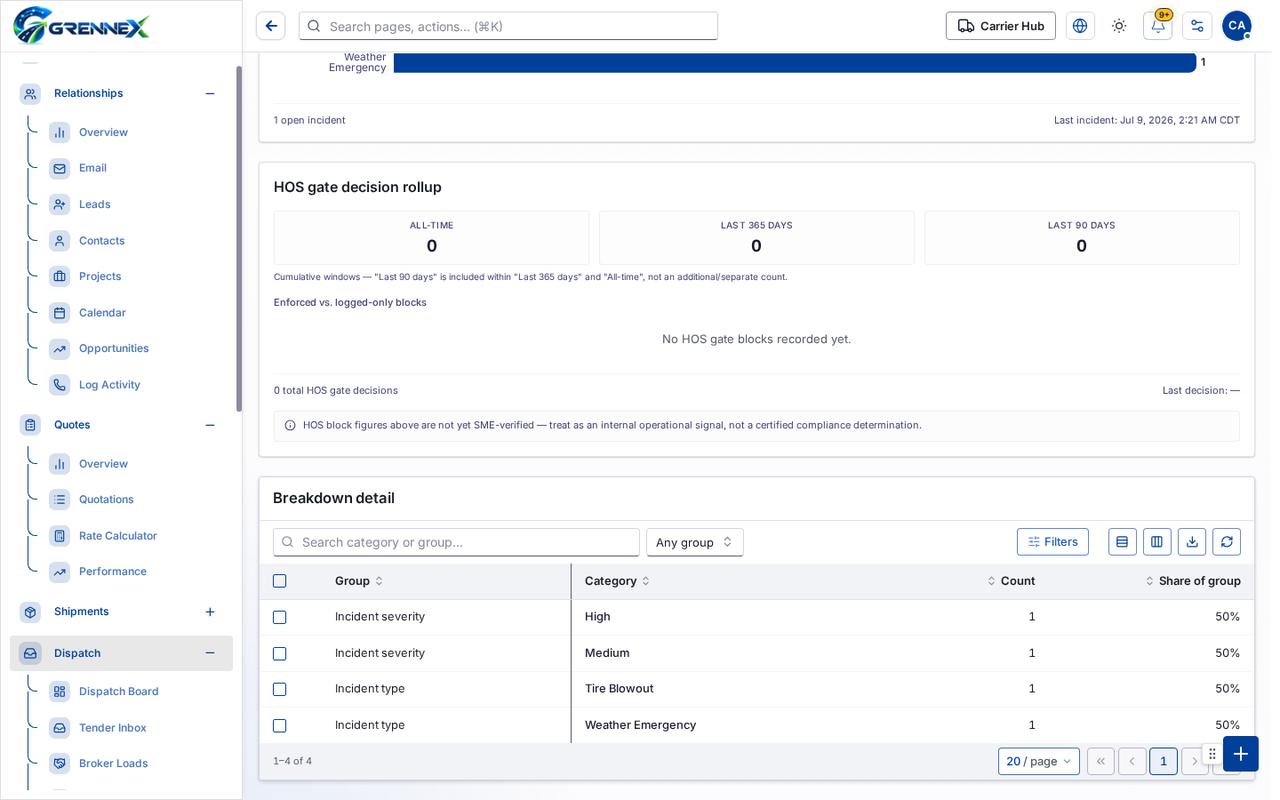
Section titled “What this page tells you”Cumulative windows — “Last 90 days” is included within “Last 365 days” and “All-time”, not an additional/separate count. Independent flags — a single incident can carry more than one, so these do not sum to the incident total. Reports that are no longer open and carry no safety answers from the driver and no classification by your company. Classify them from Driver Alerts.
What you see
Section titled “What you see”- About this report
- Incident rollup
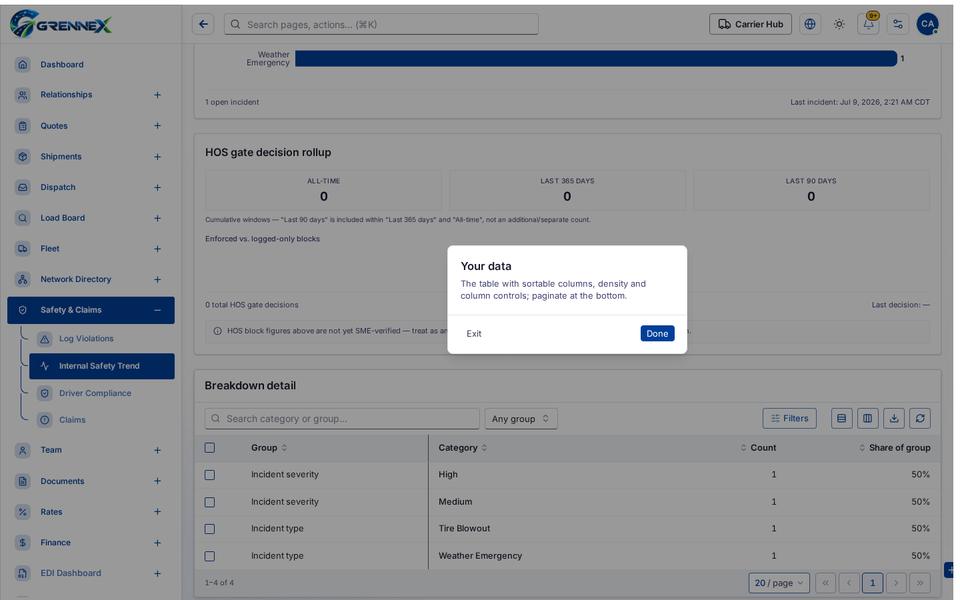
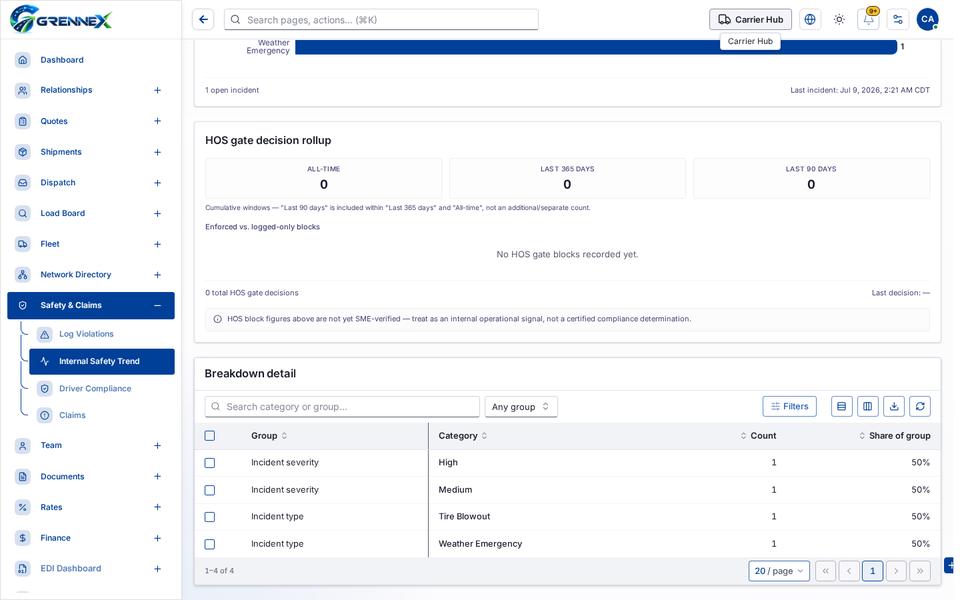
- HOS gate decision rollup
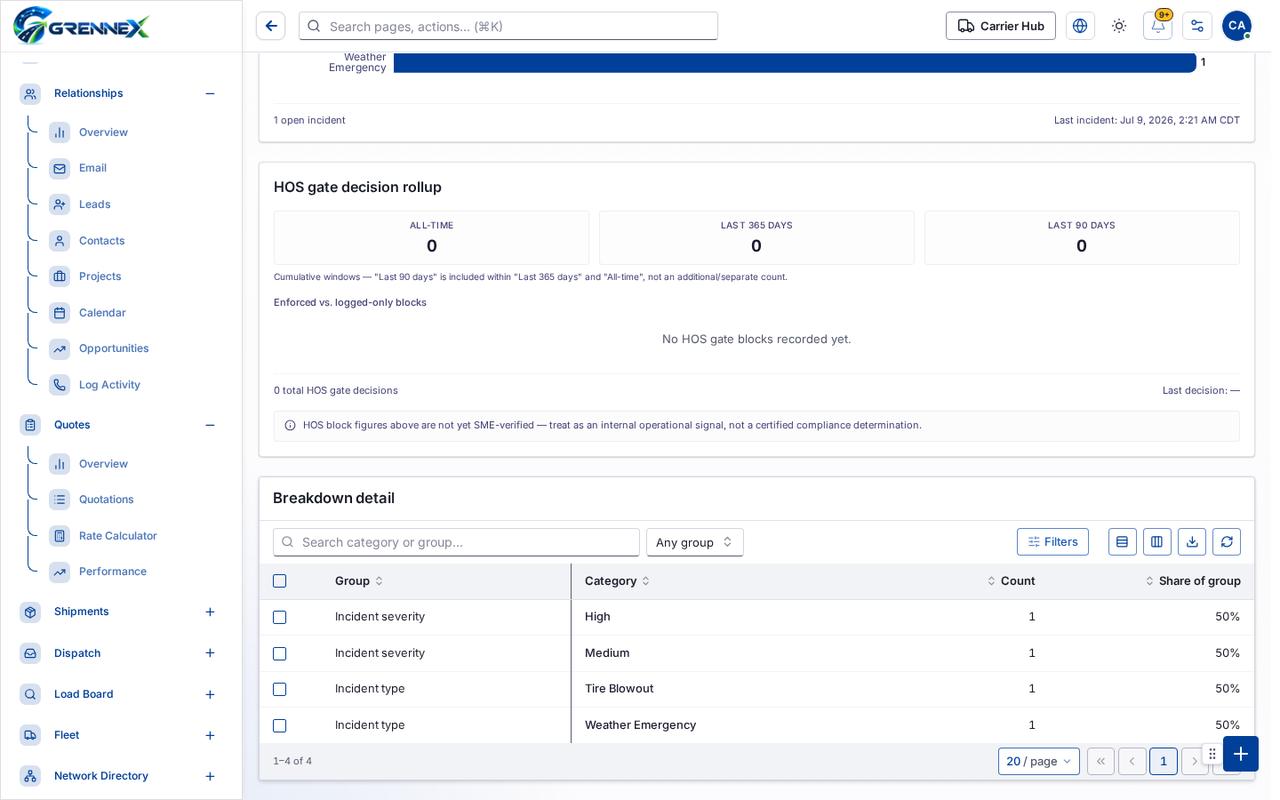
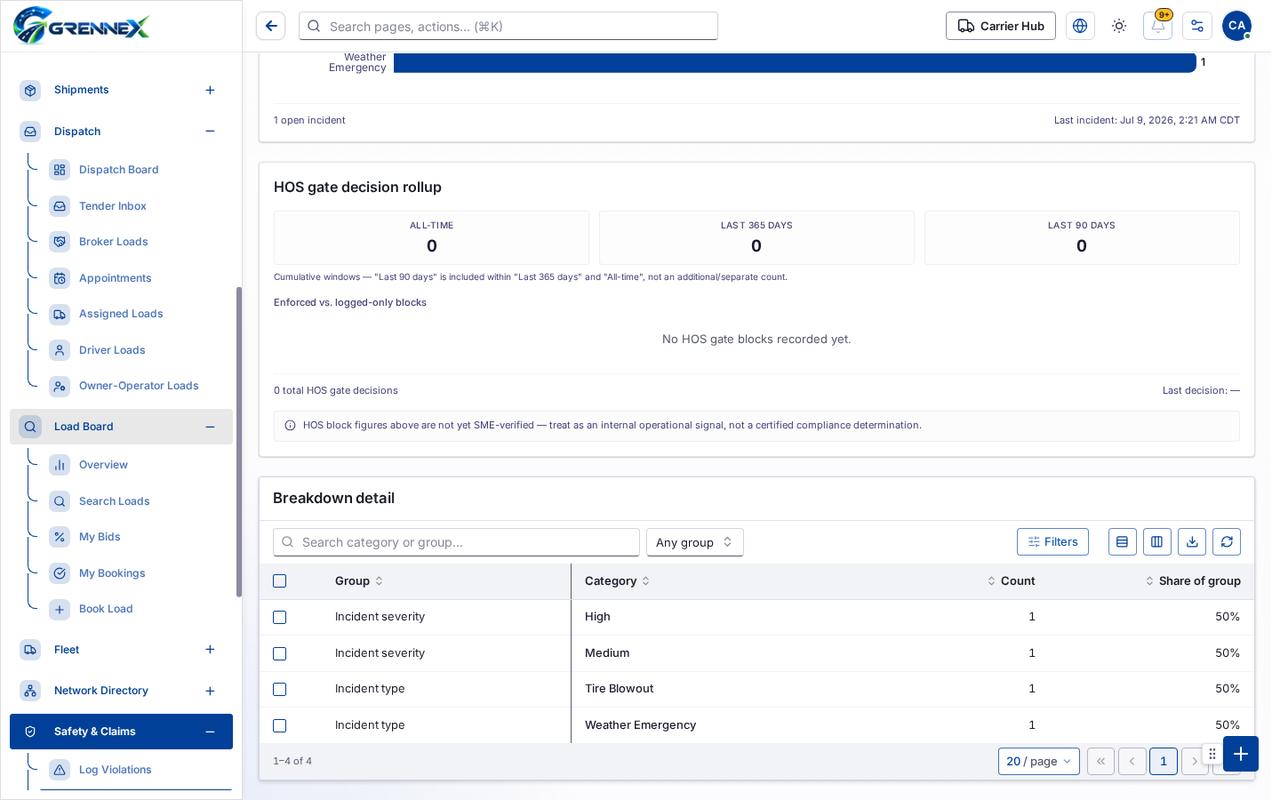
- Breakdown detail
Table columns
Section titled “Table columns”Category · Incidents · Share · Critical · High · Medium · Low · Category · Incidents · Tire Blowout · Weather Emergency · Group · Category · Count · Share Of Group
Tab: First page
Tab: Previous page
Tab: Page 1
Tab: Next page
Tab: Last page 1
What you can do
Section titled “What you can do”- Filters
- Export 4 rows to CSV
- Refresh
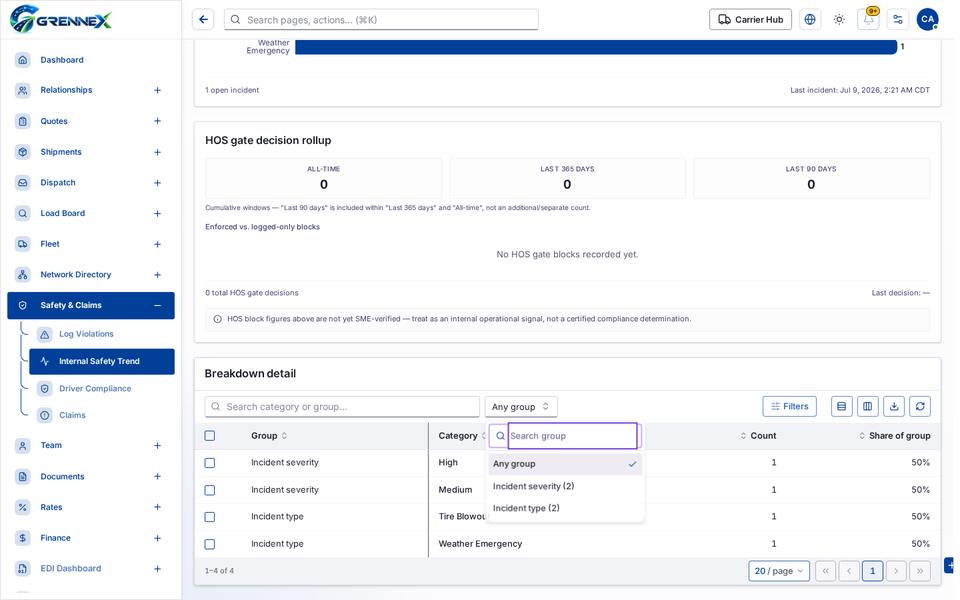
- Group
- Category
- Count
- Share of group
Fields
Section titled “Fields”| Field | Required | Type | Example |
|---|---|---|---|
| Group | No | combobox | Any group |
When there is nothing to show
Section titled “When there is nothing to show”- “No HOS gate blocks recorded yet.”
Loading, empty and error states
Section titled “Loading, empty and error states”Dropdown-Status state
Loading state
Popover-Guide state
Tooltip state
Last updated 2026-10-27