

Accounts Payable
Module: Financials · For: Carrier users · Page address: /carrier-portal/financials/ap
How to get there
Section titled “How to get there”Finance → Purchases → Accounts Payable
Who can use this page
Section titled “Who can use this page”Needs: View permission on the Financials module.
| Seat | Can open it |
|---|---|
| Owner / Admin | Yes |
| Manager | Yes |
| User | Yes |
Actions on this page and the permission each needs
Section titled “Actions on this page and the permission each needs”| Action | Permission | Notes |
|---|---|---|
| Export | Export on Financials | Manage also grants it |
| New bill | Create on Financials | Manage also grants it |
| Export 3 rows to CSV | Export on Financials | Manage also grants it |
What this page tells you
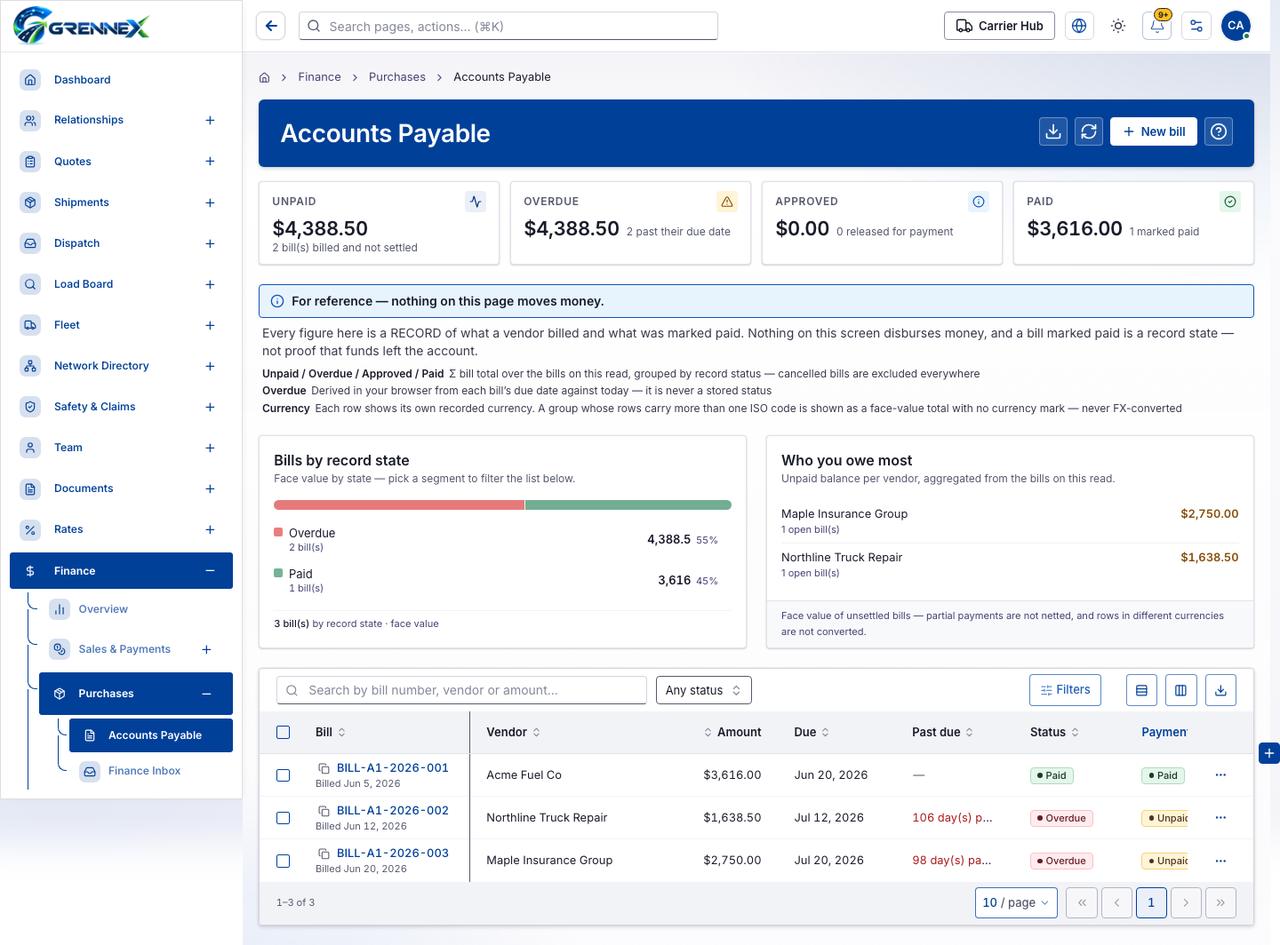
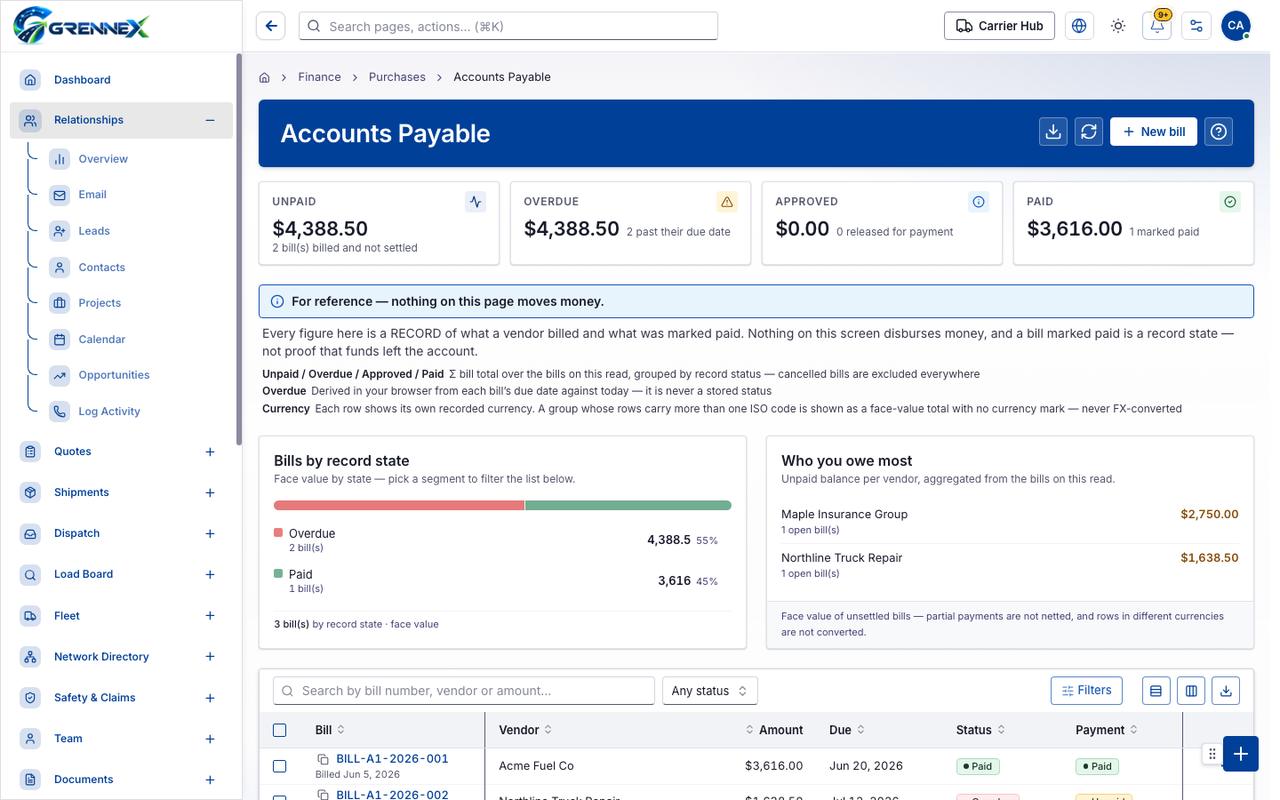
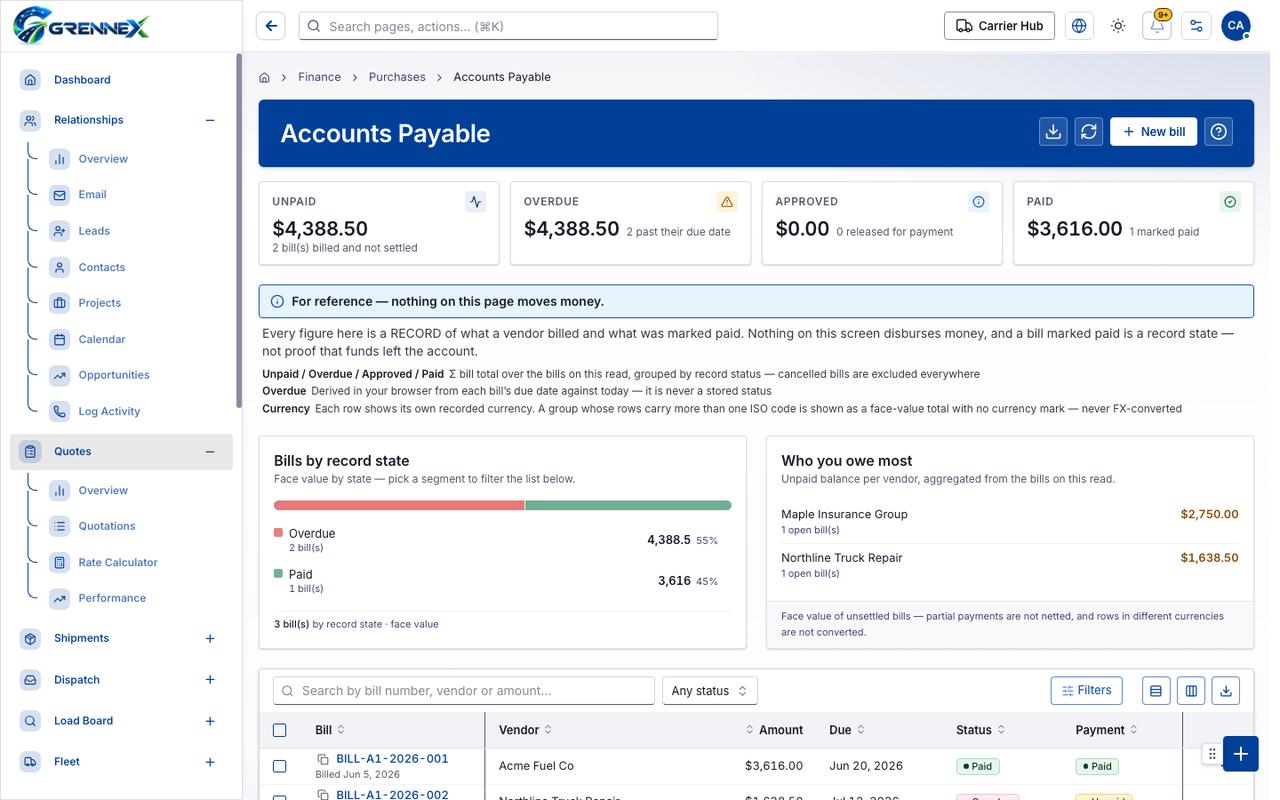
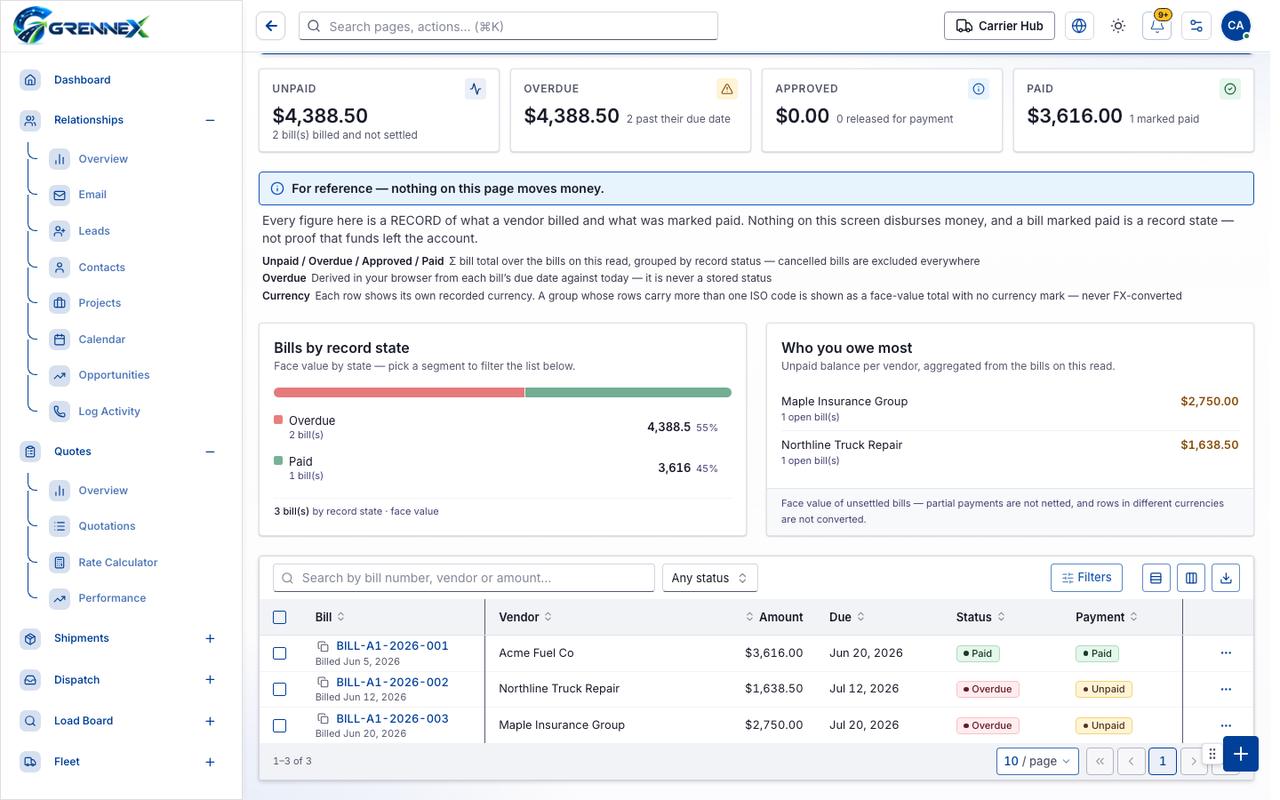
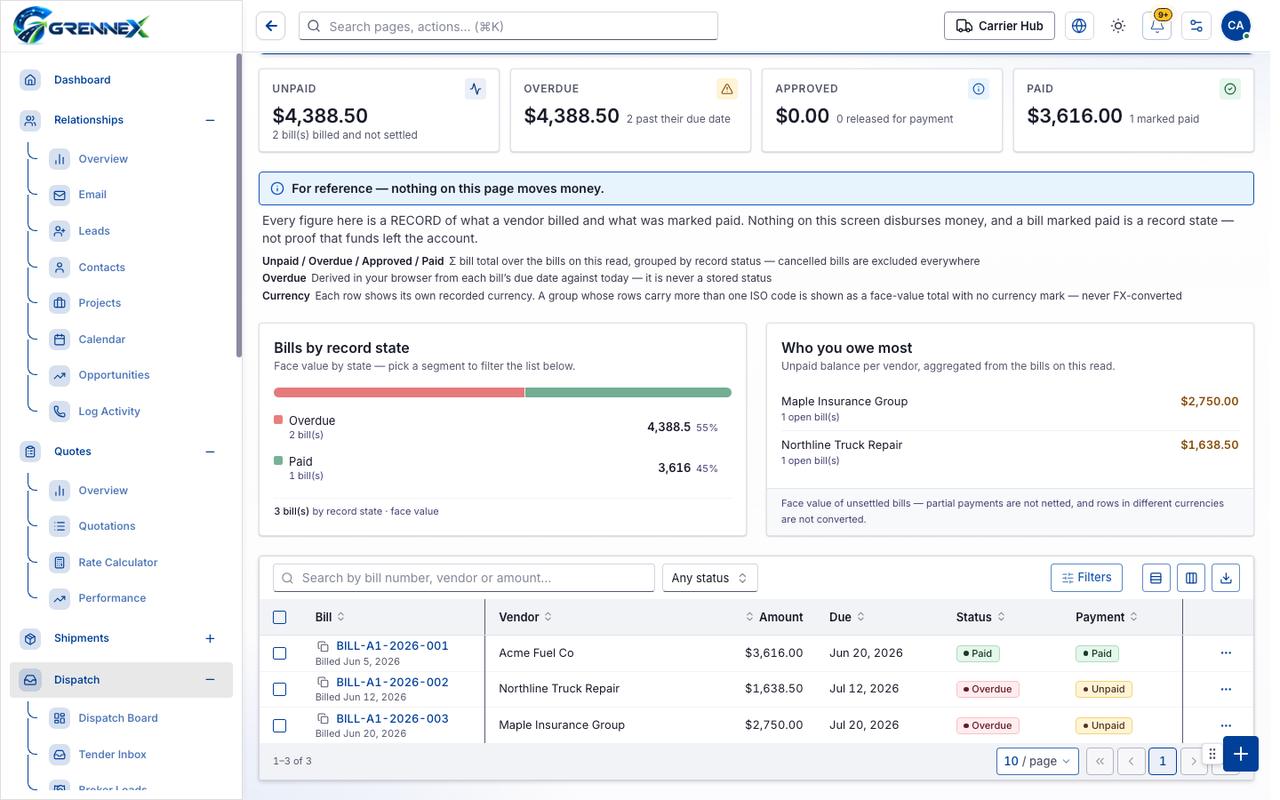
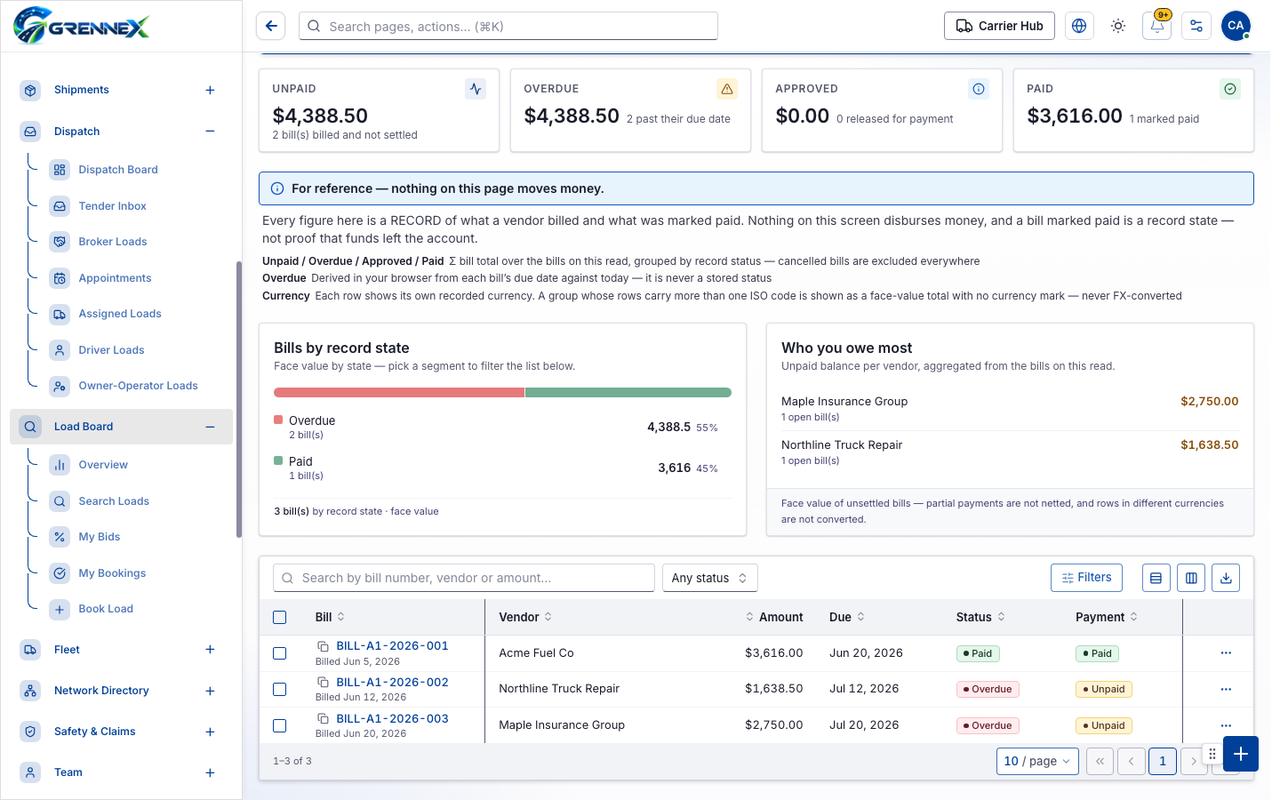
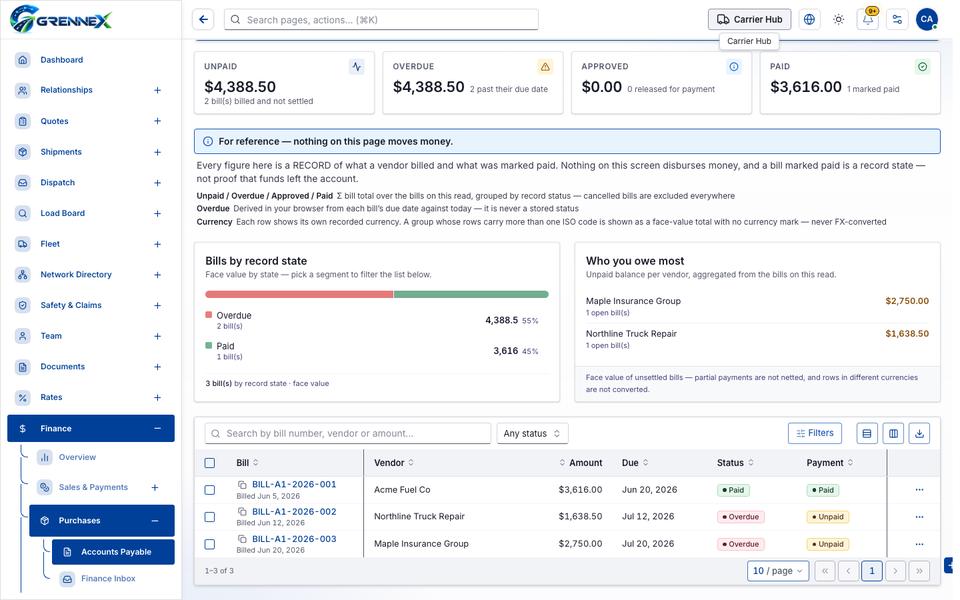
Section titled “What this page tells you”Every figure here is a RECORD of what a vendor billed and what was marked paid. Nothing on this screen disburses money, and a bill marked paid is a record state — not proof that funds left the account. Face value by state — pick a segment to filter the list below. Unpaid balance per vendor, aggregated from the bills on this read.
What you see
Section titled “What you see”- Bills by record state
- Who you owe most
- Bills
Table columns
Section titled “Table columns”Segment · Value · Share · Detail · Overdue · Paid · Bill · Vendor · Amount · Due · Status · Payment
Tab: First page
Tab: Previous page
Tab: Page 1
Tab: Next page
Tab: Last page 1
What you can do
Section titled “What you can do”- Export
- Refresh
- New bill
- Show bills that are billed and not yet settled
- Show overdue bills
- Show bills approved for payment
- Show bills marked paid
- Overdue 2 bill(s) 4,388.5 55%
- Paid 1 bill(s) 3,616 45%
- Filters
- Export 3 rows to CSV
- Bill
- Vendor
- Amount
- Due
- Status
Fields
Section titled “Fields”| Field | Required | Type | Example |
|---|---|---|---|
| Status | No | combobox | Any status |
Loading, empty and error states
Section titled “Loading, empty and error states”Loading state
Popover-Guide state
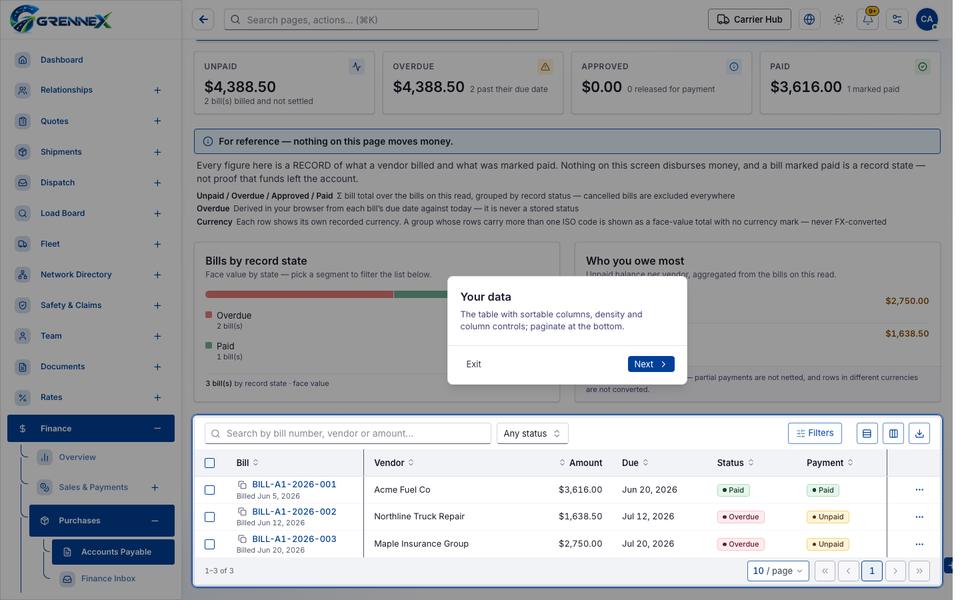
Tooltip state
Last updated 2026-10-27