

Driver details
Module: Network Directory · For: Carrier users · Page address: /carrier-portal/networks/drivers/:id
How to get there
Section titled “How to get there”Network Directory → Drivers → (a record)
Who can use this page
Section titled “Who can use this page”Needs: View permission on the Network Directory module.
| Seat | Can open it |
|---|---|
| Owner / Admin | Yes |
| Manager | Yes |
| User | Yes |
Actions on this page and the permission each needs
Section titled “Actions on this page and the permission each needs”| Action | Permission | Notes |
|---|---|---|
| Edit Driver | Edit on Network Directory | Enforced in the app: hidden or disabled without it |
What this page tells you
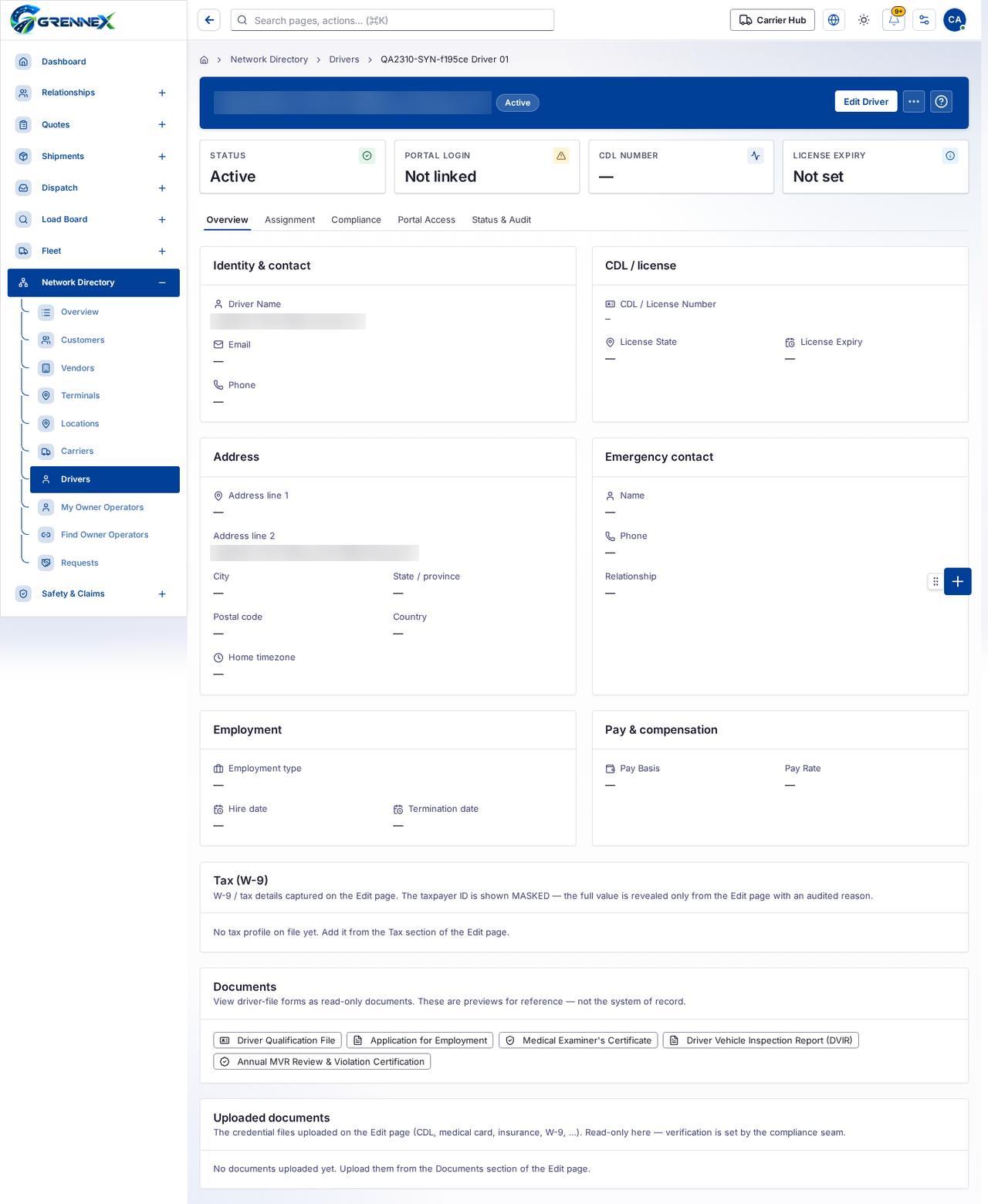
Section titled “What this page tells you”W-9 / tax details captured on the Edit page. The taxpayer ID is shown MASKED — the full value is revealed only from the Edit page with an audited reason. No tax profile on file yet. Add it from the Tax section of the Edit page. View driver-file forms as read-only documents. These are previews for reference — not the system of record.
What you see
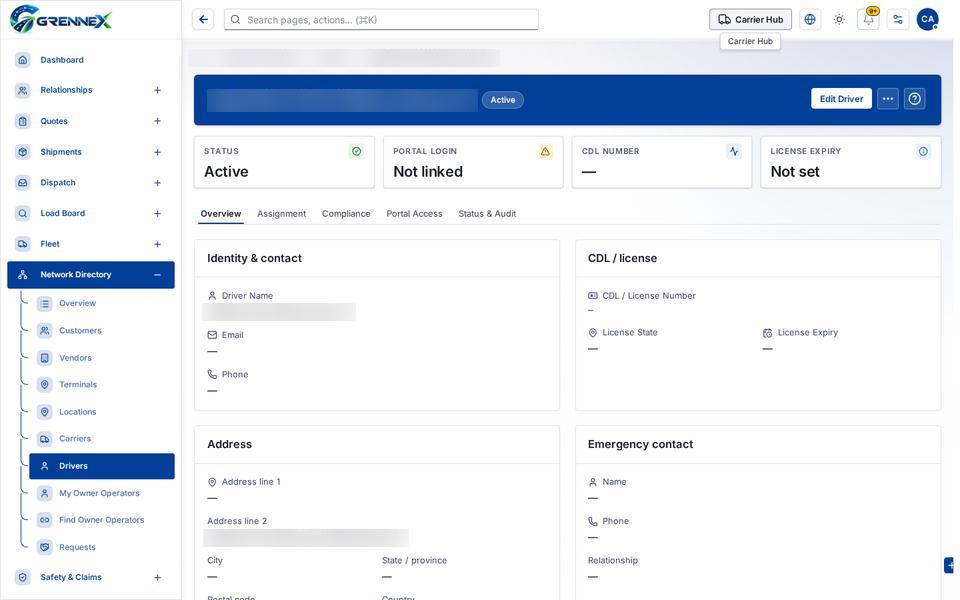
Section titled “What you see”- Identity & contact
- CDL / license
- Address
- Emergency contact
- Employment
- Pay & compensation
- Tax (W-9)
- Documents
- Uploaded documents
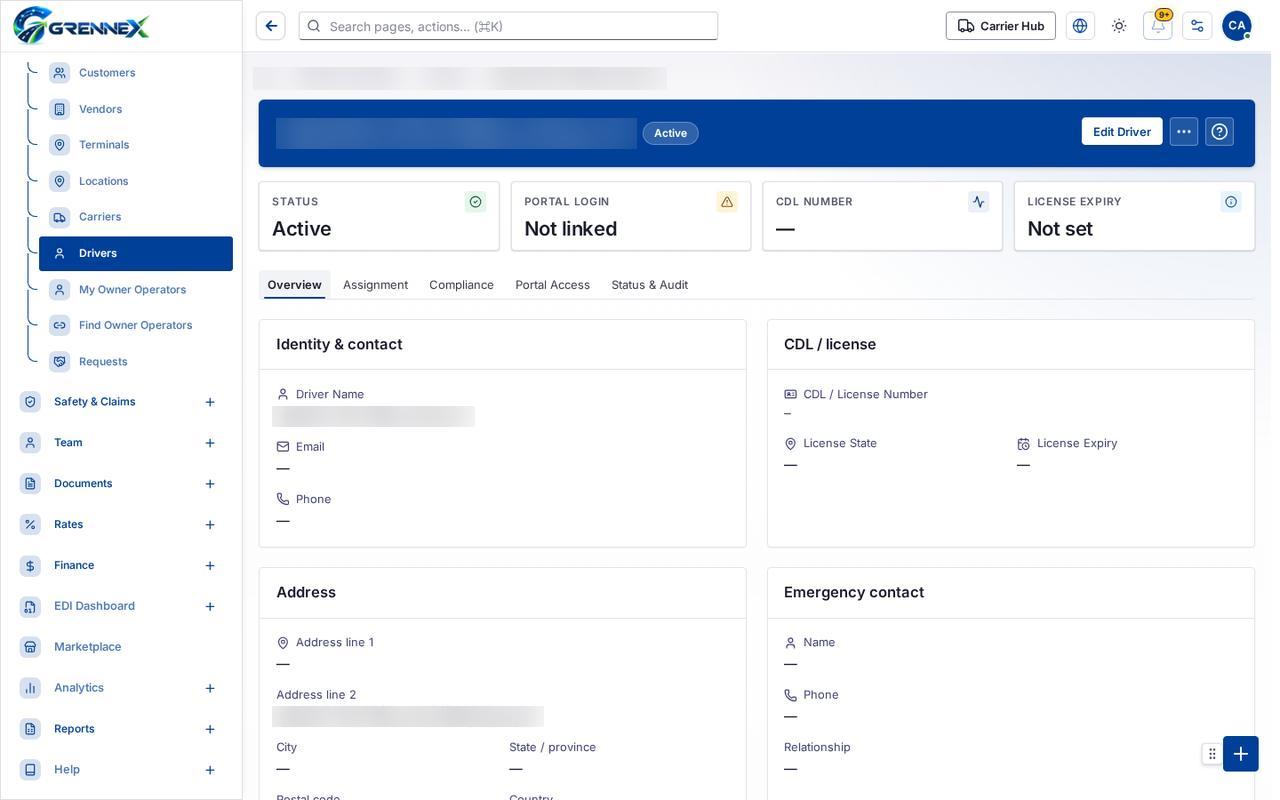
- Overview
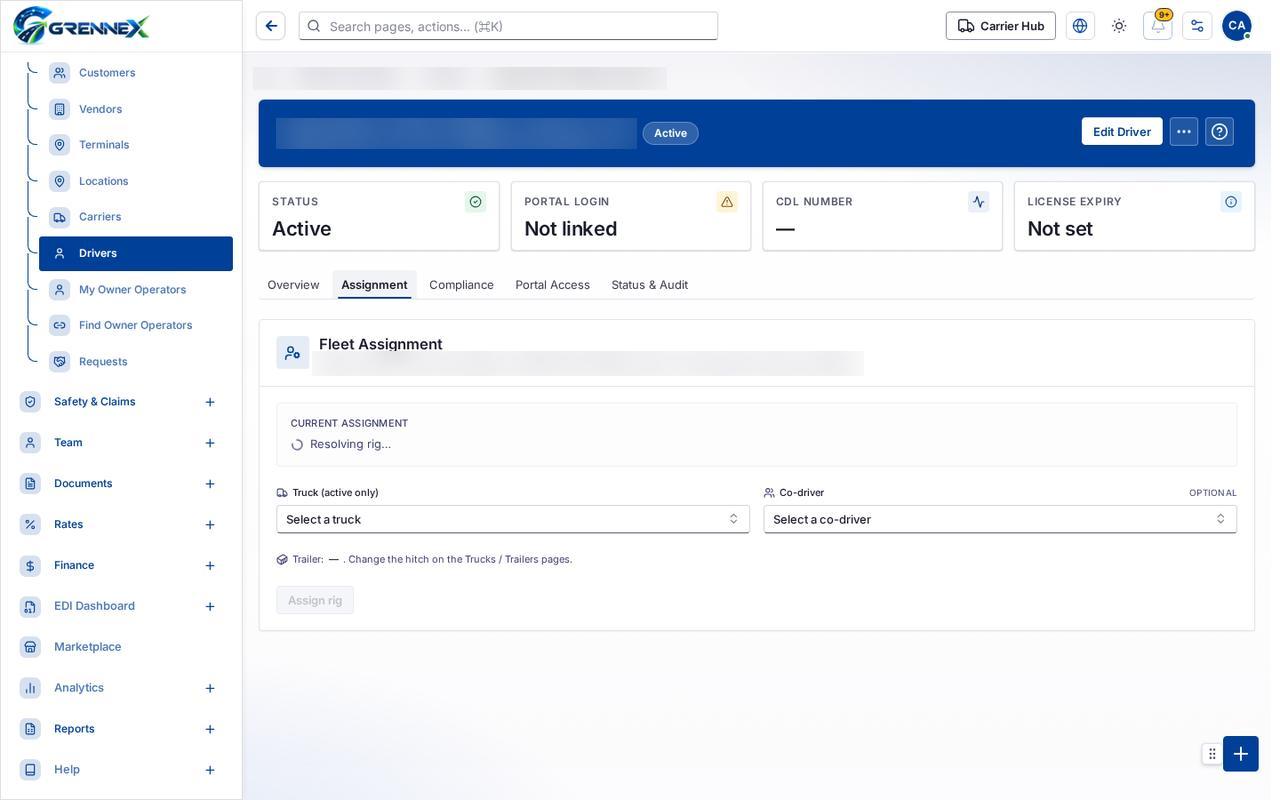
- Assignment
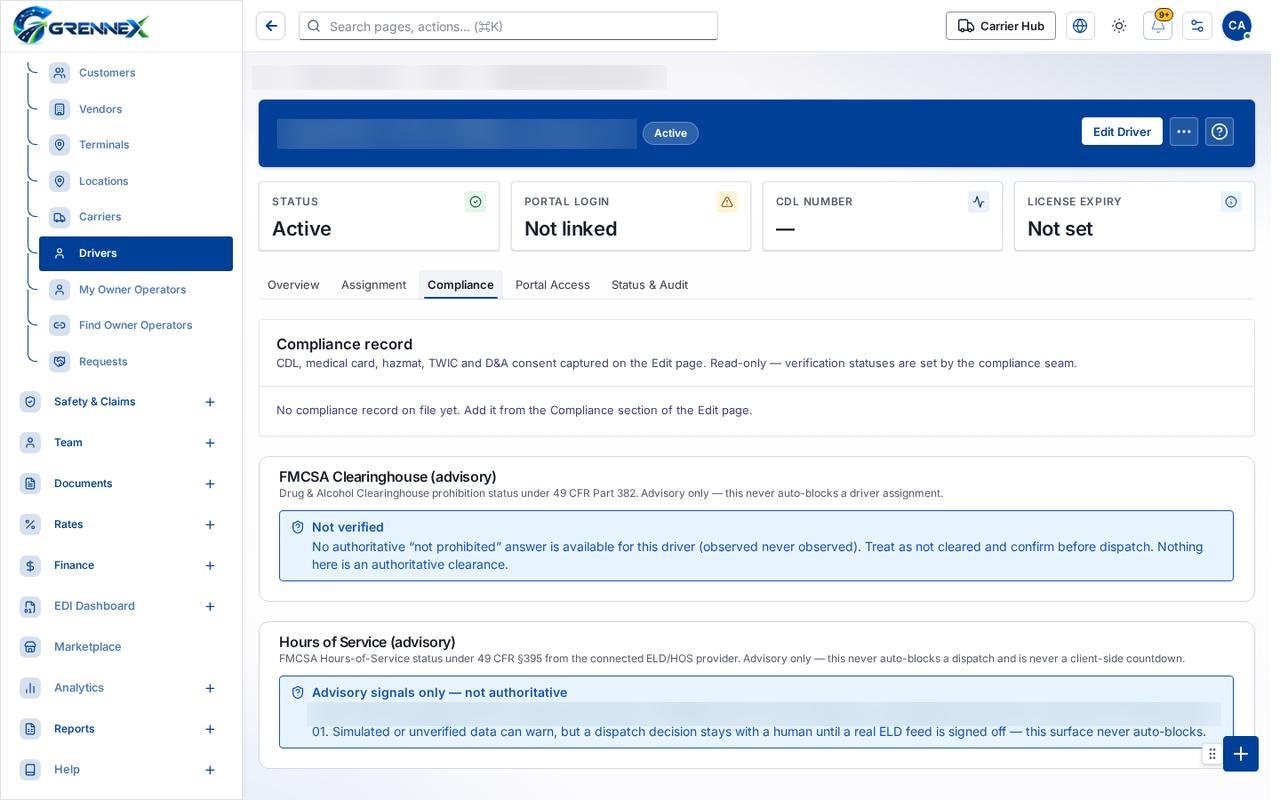
- Compliance
- Portal Access
- Status & Audit
Tab: Overview
Tab: Assignment
Tab: Compliance
Tab: Portal Access
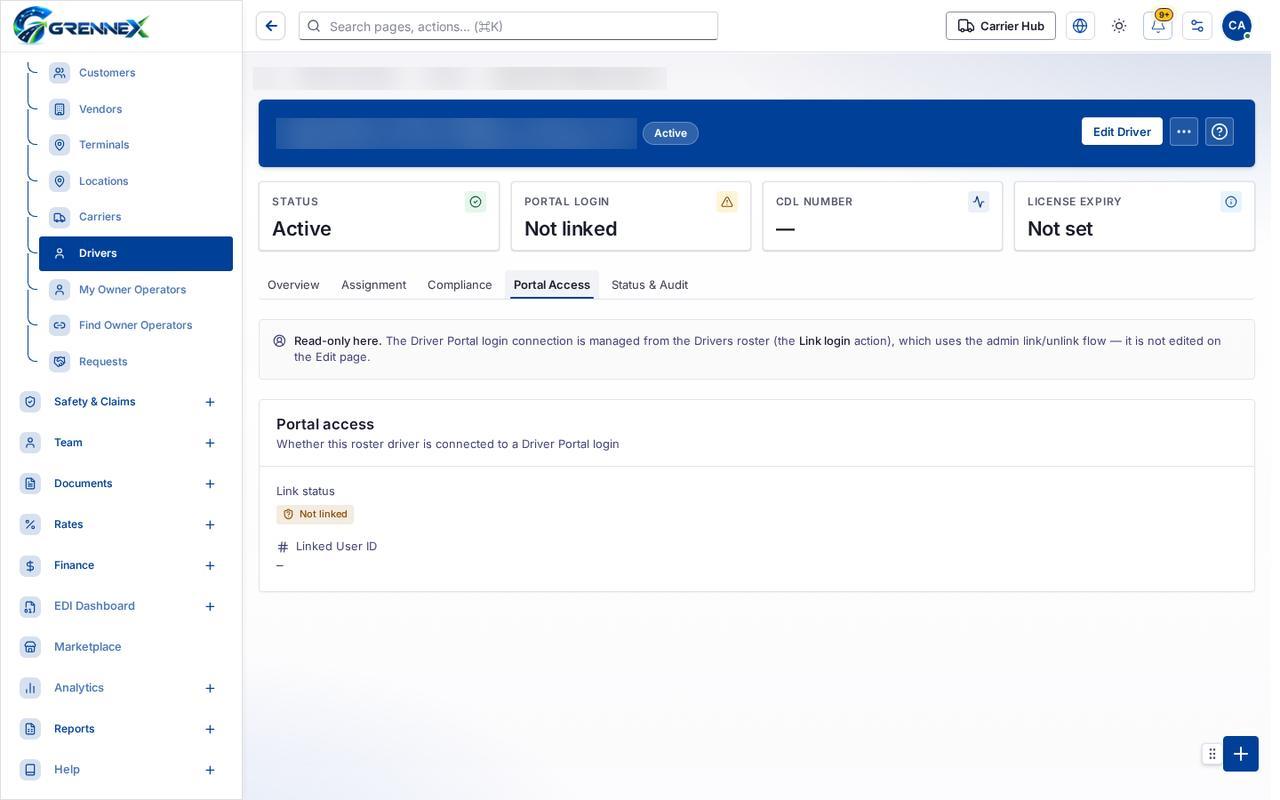
Tab: Status Audit
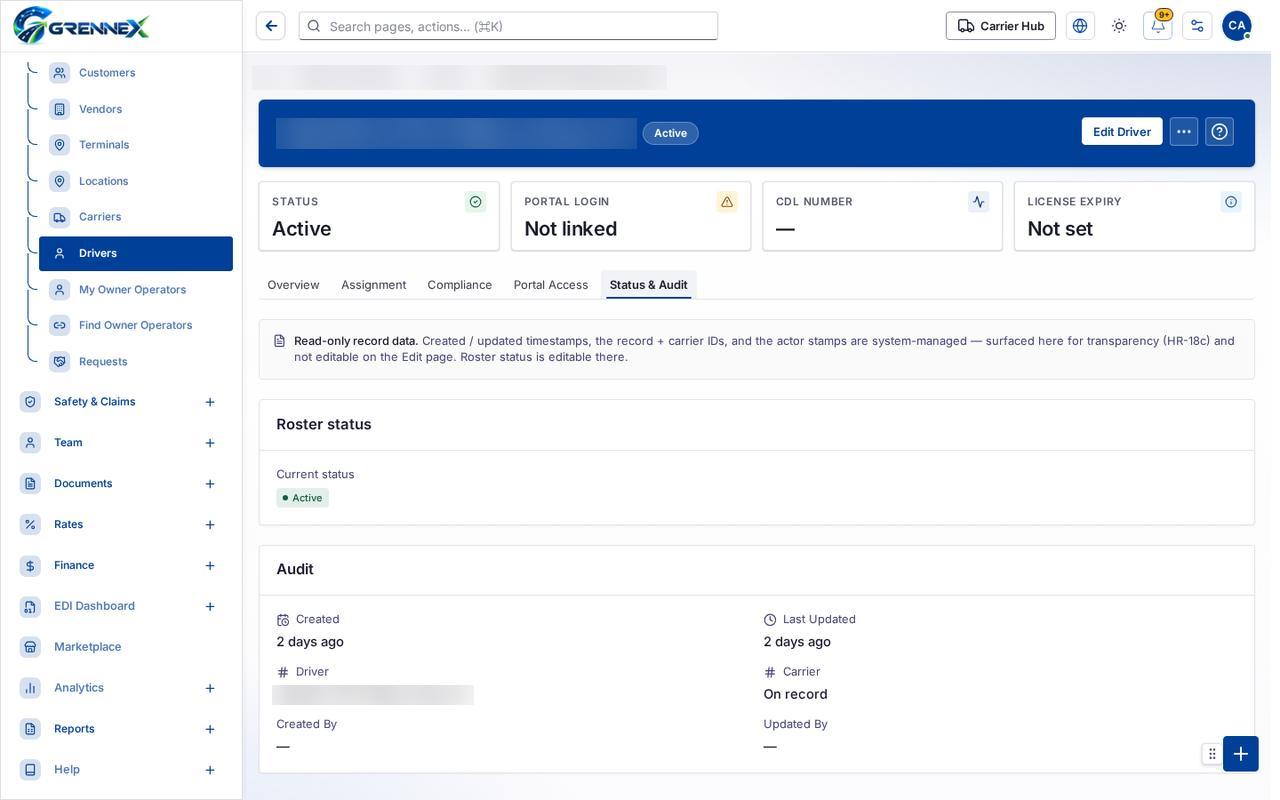
What you can do
Section titled “What you can do”- Edit Driver
- More actions
- Driver Qualification File
- Application for Employment
- Medical Examiner’s Certificate
- Driver Vehicle Inspection Report (DVIR)
- Annual MVR Review & Violation Certification
When there is nothing to show
Section titled “When there is nothing to show”- “No tax profile on file yet. Add it from the Tax section of the Edit page.”
- “No documents uploaded yet. Upload them from the Documents section of the Edit page.”
Loading, empty and error states
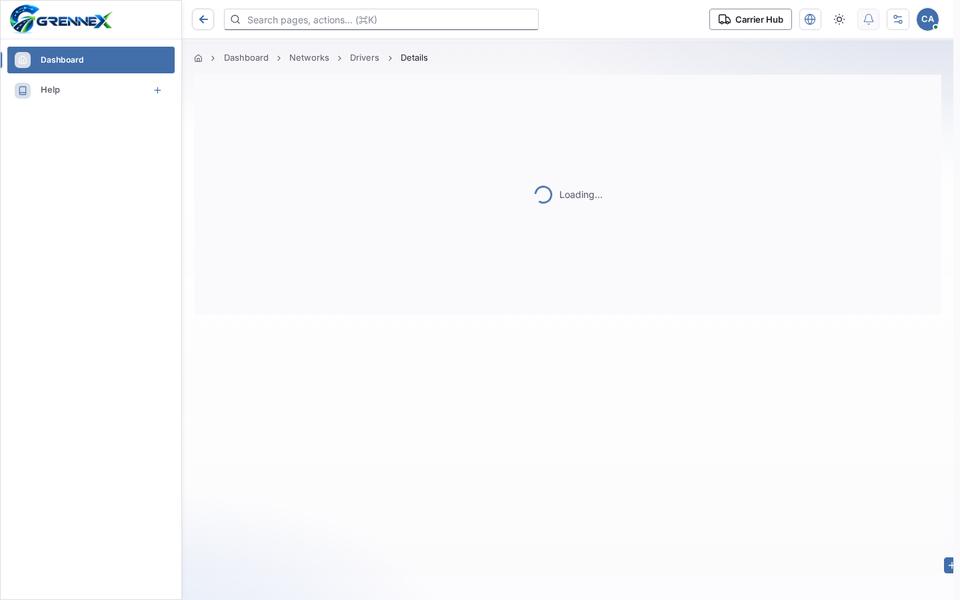
Section titled “Loading, empty and error states”Loading state
Popover-Guide state
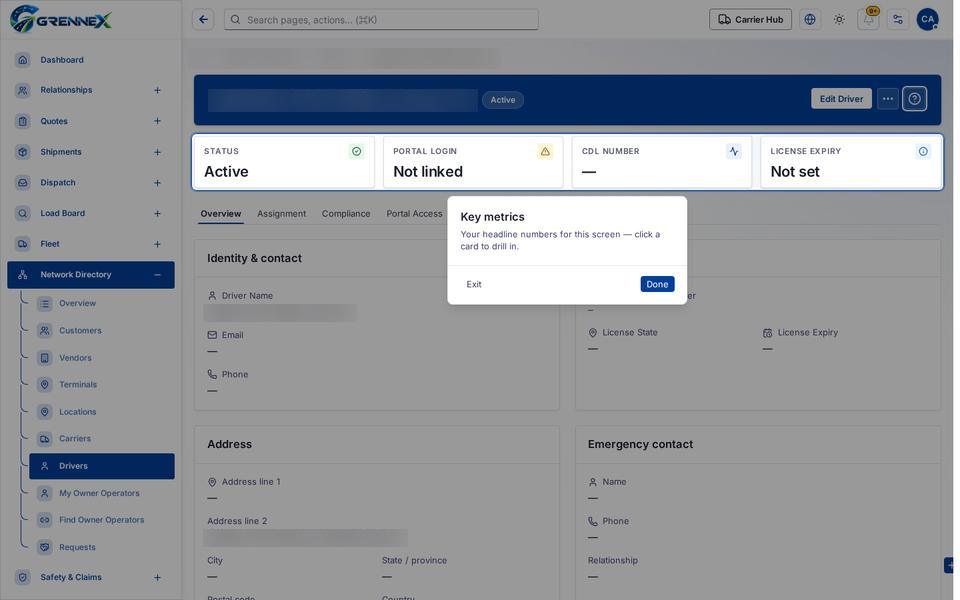
Tooltip state
Last updated 2026-10-27