

New claim
Module: Claims · For: Drivers · Page address: /driver/claims/new
How to get there
Section titled “How to get there”Claims → New Claim
Who can use this page
Section titled “Who can use this page”Needs: Create permission on the Claims module.
Drivers use their own personal account; the company seat rules do not apply here.
Actions on this page and the permission each needs
Section titled “Actions on this page and the permission each needs”| Action | Permission | Notes |
|---|---|---|
| Cancel | Delete on Claims | Must be granted on its own (not part of Manage) |
| Submit claim | Create on Claims | Manage also grants it |
What this page tells you
Section titled “What this page tells you”On your phone, this opens the camera. Add scene or damage pictures before you leave the area.
What you see
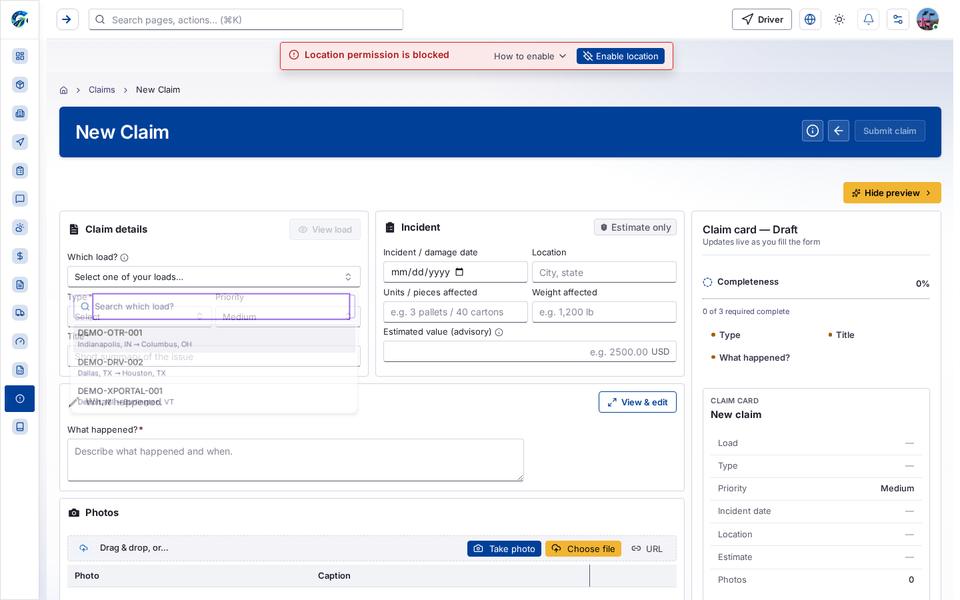
Section titled “What you see”- Claim details
- Incident
- What happened
- Photos
- Claim card — Draft
- New claim
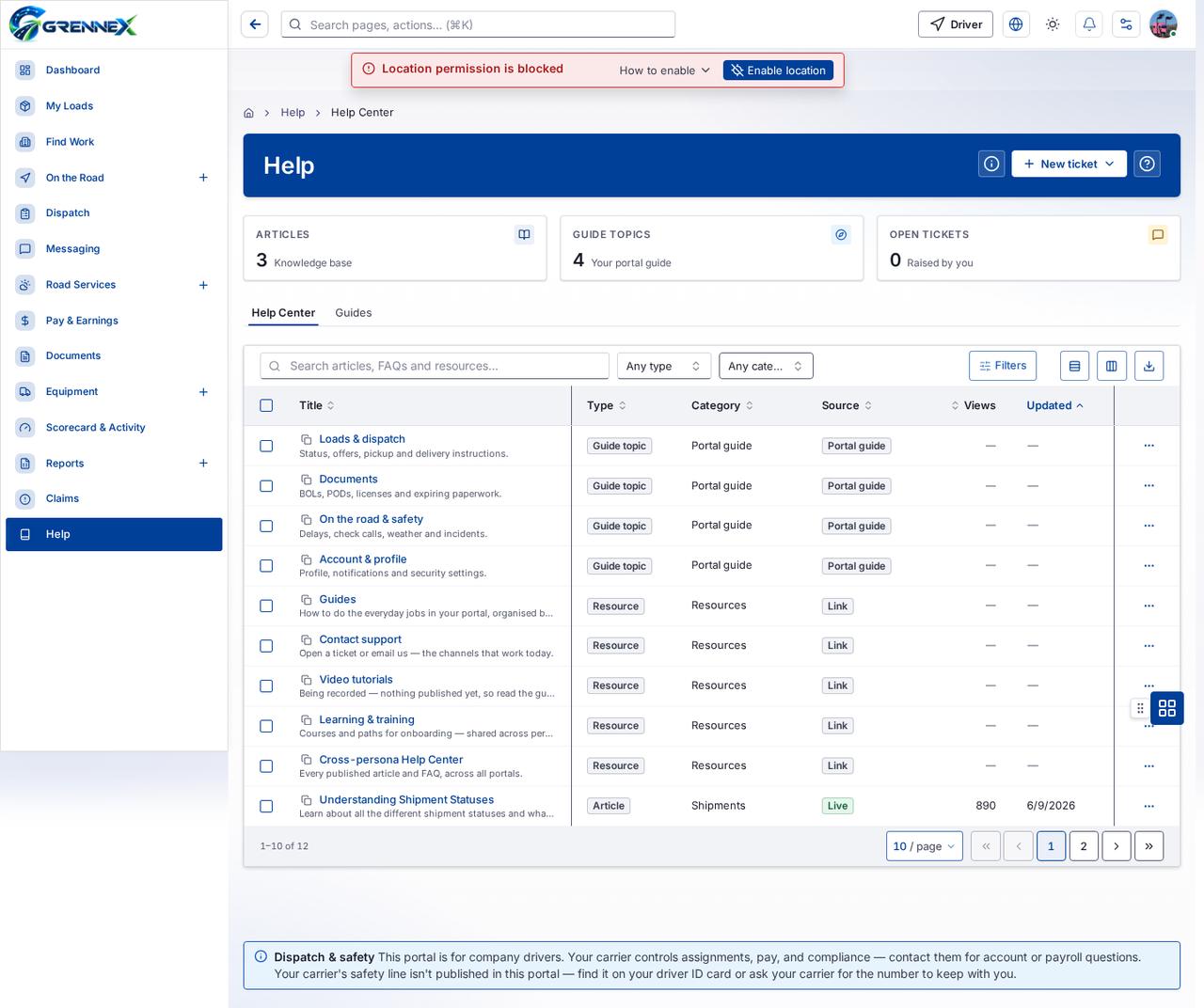
Table columns
Section titled “Table columns”Title · Type · Category · Source · Views · Updated
What you can do
Section titled “What you can do”- How this works
- Cancel
- Submit claim
- Hide preview
- View load
- View & edit
- Take a photo with your device camera
- Take photo
- Choose file
- URL
- Type
- Title
- What happened?
Fields
Section titled “Fields”| Field | Required | Type | Example |
|---|---|---|---|
| Which load? | No | combobox | Select one of your loads… |
| Type | Yes | combobox | Select |
| Priority | No | combobox | Medium |
| Title | Yes | textbox | Short summary of the issue |
| Incident / damage date | No | textbox | |
| Location | No | textbox | City, state |
| Units / pieces affected | No | textbox | e.g. 3 pallets / 40 cartons |
| Weight affected | No | textbox | e.g. 1,200 lb |
| Estimated value (advisory) | No | textbox | e.g. 2500.00 |
| What happened? | Yes | textbox | Describe what happened and when. |
Loading, empty and error states
Section titled “Loading, empty and error states”Dropdown-Status state
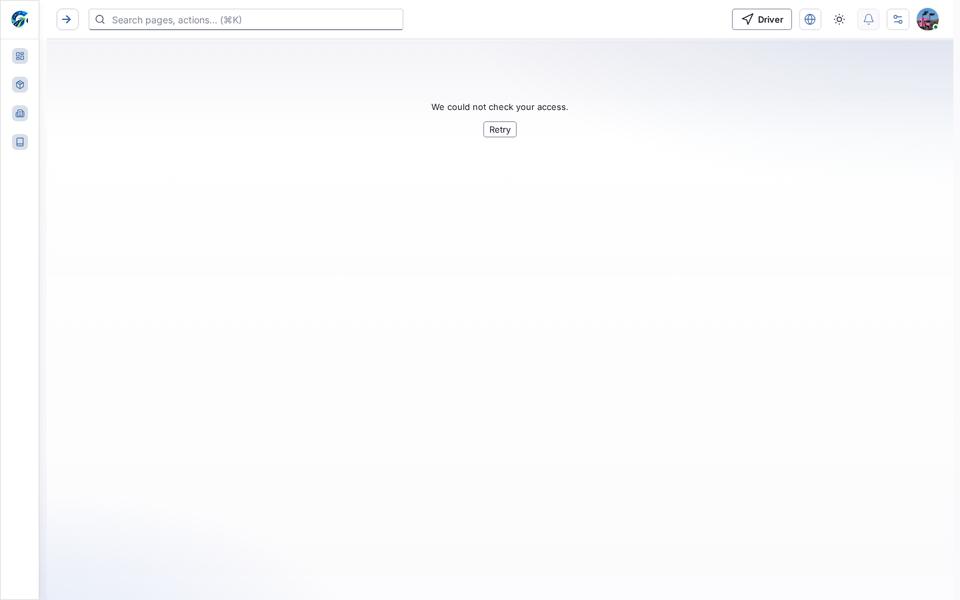
Error state
Loading state

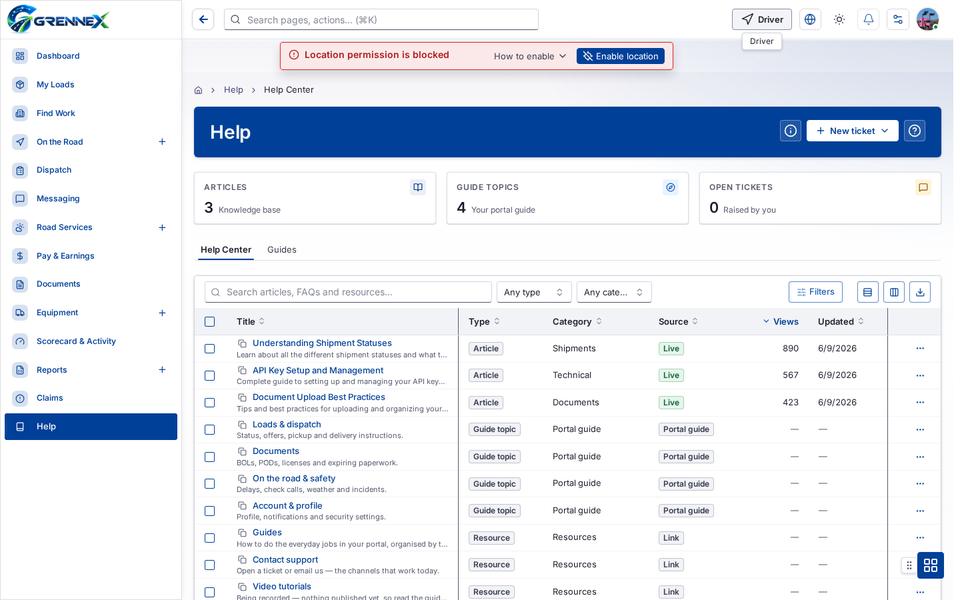
Tooltip state
Last updated 2026-10-27