

DVIR
Module: Truck & equipment · For: Drivers · Page address: /driver/equipment/inspections
How to get there
Section titled “How to get there”Equipment → DVIR
Who can use this page
Section titled “Who can use this page”Needs: View permission on the Fleet module.
Drivers use their own personal account; the company seat rules do not apply here.
Actions on this page and the permission each needs
Section titled “Actions on this page and the permission each needs”| Action | Permission | Notes |
|---|---|---|
| New DVIR | Create on Fleet | Manage also grants it |
| Export 14 rows to CSV | Export on Fleet | Manage also grants it |
What this page tells you
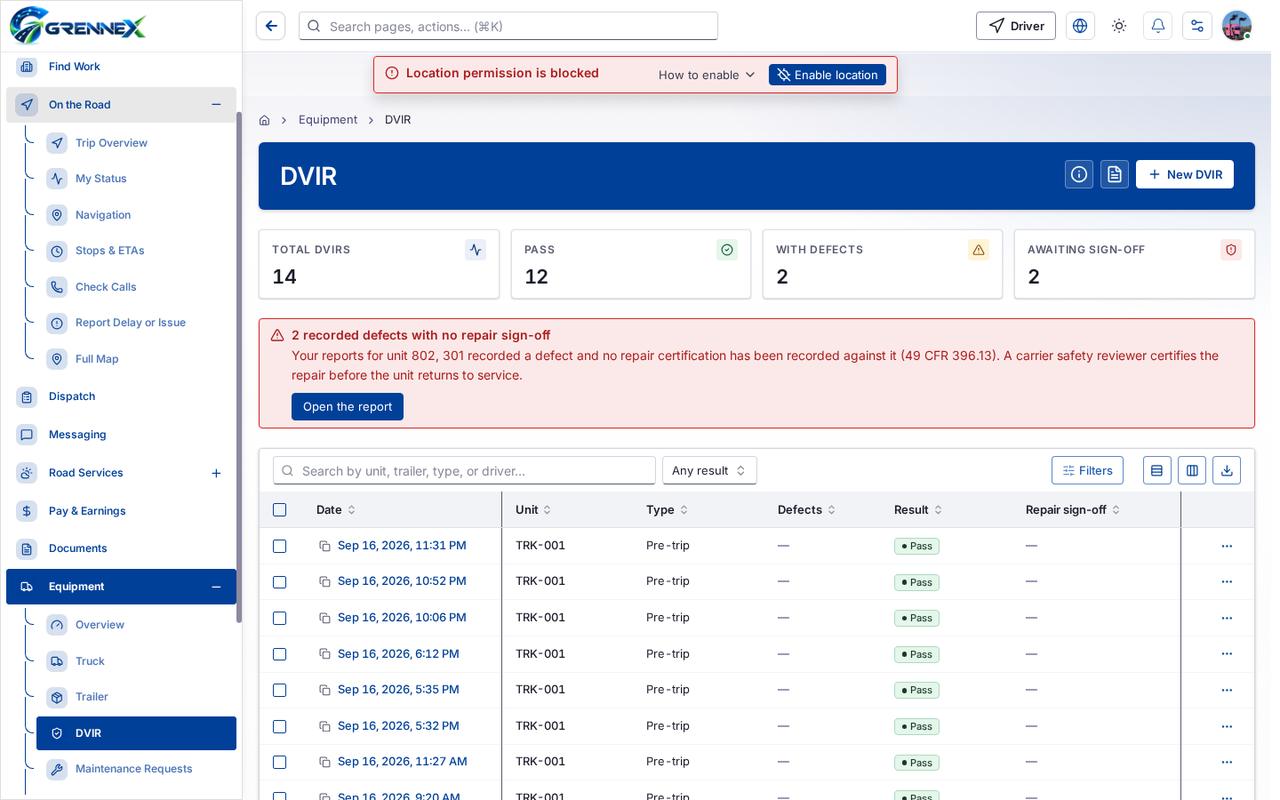
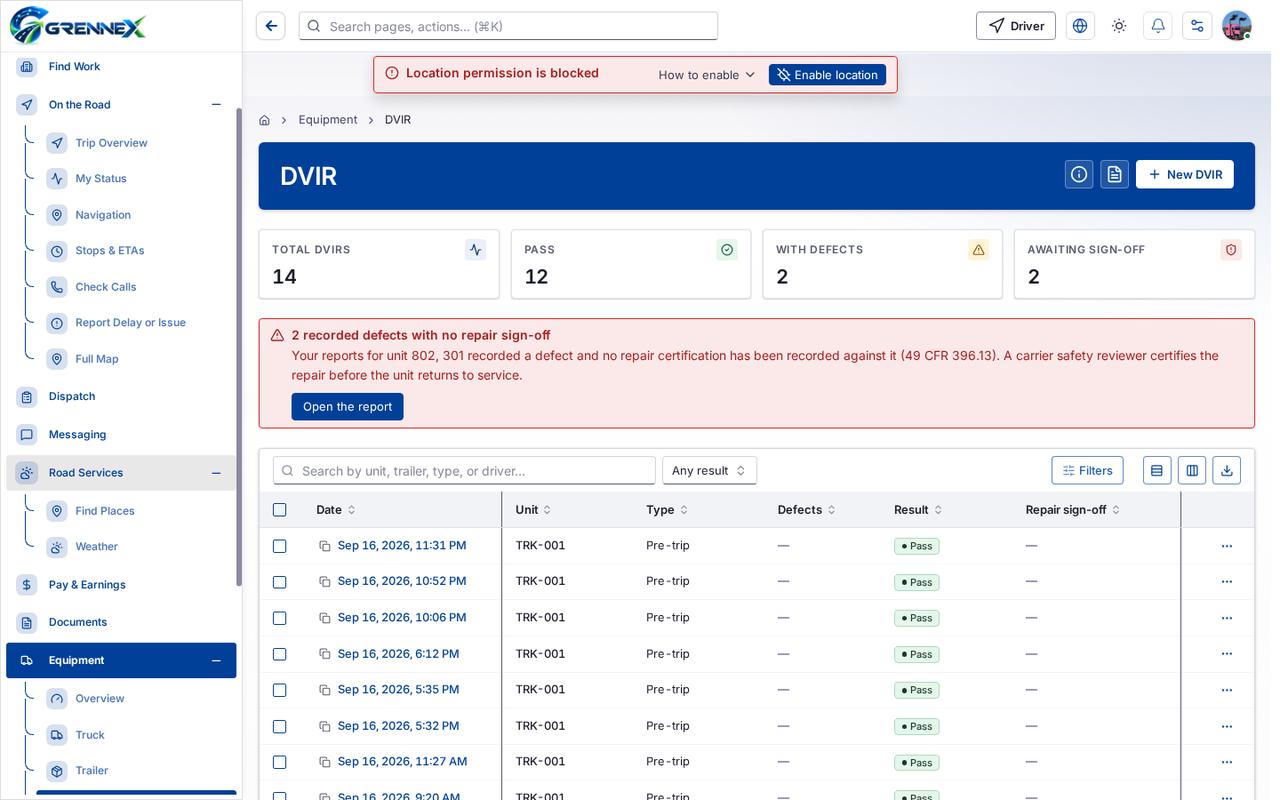
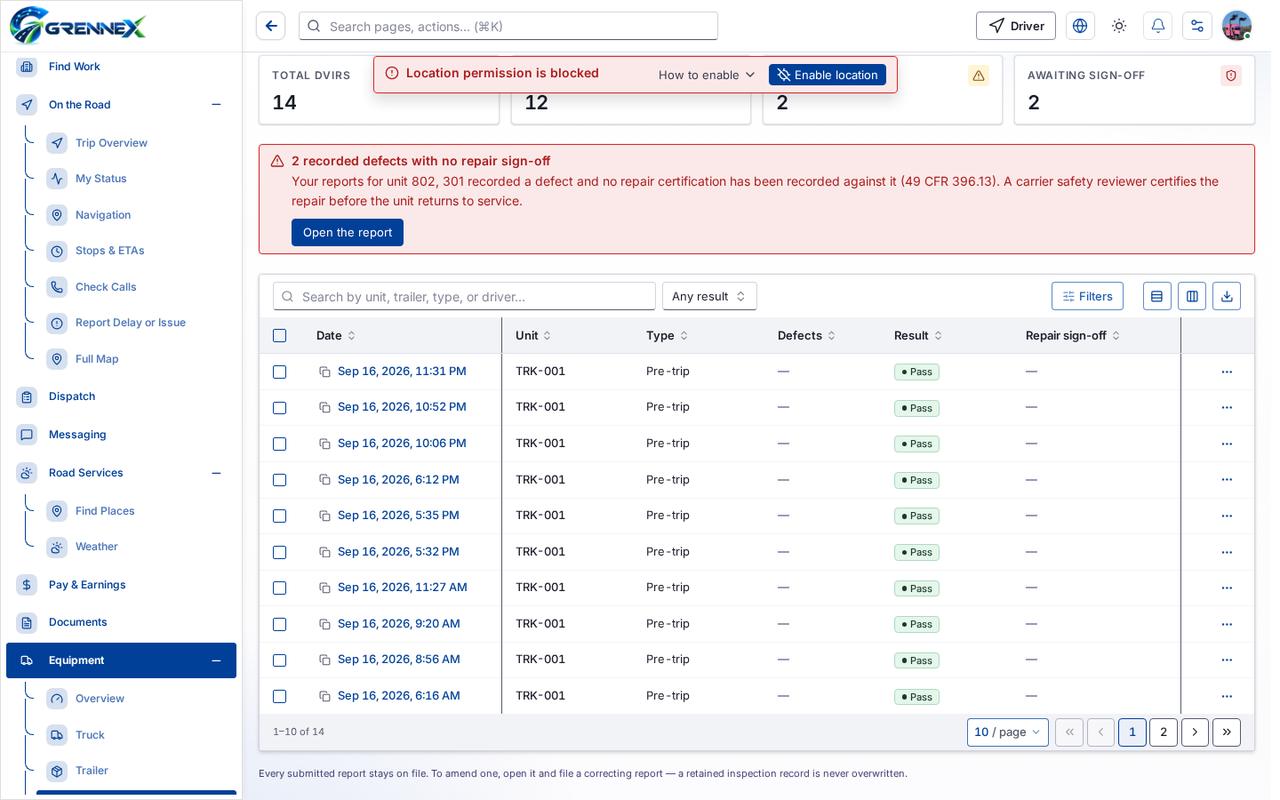
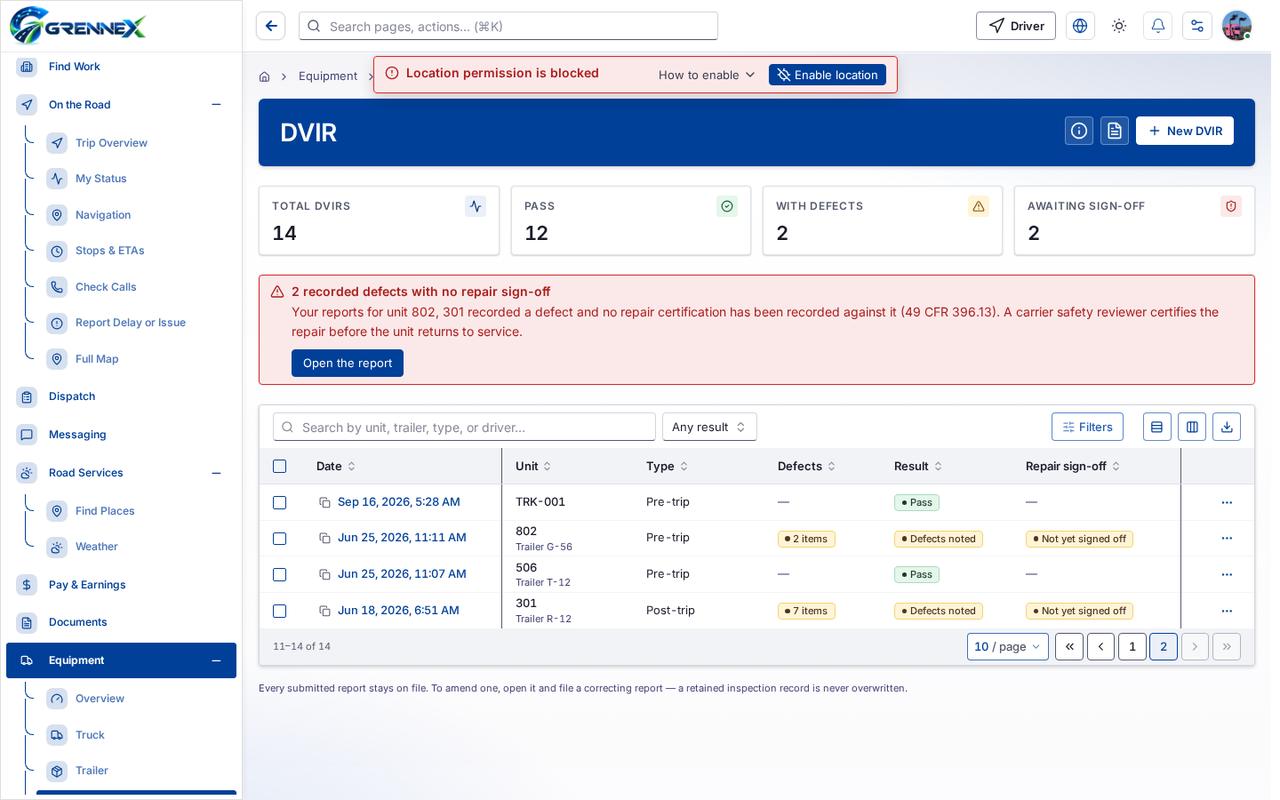
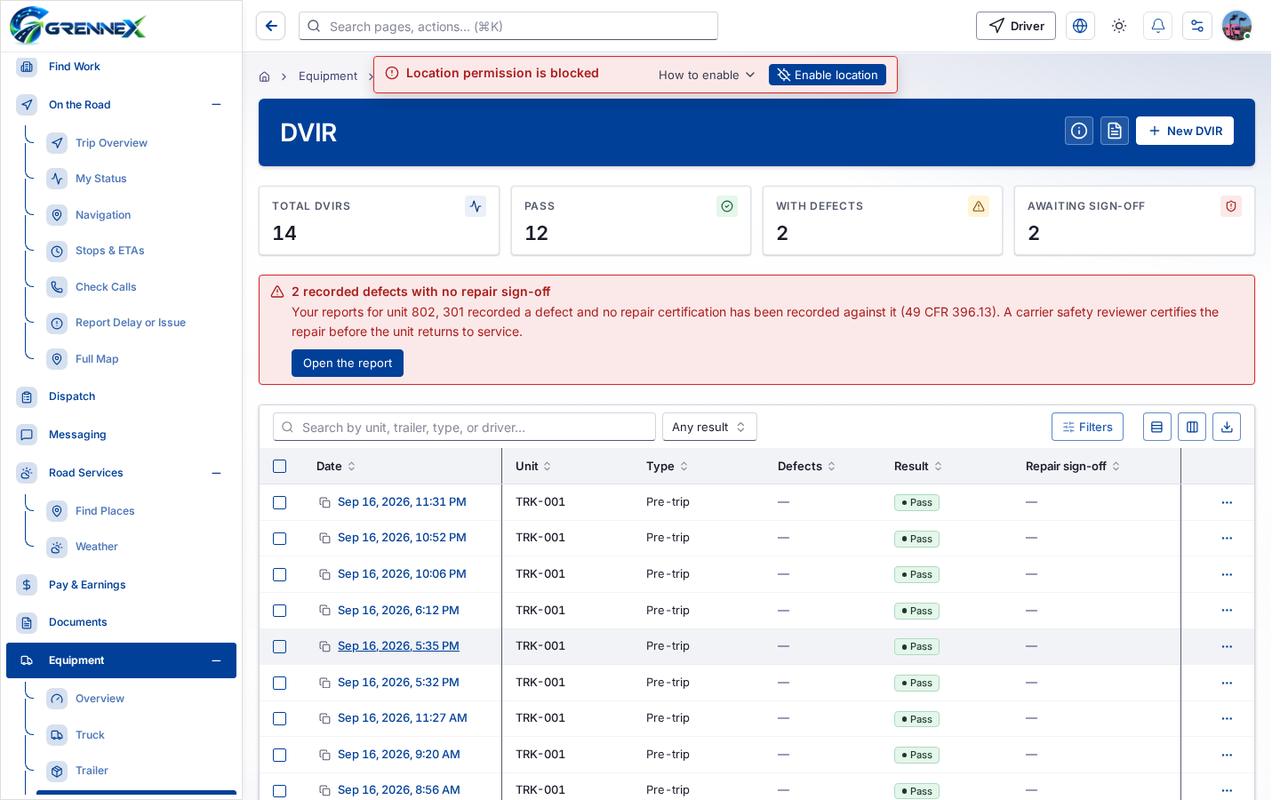
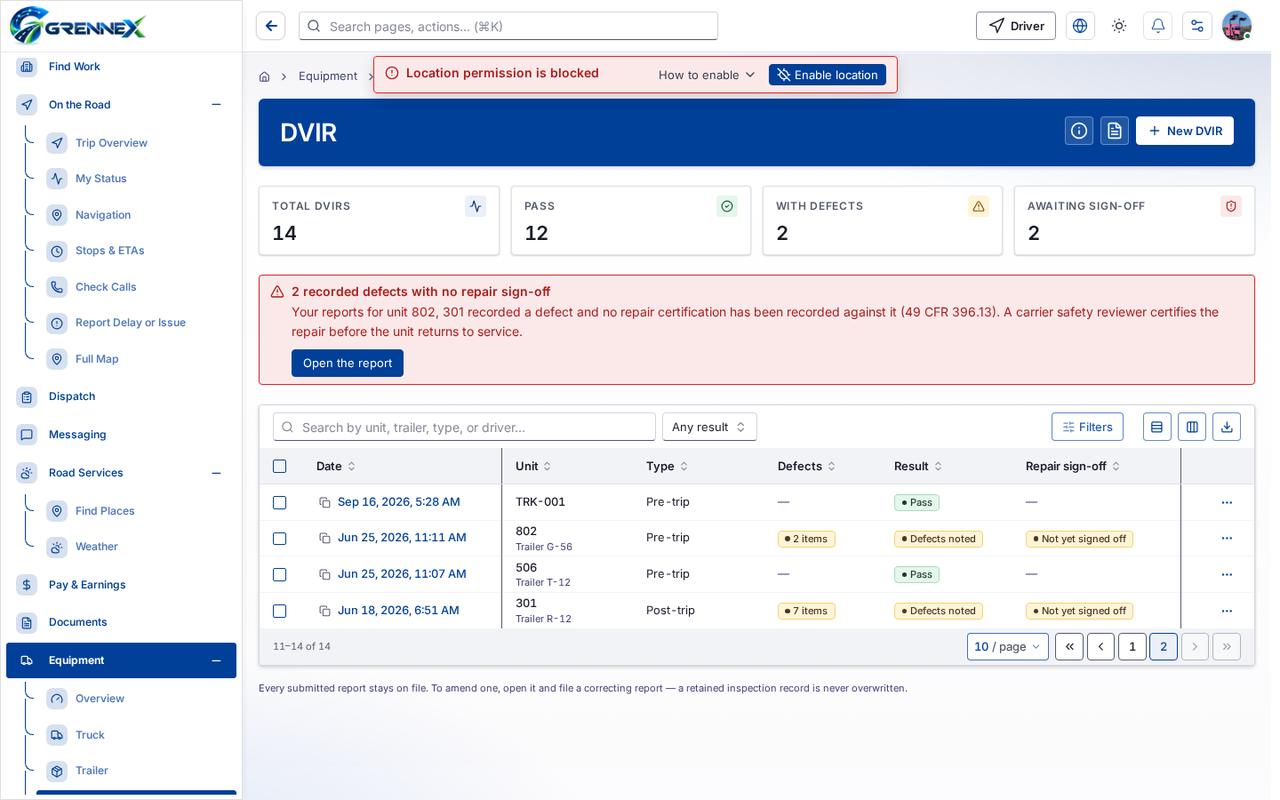
Section titled “What this page tells you”Your reports for unit 802, 301 recorded a defect and no repair certification has been recorded against it (49 CFR 396.13). A carrier safety reviewer certifies the repair before the unit returns to service.
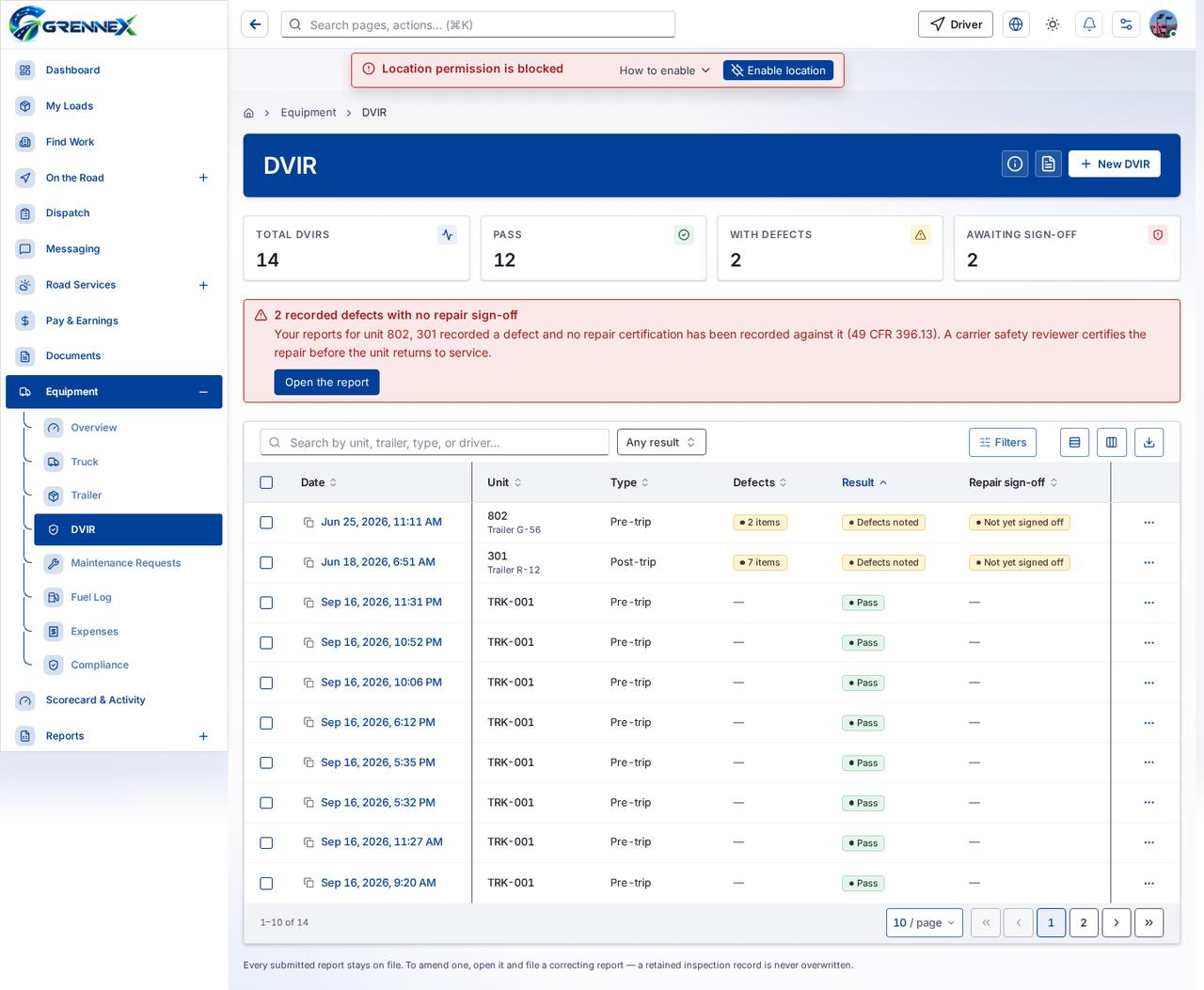
What you see
Section titled “What you see”- DVIR history
Table columns
Section titled “Table columns”Date · Unit · Type · Defects · Result · Repair Sign-Off
Tab: First page
Tab: Previous page
Tab: Page 1
Tab: Page 2
Tab: Next page
Tab: Last page 2
What you can do
Section titled “What you can do”- How this works
- Unit documents
- New DVIR
- Filters
- Export 14 rows to CSV
- Date
- Unit
- Type
- Defects
- Result
- Repair sign-off
Fields
Section titled “Fields”| Field | Required | Type | Example |
|---|---|---|---|
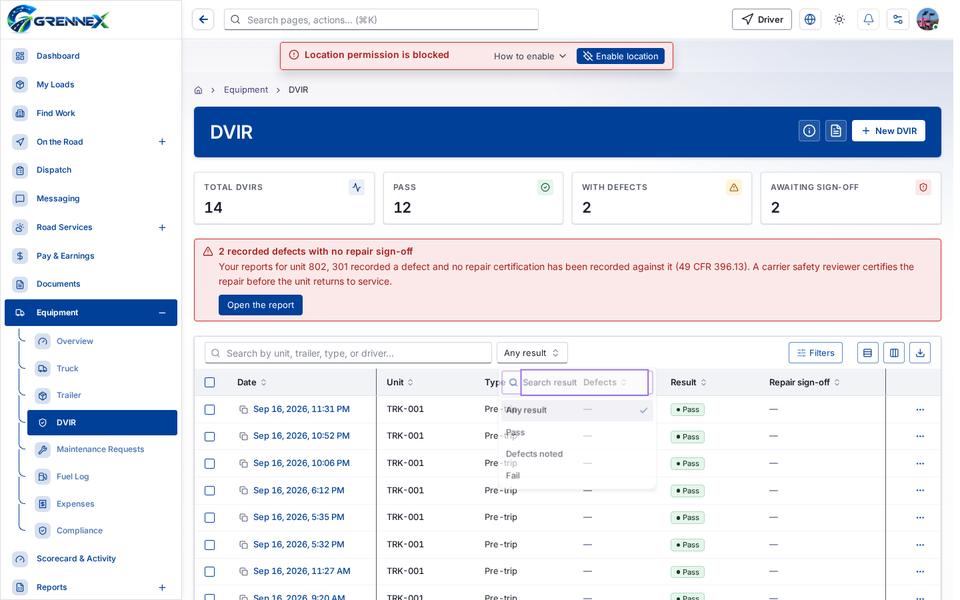
| Result | No | combobox | Any result |
Loading, empty and error states
Section titled “Loading, empty and error states”Dropdown-Status state
Empty state
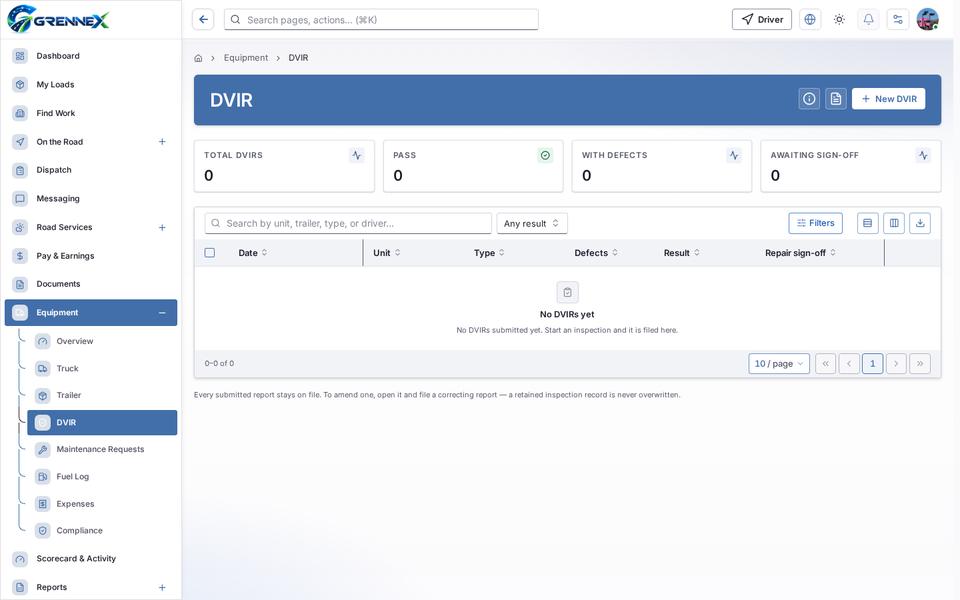
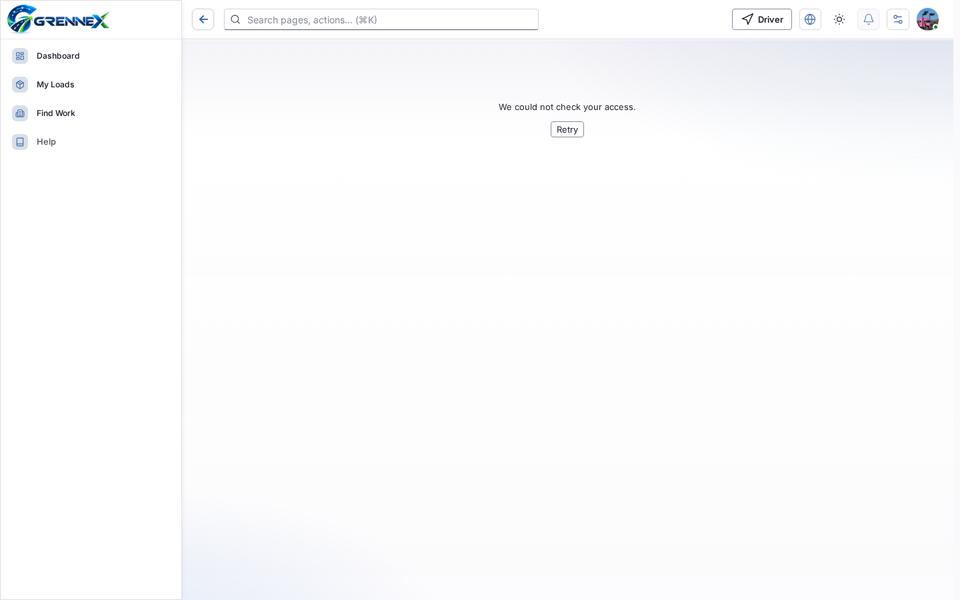
Error state
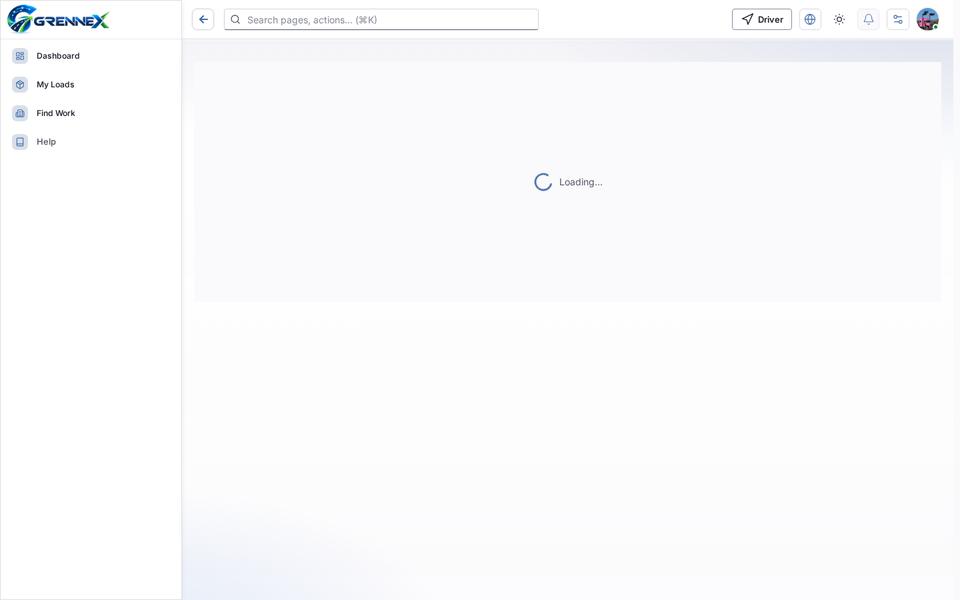
Loading state
Last updated 2026-10-27