

Edit entry
Module: Financials · For: Carrier users · Page address: /carrier-portal/financials/payroll/entries/:id/edit
How to get there
Section titled “How to get there”Finance → Payroll → Payroll → Payroll entry → Edit Entry
Who can use this page
Section titled “Who can use this page”Needs: Edit permission on the Payroll module.
| Seat | Can open it |
|---|---|
| Owner / Admin | Yes |
| Manager | Yes |
| User | Yes |
Actions on this page and the permission each needs
Section titled “Actions on this page and the permission each needs”| Action | Permission | Notes |
|---|---|---|
| Cancel | Delete on Payroll | Must be granted on its own (not part of Manage) |
| Save all changes | Edit on Payroll | Manage also grants it |
| Edit notes | Edit on Payroll | Manage also grants it |
| Add earning | Create on Payroll | Manage also grants it |
| Add deduction | Create on Payroll | Manage also grants it |
| Add withholding | Create on Payroll | Manage also grants it |
What this page tells you
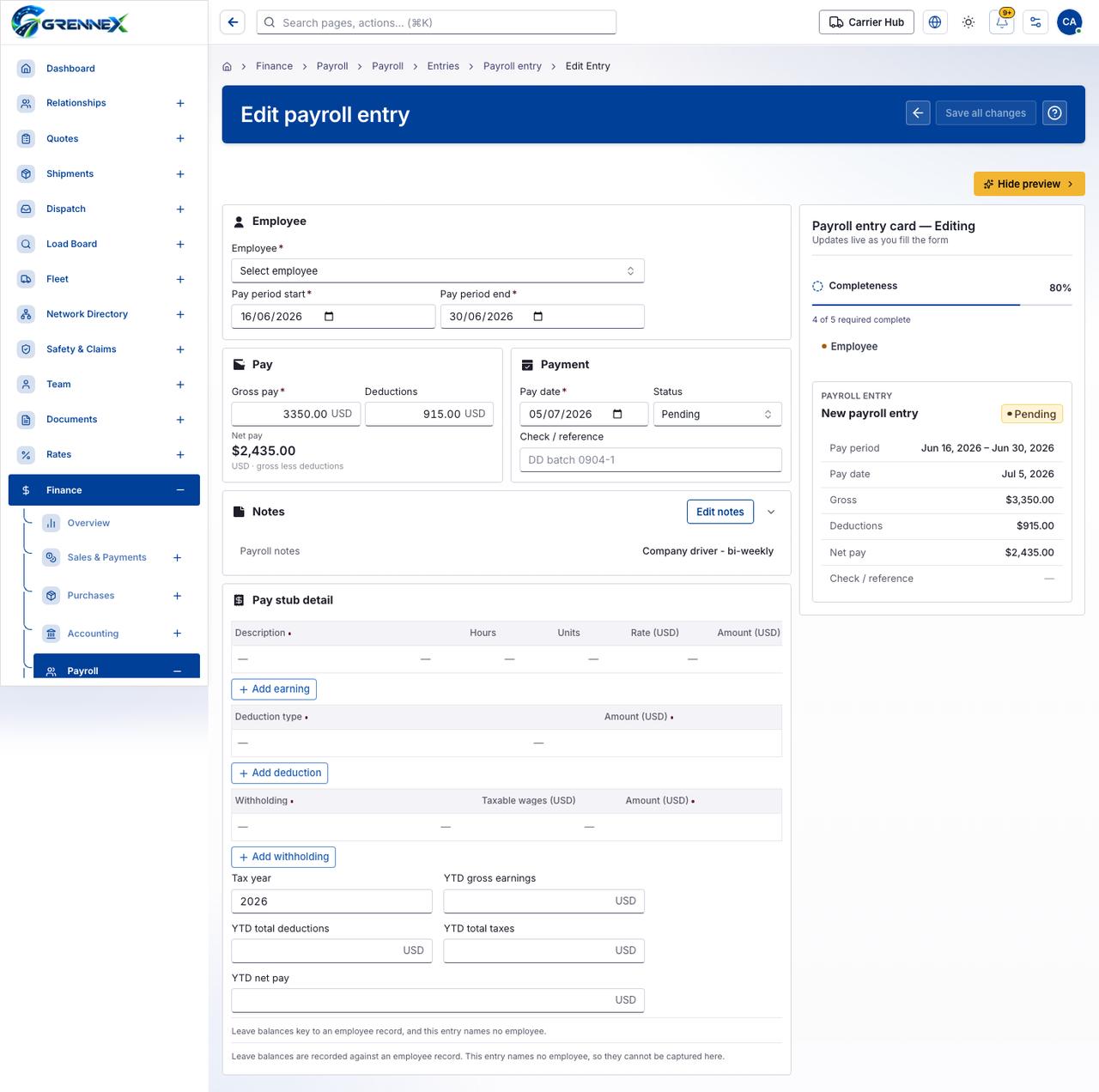
Section titled “What this page tells you”Leave balances key to an employee record, and this entry names no employee. Leave balances are recorded against an employee record. This entry names no employee, so they cannot be captured here.
What you see
Section titled “What you see”- Employee
- Pay
- Payment
- Notes
- Pay stub detail
- Payroll entry card — Editing
- New payroll entry
What you can do
Section titled “What you can do”- Cancel
- Save all changes
- Hide preview
- Edit notes
- Hide Notes
- Add earning
- Add deduction
- Add withholding
- Employee
Fields
Section titled “Fields”| Field | Required | Type | Example |
|---|---|---|---|
| Employee | Yes | combobox | Select employee |
| Pay period start | Yes | textbox | 2026-06-16 |
| Pay period end | Yes | textbox | 2026-06-30 |
| Gross pay | Yes | textbox | 3350.00 |
| Deductions | No | textbox | 915.00 |
| Pay date | Yes | textbox | 2026-07-05 |
| Status | No | combobox | Pending |
| Check / reference | No | textbox | DD batch 0904-1 |
| Tax year | No | spinbutton | 2026 |
| YTD gross earnings | No | textbox | |
| YTD total deductions | No | textbox | |
| YTD total taxes | No | textbox | |
| YTD net pay | No | textbox |
Loading, empty and error states
Section titled “Loading, empty and error states”Dropdown-Status state
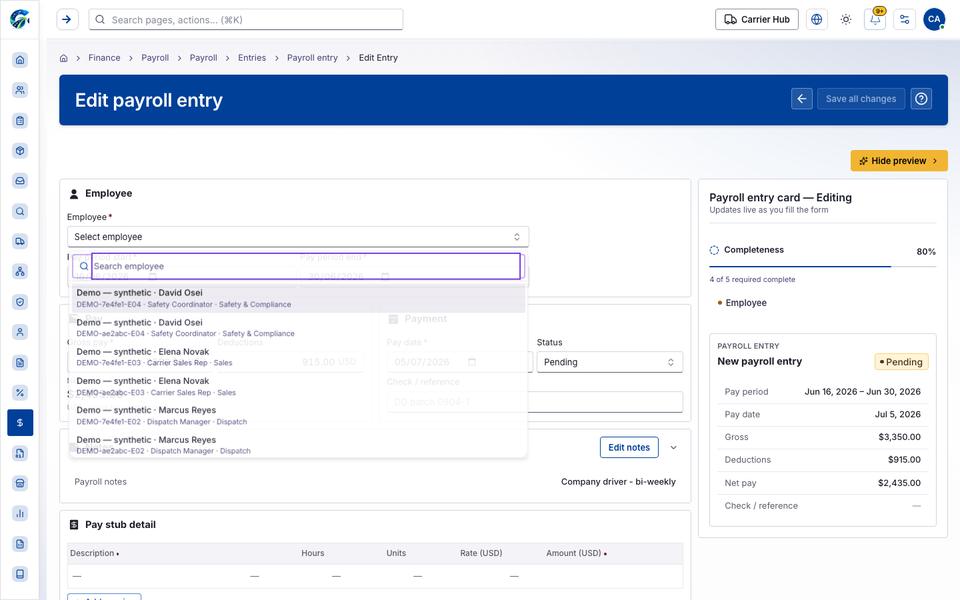
Loading state

Popover-Guide state
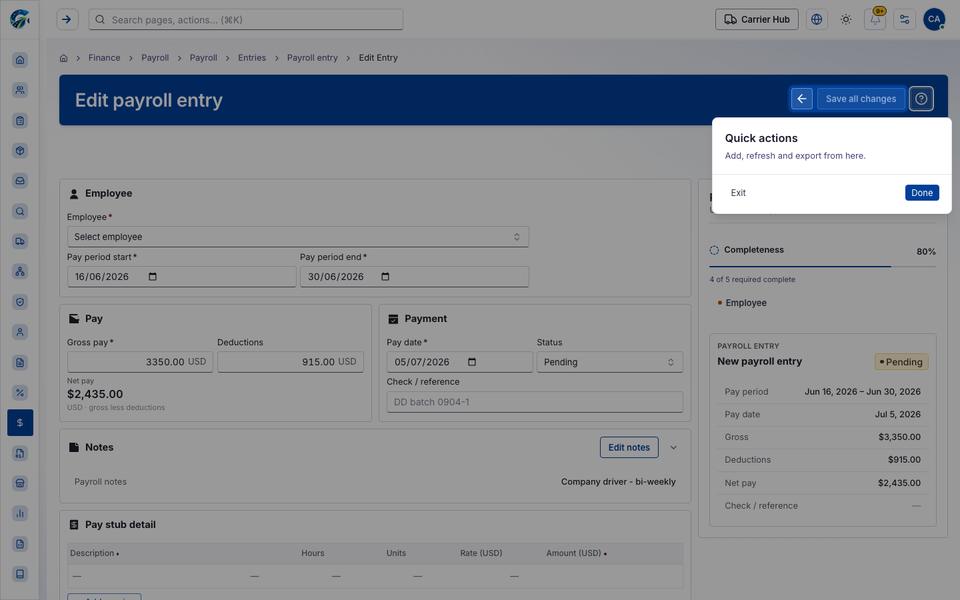
Tooltip state
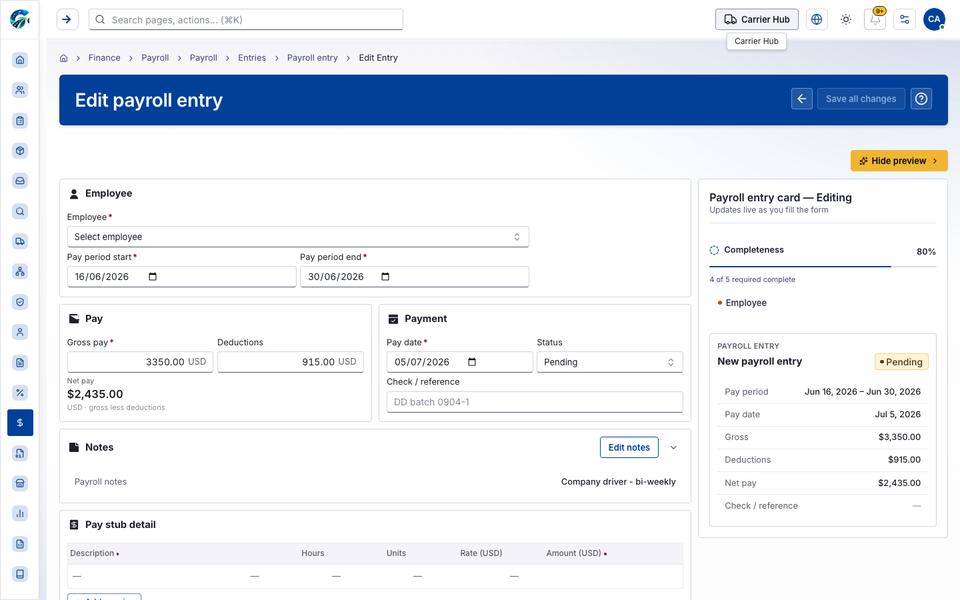
Last updated 2026-10-27