

Tax & Compliance
Module: Financials · For: Carrier users · Page address: /carrier-portal/financials/tax
How to get there
Section titled “How to get there”Finance → Payroll → Tax & Compliance
Who can use this page
Section titled “Who can use this page”Needs: View permission on the Payroll module.
| Seat | Can open it |
|---|---|
| Owner / Admin | Yes |
| Manager | Yes |
| User | Yes |
Actions on this page and the permission each needs
Section titled “Actions on this page and the permission each needs”| Action | Permission | Notes |
|---|---|---|
| Add tax entry | Create on Payroll | Manage also grants it |
What this page tells you
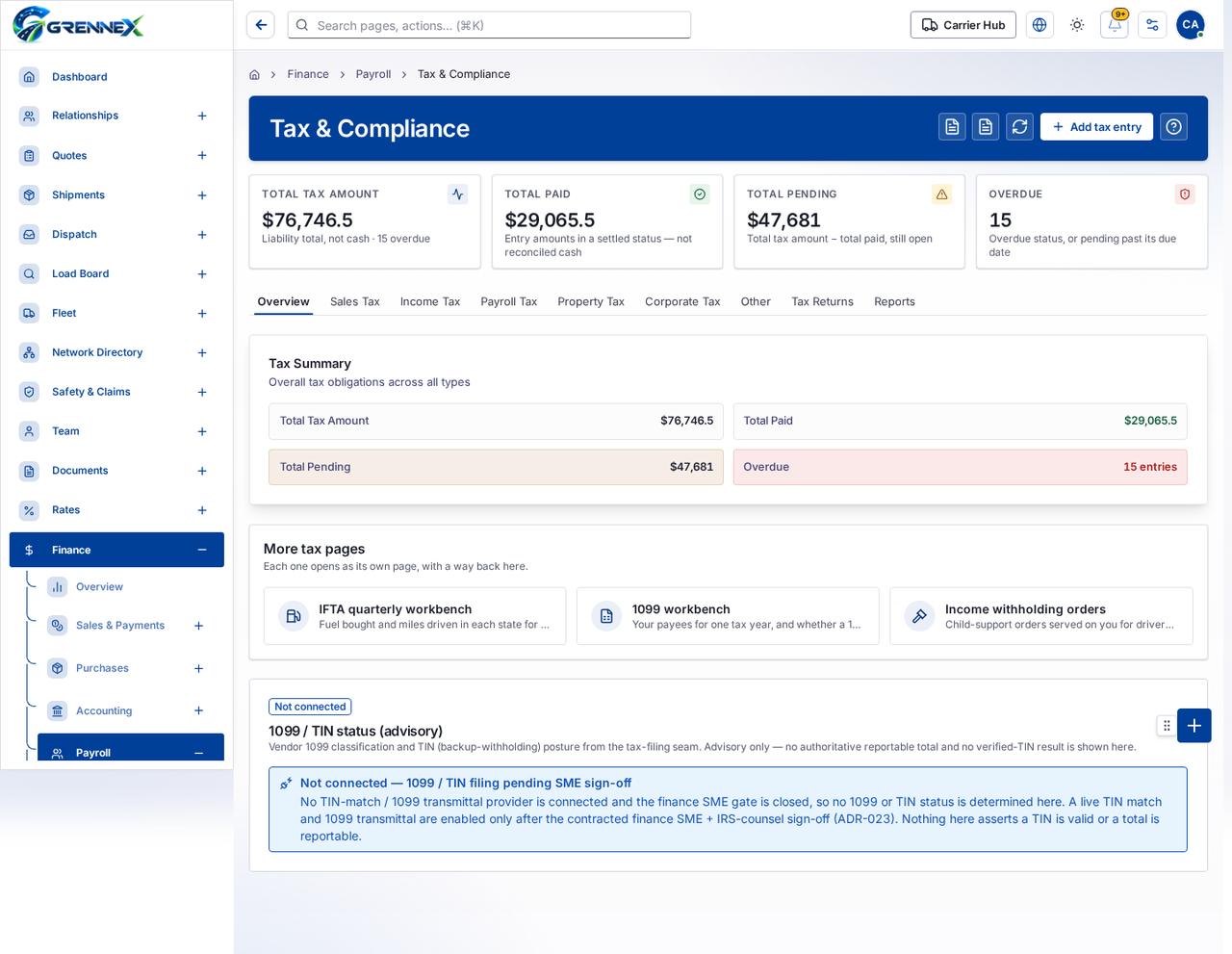
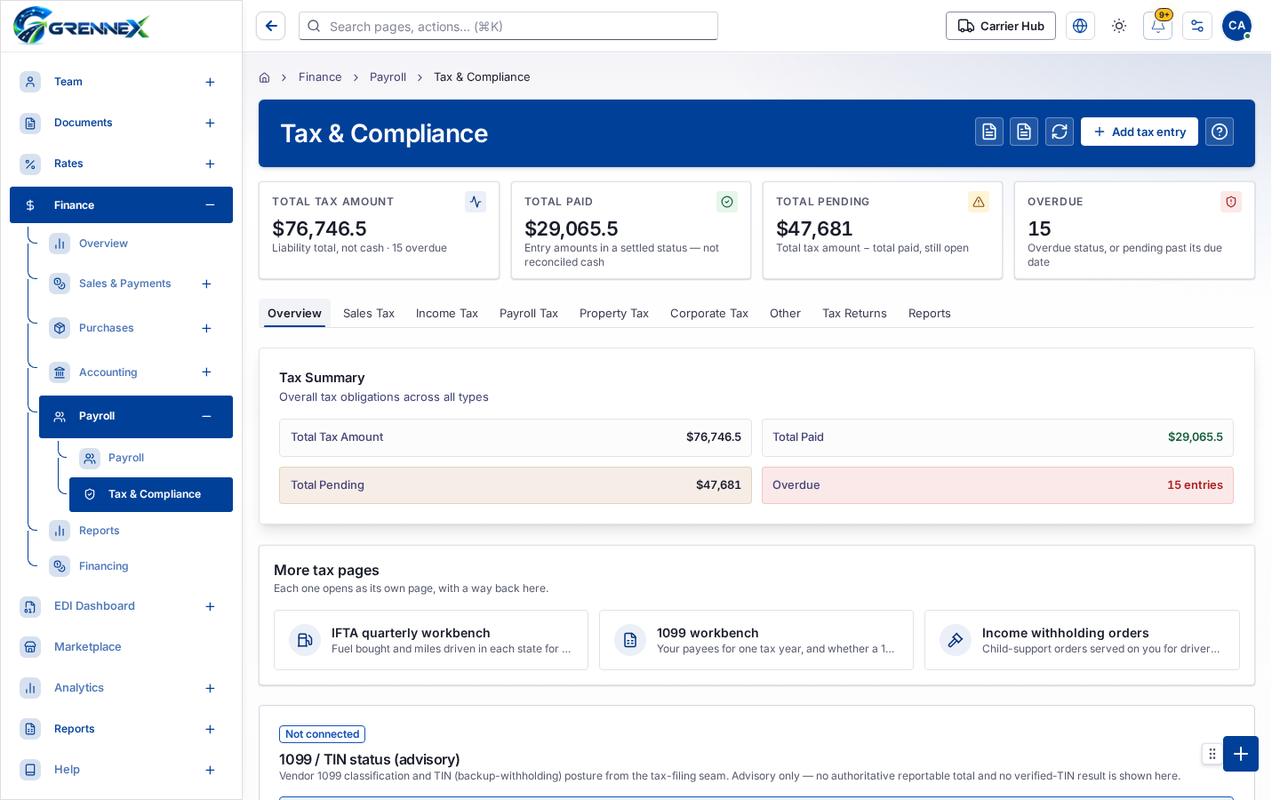
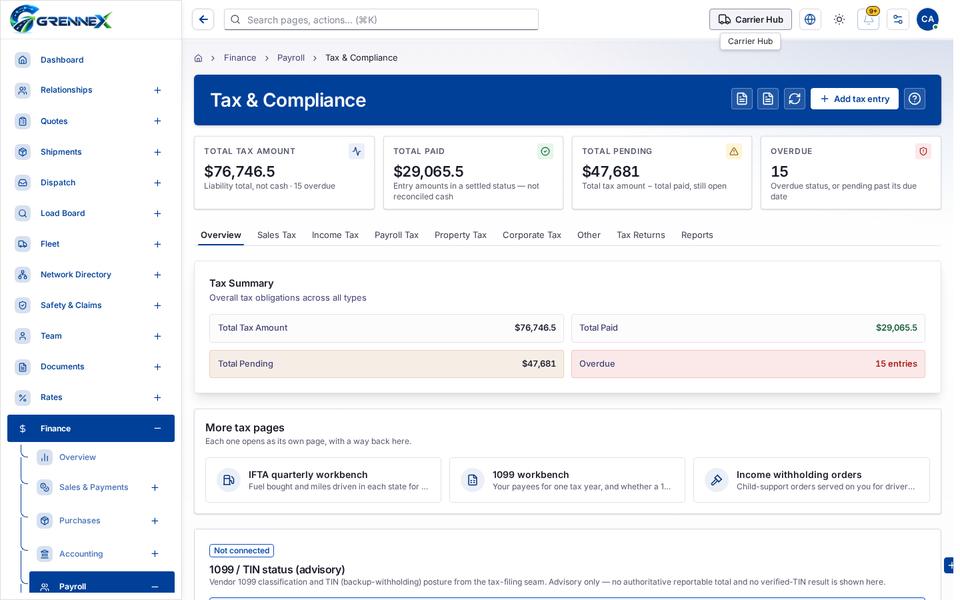
Section titled “What this page tells you”Overall tax obligations across all types Each one opens as its own page, with a way back here. Vendor 1099 classification and TIN (backup-withholding) posture from the tax-filing seam. Advisory only — no authoritative reportable total and no verified-TIN result is shown here.
What you see
Section titled “What you see”- Tax Summary
- More tax pages
- 1099 / TIN status (advisory)
- Overview
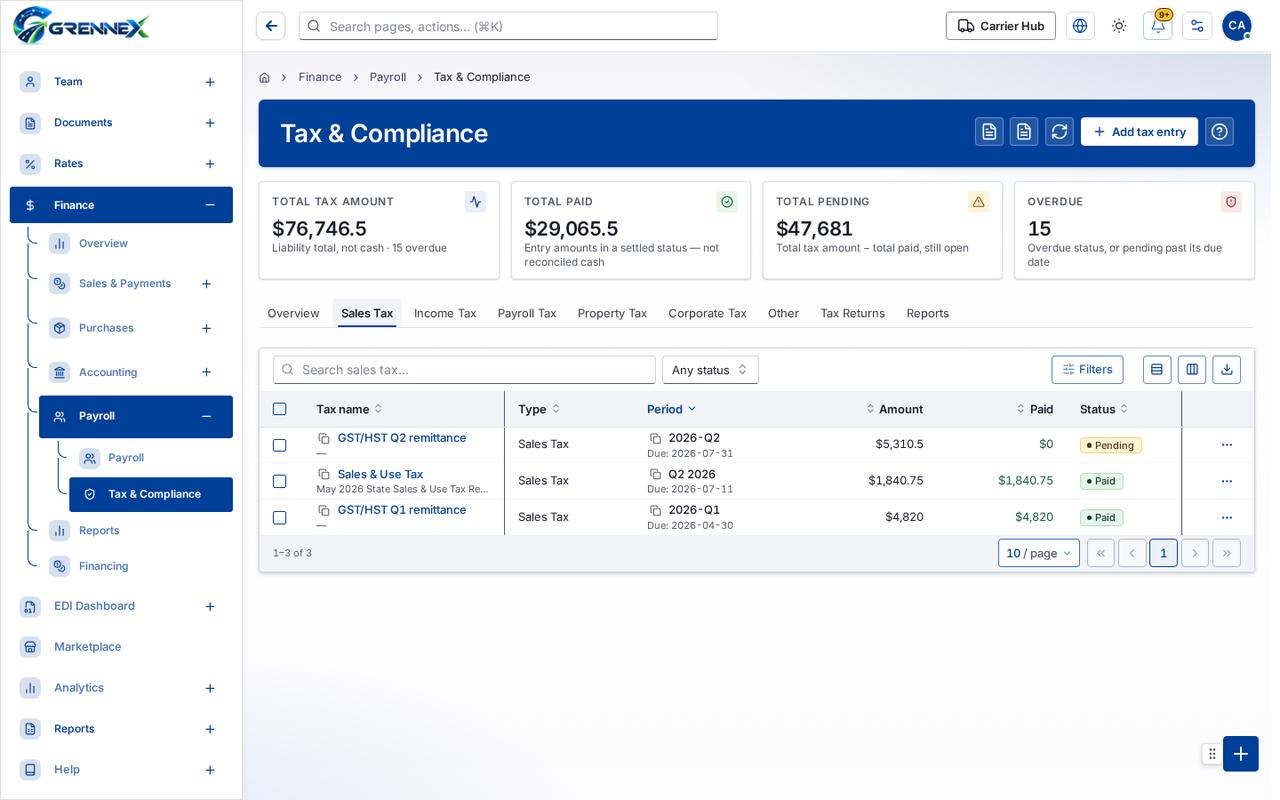
- Sales Tax
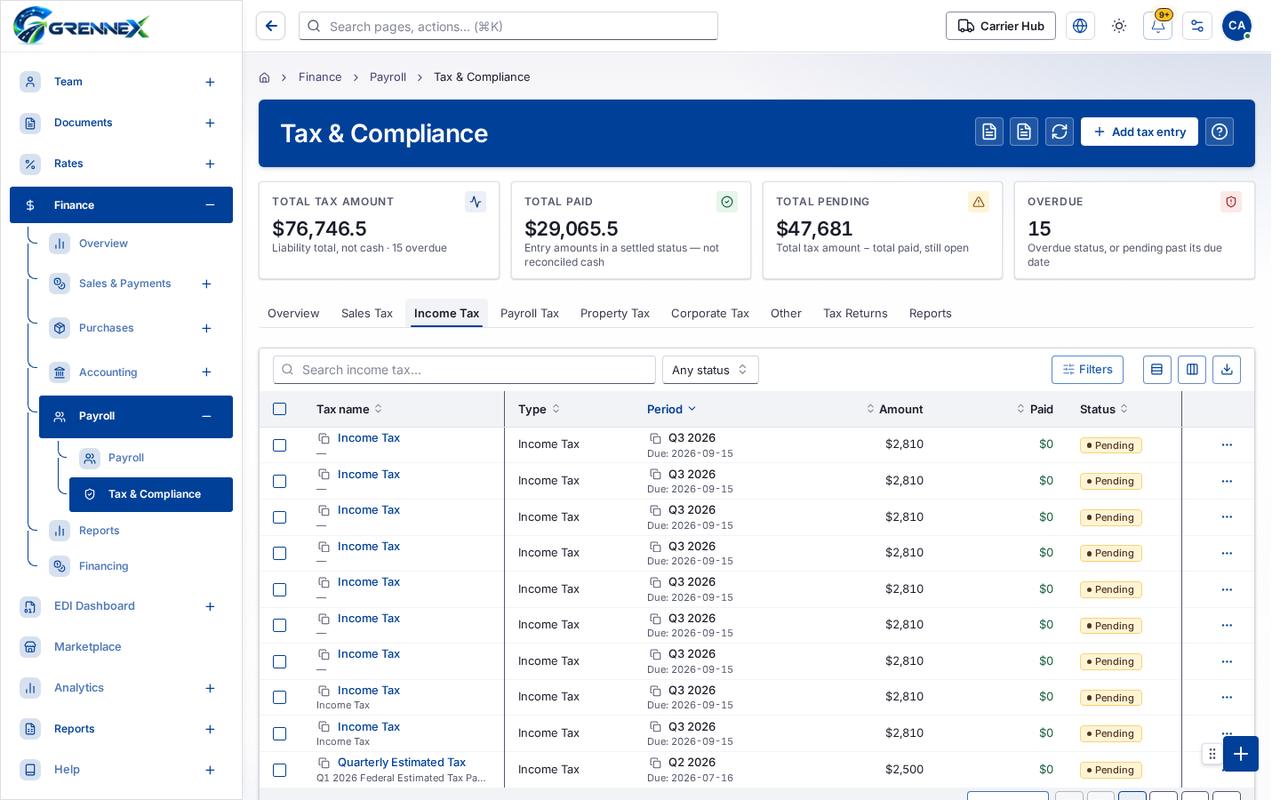
- Income Tax
- Payroll Tax
- Property Tax
- Corporate Tax
- Other
- Tax Returns
- Reports
Tab: Overview
Tab: Sales Tax
Tab: Income Tax
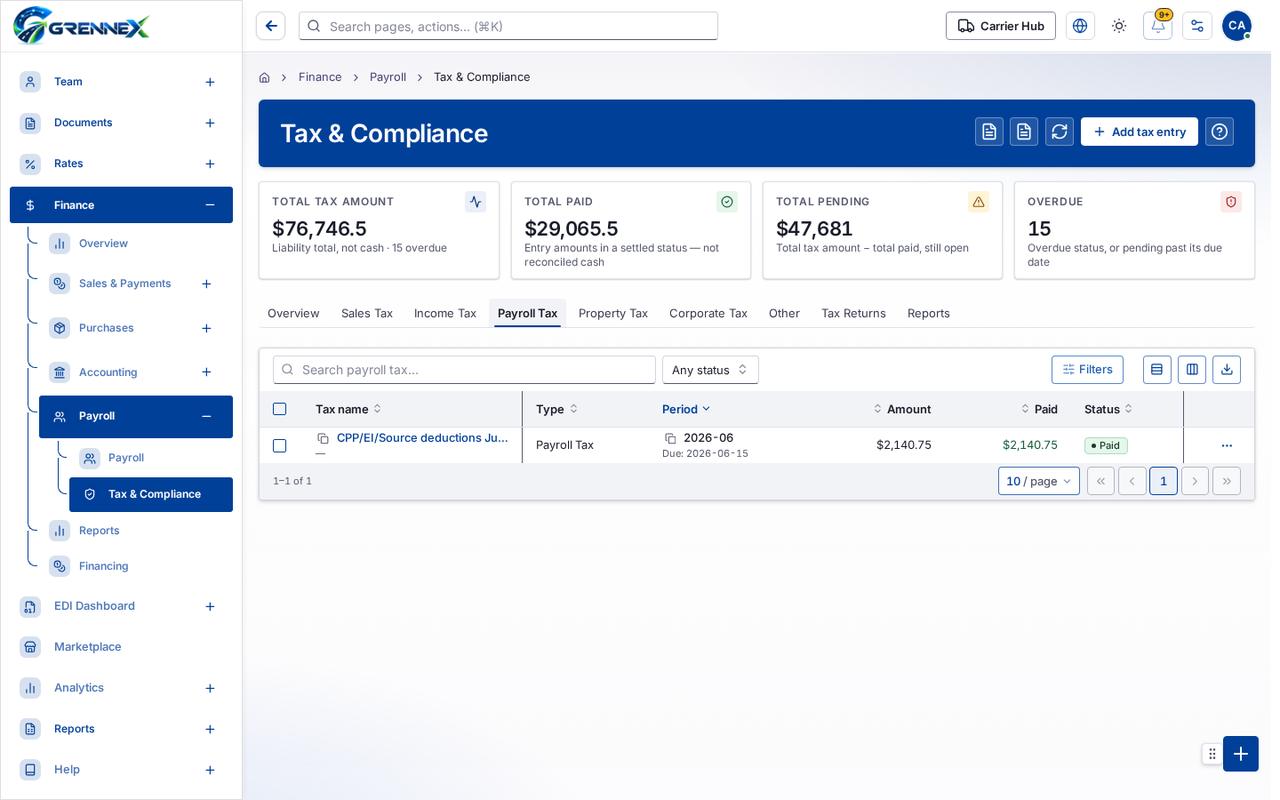
Tab: Payroll Tax
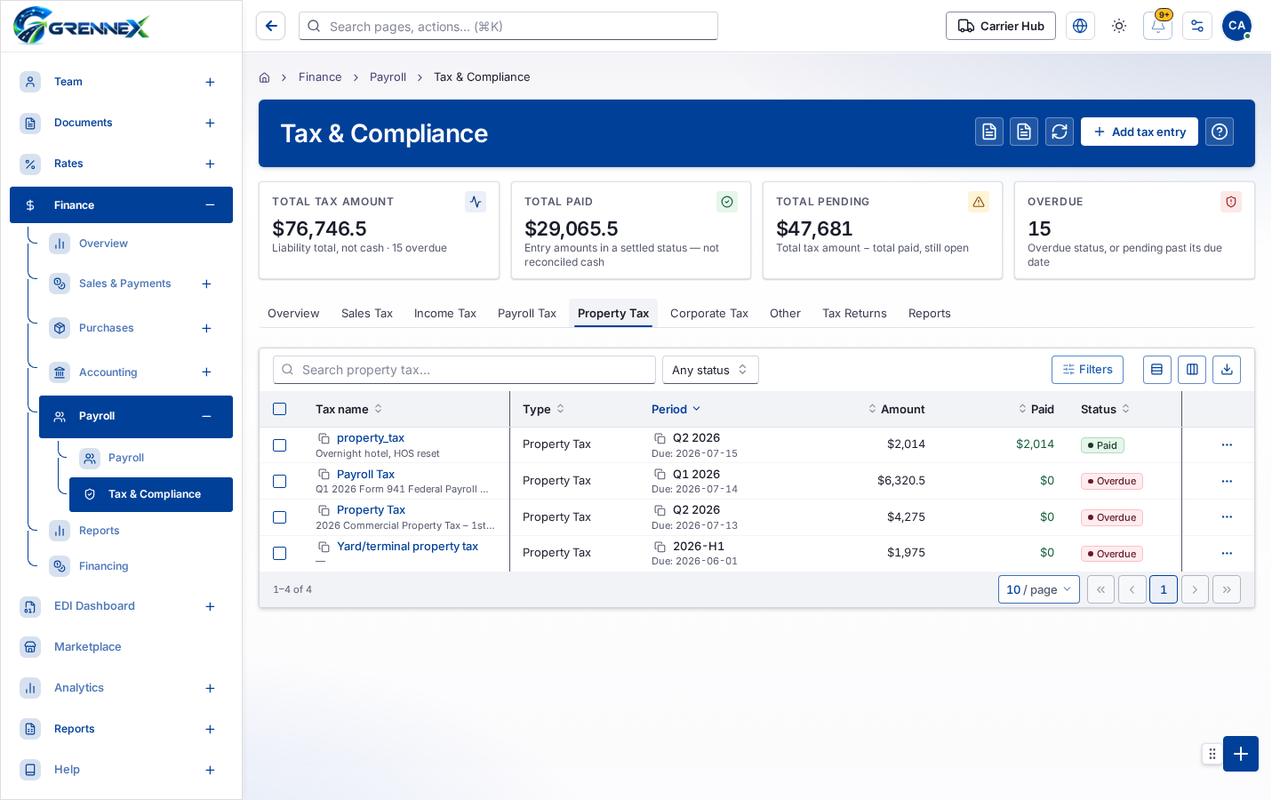
Tab: Property Tax
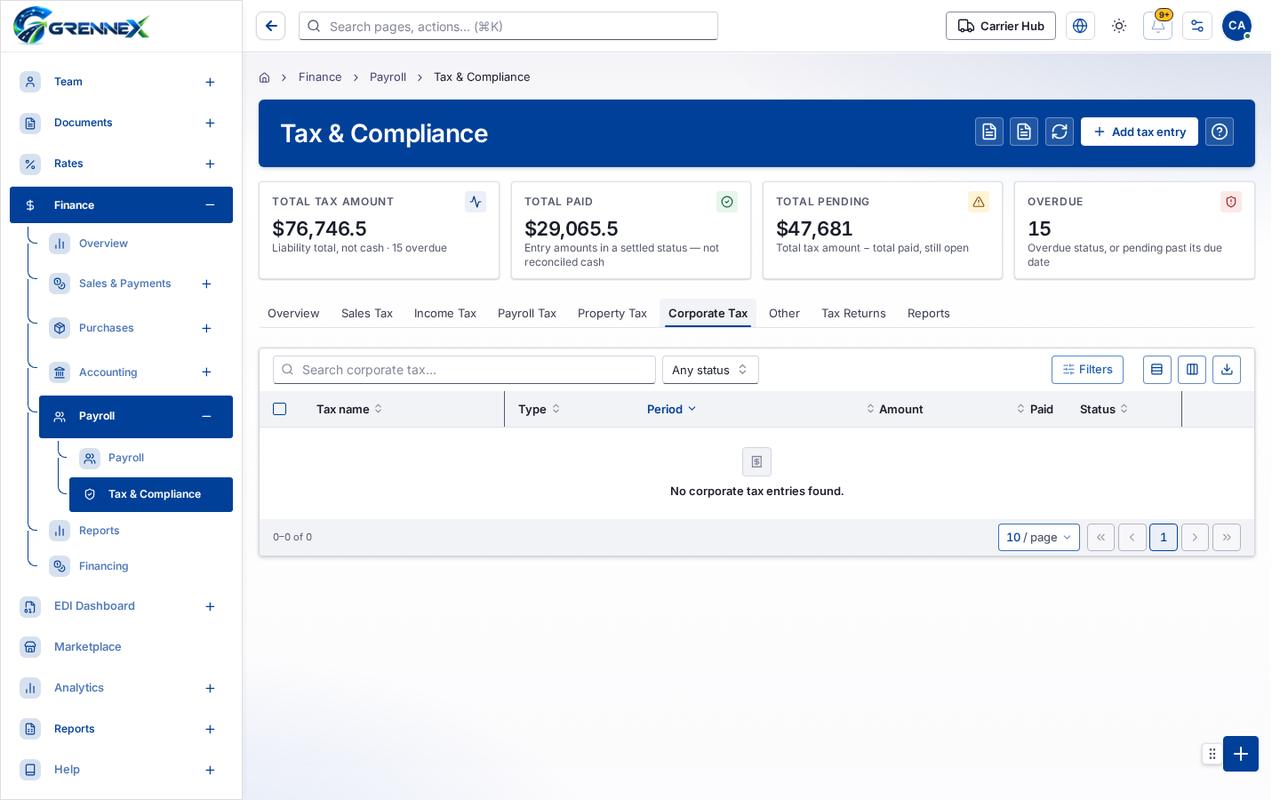
Tab: Corporate Tax
What you can do
Section titled “What you can do”- IFTA Quarterly Return
- UCR Registration Proof
- Refresh
- Add tax entry
Loading, empty and error states
Section titled “Loading, empty and error states”Loading state

Popover-Guide state
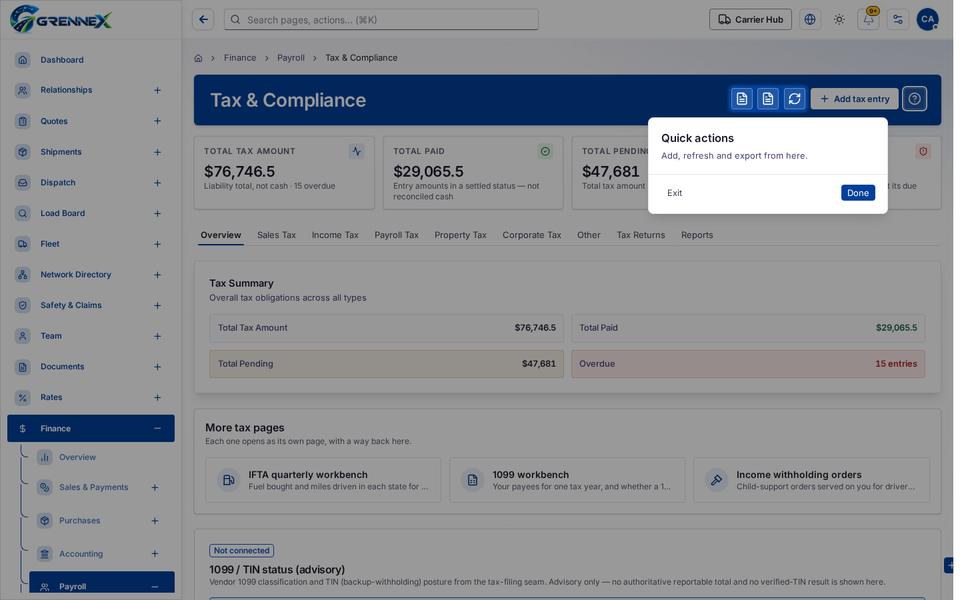
Tooltip state
Last updated 2026-10-27