

General Ledger
Module: Financials · For: Carrier users · Page address: /carrier-portal/financials/gl
How to get there
Section titled “How to get there”Finance → Accounting → General Ledger
Who can use this page
Section titled “Who can use this page”Needs: View permission on the Financials module.
| Seat | Can open it |
|---|---|
| Owner / Admin | Yes |
| Manager | Yes |
| User | Yes |
What this page tells you
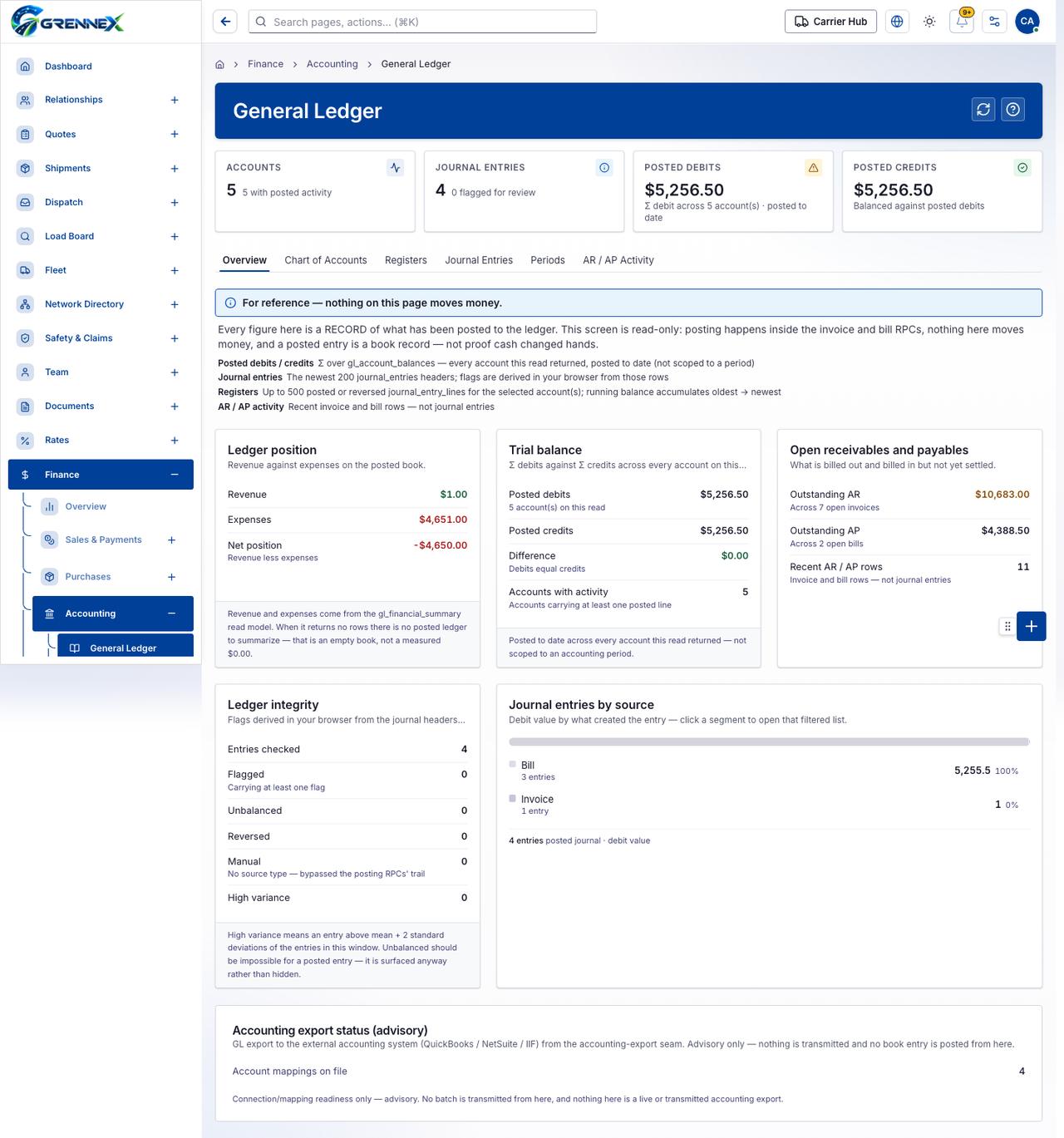
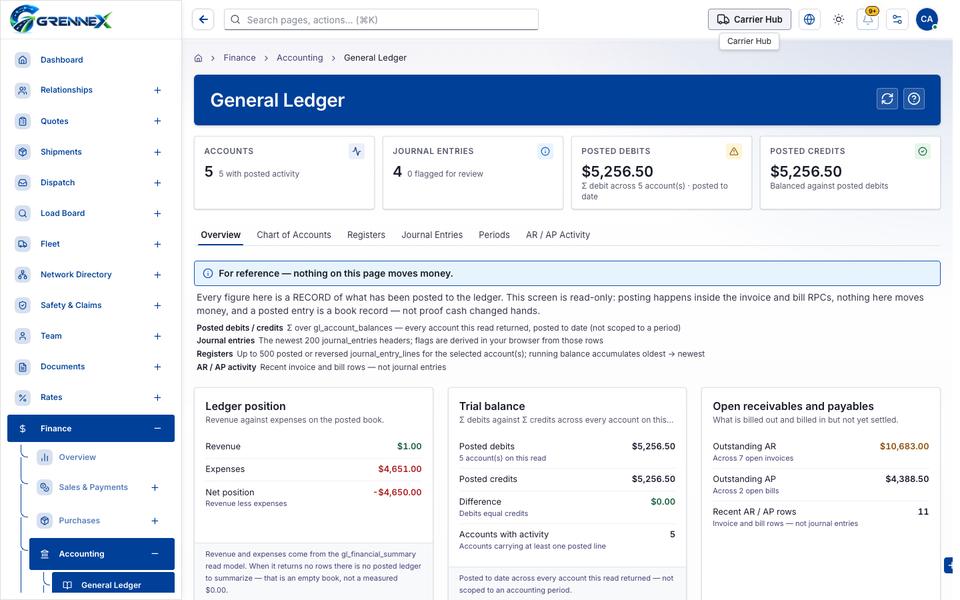
Section titled “What this page tells you”Every figure here is a RECORD of what has been posted to the ledger. This screen is read-only: posting happens inside the invoice and bill RPCs, nothing here moves money, and a posted entry is a book record — not proof cash changed hands. Revenue against expenses on the posted book. Revenue and expenses come from the gl_financial_summary read model. When it returns no rows there is no posted ledger to summarize — that is an empty book, not a measured $0.00.
What you see
Section titled “What you see”- Ledger position
- Trial balance
- Open receivables and payables
- Ledger integrity
- Journal entries by source
- Accounting export status (advisory)
- Overview
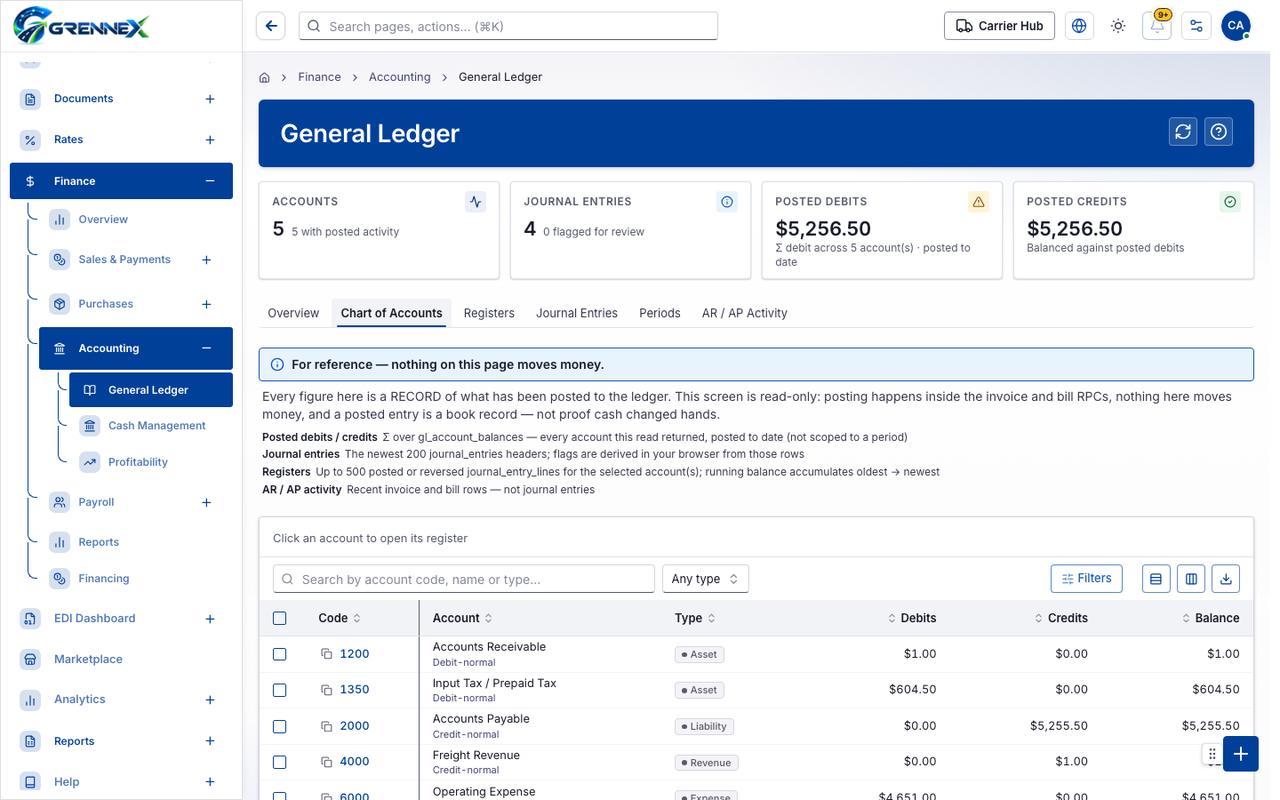
- Chart of Accounts
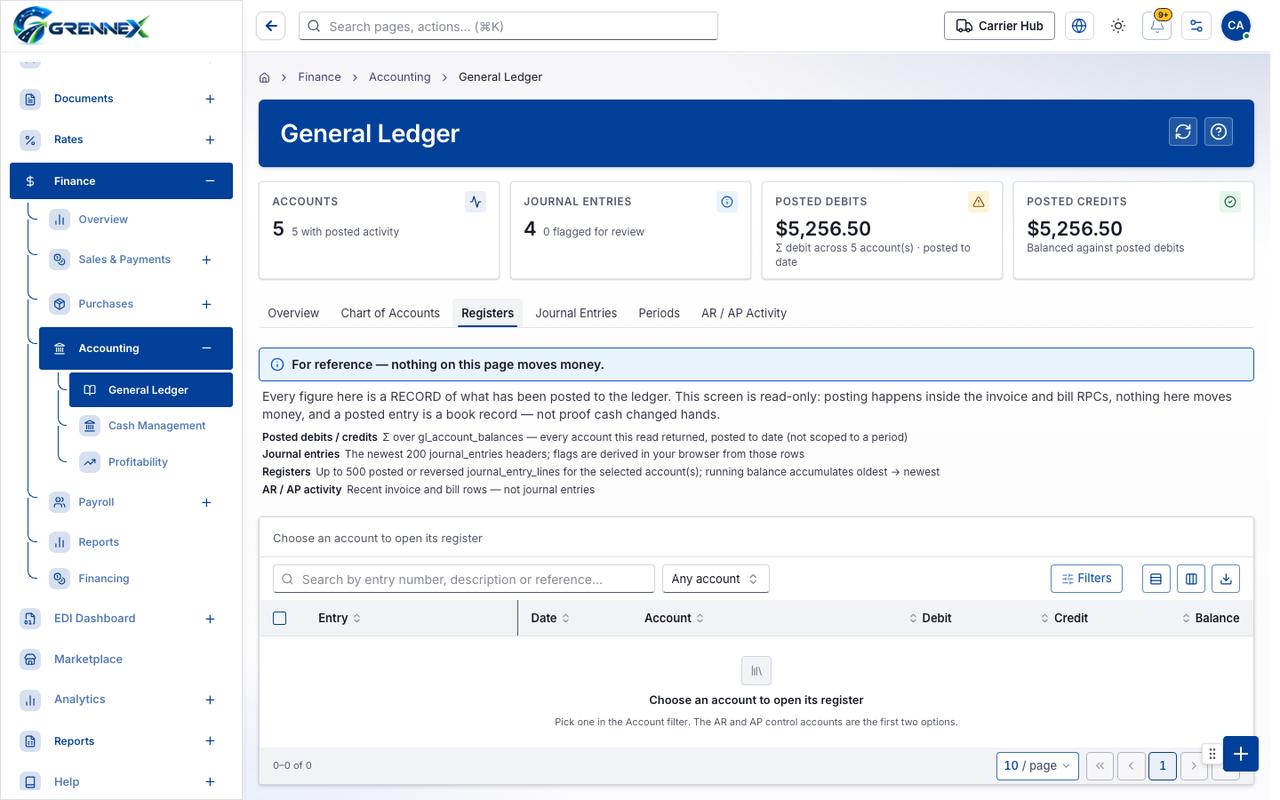
- Registers
- Journal Entries
- Periods
- AR / AP Activity
Tab: Overview
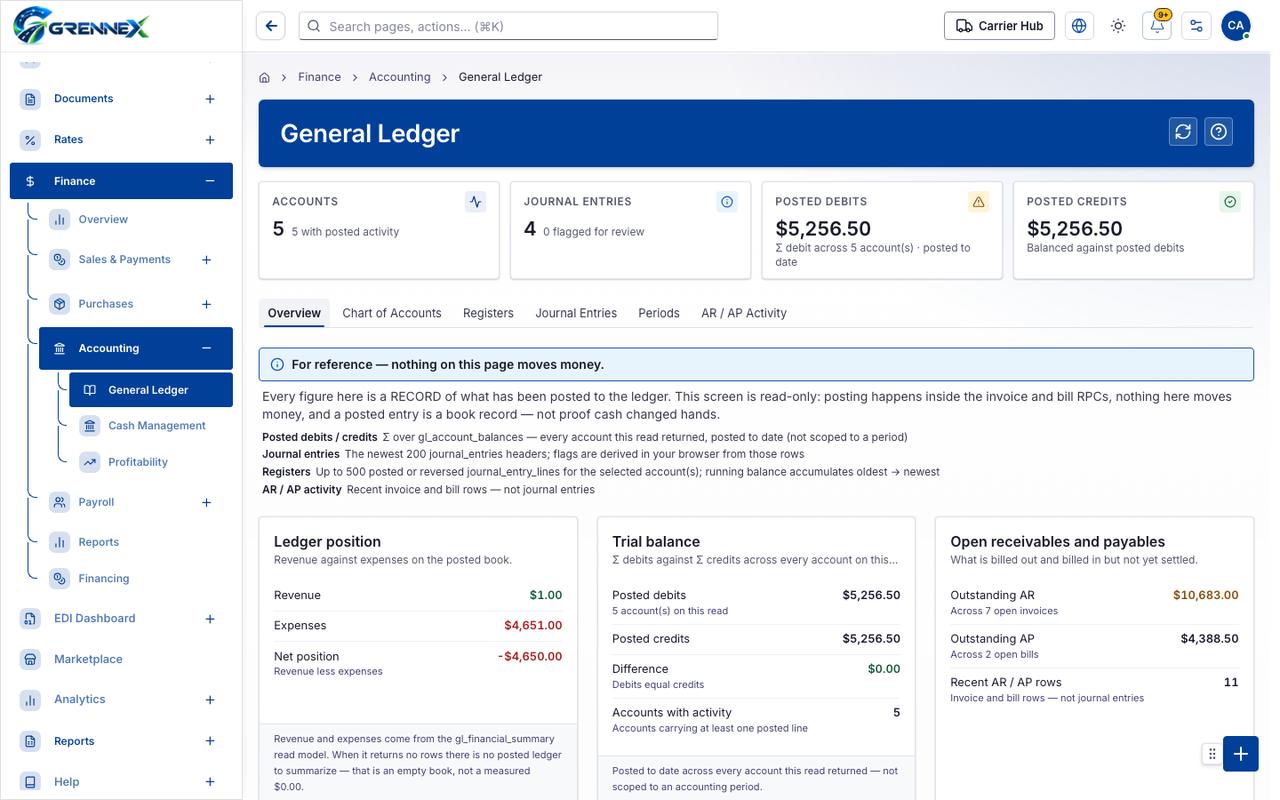
Tab: Chart of Accounts
Tab: Registers
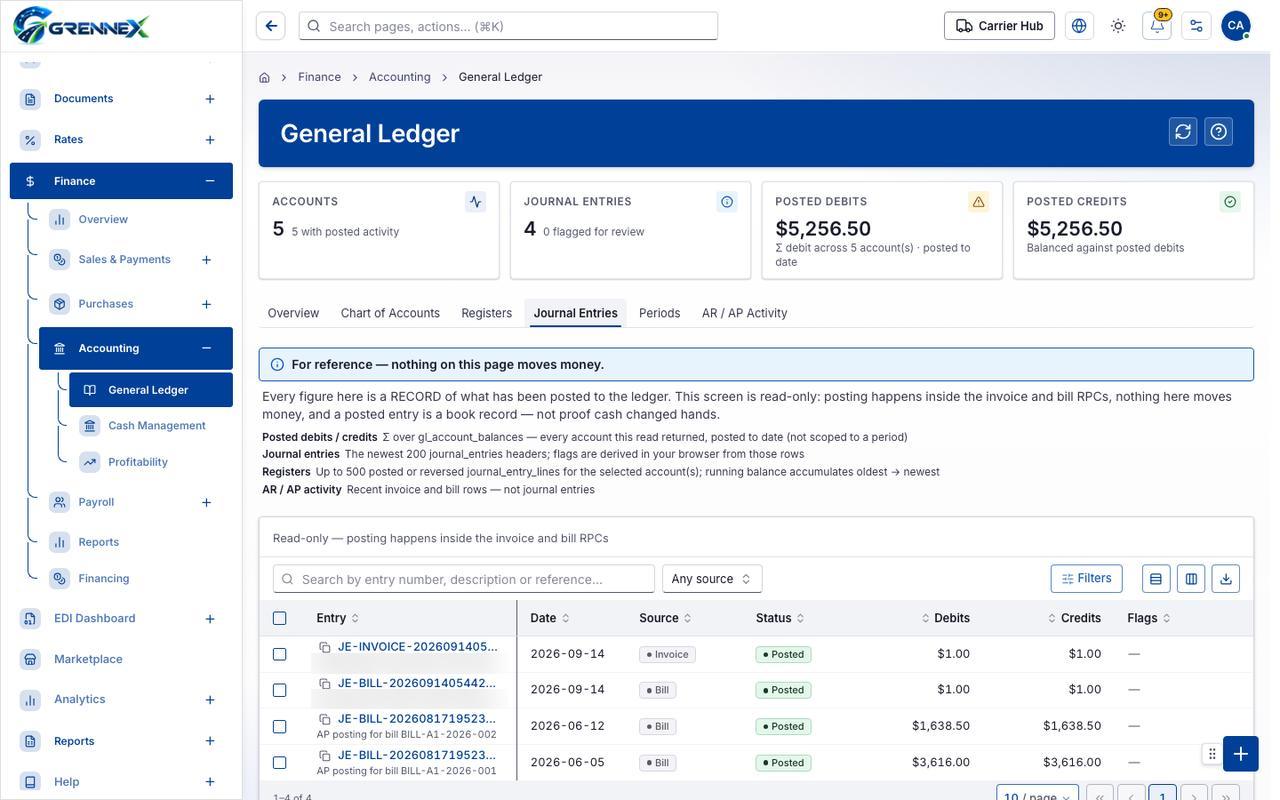
Tab: Journal Entries
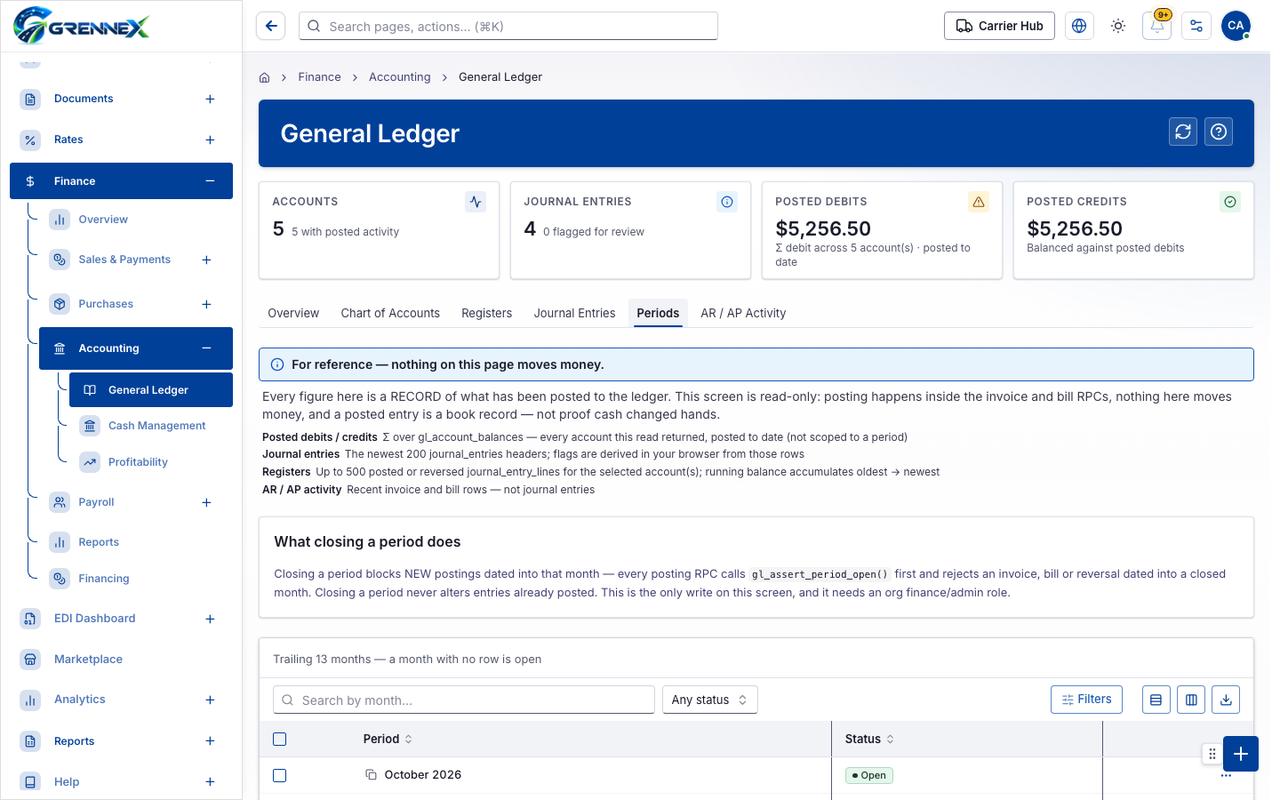
Tab: Periods
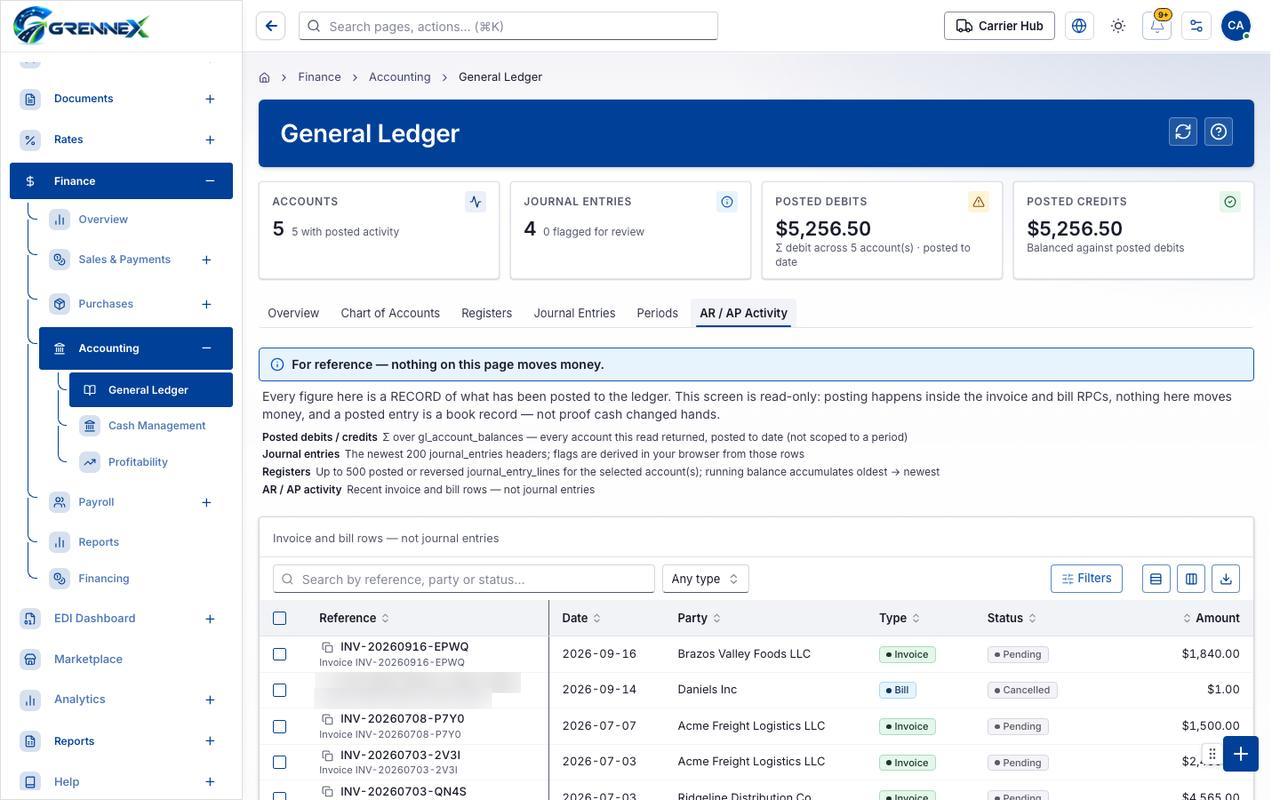
Tab: AR AP Activity
What you can do
Section titled “What you can do”- Refresh
- Show only accounts with posted activity
- Show only journal entries flagged for review
- Bill 3 entries 5,255.5 100%
- Invoice 1 entry 1 0%
Loading, empty and error states
Section titled “Loading, empty and error states”Loading state

Popover-Guide state
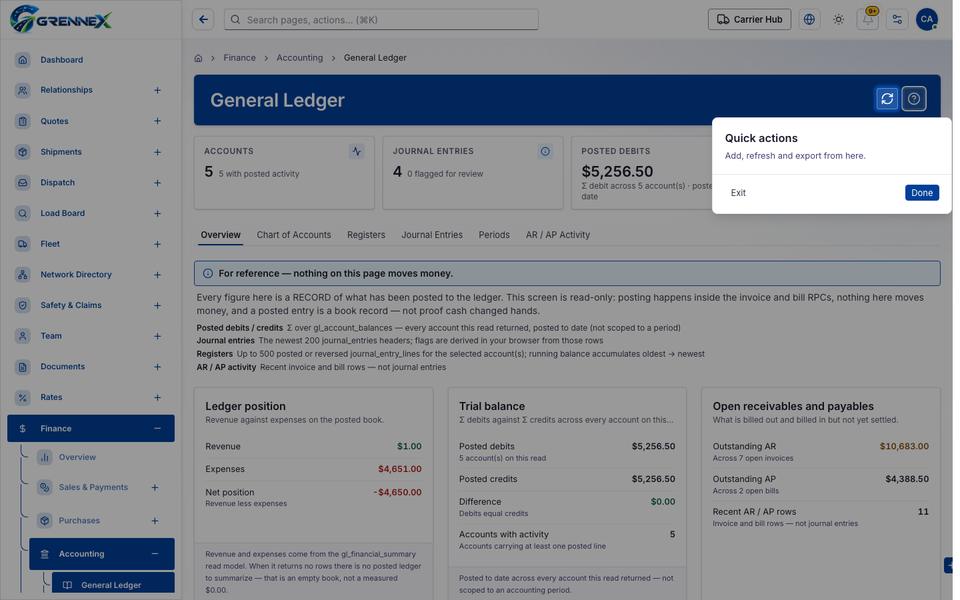
Tooltip state
Last updated 2026-10-27