

Truck details
Module: Fleet · For: Carrier users · Page address: /carrier-portal/assets/trucks/:id
How to get there
Section titled “How to get there”Fleet → Trucks → (a record)
Who can use this page
Section titled “Who can use this page”Needs: View permission on the Fleet module.
| Seat | Can open it |
|---|---|
| Owner / Admin | Yes |
| Manager | Yes |
| User | Yes |
Actions on this page and the permission each needs
Section titled “Actions on this page and the permission each needs”| Action | Permission | Notes |
|---|---|---|
| Edit Truck | Edit on Fleet | Manage also grants it |
What this page tells you
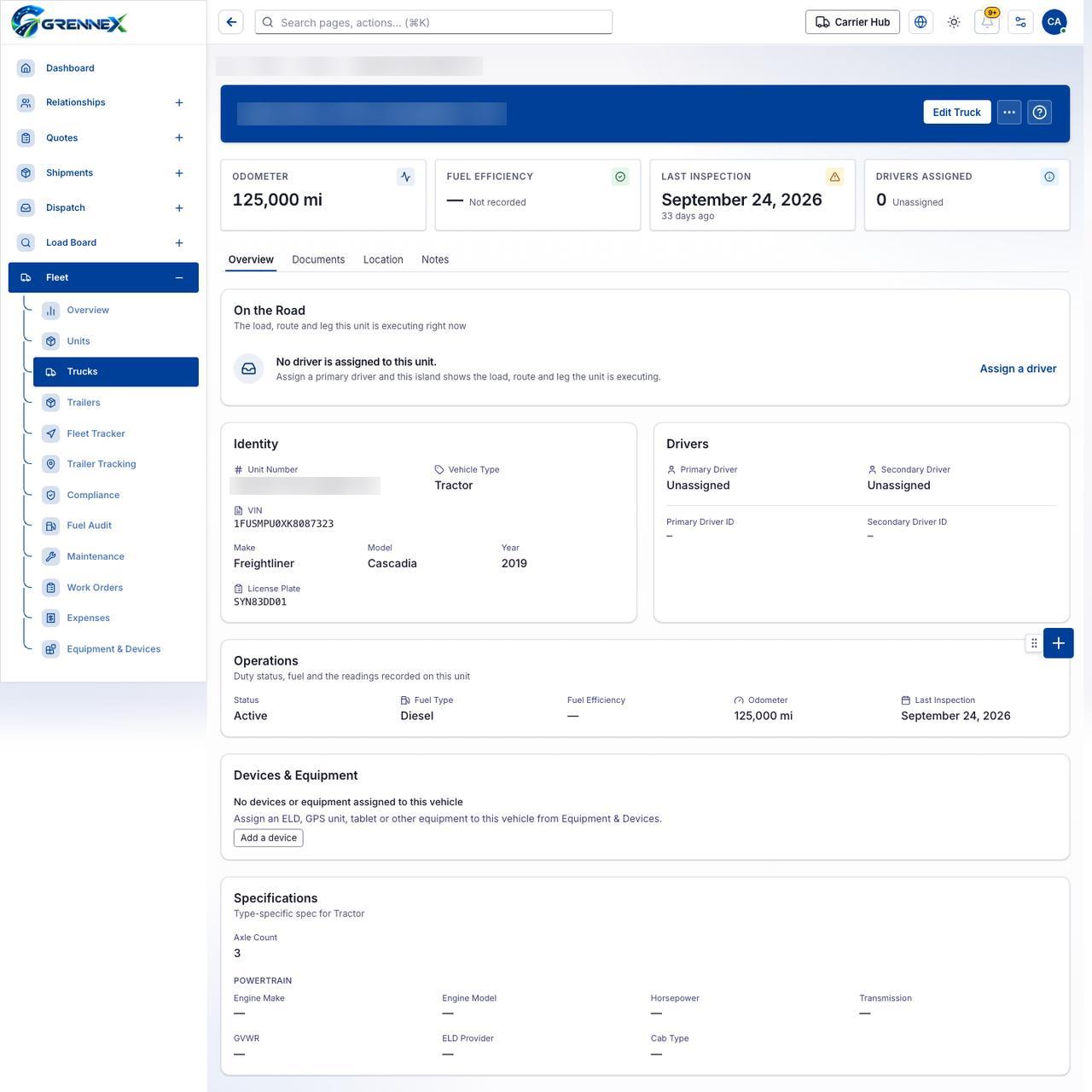
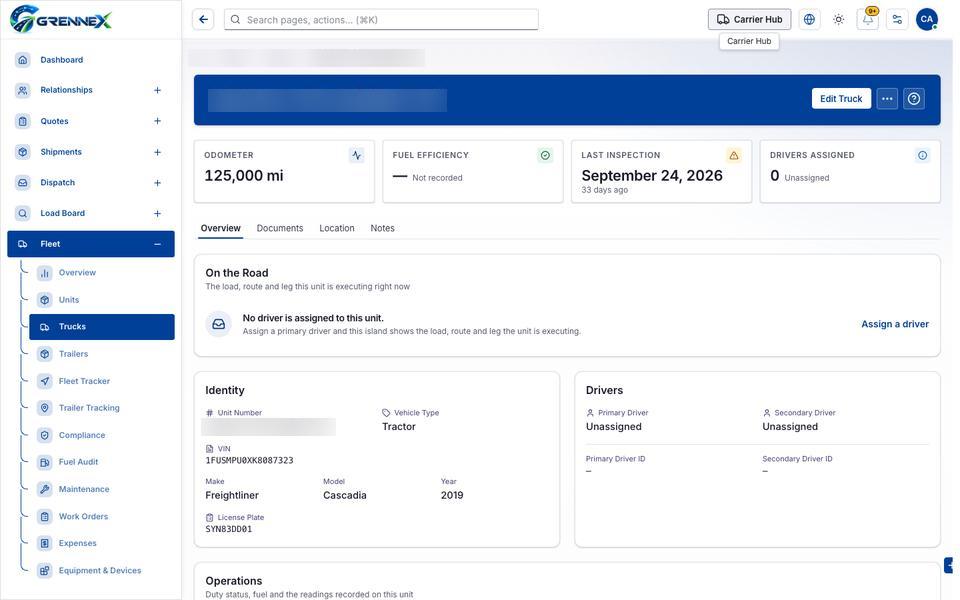
Section titled “What this page tells you”The load, route and leg this unit is executing right now Assign a primary driver and this island shows the load, route and leg the unit is executing. Duty status, fuel and the readings recorded on this unit
What you see
Section titled “What you see”- On the Road
- No driver is assigned to this unit.
- Identity
- Drivers
- Operations
- Devices & Equipment
- Specifications
- Overview
- Documents
- Location
- Notes
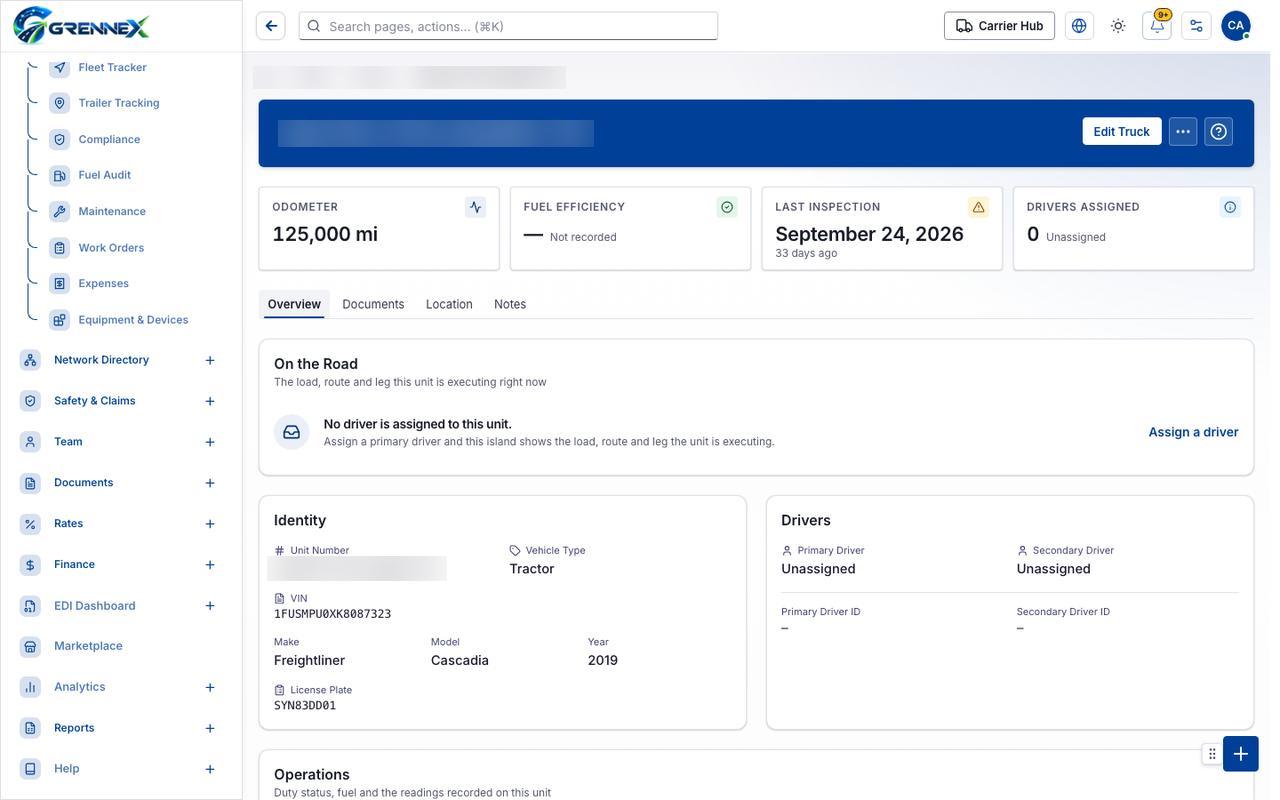
Tab: Overview
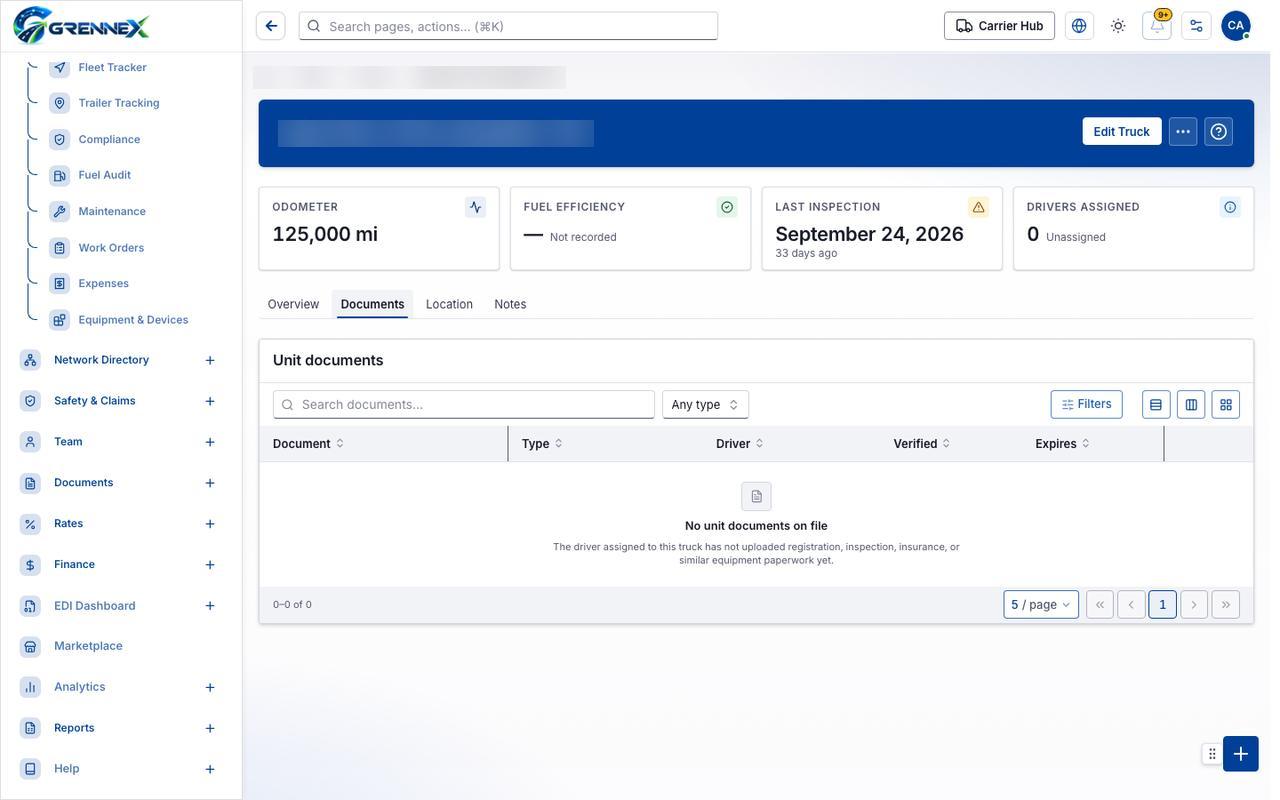
Tab: Documents
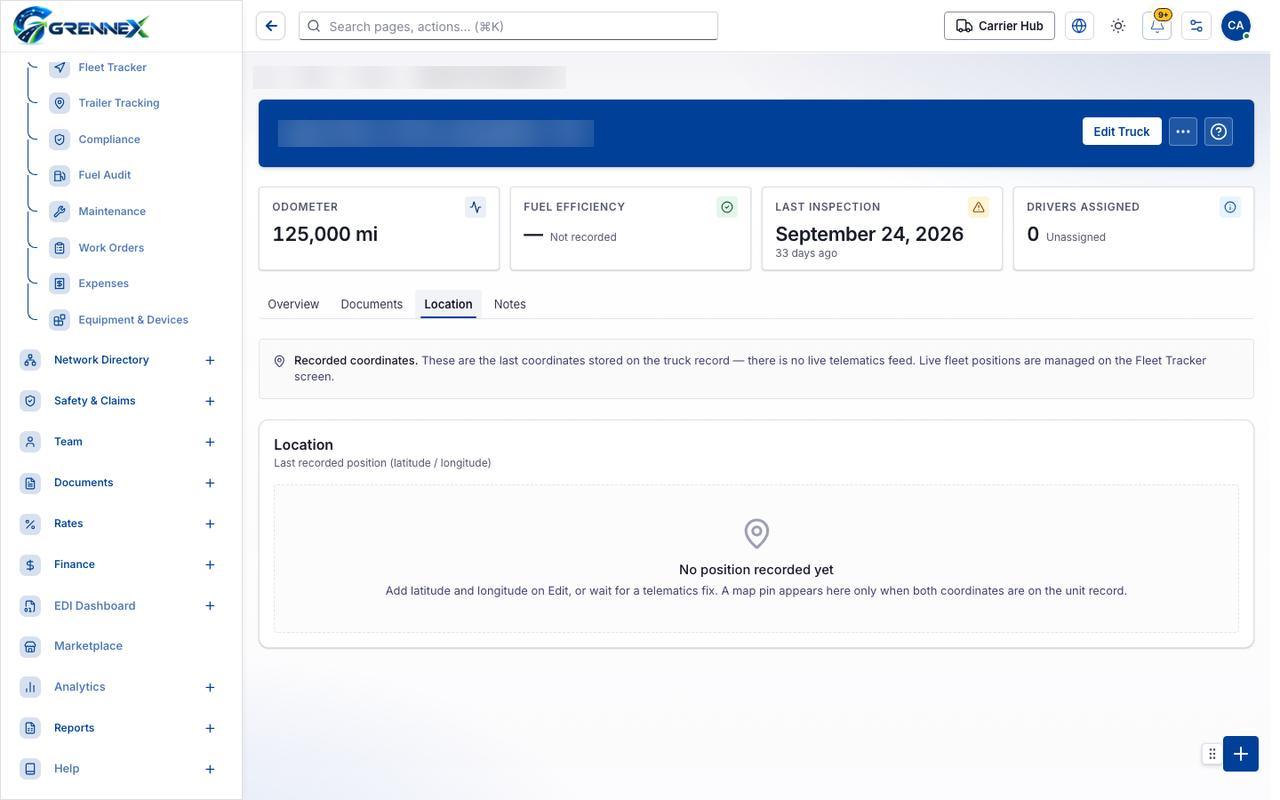
Tab: Location
Tab: Notes
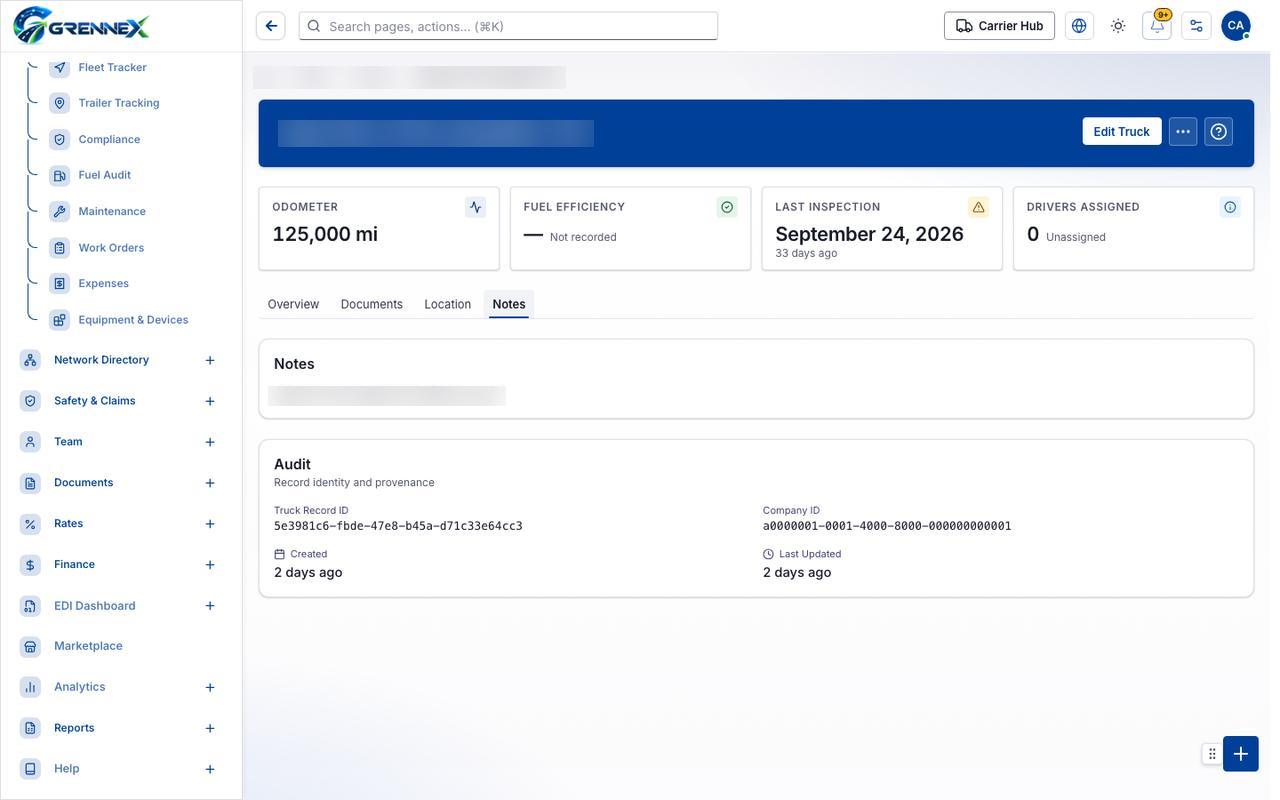
What you can do
Section titled “What you can do”- Edit Truck
- More actions
Loading, empty and error states
Section titled “Loading, empty and error states”Loading state

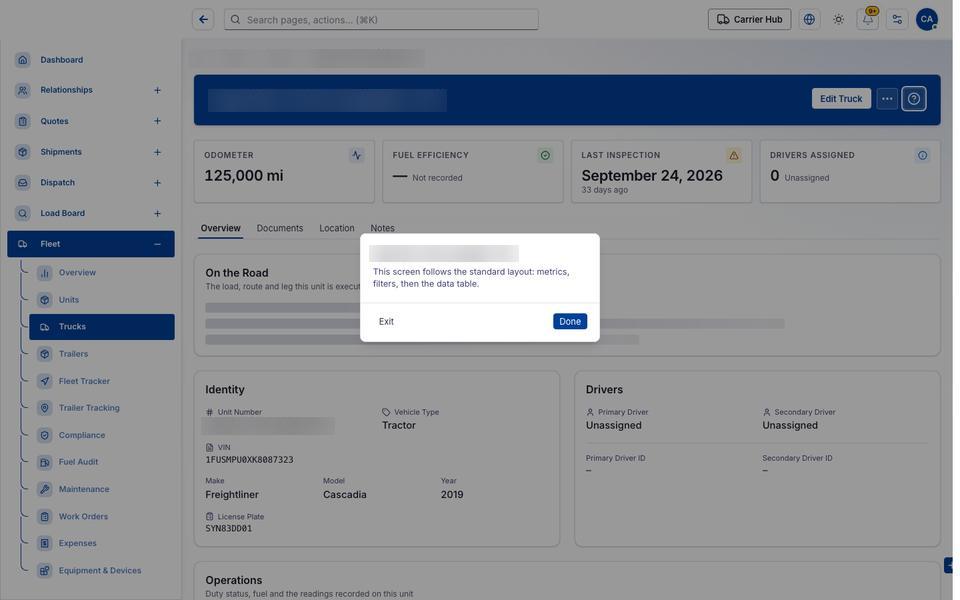
Popover-Guide state
Tooltip state
Last updated 2026-10-27