

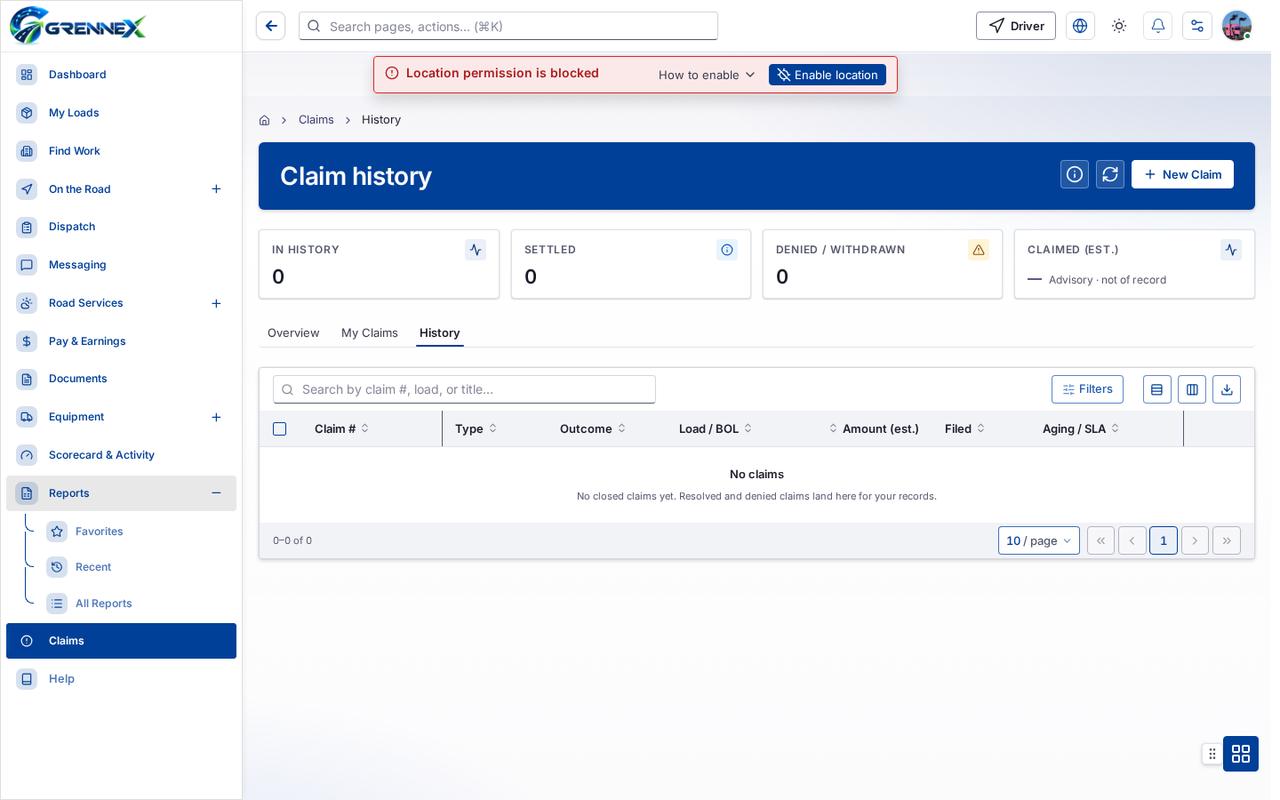
Claim history
Module: Claims · For: Drivers · Page address: /driver/claims/history
How to get there
Section titled “How to get there”Claims → History
Who can use this page
Section titled “Who can use this page”Needs: View permission on the Claims module.
Drivers use their own personal account; the company seat rules do not apply here.
Actions on this page and the permission each needs
Section titled “Actions on this page and the permission each needs”| Action | Permission | Notes |
|---|---|---|
| New Claim | Create on Claims | Manage also grants it |
| Export 0 rows to CSV | Export on Claims | Manage also grants it |
What this page tells you
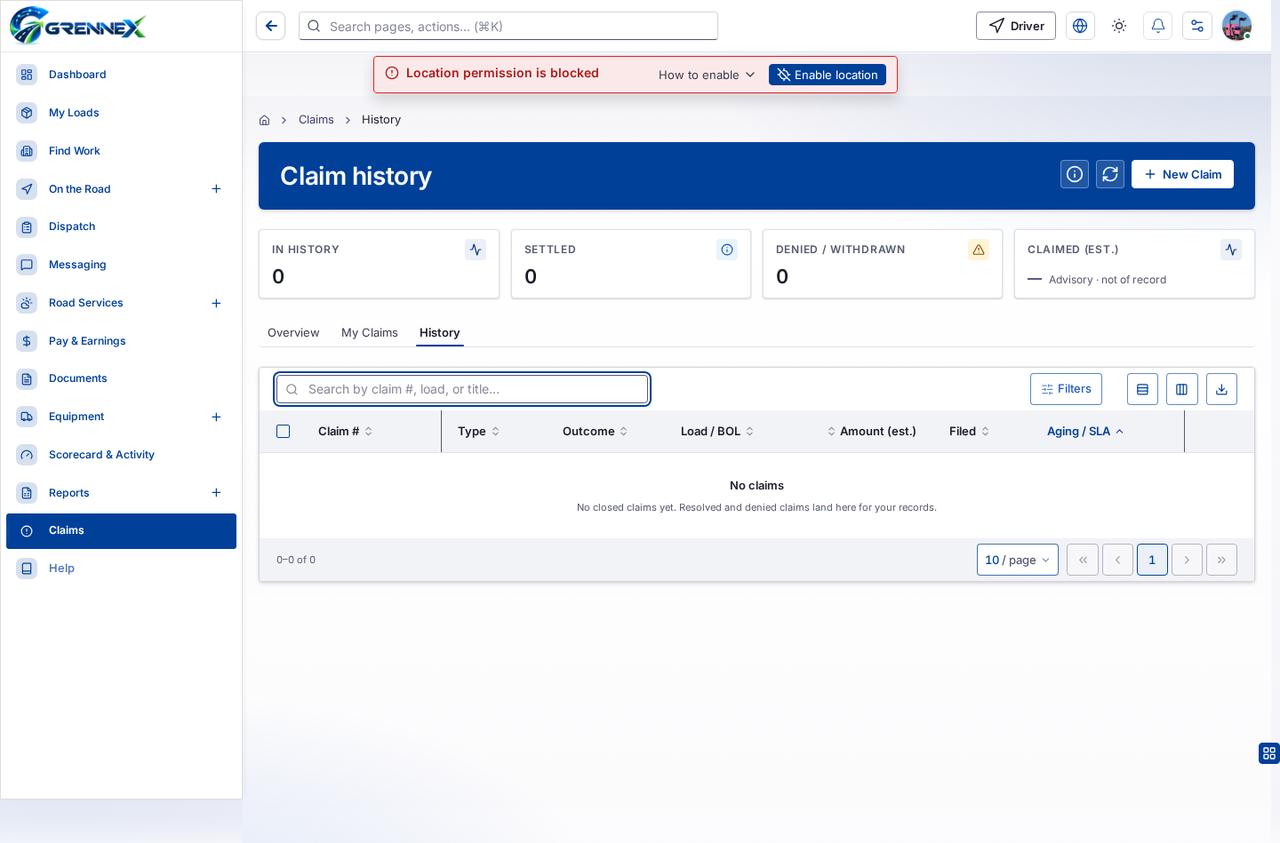
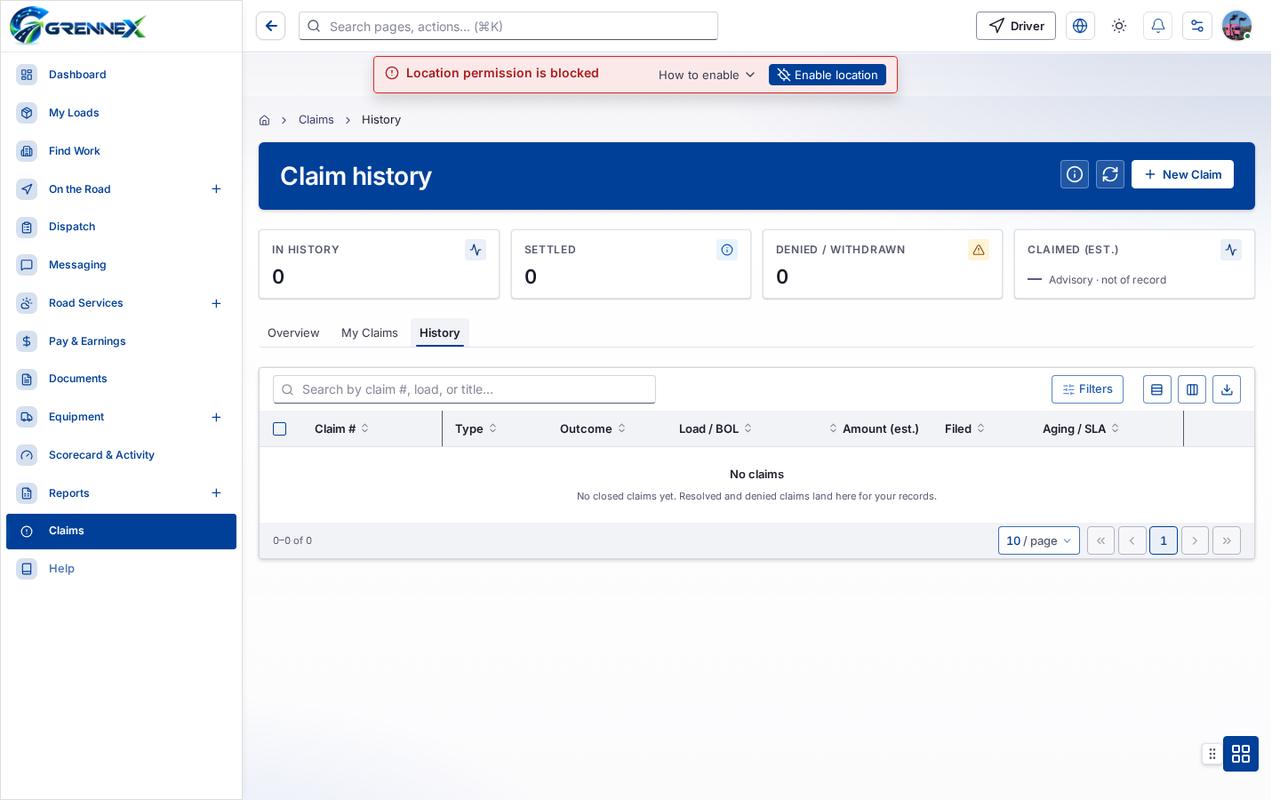
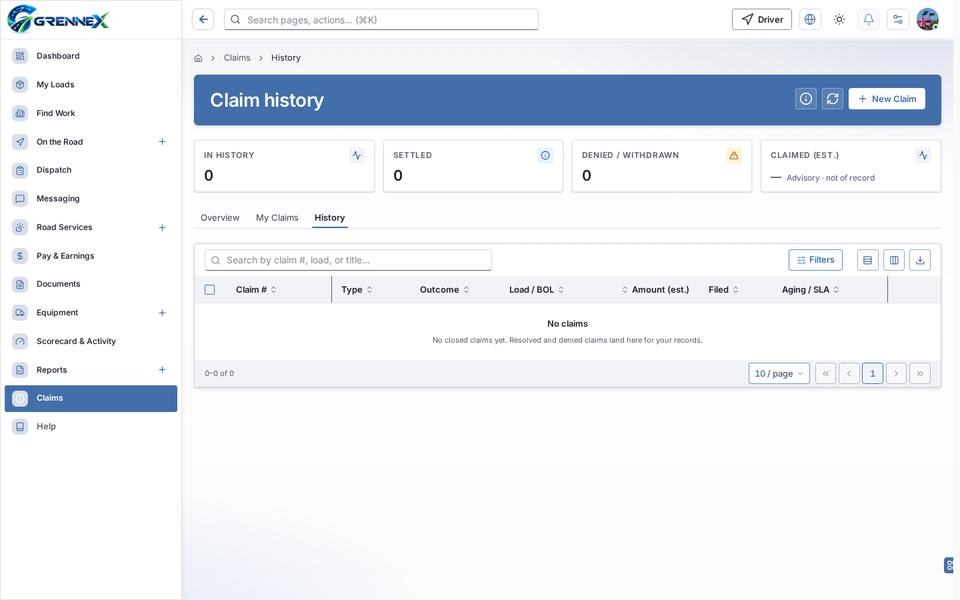
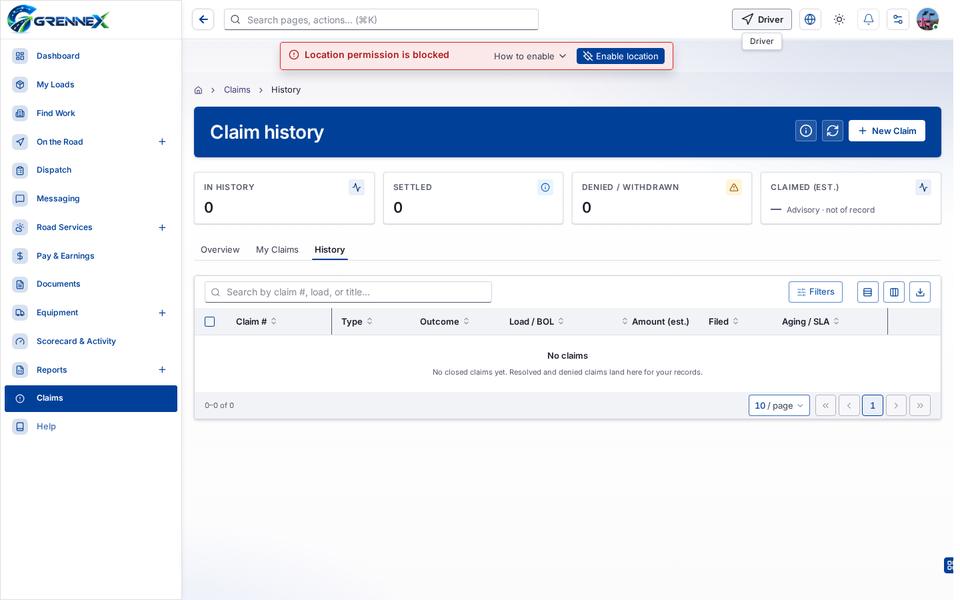
Section titled “What this page tells you”No closed claims yet. Resolved and denied claims land here for your records.
What you see
Section titled “What you see”- Claims
Table columns
Section titled “Table columns”Claim # · Type · Outcome · Load / Bol · Amount (Est.) · Filed · Aging / Sla
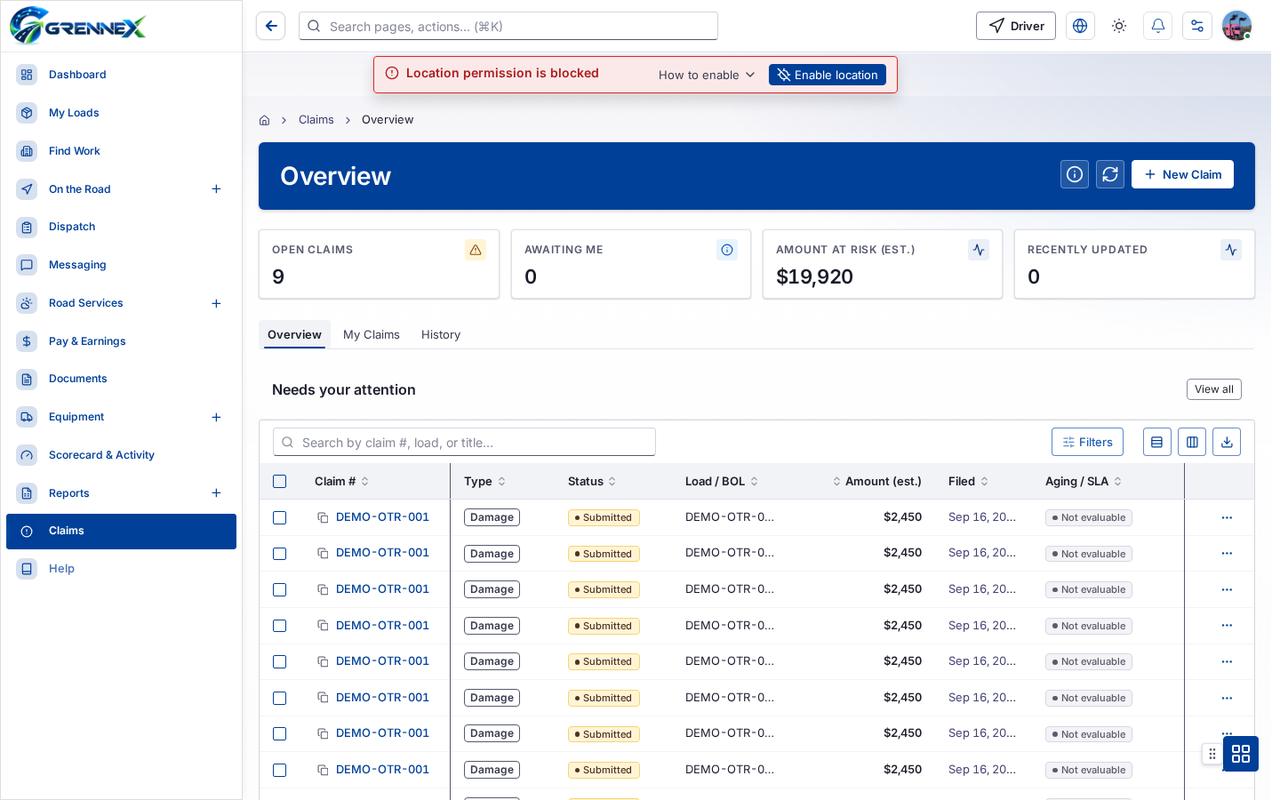
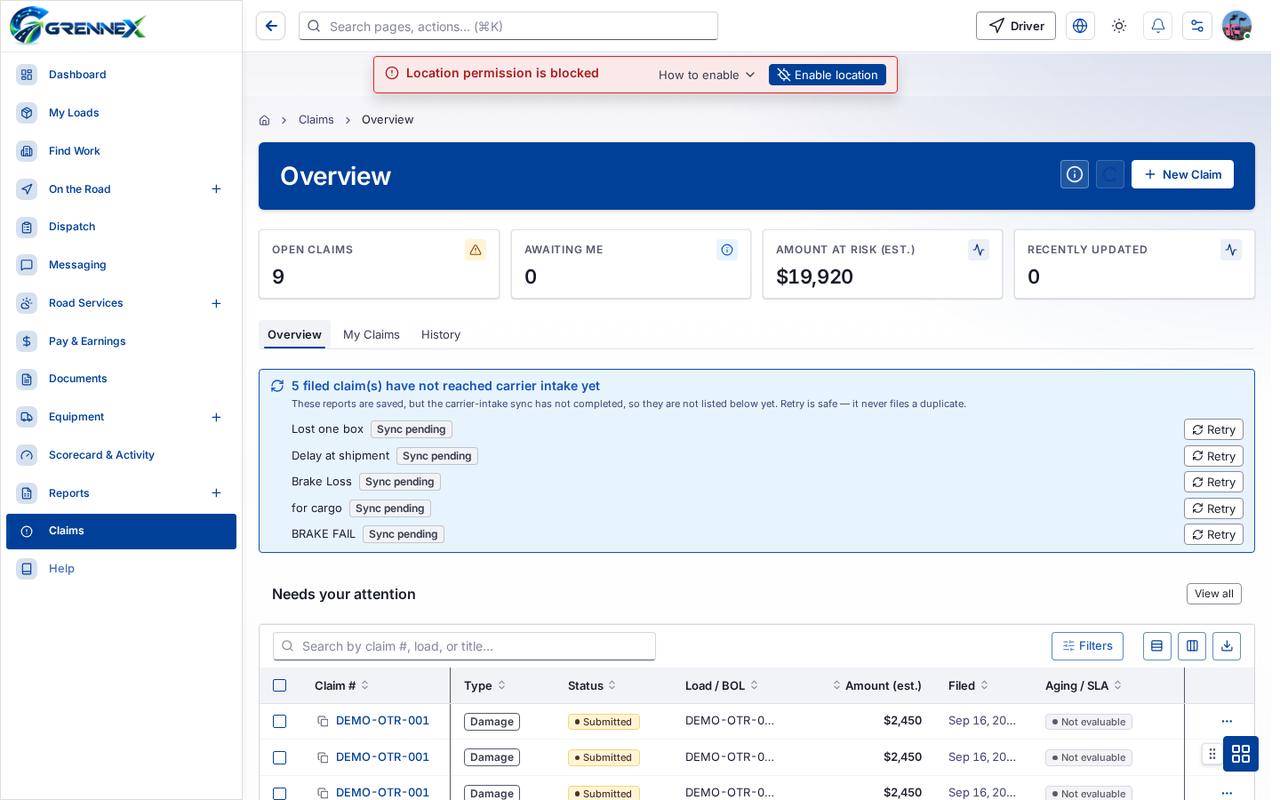
- Overview
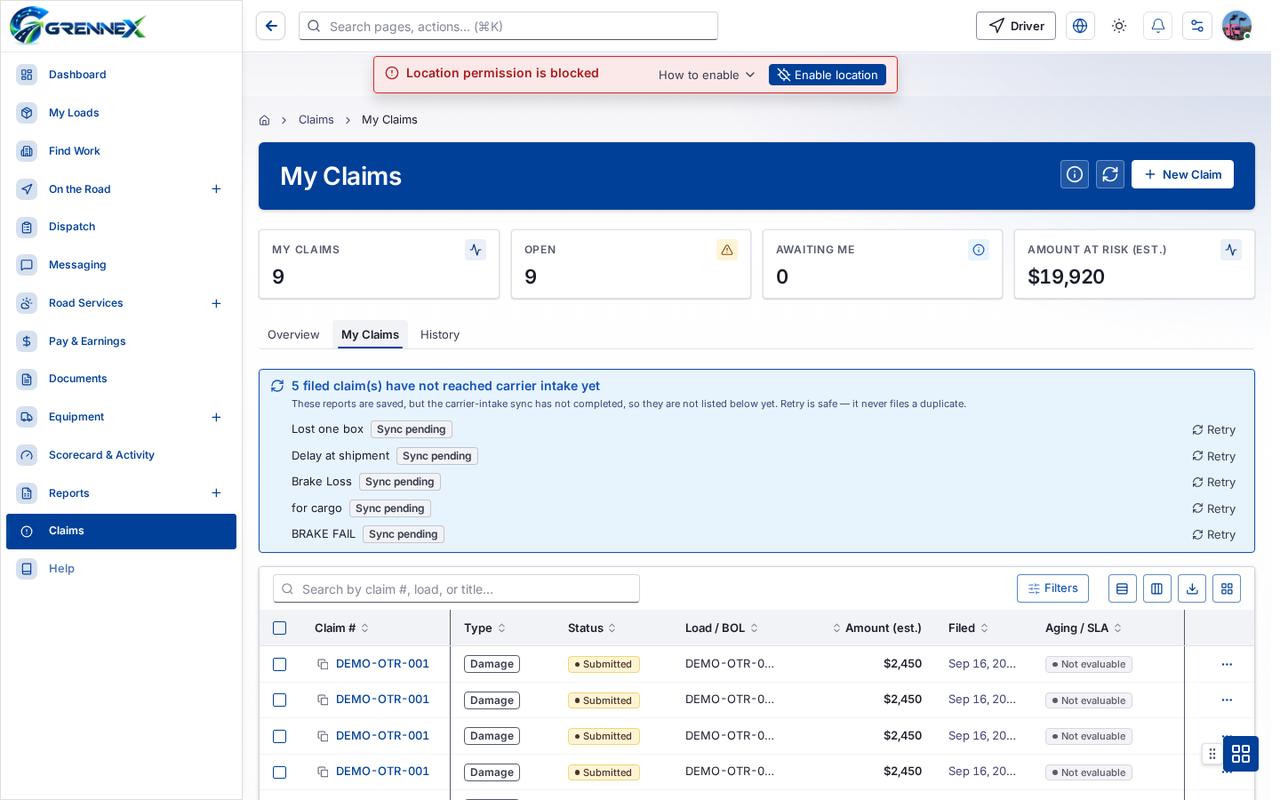
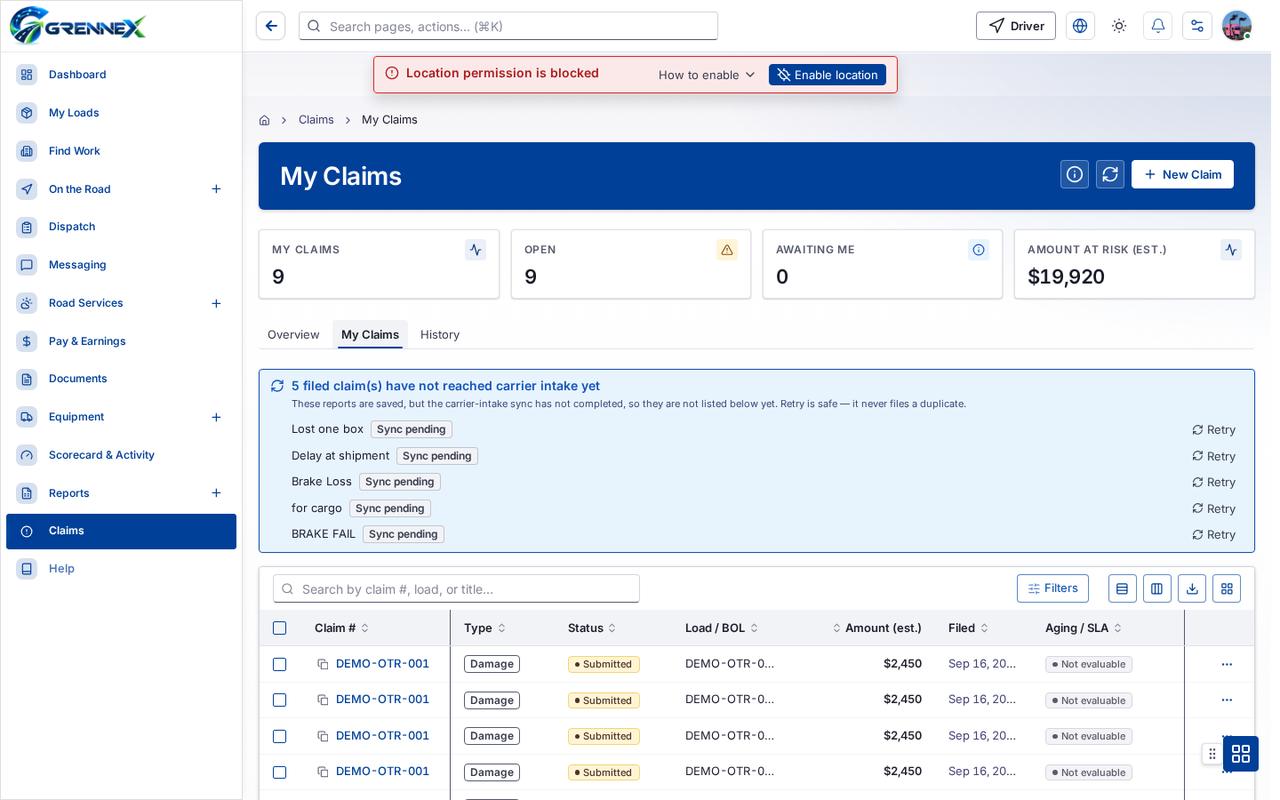
- My Claims
- History
Tab: Overview
Tab: My Claims
Tab: History
Tab: First page
Tab: Previous page
Tab: Page 1
What you can do
Section titled “What you can do”- How this works
- Refresh
- New Claim
- Filters
- Export 0 rows to CSV
- Type
- Outcome
- Load / BOL
- Amount (est.)
- Filed
- Aging / SLA
- Rows per page — currently 10
When there is nothing to show
Section titled “When there is nothing to show”- “- row “No claims No closed claims yet. Resolved and denied claims land here for your records.”:”
- “- cell “No claims No closed claims yet. Resolved and denied claims land here for your records.”:”
- “No closed claims yet. Resolved and denied claims land here for your records.”
Loading, empty and error states
Section titled “Loading, empty and error states”Empty state
Error state
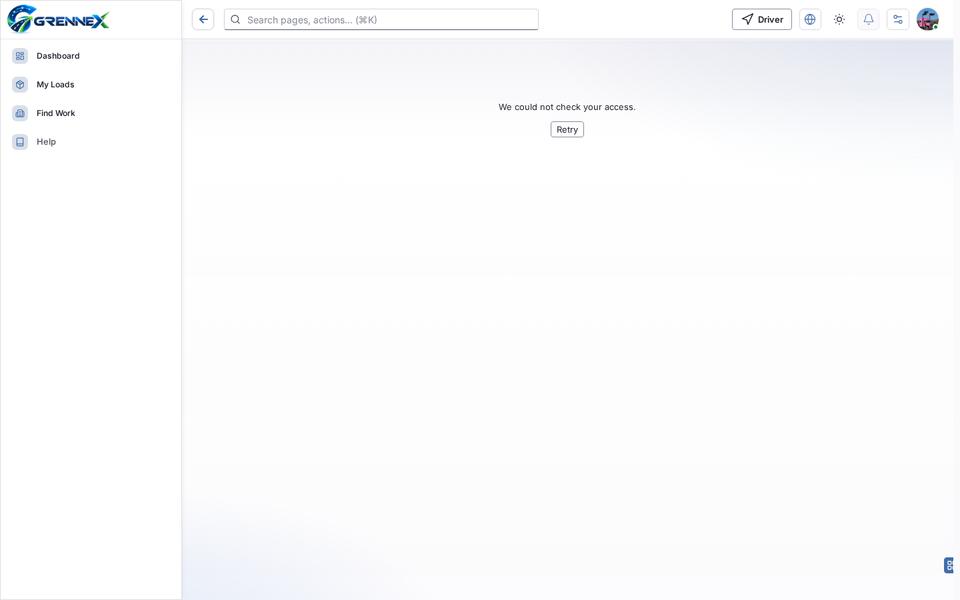
Loading state

Tooltip state
Last updated 2026-10-27