

Report Catalog
Module: Reports · For: Carrier users · Page address: /carrier-portal/reports/generate
How to get there
Section titled “How to get there”Reports → All Reports
This address opens /carrier-portal/reports/catalog?section=generated (the same page, a different view).
Who can use this page
Section titled “Who can use this page”Needs: No module permission: every signed-in member of the company can open it.
| Seat | Can open it |
|---|---|
| Owner / Admin | Yes |
| Manager | Yes |
| User | Yes |
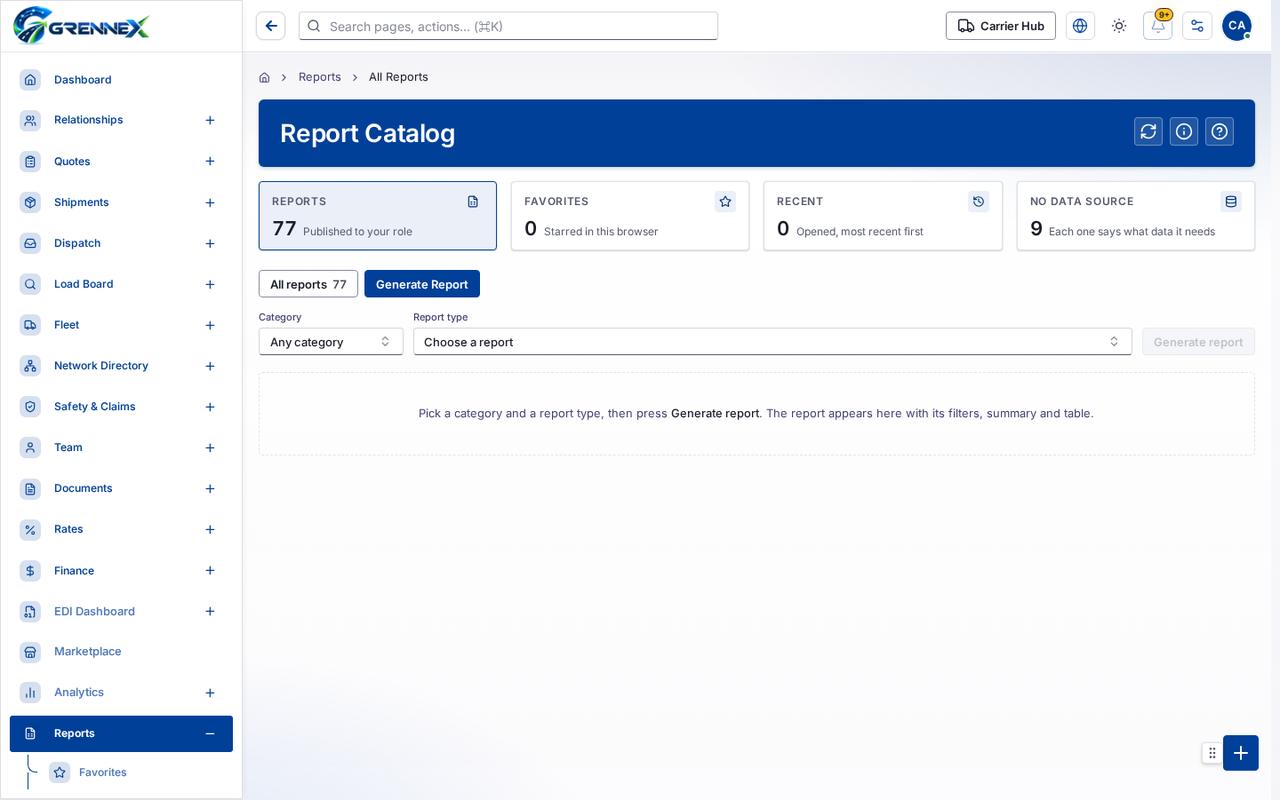
- All reports 77
- Generate Report
Tab: All reports77
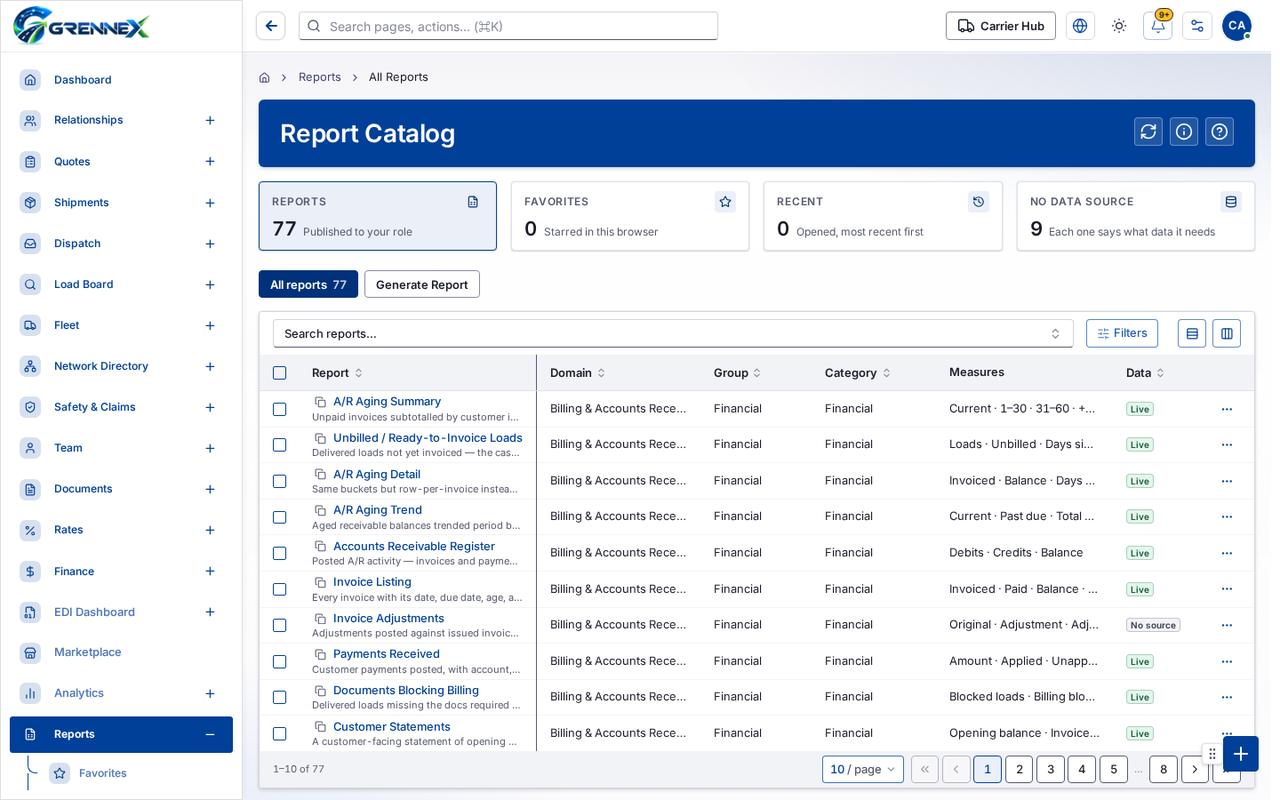
Tab: Generate Report
What you can do
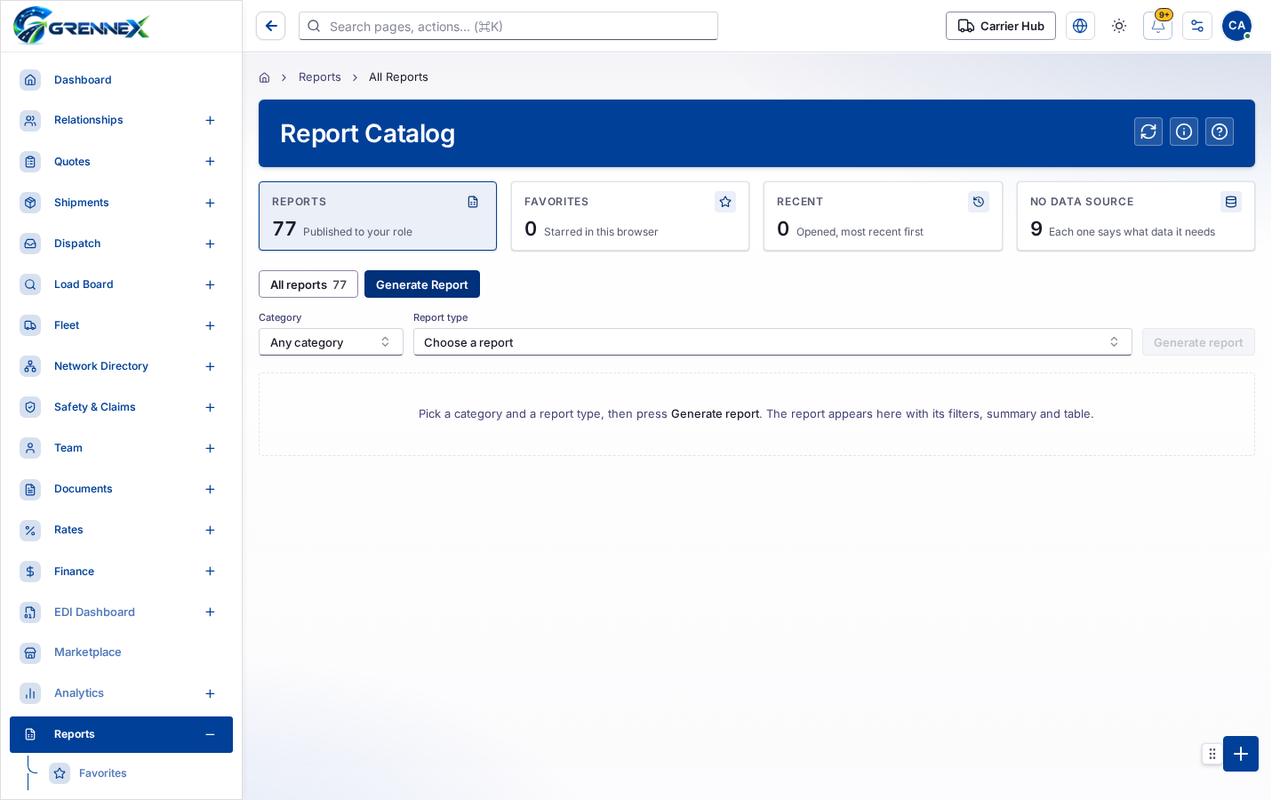
Section titled “What you can do”- Refresh
- How this works
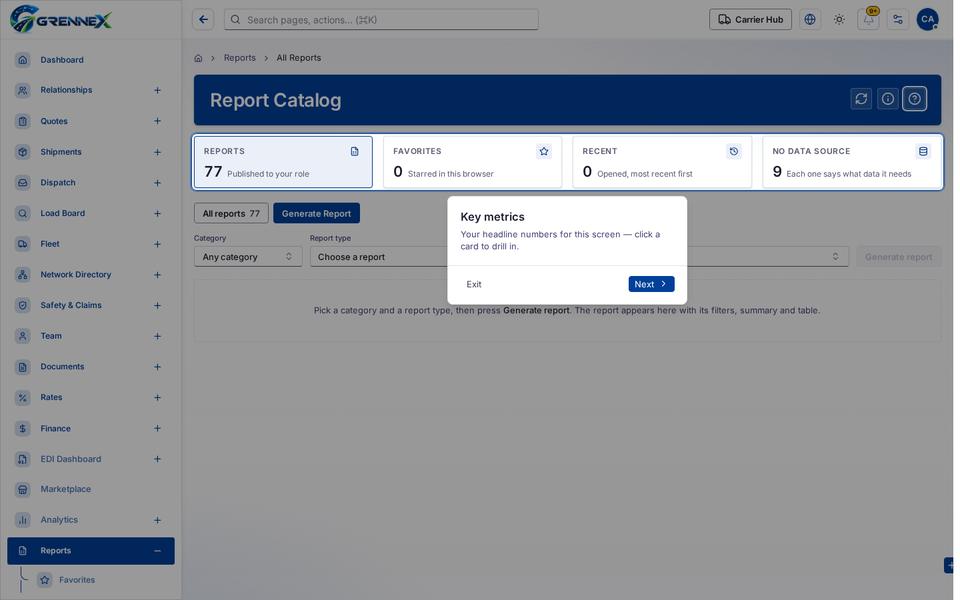
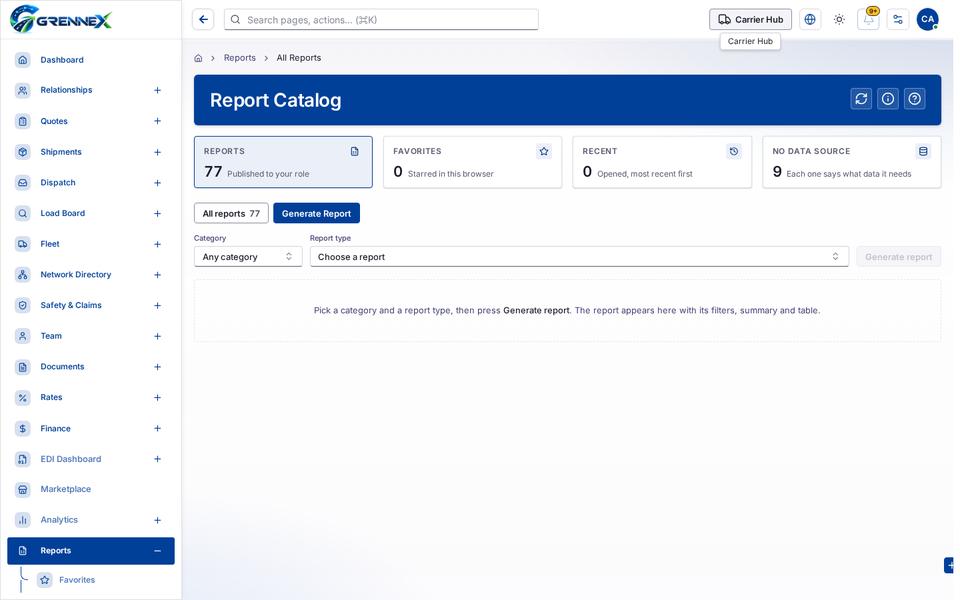
- Reports 77 Published to your role
- Favorites 0 Starred in this browser
- Recent 0 Opened, most recent first
- No data source 9 Each one says what data it needs
- Generate report
Fields
Section titled “Fields”| Field | Required | Type | Example |
|---|---|---|---|
| Category | No | combobox | Any category |
| Report type | No | combobox | Choose a report |
Loading, empty and error states
Section titled “Loading, empty and error states”Dropdown-Status state
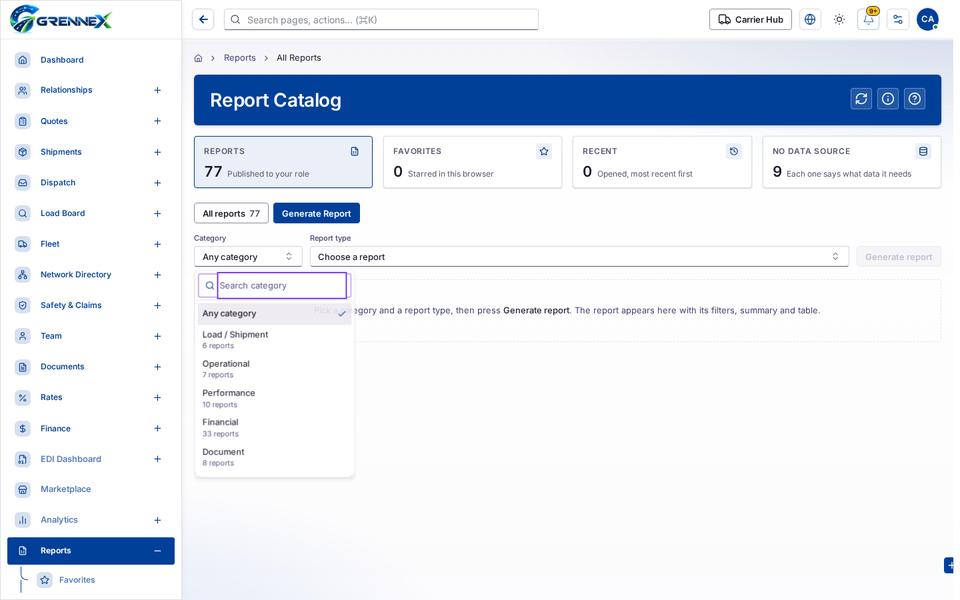
Loading state
Popover-Guide state
Tooltip state
Last updated 2026-10-27