

My loads classic details
Module: My loads · For: Drivers · Page address: /driver/my-loads-classic/:segment
Who can use this page
Section titled “Who can use this page”Needs: No module permission: every signed-in member of the company can open it.
Drivers use their own personal account; the company seat rules do not apply here.
Actions on this page and the permission each needs
Section titled “Actions on this page and the permission each needs”| Action | Permission | Notes |
|---|---|---|
| Export | Any signed-in member | Manage also grants it |
| Mark delivered | Any signed-in member | Manage also grants it |
What this page tells you
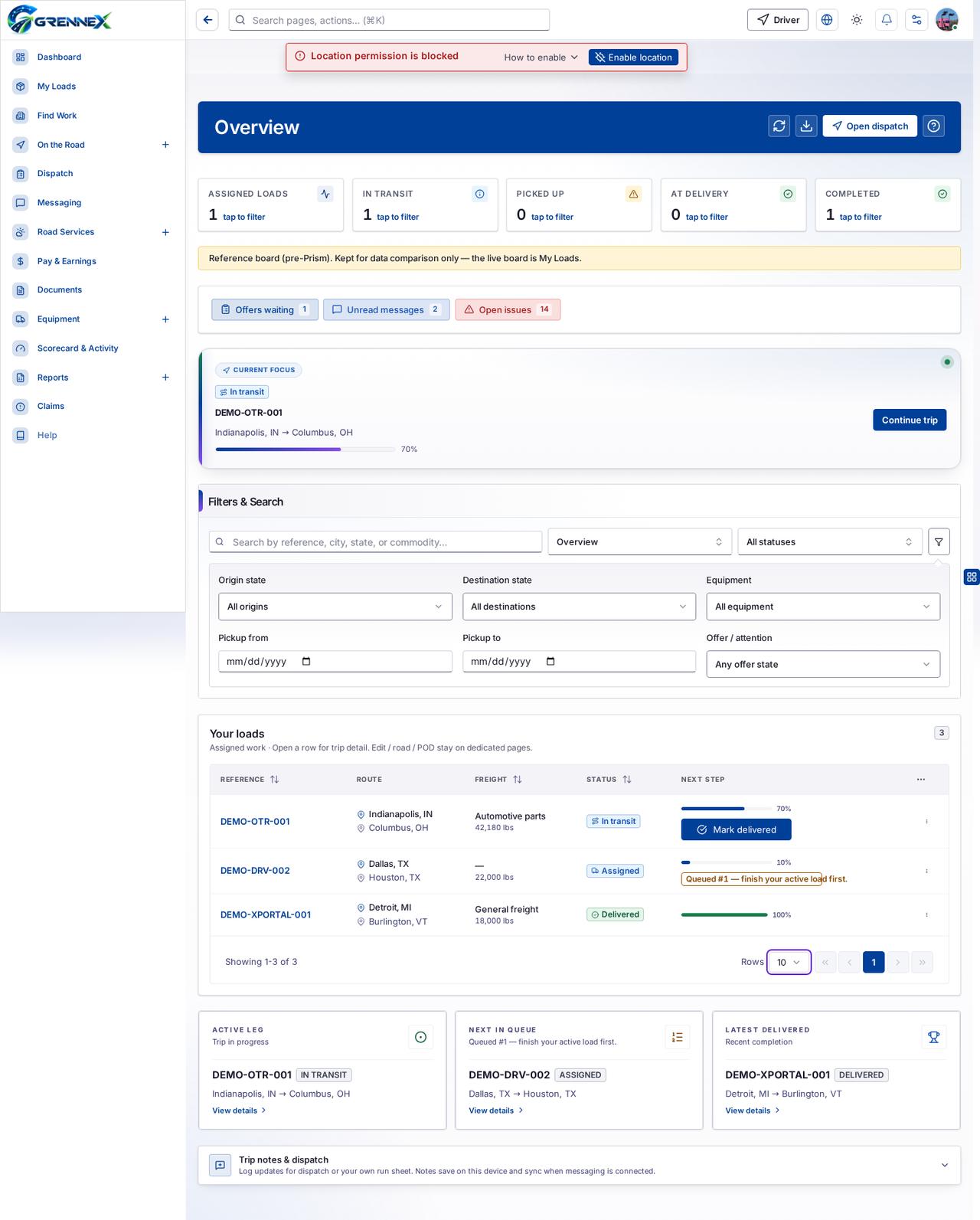
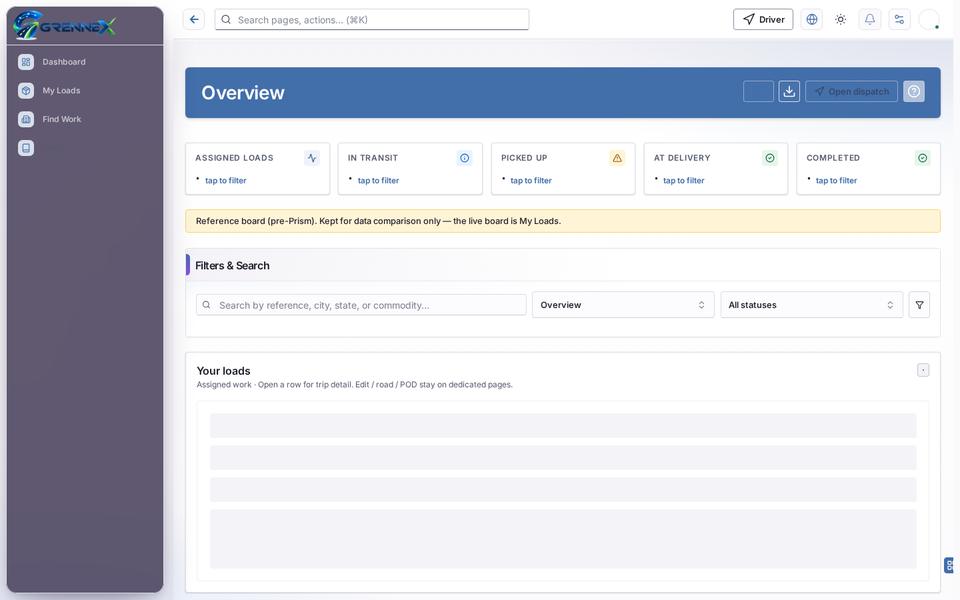
Section titled “What this page tells you”Assigned work · Open a row for trip detail. Edit / road / POD stay on dedicated pages. Queued #1 — finish your active load first.
What you see
Section titled “What you see”- Filters & Search
- Your loads
What you can do
Section titled “What you can do”- Refresh
- Export
- Open dispatch
- DEMO-OTR-001
- Advanced filter
- Mark delivered
- Open menu
- DEMO-DRV-002
- DEMO-XPORTAL-001
- Active leg Trip in progress DEMO-OTR-001 in transit Indianapolis, IN → Columbus, OH View details
- Latest delivered Recent completion DEMO-XPORTAL-001 delivered Detroit, MI → Burlington, VT View details
- Trip notes & dispatch Log updates for dispatch or your own run sheet. Notes save on this device and sync when messaging is connected.
Fields
Section titled “Fields”| Field | Required | Type | Example |
|---|---|---|---|
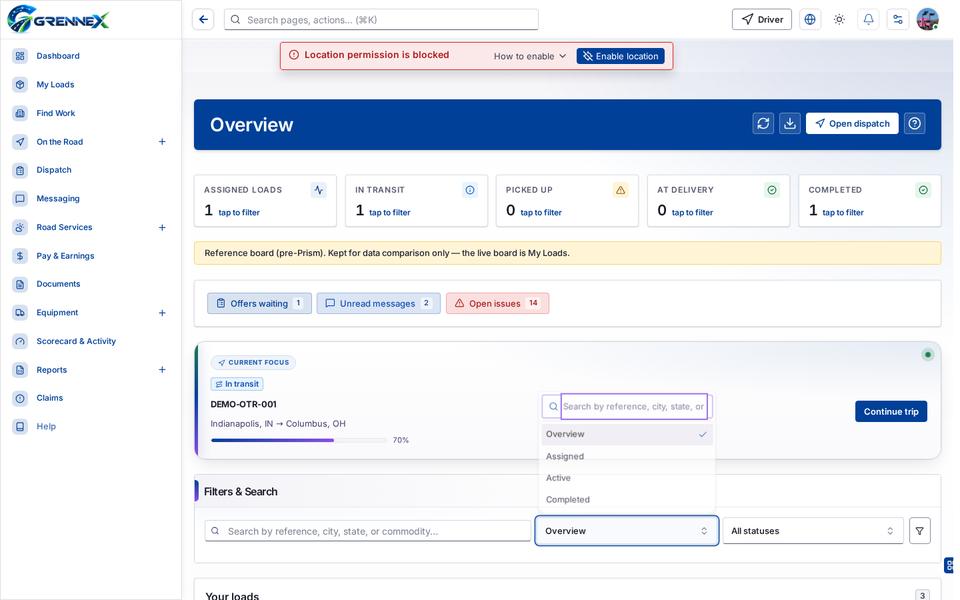
| Overview | No | combobox | |
| Filter by status | No | combobox | All statuses |
Loading, empty and error states
Section titled “Loading, empty and error states”Dropdown-Status state
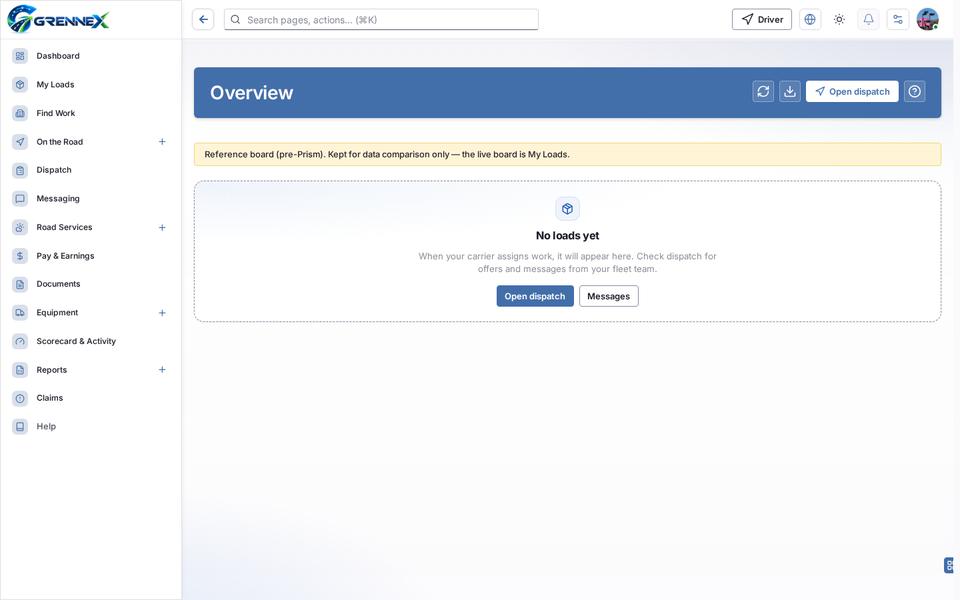
Empty state
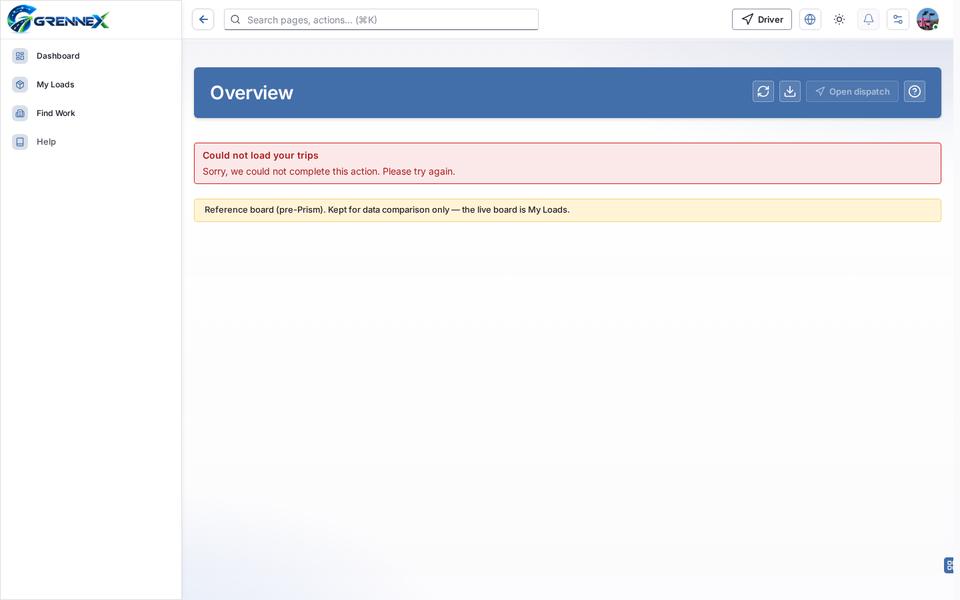
Error state
Loading state
Last updated 2026-10-27