

Upload Document
Module: Documents · For: Drivers · Page address: /driver/documents/upload
How to get there
Section titled “How to get there”Documents → Upload
Who can use this page
Section titled “Who can use this page”Needs: Upload or Create permission on the Documents module.
Drivers use their own personal account; the company seat rules do not apply here.
Actions on this page and the permission each needs
Section titled “Actions on this page and the permission each needs”| Action | Permission | Notes |
|---|---|---|
| Cancel | Delete on Documents | Must be granted on its own (not part of Manage) |
| Save to library | Edit on Documents | Manage also grants it |
| File | Create on Documents | Manage also grants it |
What this page tells you
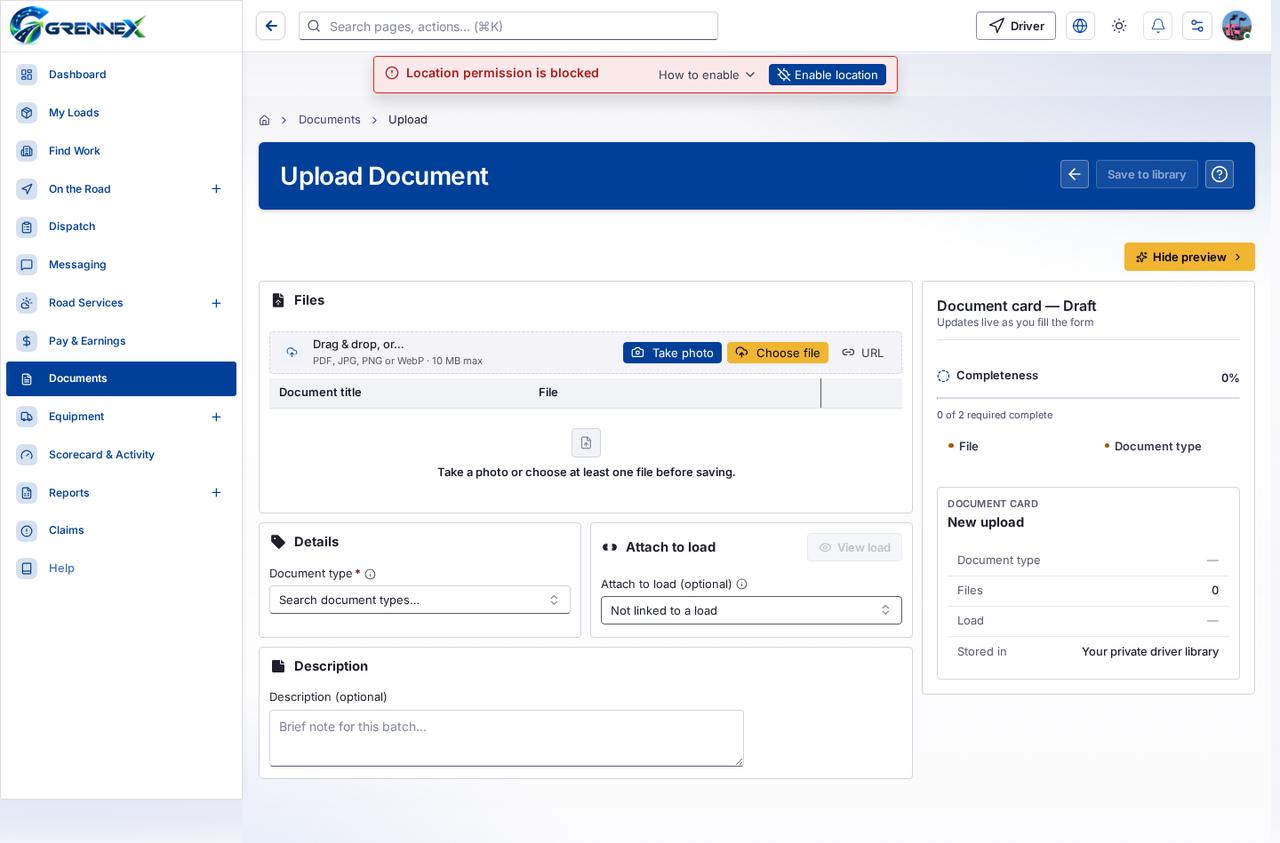
Section titled “What this page tells you”Take a photo or choose at least one file before saving.
What you see
Section titled “What you see”- Files
- Details
- Attach to load
- Description
- Document card — Draft
- New upload
What you can do
Section titled “What you can do”- Cancel
- Save to library
- Hide preview
- Take a photo with your device camera
- Take photo
- Choose file
- URL
- View load
- File
- Document type
Fields
Section titled “Fields”| Field | Required | Type | Example |
|---|---|---|---|
| Document type | Yes | combobox | Search document types… |
| Attach to load (optional) | No | combobox | Not linked to a load |
| Description (optional) | No | textbox | Brief note for this batch… |
Loading, empty and error states
Section titled “Loading, empty and error states”Dropdown-Status state
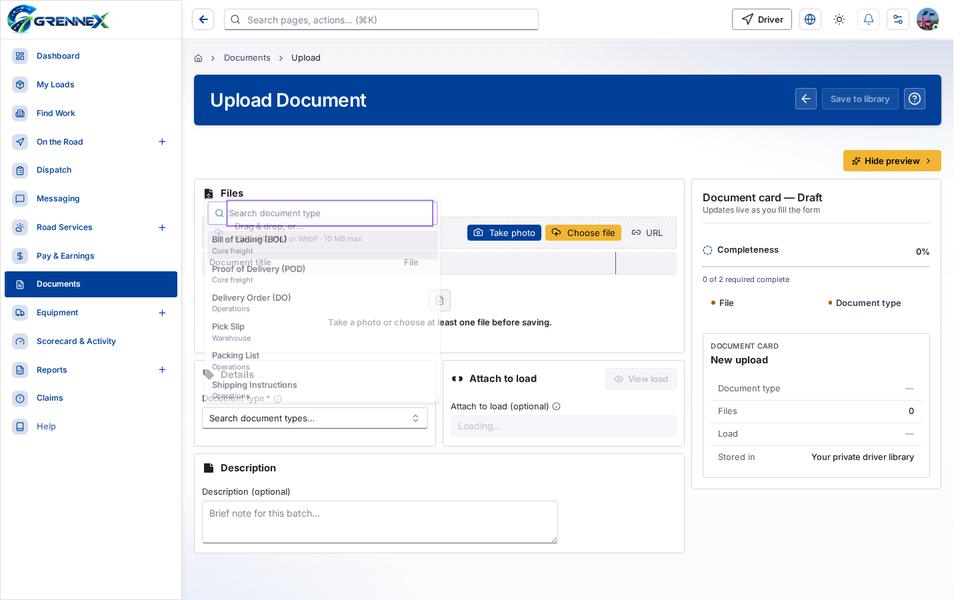
Loading state

Popover-Guide state
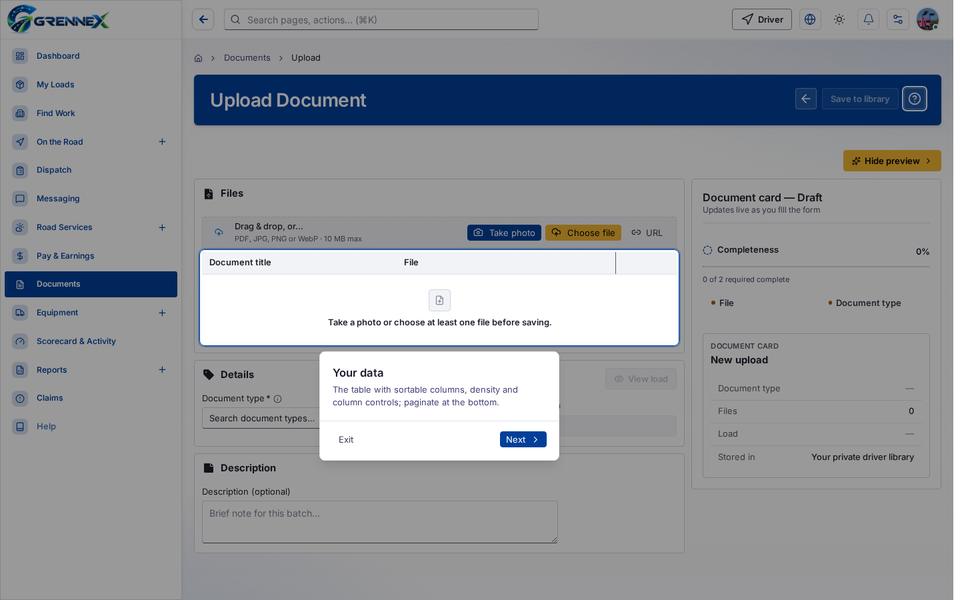
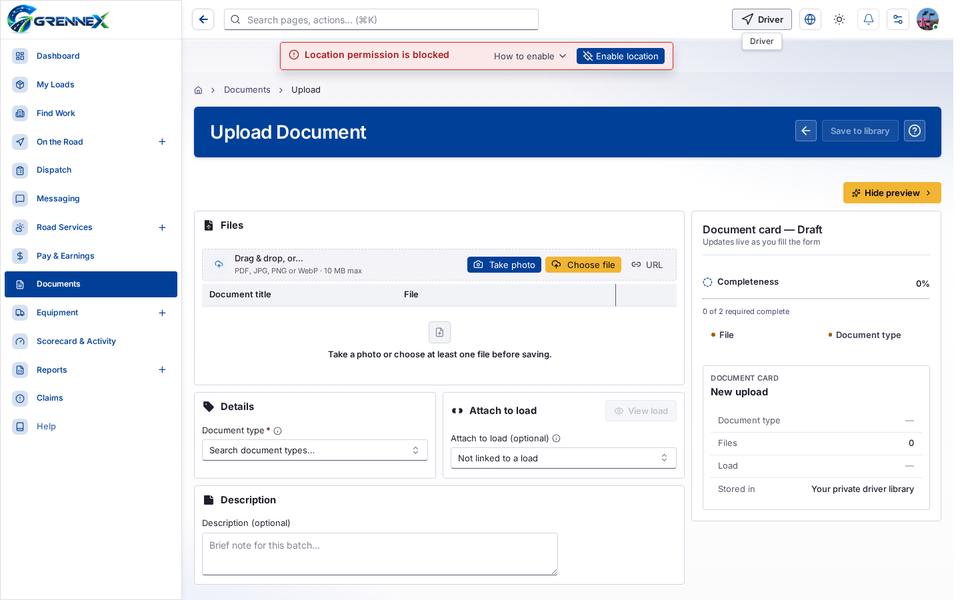
Tooltip state
Last updated 2026-10-27